
Grammarly Review 2026: Is Premium Still Worth It in the ChatGPT Era?
Grammarly Review 2026: Explore its latest features, pricing, AI writing tools, and how it compares with ChatGPT to see if Premium is still worth it.

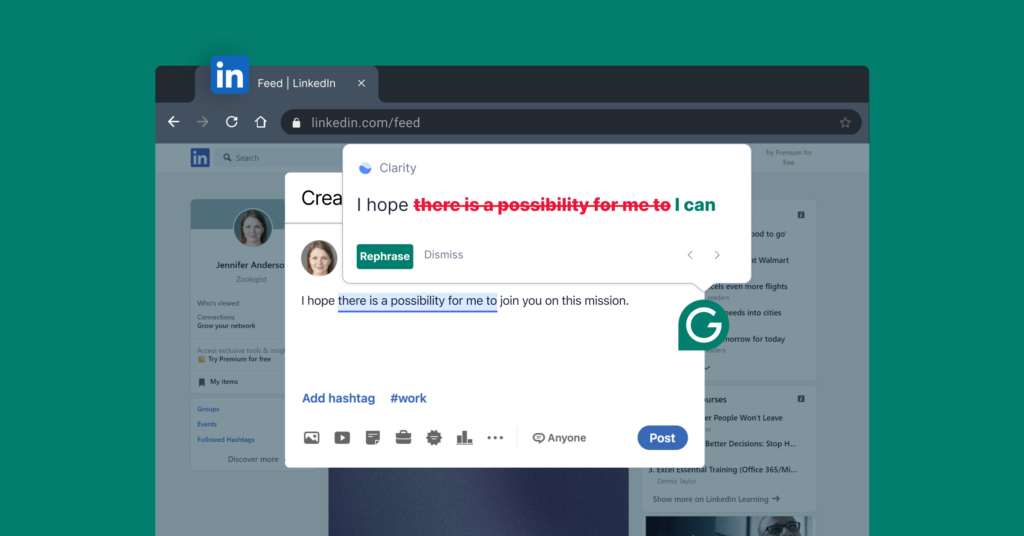
Grammarly now goes well beyond traditional spell-checking, with AI-powered rewrites, tone suggestions, proofreading, paragraph-level editing, plagiarism and citation support, and AI agents designed to work with the context of what you are writing. Grammarly says its tools work across more than 1 million apps and websites, including Gmail, Google Docs, Microsoft Word, Slack, Notion and LinkedIn. If you are wondering why pay for a writing assistant when ChatGPT can already rewrite a paragraph, fix grammar, change tone, and generate an email in seconds, then this Grammarly review is for you.
The 2026 buying decision is less about whether Grammarly has useful features and more about workflow convenience. If you write dozens of emails, reports, proposals, assignments or client messages every week, having corrections appear directly where you are working can be more useful than repeatedly copying text into ChatGPT. But if you mainly need occasional rewriting or brainstorming, paying for a premium writing assistant becomes harder to justify.
| Area | Grammarly | ChatGPT |
| Grammar correction | Excellent, real-time | Strong, usually prompt-based |
| Writing directly inside apps | Major strength | Requires more switching/integration |
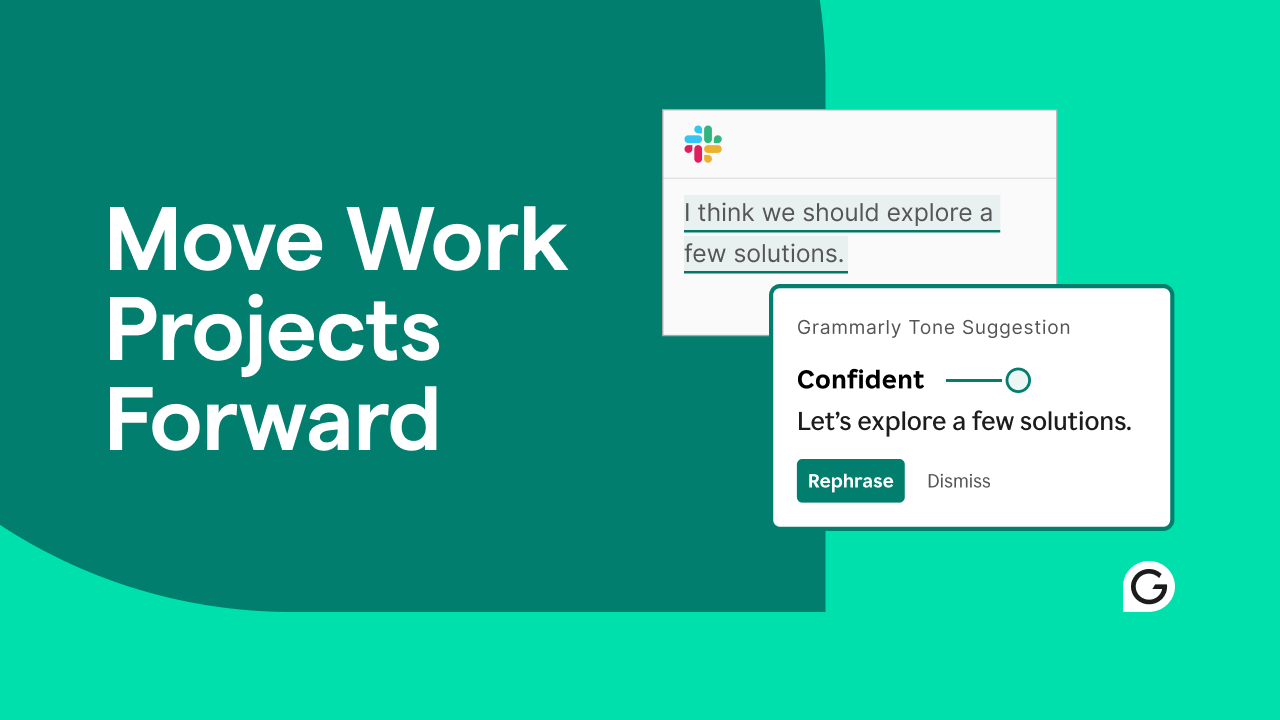
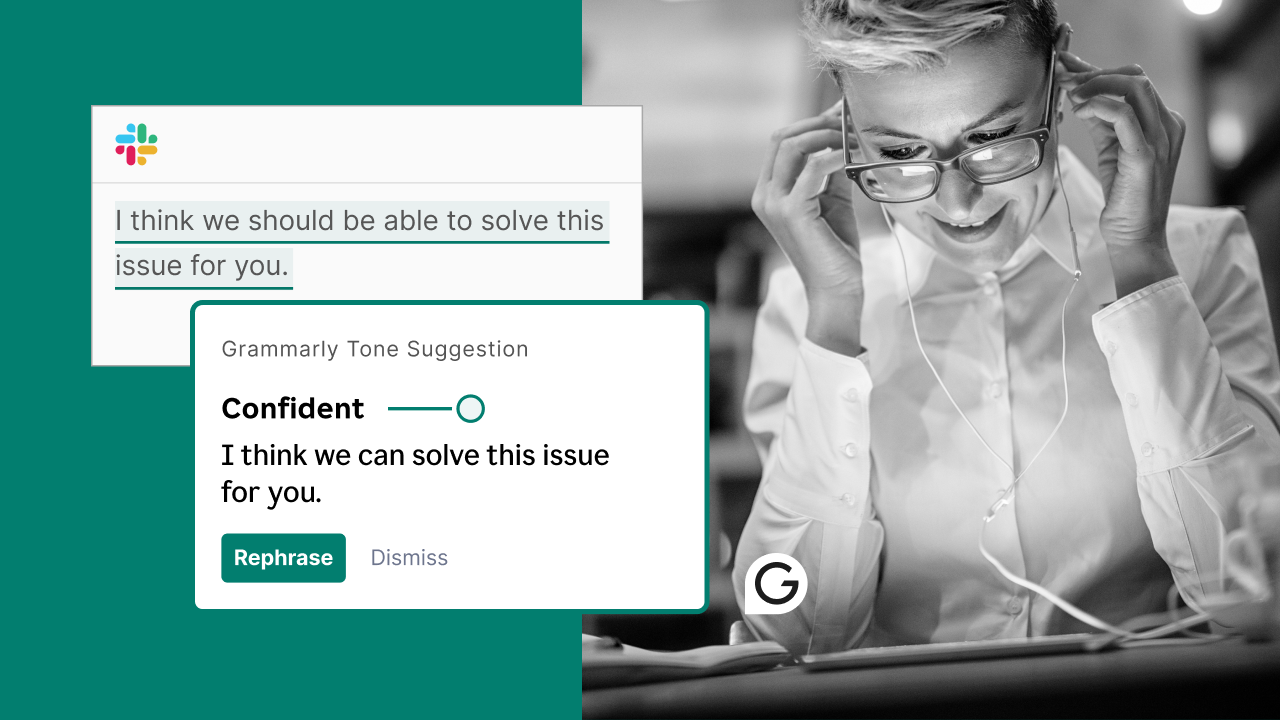
| Tone suggestions | Built into writing workflow | Available through prompts |
| Paragraph rewrites | One-click | Requires instruction |
| AI agents | Writing-focused agents | Broad general-purpose capabilities |
| Plagiarism/citation tools | Available | Not the primary focus |
| Best advantage | Continuous writing assistance | Flexible reasoning and generation |
What Grammarly Does Better Than a General AI Chatbot
The Advantage Is Where Grammarly Lives
The strongest argument for Grammarly is not that its AI is smarter than ChatGPT at every task. It is that Grammarly sits inside the writing process.
- You can draft an email in Gmail, write a document in Google Docs or respond to a message in Slack while Grammarly provides suggestions without requiring you to leave the application.
- Its current product supports browsers, Windows, Mac, Android, iOS and iPad, along with its own web-based editor.
- That distinction becomes important when editing is something you do continuously rather than occasionally.
- A freelancer writing ten client emails a day has a different need from someone who asks ChatGPT to rewrite one cover letter every few weeks.
It Has Shifted From Correction to Editorial Assistance
Modern Grammarly is also less focused on simply underlining mistakes.
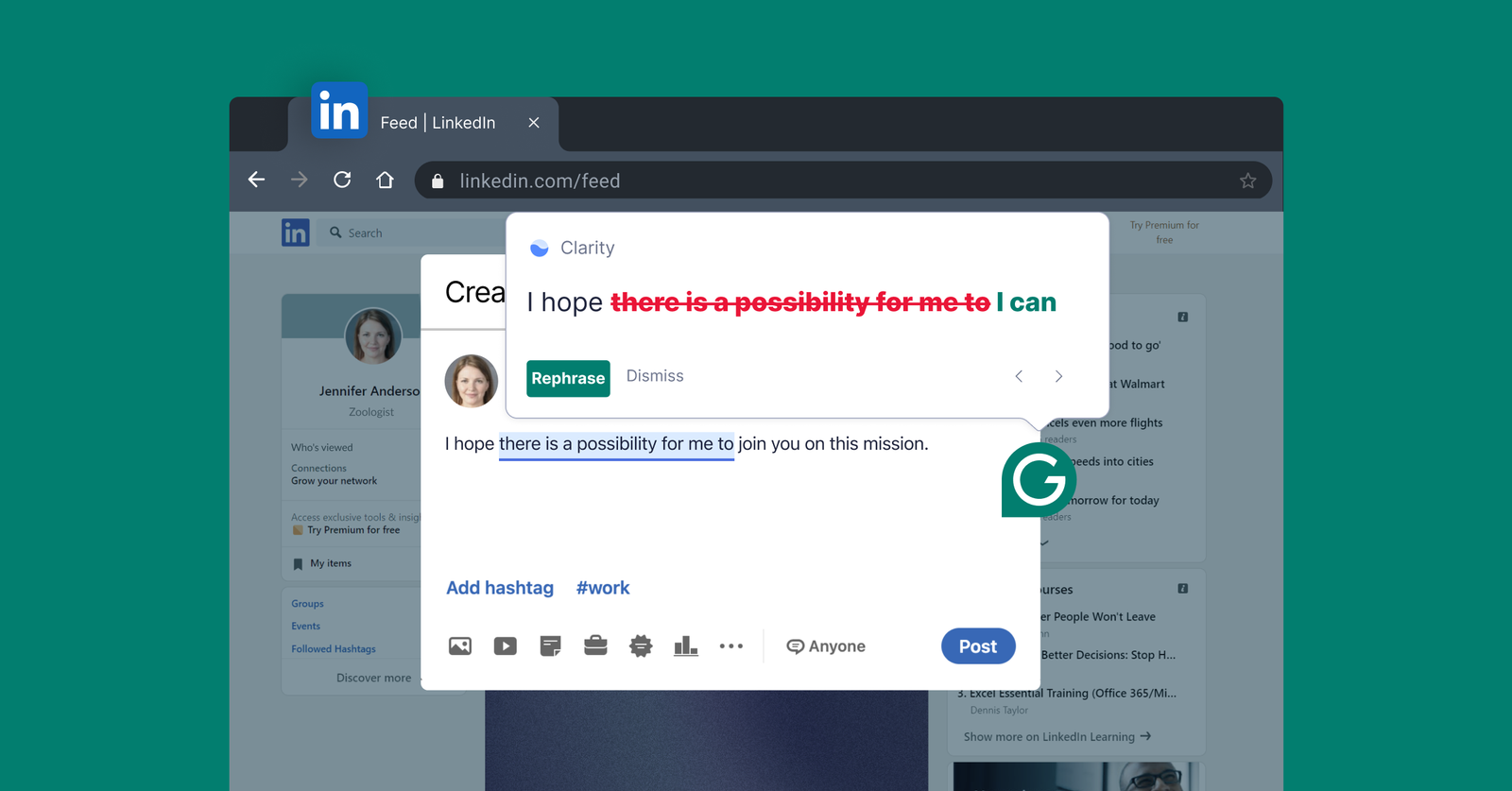
- Its current tools include clarity and concision suggestions, tone adjustments and full-paragraph rewrites.
- Grammarly also offers AI agents such as Proofreader and Reader Reactions, which are designed to provide deeper feedback on writing rather than only correcting grammar.
That makes the platform more interesting for professional writing. A sentence can be grammatically correct and still be too vague, unnecessarily wordy or poorly suited to its audience. Grammarly increasingly tries to address that second layer.
Grammarly Review: Where Premium Actually Earns Its Keep

The paid version becomes easier to justify when your writing has consequences attached to it. A poorly worded sales email, awkward proposal or unclear report can cost more than the subscription itself, particularly for people who communicate with customers or colleagues throughout the day.
Another advantage is consistency. Instead of asking an AI chatbot to rewrite every piece of text from scratch, Grammarly can continuously flag issues and suggest improvements while you work. Its Pro offering currently includes advanced AI writing features such as strategic suggestions, tone adjustments, full-sentence rewrites and 1,000 AI prompts per month.
For students and researchers, the equation is slightly different. Grammarly’s broader writing ecosystem includes plagiarism detection and citation support, which can be more useful for academic work than simply having an AI generate a cleaner paragraph.
Where ChatGPT Has the Clearer Advantage
There is a reason the Grammarly review conversation has changed in 2026: general-purpose AI has become extremely capable at writing tasks.
- ChatGPT can take a poorly structured argument and rebuild it, explain why a sentence is weak, generate alternative approaches, summarize research, brainstorm ideas and work through complex instructions.
- Grammarly is increasingly adding similar AI capabilities, but its primary strength remains communication and writing workflow rather than broad reasoning.
This creates an important distinction.
- If you need to think through what you want to say, ChatGPT is often the more versatile tool.
- If you already know what you want to say and need help making it clear, concise and appropriate while you are writing, Grammarly can be more convenient.
You also do not necessarily have to choose one.
- A practical workflow can use ChatGPT for brainstorming, research and structural work, then Grammarly for polishing the final version inside the application where it will actually be sent or published.
Grammarly Review: What Are the Downsides?
The biggest issue with the tool is overlap.
Paying for Grammarly on top of an existing AI subscription can feel unnecessary if you rarely write professionally or academically. Many users can already get strong grammar corrections and rewrites by pasting text into a free AI chatbot.
There is also the question of AI over-editing.
A technically cleaner sentence is not automatically a better sentence. Grammarly’s suggestions can sometimes push writing toward a more polished or conventional style when the original voice was intentionally informal, direct or distinctive. The safest approach is to treat suggestions as editorial options rather than automatic improvements.
Privacy is another consideration whenever an AI tool processes writing.
Grammarly says its systems analyze text, writing behavior and usage data to provide suggestions, while users can manage certain product-improvement and tailored-assistance controls. Saved documents in Grammarly’s Editor are stored until the user deletes them or deletes the account.
Grammarly Pro Pricing: What Do You Actually Get for $12?
Grammarly’s current individual paid plan is Pro at $12 per month, compared with the free plan at $0. The free version covers basic writing assistance and provides 100 AI prompts per month, while Pro expands the toolkit considerably with full-sentence rewrites, tone adjustments, fluent English suggestions, unlimited personalized suggestions, plagiarism and AI-generated-text detection, and 2,000 AI prompts per month.
| Feature | Free | Grammarly Pro |
| Monthly price | $0 | $12 |
| Grammar and spelling | ✓ | ✓ |
| Tone detection | ✓ | ✓ |
| Full-sentence rewrites | Limited | ✓ |
| Personalized suggestions | Limited | Unlimited |
| AI prompts | 100/month | 2,000/month |
| Plagiarism detection | No | ✓ |
| AI text detection | No | ✓ |
Is Grammarly Premium Still Worth It in 2026?
The answer depends on how often you write and where you write.
Worth paying for if:
- You write professional emails and documents every day.
- You want real-time correction without switching applications.
- Tone and clarity matter as much as grammar.
- You regularly rewrite long-form content.
- You need plagiarism or citation-related tools.
- You want AI assistance built directly into your normal workflow.
Probably not worth it if:
- You only need occasional grammar correction.
- You already use ChatGPT effectively for rewriting.
- Most of your writing is casual.
- You rarely need advanced editing features.
For heavy writers, Grammarly remains a useful productivity layer rather than simply another chatbot. For occasional users, free AI tools have made its premium features considerably harder to justify.
The biggest takeaway from this Grammarly review is that its value now comes from integration and continuous assistance, not from having exclusive access to AI writing. Grammarly does not need to beat ChatGPT at every writing task to be useful. It needs to make the hundreds of small edits you make during a normal workday faster and easier.

FAQs
- Is Grammarly Premium worth it in 2026?
It can be, particularly for people who write professionally every day and value real-time suggestions inside Gmail, Docs, Word and other applications. - Does Grammarly use AI?
Yes. Grammarly now uses generative AI and AI agents for tasks including rewriting, proofreading, tone adjustment and broader writing feedback. - Does Grammarly work with Google Docs and Gmail?
Yes. Grammarly lists Google Docs and Gmail among the applications where its writing assistance can be used, alongside Microsoft Word, Outlook, Slack, Notion, LinkedIn and other platforms.
Also Read: How to Do Keyword Research for a New Website: Free + Paid Methods