
PopAi Review: An Honest Look at the AI Document Assistant
PopAi Review: Explore its document analysis, multi-file research, PDF-to-PPT workflow, pricing, pros, cons and whether the AI assistant is worth paying for.

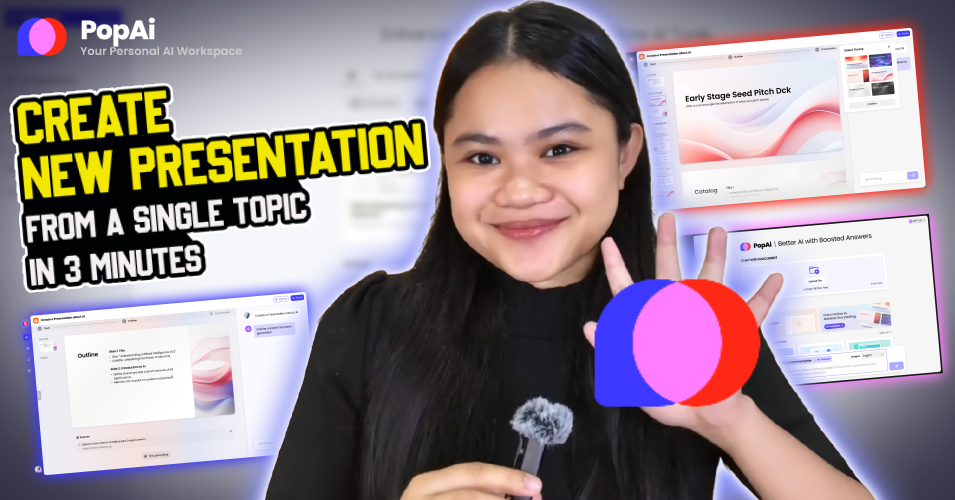
If you are wondering whether you really need a separate document AI when ChatGPT, Claude, and Gemini can already read PDFs, then this PopAi review is for you. PopAi is built around a broader source-to-output workflow, allowing users to work with up to 20 documents and as many as 5,000 pages at once through its AI document reader, while also providing annotations, notes, mind maps, chart and image analysis, and document-to-presentation conversion. Its current platform also connects document work with AI presentations, writing and other creation tools.
That distinction makes PopAi more interesting for people who spend hours turning source material into something usable. A researcher might start with several papers, a consultant with a collection of reports, or a marketer with PDFs, briefs and reference documents. Instead of using one AI for analysis and another tool for creating the final presentation, PopAi attempts to keep those stages connected. The catch is that its broad feature set can also make the platform feel less focused than a specialist document reader.
PopAi as a Document Workspace, Not Just a PDF Summarizer
The strongest part of PopAi is the way it keeps the original document visible while allowing you to interact with it. You can ask questions while reading, create notes and annotations, and generate visual structures such as mind maps from the material. PopAi also supports files from local storage, Google Drive and URLs.
That sounds like a small interface decision, but it changes how useful the tool can be for long documents. With a normal chatbot, you often end up moving between the uploaded file, the conversation and a separate notes application. PopAi is trying to remove some of that friction.
Where the Larger Document Limits Matter
The advertised capacity is one of PopAi’s more interesting advantages. Its AI reader currently states support for up to 20 documents and 5,000 pages, with no stated file-size or upload limits on that product page.
That makes it much more relevant for research projects involving multiple sources rather than a single short PDF. Imagine comparing several policy papers or reviewing a collection of business reports. The value is not simply getting five summaries. It is being able to work across a larger body of material without treating every document as an isolated conversation.
There is still an important caveat: capacity does not equal accuracy. If the source contains unusual tables, scanned pages, poor OCR or complicated charts, important conclusions should still be checked against the original material.
The Feature That Makes PopAi More Useful Than It Looks
PopAi’s document-to-presentation workflow is arguably more valuable than its generic writing features.
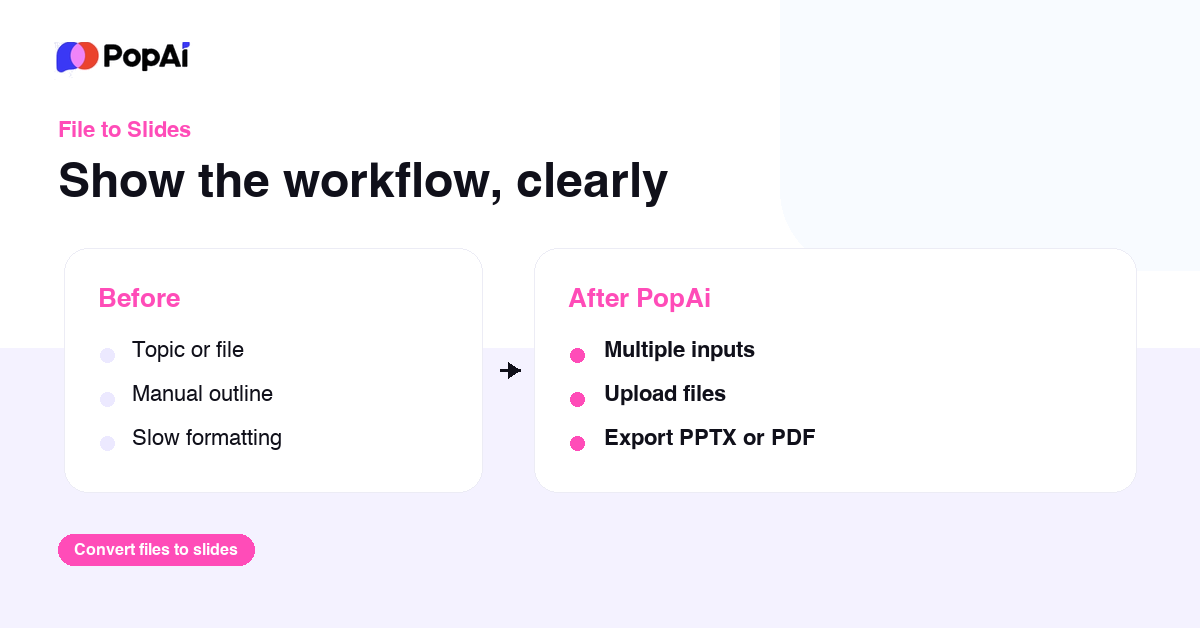
- Its PDF-to-PPT tool does not simply place each PDF page onto a PowerPoint slide.
- PopAi says it analyses the hierarchy of the source, identifies headings, key paragraphs, charts, tables and images, and reorganises that material into a presentation structure.
- The resulting file can be exported as PPTX or PDF and edited afterwards.
There are practical limits.
- The current PDF-to-PPT tool supports files up to 50MB and 100 pages, while scanned PDFs are supported but specifically require review of extracted text and slide content.
That last point is important.
- An AI-generated presentation should be treated as a first draft, not a finished presentation.
- PopAi can make the transition from “I have a 60-page report” to “I have a presentation structure” much faster, but you still need to decide whether the narrative makes sense for your audience.
Capture & Ask Is Useful for Visual Information
Another feature worth paying attention to is image and chart analysis. PopAi’s AI reader includes a “Capture & Ask” workflow, allowing users to capture parts of a document and ask questions about visual information.
For financial reports, research papers and technical documents, that is potentially more useful than another generic paragraph summarizer. A chart often contains the actual evidence behind an argument, and being able to question that visual directly can save time.
PopAi Review: What It Gets Right, and What It Doesn’t
| Area | What works | What to watch |
| Large documents | Up to 20 documents and 5,000 pages advertised | Large capacity does not guarantee perfect extraction |
| Research | Notes, summaries, questions and mind maps stay connected | Important findings still need source verification |
| Charts/images | Capture & Ask can interrogate visual information | Complex visuals should be manually checked |
| Presentations | Converts source material into editable PPT structure | AI-generated slides still need editorial cleanup |
| File workflow | Supports PDFs, documents and web-based sources | Some features have separate product boundaries |
| All-in-one value | Research, writing and presentation tools in one platform | The interface can feel broader than necessary |
The biggest strength as per our PopAi review is therefore workflow compression. PopAi can shorten the distance between reading something and producing something from it. The biggest weakness is focus. If all you want is a powerful conversational AI that occasionally reads a PDF, PopAi’s collection of additional tools may not justify another subscription.
Pricing: Is PopAi Pro Actually Worth It?
The current US App Store listing shows PopAi Pro at $12 per month, $30 per quarter or $99 per year. The listing also shows other subscription variants, so users should check the exact plan displayed on their platform before purchasing.
At $99 annually, the effective cost is about $8.25 per month. That is not particularly difficult to justify for someone who regularly processes documents and creates presentations. But pricing should be judged against workflow frequency, not the number of features on the homepage.
If you analyse one PDF every few weeks, a free AI chatbot may already solve your problem. If you spend several hours every week reading reports, comparing documents, extracting information and preparing presentations, the economics look considerably better.
There is another detail buyers should notice. PopAi states that AI Sheets is a standalone web product and is not included with a PopAi Pro subscription. So “all-in-one AI platform” should not be interpreted as “every PopAi product is covered by one subscription.”
PopAi Review: Advantages and Disadvantages
What We Like About PopAi
- It is built around documents. The interface makes source material the starting point rather than treating a PDF as a temporary attachment.
- The multi-document capacity is genuinely useful. Supporting up to 20 documents and 5,000 pages gives it a stronger research use case than a tool designed primarily around individual files.
- The PDF-to-PPT workflow has real practical value. It addresses a common office problem: turning information-heavy reports into something people can actually present.
- Visual analysis is not an afterthought. Chart and image questioning can be useful when the important information is not contained in plain text.
What We Don’t Like
- The platform is trying to do a lot. Users looking specifically for a document assistant may find the additional presentation, writing, image and other AI tools unnecessary.
- AI output still needs checking. This is particularly important with numbers, tables, charts, citations and scanned documents.
- Not every product is included in Pro. AI Sheets being separate is an important distinction for anyone evaluating PopAi as a broader productivity suite.
- Presentation generation is not the same as presentation design. PopAi can create a strong starting structure, but a professional deck still needs human judgement around emphasis, storytelling and visual hierarchy.
Final Verdict: Who Should Actually Use PopAi?
The PopAi review verdict is more positive if you think of PopAi as a document-to-deliverable system, rather than another ChatGPT competitor.
For students and researchers, its multi-document analysis, notes and visualisation tools can make large reading assignments easier to manage. For professionals, the bigger attraction is the ability to move from reports and source files toward presentations without rebuilding the information manually.
But PopAi is not automatically the better choice simply because it has more features. If you only need occasional PDF summaries, paying for a dedicated platform may be unnecessary. If your weekly workload involves reading documents, extracting evidence, organising findings and turning them into presentations, the platform becomes considerably more compelling.
The simplest way to put it is this: PopAi is valuable when the document is not the destination. It is the starting point for the work that comes next.
FAQs: PopAi Review
- Is PopAi Pro the same as AI Sheets?
No. PopAi explicitly states that AI Sheets is a standalone web product with its own premium features and is not included in a PopAi Pro subscription.
- Can PopAi analyse charts and images?
Yes. Its Capture & Ask functionality allows users to question visual elements from documents, including charts and images.
- Can PopAi convert a PDF into PowerPoint?
Yes. Its PDF-to-PPT tool can analyse document structure and create an editable presentation. The current tool page lists a 50MB and 100-page limit for the PDF-to-PPT workflow.
Also Read: How to Cut Your Email Time in Half: Superhuman, Shortcuts, and AI