
Best xTool Laser Engraver for Beginners: Which Model Should You Choose?
xTool Laser Engraver Review: Compare xTool’s engraving machines, laser types, materials, performance, features, and pricing to find the right model for your projects or business.

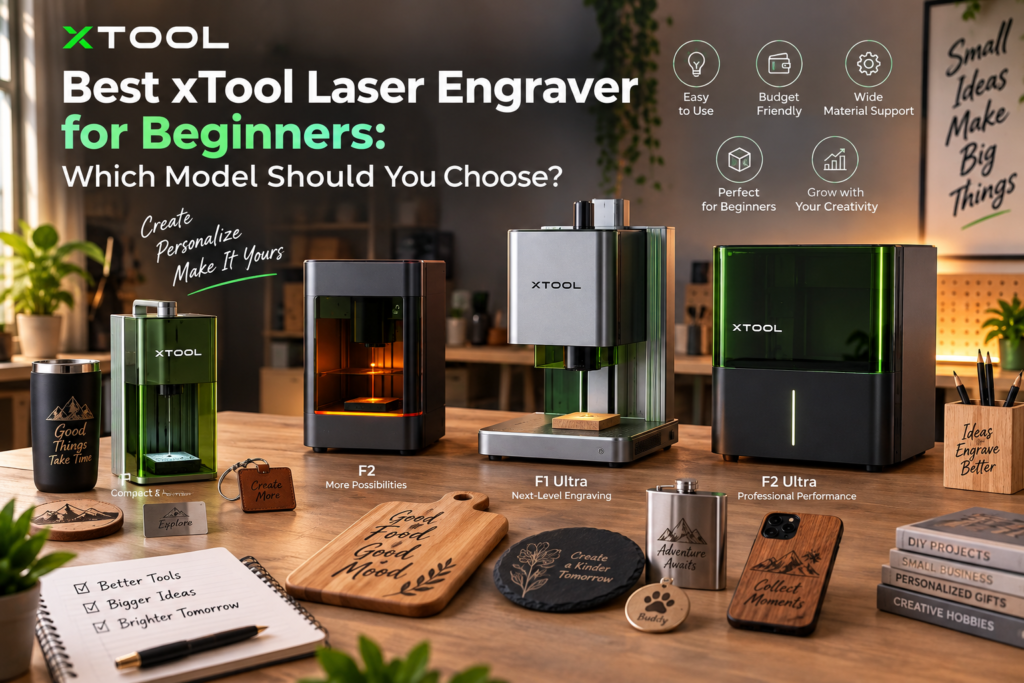
Choosing a laser engraver for beginners isn’t simply about finding the machine with the highest laser power. xTool’s current engraving lineup spans compact dual-laser machines, fiber-and-diode systems, MOPA lasers and UV engravers, each aimed at different materials and levels of production. The F1, for example, combines a 10W diode laser with a 2W IR laser, while the F1 Ultra moves to a 20W fiber and 20W diode combination. The newer F2 Ultra goes substantially further with a 60W MOPA and 40W diode setup, while the F2 Ultra UV uses a 5W UV laser for materials such as glass.
That variety is useful, but it also makes the buying decision harder. A beginner engraving wooden gifts has very different requirements from someone engraving stainless steel jewelry or producing detailed glass products. Here’s how the main xTool engraving machines compare.
xTool F1: The Easiest Place to Start
For someone buying a first engraving machine, the xTool F1 is probably the most approachable model in the lineup.
It combines a 10W blue diode laser with a 2W infrared laser, giving beginners access to two different laser wavelengths without having to buy separate machines. Its compact design also makes it easier to accommodate in a home workshop or small studio. xTool positions the F1 specifically as a portable laser engraver with IR and diode lasers.
The real attraction is versatility at a relatively manageable scale. The diode laser is useful for materials such as wood and other common craft surfaces, while the IR laser expands its usefulness for engraving certain metals and plastics.
The limitation is its smaller engraving area. If the plan involves large signs or oversized artwork, the F1 isn’t the right machine. For personalized gifts, small business products, jewelry and detailed designs, however, it makes considerably more sense.
xTool F2: A More Capable Portable Engraver

Source: xTool
The xTool F2 is a step up from the F1 while retaining the portable format. It uses a 15W diode laser alongside a 5W IR laser.
That extra power gives it more headroom for engraving and certain cutting-related applications, while the IR laser remains useful for materials that benefit from infrared processing.
For a beginner who already knows that engraving will become a serious hobby or small business, the F2 can be a more future-proof choice than the entry-level F1. It is particularly interesting for people who don’t want a large machine taking over their workspace.
xTool F1 Ultra: Best for Metal Engraving
The F1 Ultra is where the xTool range starts becoming much more serious.
It combines a 20W fiber laser with a 20W diode laser. xTool says its fiber laser uses a fiber gain medium rather than the DPSS approach used by common IR lasers, allowing deeper engraving at the same power level. Its maximum speed is rated at 10,000mm/s, while the fiber laser has a spot size of 0.03 × 0.03mm.
That makes the F1 Ultra particularly interesting for metal engraving, including applications involving jewelry, tools, identification plates and personalized metal products. xTool also lists it as a dual-laser engraving machine designed for deep metal engraving and batch production.
It isn’t the machine most people should buy simply because they’re beginners. The extra capability makes sense when metal is a major part of the intended workload.
xTool F2 Ultra: For Serious Production
Source: xTool
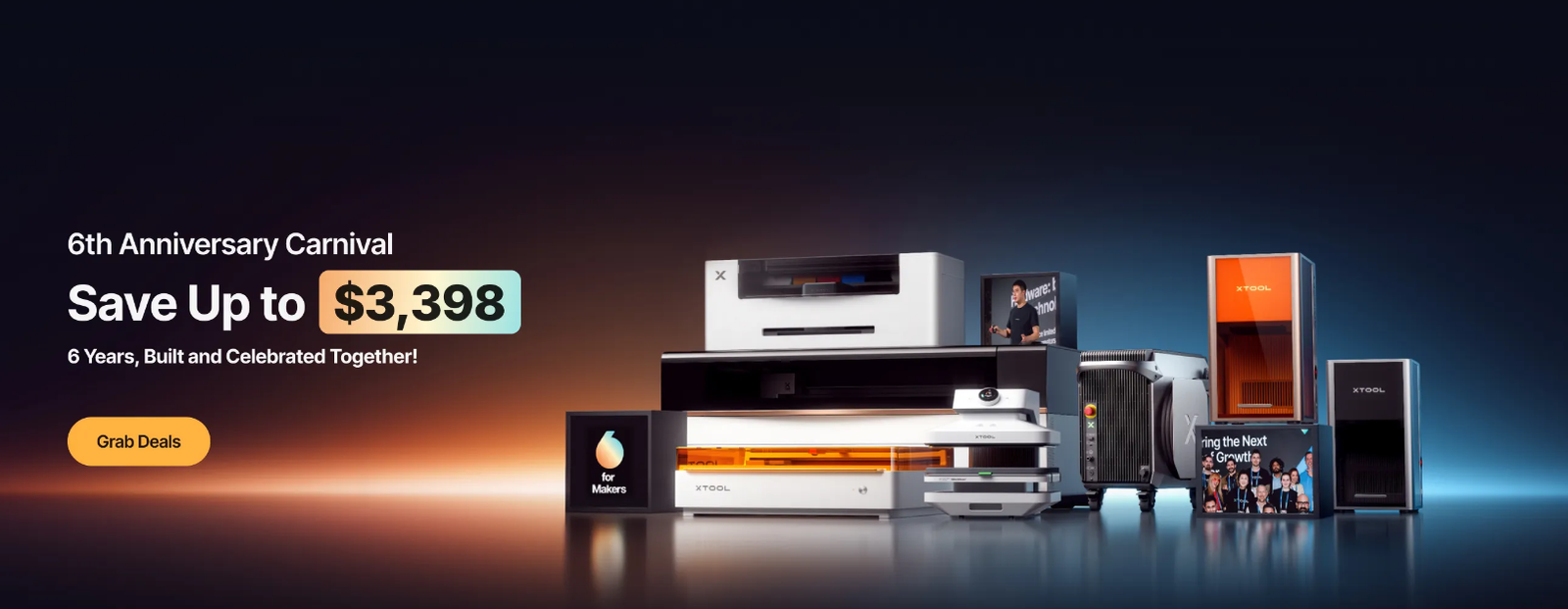
The F2 Ultra takes the concept further with a 60W MOPA laser and 40W diode laser. xTool currently positions it among its professional engraving machines for applications including metal processing and more demanding production work.
MOPA technology is particularly relevant when users need more control over how a fiber laser interacts with metal. That can matter for detailed engraving and specialized finishes, rather than simply creating a basic permanent mark.
For a first-time hobbyist, however, this level of capability can be unnecessary. It is better suited to someone starting a business or upgrading from a smaller engraver after understanding exactly what their production requirements are.
xTool F2 Ultra UV: For Glass and Delicate Materials
The F2 Ultra UV occupies a different niche. Instead of using a conventional diode or fiber setup, it uses a 5W UV laser. xTool specifically markets the machine for glass and various other materials.
UV engraving is valuable when the material or finish requires a different processing approach from what blue diode or infrared/fiber lasers provide. This makes it an interesting option for businesses working with glass products, specialty items and detailed personalization.
It is not the obvious first purchase for a general-purpose beginner, but it becomes compelling when the material list demands UV processing.
Which xTool Laser Engraver Is Best for Beginners?
| Model | Laser configuration | Best suited for | Beginner suitability |
| xTool F1 | 10W diode + 2W IR | Crafts, gifts, small products | Excellent |
| xTool F2 | 15W diode + 5W IR | More demanding portable engraving | Very good |
| xTool F1 Ultra | 20W fiber + 20W diode | Metal + mixed-material engraving | Good |
| xTool F2 Ultra | 60W MOPA + 40W diode | Commercial metal engraving | Moderate |
| xTool F2 Ultra UV | 5W UV | Glass and specialty materials | Moderate |
What Should a Beginner Actually Buy?
For most first-time users, the F1 is the easiest recommendation.
- Its combination of diode and IR lasers means beginners can experiment with different materials without immediately committing to a large professional system.
- It is also easier to position in a home workspace than a production-focused machine.
The F2 makes more sense if there’s already a clear plan to take engraving beyond occasional crafts.
- Its 15W diode and 5W IR combination gives it more room to grow while retaining the portable concept.
If metal is the main reason for buying a laser, skip the entry-level thinking and consider the F1 Ultra.
- Its fiber laser is designed specifically for deeper and more precise metal engraving, making it a much better long-term choice for that workload.
The F2 Ultra and F2 Ultra UV should be viewed as specialist or commercial choices rather than automatic upgrades for beginners.
Ultimately, the best laser engraver for beginners is determined by the materials and products you intend to work with. A compact dual-laser F1 can be a smarter purchase than a powerful professional machine if the goal is personalized gifts and small projects. Conversely, someone building a metal-engraving business may save money in the long run by starting with a fiber-capable model.
Laser Engraver for Beginners: FAQs
- Is the xTool F1 good for metal engraving?
Its 2W IR laser allows it to work with certain metals and metal-marking applications, although the F1 Ultra’s 20W fiber laser is much better suited to serious metal engraving. - What is the xTool F2 Ultra used for?
It is designed for more advanced engraving applications, particularly demanding metal work, using its 60W MOPA and 40W diode laser configuration. - Which xTool engraver is best for glass?
The F2 Ultra UV is the specialist option to consider because it uses a 5W UV laser and is specifically positioned for glass and various other materials.
Also Read: Dreame Robot Vacuum Review: Flagship Features at Half the Price