
Cash Advance Apps Compared: Klover, Dave, EarnIn, and the Fine Print
Compare cash advance apps Klover, Dave, and EarnIn. Understand advance limits, transfer fees, repayment rules, eligibility requirements, and the fine print before choosing an app.

An unexpected car repair, a utility bill due before payday, or a grocery run that costs more than expected can leave a gap between when money is needed and when wages arrive. That gap explains the growing demand for cash advance apps in the United States. In a July 2024 report, the Consumer Financial Protection Bureau (CFPB) estimated that employer-partnered earned-wage providers processed more than 7 million workers’ transactions worth approximately $22 billion in 2022. The average transaction was $106, and workers paid an average of $68.88 annually in fees in the surveyed market. These figures concern employer-partnered products, not specifically Klover, Dave or EarnIn, but they illustrate how small advances and expedited-transfer charges can add up.
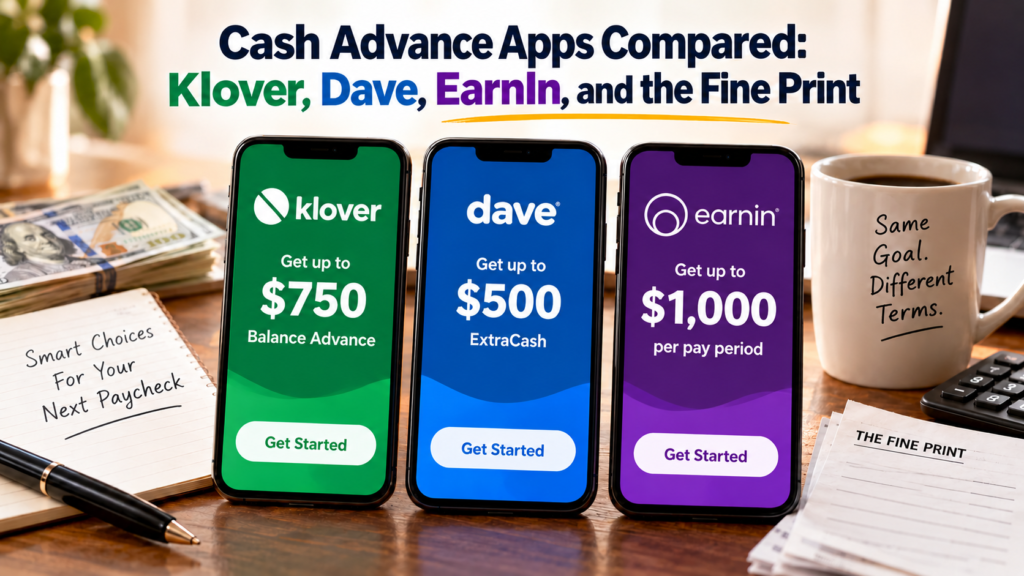
Klover, Dave and EarnIn all offer ways to access money before a regular payday, but they are not identical. Klover stands out for its points-based system, while Dave combines advances with a broader financial app and EarnIn focuses on accessing wages already earned. The right choice depends on how quickly you need the money, what you qualify for and how much you are willing to pay for speed.
Klover vs. Dave vs. EarnIn: Cash Advance Apps At a Glance
| Feature | Klover | Dave | EarnIn |
| Main offering | Balance Advance and points | ExtraCash and banking tools | Access to earned wages |
| Advertised maximum | Up to $750; eligibility varies | Up to $500; few qualify for the maximum | Up to $200 daily and $1,000 per pay period |
| Standard delivery | Typically 1-3 business days | Typically 2-3 business days for external transfers | 1-3 business days |
| Faster delivery | Optional express fee | Optional express fee on eligible transfers | Lightning Speed fee |
| Membership fee | No mandatory membership fee for the advance | Up to $5 monthly | No mandatory membership fee advertised |
| Other costs | Optional tip; express fee | Membership, applicable service and express fees | Optional tip; Lightning Speed fee |
| Distinctive feature | Points earned through in-app activities | ExtraCash and broader financial tools | Work and earnings verification |
Limits, eligibility and fees can change. Confirm the amount and complete cost displayed in each app before requesting an advance.
Klover: A Points System With a Trade-Off
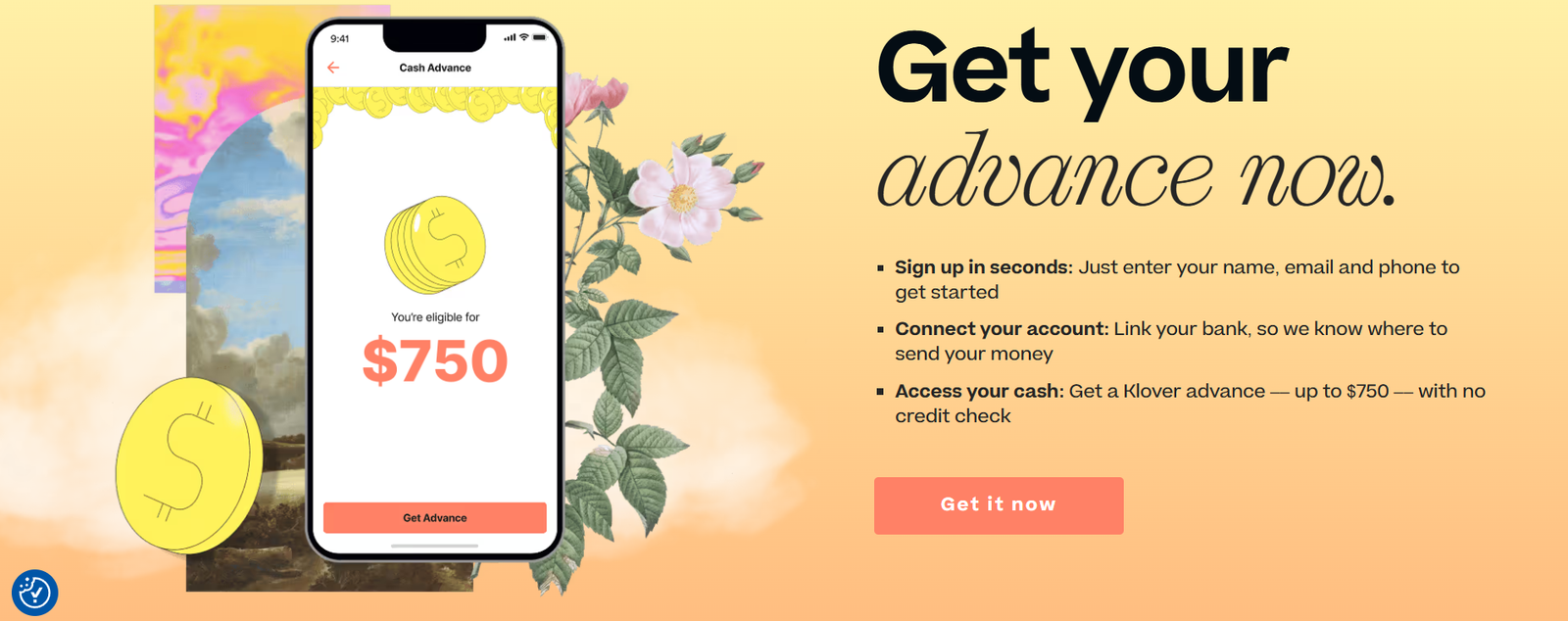
Klover is worth examining first because its model differs from a straightforward fee-based advance.
- Eligible users can access a Balance Advance without mandatory interest or membership fees.
- The app also offers points through activities such as surveys, offers, games and advertisements.
- Depending on eligibility and the options shown in the app, points may help unlock certain advances or reduce an instant-transfer fee.
That can appeal to users who prefer not to pay a monthly subscription. However, points are not cash, and earning them takes time.
- Klover’s program also involves the collection and sharing of certain information with advertising and business partners.
- Its terms explain that opting out of the points program may limit access to some features.
The highest cost to watch is instant delivery.
- Standard transfers can be free, while express fees depend on the advance amount and the option selected.
- NerdWallet’s 2026 review reports express fees ranging from $3.99 to $37.49 for advances of up to $750.
An optional tip can add to the cost.
- For a $100 advance, even a $5 fee means repaying $105 for the convenience of receiving the money sooner.
Who should consider Klover?
Someone who meets the eligibility requirements, can wait for standard delivery and is comfortable with the points program may find it useful. Anyone choosing instant delivery should compare the displayed fee with the amount being advanced.
Dave: More Than an Advance App
Dave’s ExtraCash feature advertises advances of up to $500, but the maximum is not available to everyone. Its current disclosures list a monthly membership fee of up to $5, along with a service fee generally equal to 5% of the overdraft amount, subject to a $5 minimum. Certain external debit-card transfers can also carry an optional 1.5% fee.
Dave may appeal to people who want budgeting and banking tools alongside short-term cash access. The catch is that the headline advance amount does not tell you what your own limit will be or what the transaction will cost.
EarnIn: Access to Wages You’ve Already Earned
EarnIn takes a different approach by focusing on earned-wage access. It advertises access to up to $200 per day, with a maximum of $1,000 per pay period, subject to eligibility and verification. Standard delivery generally takes one to three business days, while Lightning Speed can deliver funds within minutes for a fee starting at $3.99.
EarnIn advertises no mandatory fees and makes tips optional. It also requires users to connect financial and work information to estimate eligible earnings. That makes it important to check whether your employment and payment arrangements meet its requirements.
EarnIn may suit people with verifiable earnings who want access to money they have already worked for. Still, repayment is typically collected automatically, so the amount deducted from your next paycheck or linked account matters just as much as the amount received today.
The Fine Print That Matters Most
Before using any of these cash advance apps, check four things: the total fee for the transfer speed you select, the repayment date, the consequences of an unsuccessful withdrawal and the data permissions required to use the service.
Consider a hypothetical $100 advance.
- If fast delivery costs $5, the immediate cost is 5% of the amount received.
- If you repeat that transaction twice a month, those fees total $120 over a year, before any other charges or tips.
- The arithmetic is simple; the harder part is avoiding a pattern where each repayment leaves too little for the next round of bills.
Research from the Center for Responsible Lending has also raised concerns about repeat advances and overdrafts among frequent users. An advance can solve a timing problem, but it cannot fix a recurring gap between income and expenses.
Which App Is Best?
Klover may be a better fit for users who value its points system and can avoid express delivery fees. Dave may appeal to those who want advances alongside banking tools, while EarnIn is worth comparing if you have verifiable wages and prefer an earned-wage-access model.
No app is automatically the cheapest for every user. Compare the amount offered to you, the exact fees and the repayment schedule in the app itself. If the repayment will make rent, groceries or another essential bill harder to cover, consider asking a biller for an extension or checking whether your employer offers a no-fee paycheck advance first.
Cash Advance Apps: Frequently Asked Questions
- Which app offers the largest cash advance?
EarnIn advertises up to $1,000 per pay period, Klover up to $750 and Dave up to $500. These are advertised maximums, not guaranteed offers.
- Is Klover free to use?
Klover advertises no mandatory advance fee or interest, but express delivery and optional tips can cost extra. Its points program also has data-sharing implications.
- Does EarnIn charge interest?
EarnIn says it does not charge interest or mandatory fees for Cash Out. Lightning Speed delivery costs extra, and tips are optional.
Also Read: Kovo Credit Builder Review: How Does It Work?