
Troop Messenger Review: The Team Messaging Tool Built for Remote Collaboration
If you are wondering why your team needs another messaging platform when Slack, Microsoft Teams, and WhatsApp can already handle chats and calls, then this Troop Messenger review is for you.

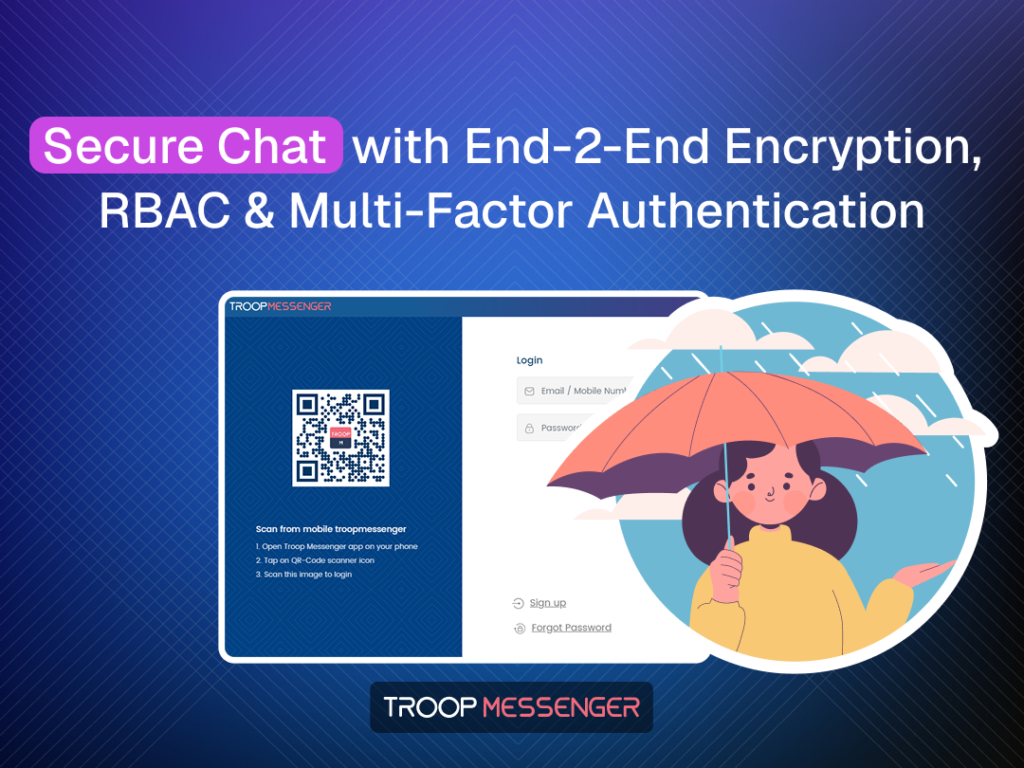
Remote teams do not usually need another app just for sending messages. The real challenge is keeping conversations, files, calls, screen sharing, employee access and sensitive information inside one controlled workspace. Troop Messenger becomes interesting in that context because the platform combines business messaging with audio/video calling, remote screen sharing, file sharing, administrative controls and security-focused features. If you are wondering why your team needs another messaging platform when Slack, Microsoft Teams, and WhatsApp can already handle chats and calls, then this Troop Messenger review is for you.
The tool offers a free plan with 50GB storage and support for up to 50 users, while paid plans increase storage to 150GB, 1TB and beyond depending on the tier. It is also available as SaaS or on-premises software, with options aimed at organisations that need greater control over where their communication data is hosted.
What Does Troop Messenger Actually Offer?
The strongest part of Troop Messenger is that it tries to cover the communication layer of remote work without forcing teams to jump between several applications.
Messaging, Groups and File Sharing
The basics are handled well: one-to-one messaging, unlimited group chats, message search, chat filters, file sharing, attachment previews and message forwarding are available. Teams can share documents, images, videos, PDFs, presentations and URLs directly inside conversations.
For remote teams, the unlimited message history is particularly useful. Instead of treating chat as a temporary conversation, Troop Messenger positions it as a searchable work record. Admins also get dashboards and controls for managing how employees use the platform.
Calls and Screen Sharing
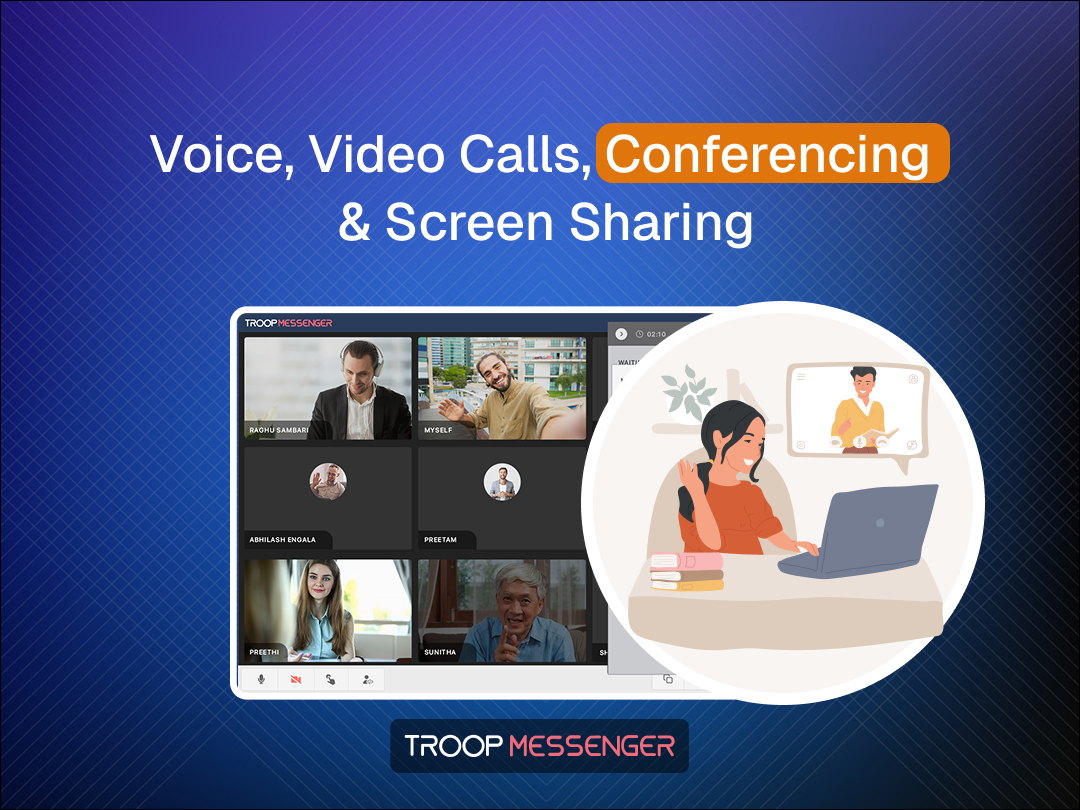
Premium includes one-to-one video calling, while Enterprise adds group calling, unlimited video conferencing and remote screen sharing. Screen sharing is more capable than simply broadcasting a desktop because the presenter can select an entire screen, an application window or a browser window.
This is useful for remote troubleshooting, presentations, onboarding and reviewing work. Enterprise users can also use screen sharing during group calls, which makes the feature considerably more practical for distributed teams.
Features You Will Not Find in Every Team Messenger
One of Troop Messenger’s more unusual features is Burnout, a timed confidential chat. A user can initiate a private conversation with a predefined timer, after which the conversation is automatically deleted. Administrators can control whether employees are allowed to use the feature.
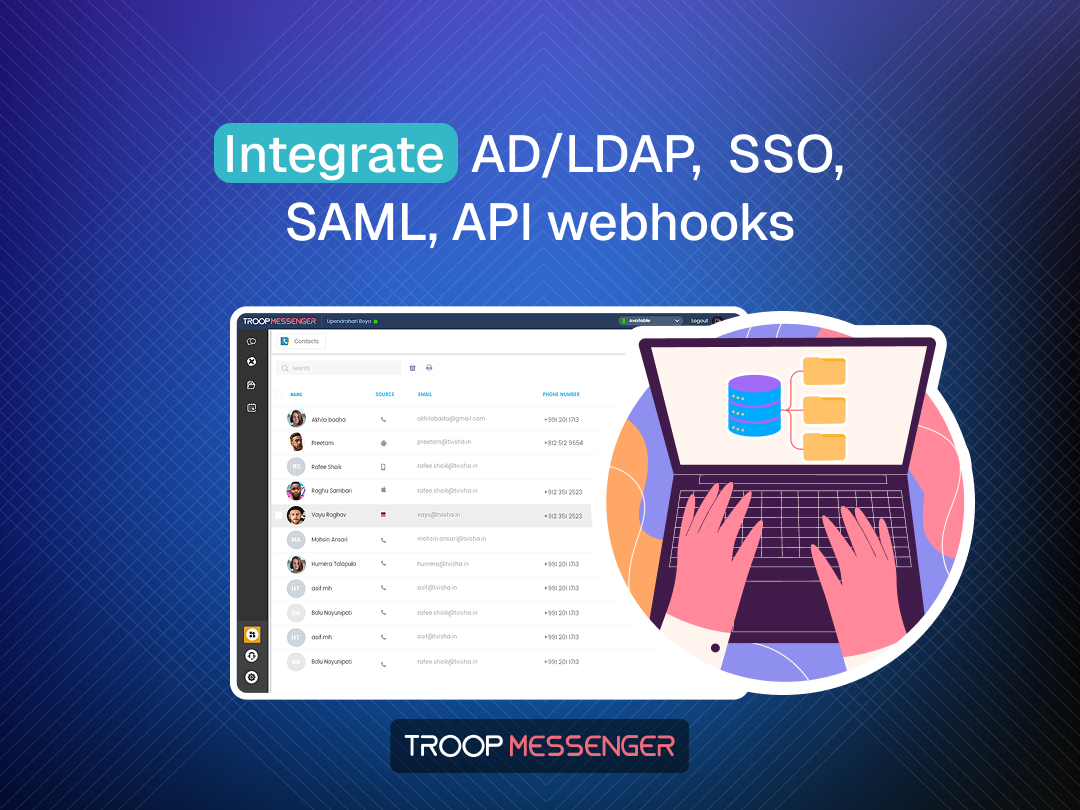
There are also features such as Forkout for broadcasting messages, Respond Later, advanced search, role-based controls, LDAP/Active Directory/SSO support and integrations with Dropbox and Google Drive on higher plans.
Troop Messenger Pricing: Which Plan Makes Sense?
The current pricing structure is unusually aggressive for a business communication platform. The main SaaS tiers are Free, Premium, Enterprise and Superior.
| Plan | Current listed price | Storage | Best suited for |
| Free | $0/user/month | 50GB | Small teams testing the platform |
| Premium | $2.50/user/month | 150GB | Small and growing teams |
| Enterprise | $5/user/month | 1TB | Teams needing calls, screen sharing and advanced controls |
| Superior | $9/user/month | Listed as higher-tier plan | Large organisations and advanced deployment needs |
The Troop Messenger review verdict on pricing is straightforward: Premium is the value option if your requirements are mostly messaging, file sharing and one-to-one communication. Enterprise is more compelling for remote organisations because group calling, screen sharing, SSO/Active Directory support, role-based administration and other advanced capabilities enter the picture.
There is also an on-premises route for organisations that do not want the vendor to host their entire collaboration environment. Troop Messenger describes this model as running on the organisation’s own infrastructure, with options for air-gapped environments and greater data ownership.
Advantages and Disadvantages
Where Troop Messenger Performs Well
- Low entry price: Starting at $2.50 per user per month makes it accessible to smaller businesses that still want business-grade communication features.
- Remote-work functionality: Messaging, audio/video calls, screen sharing and file sharing are combined instead of being spread across multiple applications.
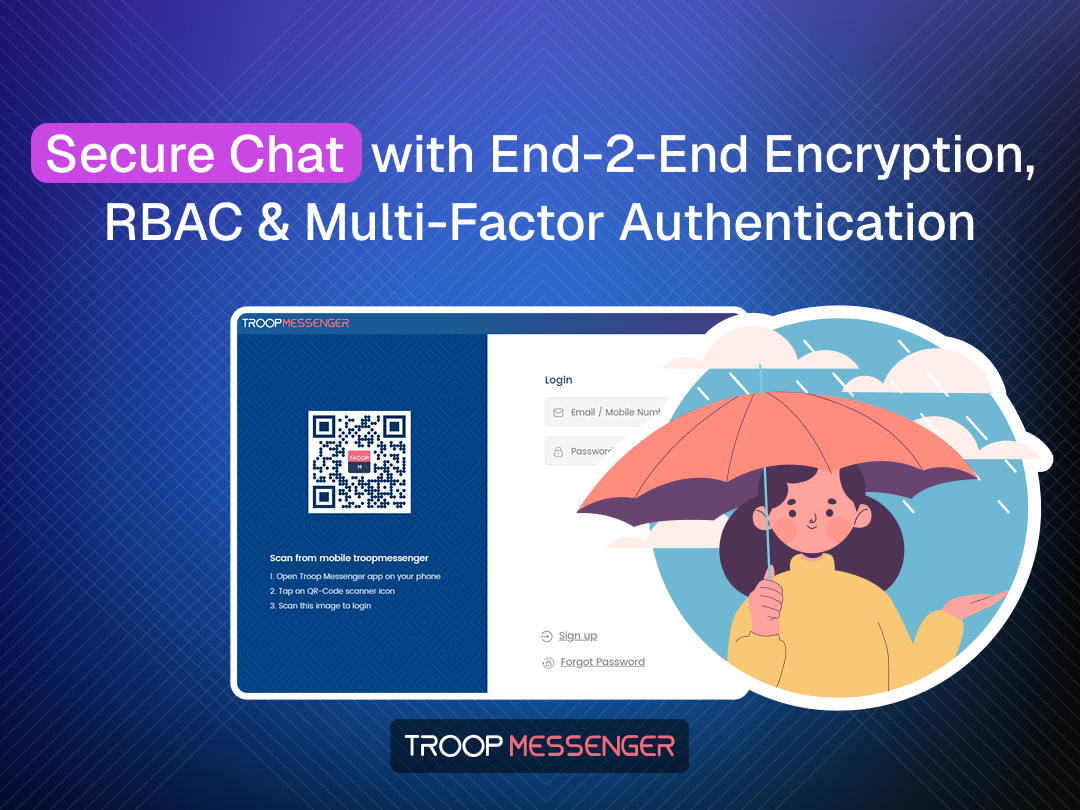
- Security controls: The platform supports end-to-end encryption, MFA, role-based controls and enterprise directory integrations. Higher-security deployments can also use on-premises infrastructure.
- Strong administration: Admins can control feature access, user roles and certain communication features. This matters more to businesses than it does to casual group-chat users.
- Unusual privacy tools: Burnout is a genuinely differentiated feature for conversations that should not remain permanently available.
Where It Falls Short
The biggest weakness is the integration ecosystem.
- Troop Messenger supports useful integrations, but it does not have the same breadth of third-party apps and workplace integrations associated with platforms such as Slack or Microsoft Teams.
- Its own recent comparison material acknowledges this limitation.
The product can also feel more feature-heavy than polished.
- A team that only wants simple messaging may find the large collection of business controls unnecessary.
- Mobile and user-experience polish can also be a consideration for teams accustomed to consumer-grade messaging applications.
In other words, Troop Messenger is more interesting when communication needs to be controlled and managed, not simply convenient.
Is Troop Messenger Good for Remote Teams?
This is where the Troop Messenger review becomes more positive. A distributed company can use it for daily chats, project groups, document sharing, meetings, screen demonstrations and internal communication without necessarily adding separate tools for every task.
It is particularly attractive for organisations where security, administration or data ownership matters. The availability of SaaS, on-premises deployment, LDAP/SSO and air-gapped options gives it a different positioning from lightweight team-chat applications.
For a five-person startup that lives inside Google Workspace, Slack and dozens of SaaS integrations, another platform may not add much value. But for a company that wants a more self-contained communication environment, the calculation changes.
Final Verdict
The Troop Messenger review verdict is that this is not simply a cheaper Slack alternative. Its real selling point is the combination of messaging, calling, screen sharing, administration and security at a relatively low per-user cost.
Premium is the sensible starting point for basic team communication. Enterprise is the tier worth considering for serious remote collaboration, particularly if screen sharing, group meetings, access controls and directory integration are important. Organisations with strict data-control requirements should investigate the on-premises options rather than judging Troop Messenger only as a SaaS chat application.
Overall, Troop Messenger makes the most sense for teams that want communication plus control, rather than communication alone.
Troop Messenger Review: FAQs
- Is Troop Messenger free?
Yes. Troop Messenger currently lists a Free plan at $0 per user per month, with features including one-to-one messaging, unlimited group chats, audio calling, file sharing, search and 50GB storage.
- Does Troop Messenger support screen sharing?
Yes. Remote screen sharing is available in Enterprise and above. Users can share an entire desktop, application window or browser window, including during group audio/video calls.
- Is Troop Messenger suitable for large organisations?
It can be. Its higher tiers provide features such as role-based access controls, LDAP/Active Directory/SSO, large storage allocations, advanced administration and on-premises deployment options. These features make it more suitable for organisations with stricter communication and security requirements than a basic chat application.
Also Read: How Money Transfer Fees Really Work (and How to Pay Less)