
Troop Messenger vs Traditional Email for Internal Communication: Which Works Better?
Troop Messenger vs Traditional Email: Compare internal communication tools for speed, collaboration, file sharing, team chats, productivity, and workplace communication.

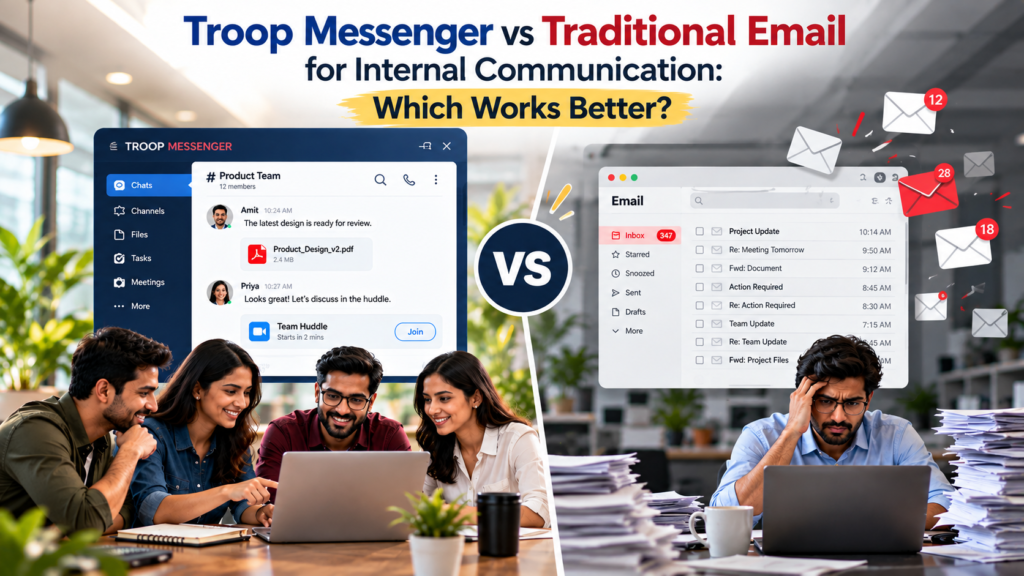
Internal communication has changed dramatically as teams have become more distributed, faster-moving, and more dependent on digital workflows. The comparison of Troop Messenger vs traditional Email is particularly relevant because the two tools are designed around very different communication models. Microsoft’s 2025 Work Trend Index found that the average worker receives 117 emails and 153 Teams messages per weekday, while employees are interrupted by a meeting, email, or notification roughly every two minutes. Microsoft also found that mass emails sent to 20 or more recipients increased by 7% year over year.
That volume raises a practical question for companies still using inboxes as the main internal communication system: is email still the right place for everyday employee conversations? Email is primarily built around formal, asynchronous messages and individual inboxes. Troop Messenger is designed around persistent team conversations, direct messaging, groups, file sharing, calls, and workplace collaboration.
Neither completely replaces the other. The better choice depends on whether the communication requires formality and external reach or speed, context, and team interaction.
Troop Messenger vs Traditional Email: What Actually Changes?
Traditional email works well when information needs to be formally documented, sent outside the organization, or handled asynchronously. A contract, client communication, official notice, policy document, or management announcement can still make sense in an inbox.
The problem appears when email is used for dozens of small internal interactions every day.
A question such as “Has the client approved the design?” can generate a chain of replies, copied employees, attachments, forwards, and unrelated messages appearing in the same inbox. Finding the final answer later can become surprisingly difficult.
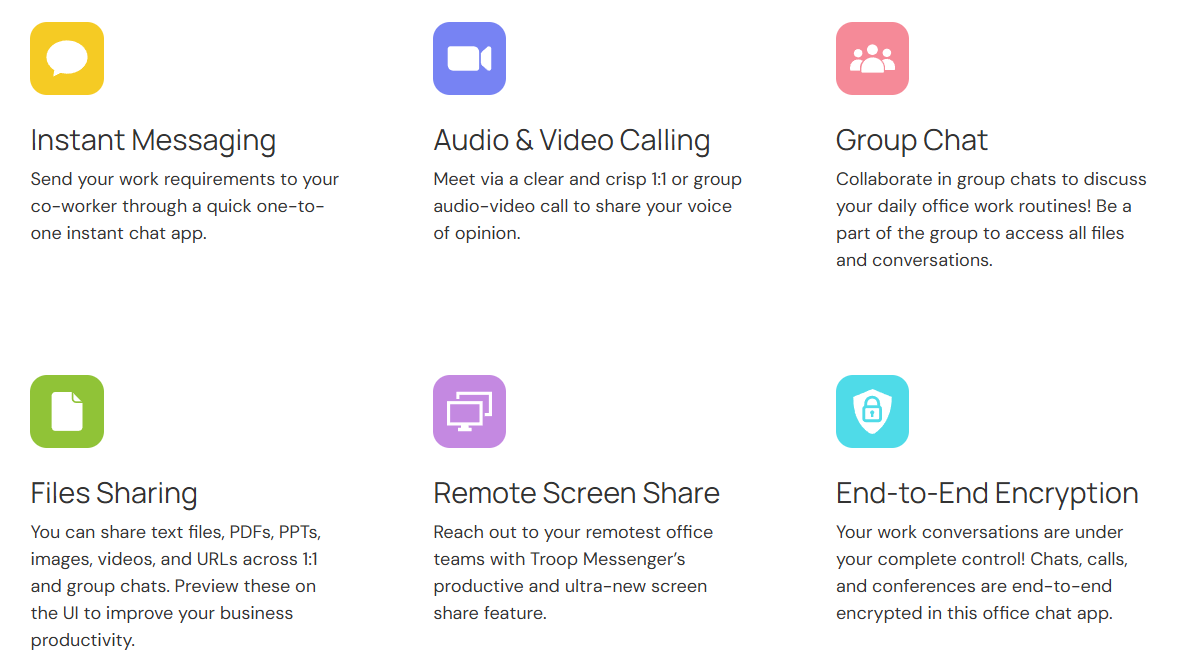
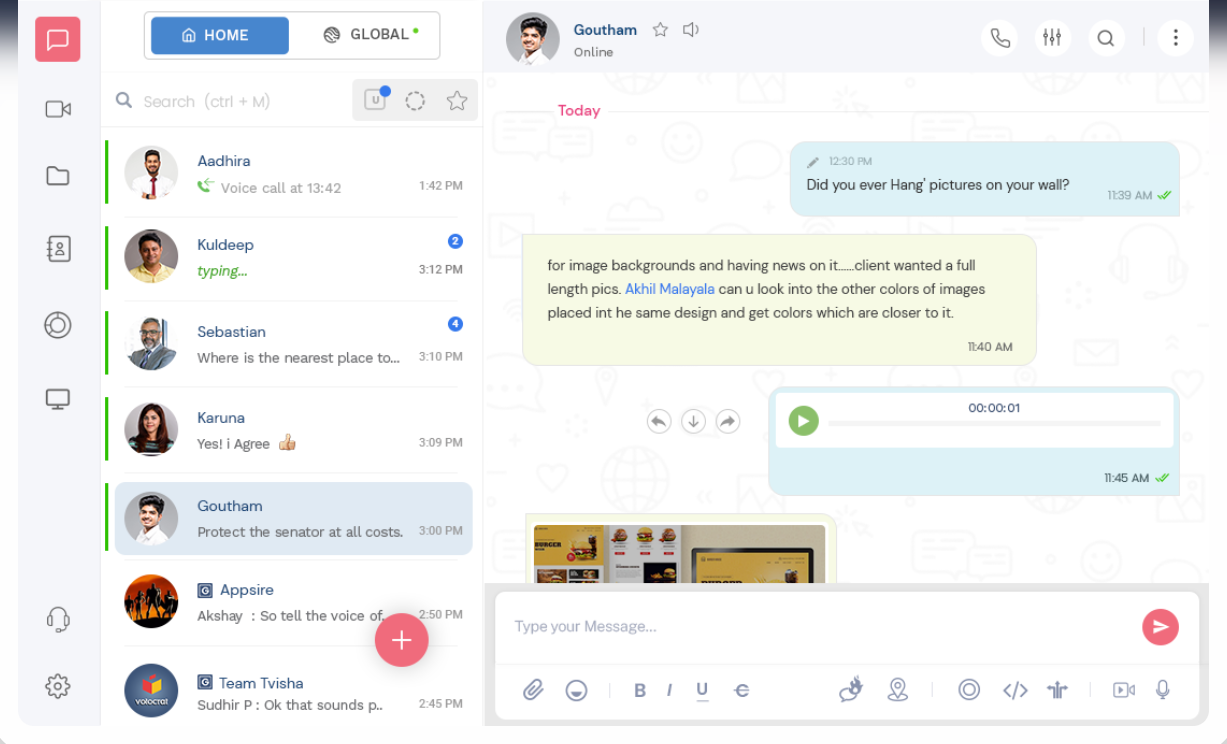
Troop Messenger approaches this differently. Conversations can remain inside one-to-one chats or dedicated group discussions, with searchable history, file sharing, mentions, replies, read indicators, and other workplace-specific functions. Its current feature set also includes audio and video calling, screen sharing, Respond Later, Forkout, and file management.
Where Troop Messenger Has the Advantage
Source: Troop Messenger
The strongest argument for Troop Messenger vs traditional Email is speed without losing conversation context.
A team member can ask a question in a direct message, move a discussion into a group, attach the relevant document, and switch to an audio or video call when text is no longer enough. Troop Messenger also allows users to continue chatting while on a call, which is useful when discussions involve documents or project details.
Another useful feature is Respond Later. Instead of allowing an important message to disappear underneath newer conversations, users can flag it for follow-up. Forkout serves a different purpose: it allows one message or attachment to be sent to multiple users or groups without creating another group conversation.
For distributed teams, that distinction matters. Communication can remain organized around the work rather than around individual inboxes.
File handling is another area where a dedicated business messenger can be more practical. Troop Messenger’s File Deck brings files shared across one-to-one and group conversations into a central searchable area, with filtering by people, groups, dates, types, and tags.
Where Traditional Email Still Wins
Email is not obsolete. In fact, replacing it completely can create new problems.
Email remains better suited to:
- External clients, suppliers, partners, and prospects
- Formal notices and business correspondence
- Contracts and official documentation
- Communication that must remain independent of an internal chat platform
- Long-form messages that do not require real-time interaction
- Organizations already deeply integrated with Microsoft 365 or Google Workspace
Email also has an important advantage in familiarity. Almost every employee already understands how to send, forward, archive, search, and organize an email. There is little onboarding required.
The issue is not that email is inherently inefficient. It is that using email for every internal conversation creates an inbox-management problem. Microsoft’s research illustrates the scale: 117 emails per employee per day on average in its 2025 telemetry.
Troop Messenger vs Traditional Email: Feature Comparison
| Communication need | Troop Messenger | Traditional Email |
|---|---|---|
| Quick internal questions | Excellent | Good, but slower |
| One-to-one discussions | Excellent | Good |
| Team conversations | Excellent | Moderate |
| Persistent project context | Strong | Often fragmented across threads |
| File sharing | Built into conversations + File Deck | Attachments/links |
| Audio/video communication | Built in | Usually requires another service |
| Screen sharing | Built in | Requires another service |
| Urgent internal updates | Strong | Moderate |
| Formal external communication | Limited | Excellent |
| Searchable work conversations | Strong | Strong |
| Message follow-up | Respond Later | Flags/tasks vary by email client |
| Broadcast without creating a group | Forkout | Distribution lists |
| Sensitive temporary conversation | Burnout option | Not equivalent |
| Deployment flexibility | SaaS and on-premise options | Depends on email provider |
Troop Messenger also supports role-based administration, LDAP/SSO, encryption, and on-premise deployment options, making it relevant to organizations where internal communication needs tighter administrative control.
The Bigger Issue: Context Switching
Source: Troop Messenger
One reason internal communication becomes exhausting is not simply the number of messages. It is the number of places employees have to look.
A project update might start in email, move to a WhatsApp message, continue in a meeting, and end with a file stored somewhere else. The information technically exists, but the context is scattered.
A dedicated workplace messenger can consolidate more of that activity.
This does not mean every message should become an instant message. Asynchronous communication remains valuable because employees should not be expected to respond immediately to everything. Slack’s workplace communication guidance similarly recommends using both synchronous and asynchronous communication depending on urgency, complexity, and working patterns.
The better model is therefore not “chat replaces email.” It is using each channel for the communication it handles best.
Security and Administrative Control
Security becomes especially important when employees discuss internal projects, customer information, operational decisions, or confidential documents.
- Troop Messenger offers organization-level controls, role-based access, encryption, LDAP/SSO, and both cloud and on-premise deployment options.
- Its Burnout feature can also create a temporary one-to-one conversation that automatically disappears after a defined period, although organizations can disable or restrict the feature through administration settings.
- Email security depends heavily on the organization’s email provider, configuration, retention policies, identity controls, and endpoint security.
- For companies with established Microsoft 365 or Google Workspace environments, those ecosystems can provide extensive security and compliance controls.
So the right question is not simply which tool is “more secure.” It is which system gives the organization the controls, deployment model, retention approach, and governance it actually requires.
Which One Should Your Business Use?
The most practical answer to Troop Messenger vs traditional Email is usually not an either-or decision.
Use Troop Messenger for:
- Daily employee communication
- Project discussions
- Quick decisions
- Department groups
- Internal announcements
- File-based collaboration
- Remote-team coordination
- Conversations that benefit from immediate feedback
Use email for:
- External communication
- Formal approvals
- Contracts
- Official notices
- Client and vendor correspondence
- Long-form business documentation
For many organizations, this combination is more sensible than trying to force every communication type into one platform.
Final Verdict
Troop Messenger vs traditional Email is ultimately a comparison between two different communication philosophies.
Email treats communication as messages moving between inboxes. Troop Messenger treats communication as an ongoing workspace where conversations, files, calls, and team interactions can happen together.
For internal communication, Troop Messenger has the stronger workflow when speed, collaboration, searchable context, and direct interaction matter. Email remains the better choice when formality, external communication, and document-oriented correspondence take priority.
The strongest setup for most businesses is therefore not abandoning email. It is reducing internal email overload by moving everyday team conversations into a purpose-built communication platform while keeping email for the situations where an inbox is genuinely the better tool.
FAQs
1. Is Troop Messenger better than email for internal communication?
For day-to-day internal discussions, it can be. Its messaging, group conversations, file sharing, calls, screen sharing, and follow-up features are designed specifically around workplace collaboration.
2. Is Troop Messenger suitable for remote teams?
Yes. It supports desktop, mobile, and browser access, along with messaging, calls, screen sharing, file sharing, and live location features.
3. Does Troop Messenger support on-premise deployment?
Yes. Troop Messenger offers on-premise deployment alongside its SaaS model, with enterprise-oriented controls such as LDAP/SSO and administrative management.