
Public Wi-Fi Safety: What’s Actually Risky and What’s Overblown
Is public Wi-Fi safe? Discover real security risks, common myths, and practical tips to protect your passwords, personal data, and devices on public networks.

Public Wi-Fi is no longer automatically dangerous, but it is not automatically trustworthy either. The important distinction is how your data is protected between your device, the network and the website or app you use. The US Federal Trade Commission (FTC) explains that widespread HTTPS encryption has made everyday browsing on public hotspots considerably safer than it was in the early days of the internet. However, fake hotspots, phishing pages, outdated devices and careless sharing settings still create genuine opportunities for attackers. Understanding public Wi-Fi safety means separating realistic threats from outdated warnings and knowing when a connection is safe enough for routine browsing but unsuitable for sensitive work.
Is Public Wi-Fi Really Dangerous Today?
Think about connecting to the Wi-Fi at an airport, hotel or coffee shop. Years ago, someone connected to the same unsecured network could potentially intercept information travelling between your device and websites that did not encrypt their traffic.
Today, most major websites use HTTPS, which encrypts information exchanged with the website. This makes it significantly harder for another person on the same network to read your passwords, messages or payment details while they travel across the connection.
But HTTPS does not make every part of your online activity safe. It cannot protect you from a fraudulent website, a malicious download or someone tricking you into entering credentials on a fake login page.
The real question is not simply whether public Wi-Fi is dangerous. It is whether the network, your device and the service you are accessing can be trusted.
The Real Risks You Should Understand
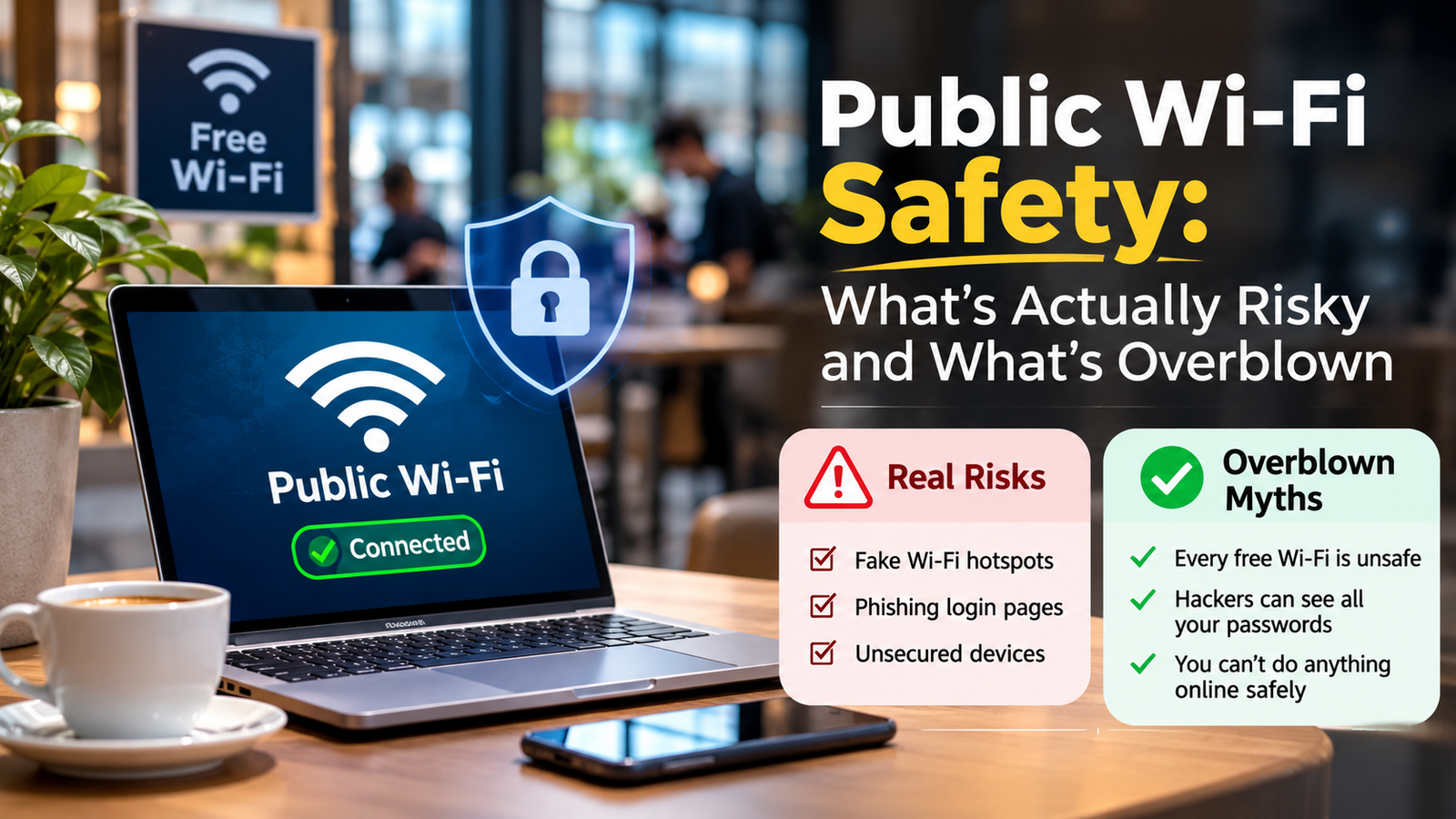
1. Fake Wi-Fi hotspots (evil twin attacks)
This is one of the more realistic public Wi-Fi threats. An attacker creates a wireless network with a name similar to a legitimate hotspot, such as “Airport_Free_WiFi” instead of the airport’s official network.
If you connect, your internet traffic passes through equipment controlled by the attacker. They may attempt to redirect you to fake login pages, manipulate insecure traffic or collect information that is not properly protected.
Always confirm the exact network name with the venue’s staff rather than choosing the strongest-looking signal.
2. Fake login and captive portal pages
Some public networks require users to accept terms, enter an email address or provide a room number before accessing the internet. This is called a captive portal.
The risk arises when a fraudulent portal imitates a familiar login page or requests unnecessary information. A Wi-Fi login screen should not need your email password, banking credentials or social media password.
3. Outdated devices and insecure settings
An unpatched operating system, outdated browser or unnecessary file-sharing setting can expose a device to risks beyond the Wi-Fi connection itself.
For example, leaving file sharing enabled on a laptop may make folders accessible in situations where they should remain private. Keeping software updated and disabling unnecessary sharing features reduces this exposure.
4. Shoulder surfing and physical access
Not every threat involves sophisticated hacking. Someone sitting behind you could observe your screen while you enter a password, view a confidential document or complete a payment.
Use a privacy screen where appropriate, lock your device when leaving your seat and avoid discussing confidential information in crowded spaces.
What’s Overblown? Common Public Wi-Fi Myths
Some warnings about public networks are based on older internet conditions. Others exaggerate what an attacker can realistically achieve.
- Myth: Anyone on public Wi-Fi can automatically see your passwords. HTTPS encrypts information travelling between your device and a legitimate website. Sharing a network does not automatically reveal your credentials.
- Myth: Every free hotspot is compromised. Many public networks are operated legitimately. The fact that a network is free does not prove it is malicious.
- Myth: A password-protected hotspot is always safe. A shared Wi-Fi password does not guarantee that the network is trustworthy or that every connection is properly encrypted.
- Myth: A VPN makes you completely anonymous. A VPN encrypts traffic between your device and the VPN provider, but it cannot stop phishing, malicious downloads, fraudulent websites or tracking through your accounts.
- Myth: You must never browse or check email on public Wi-Fi. Routine browsing is generally much safer when you use HTTPS, updated software and sensible account security.
The better approach to public Wi-Fi safety is proportionate caution rather than avoiding every public connection.
Risk Comparison: What Should You Actually Avoid?
| Activity | Risk level on public Wi-Fi | Recommended approach |
|---|---|---|
| Reading news and blogs | Low | Use HTTPS websites |
| Watching videos | Low | Use trusted apps and updated software |
| Checking routine emails | Moderate | Avoid unexpected links and attachments |
| Logging into work accounts | Moderate to high | Use your organisation’s VPN |
| Online banking | High consequence | Prefer mobile data or a trusted connection |
| Making payments | High consequence | Use a trusted network and verified payment page |
| Downloading unknown files | High | Avoid untrusted sources |
These are practical risk categories, not guarantees. The sensitivity of the information, website security and device configuration all affect the actual risk.
How to Use Public Wi-Fi More Safely
You do not need advanced cybersecurity knowledge to improve your protection. A few consistent habits make a meaningful difference.
- Verify the network before connecting. Ask staff for the official Wi-Fi name and avoid networks with suspiciously similar names.
- Check HTTPS. Look for
https://in the browser address. Be aware that HTTPS does not prove a website is legitimate; check the domain carefully before entering credentials. - Use a VPN when appropriate. A reputable VPN can add encryption between your device and the VPN provider, particularly when using networks you do not control. For business work, use the VPN approved by your organisation.
- Disable automatic connections. Turn off auto-join for unfamiliar networks and remove old public hotspots you no longer use.
- Keep devices updated. Install operating system, browser and security updates. Enable device encryption, a screen lock and two-factor authentication for important accounts.
- Use mobile data for sensitive tasks. If you need to access banking, approve a financial transaction or handle confidential business information, your personal mobile connection is often the simpler choice.
What If You Have Already Connected to a Suspicious Network?
Do not panic or assume your device has been compromised. Disconnect from the network and switch to mobile data or another trusted connection.
If you entered a password on a suspicious page, change it using the official website or app. If you reused that password elsewhere, update those accounts too. Enable two-factor authentication and review recent account activity.
If you entered payment details, contact your bank or card provider through its official channel. For a work device, inform your IT or security team rather than attempting to investigate a possible compromise yourself.
Good public Wi-Fi safety practices are about reducing exposure and responding quickly when something seems wrong.
Public Wi-Fi Safety: FAQs
1. Is public Wi-Fi safe for checking emails?
Generally, yes, when using a legitimate service with encrypted connections. Avoid opening unexpected attachments or following suspicious links, particularly when handling sensitive business information.
2. Do I need a VPN every time I use public Wi-Fi?
Not necessarily for routine browsing on trusted services using HTTPS. A VPN adds another layer of protection and is particularly useful when handling work-related information or using networks you do not control.
3. Can someone hack my phone just because I connect to free Wi-Fi?
Connecting alone does not automatically compromise your phone. Risks increase when you use malicious hotspots, visit fraudulent pages, download unsafe files or run outdated software.
Also Read: How Small Agencies Can Automate Client Communication with Chatbots