
Financial Apps Privacy Check: What You’re Sharing and With Whom
Perform a financial apps privacy check to discover what personal and banking data apps collect, who they share it with, and how to protect your financial information.

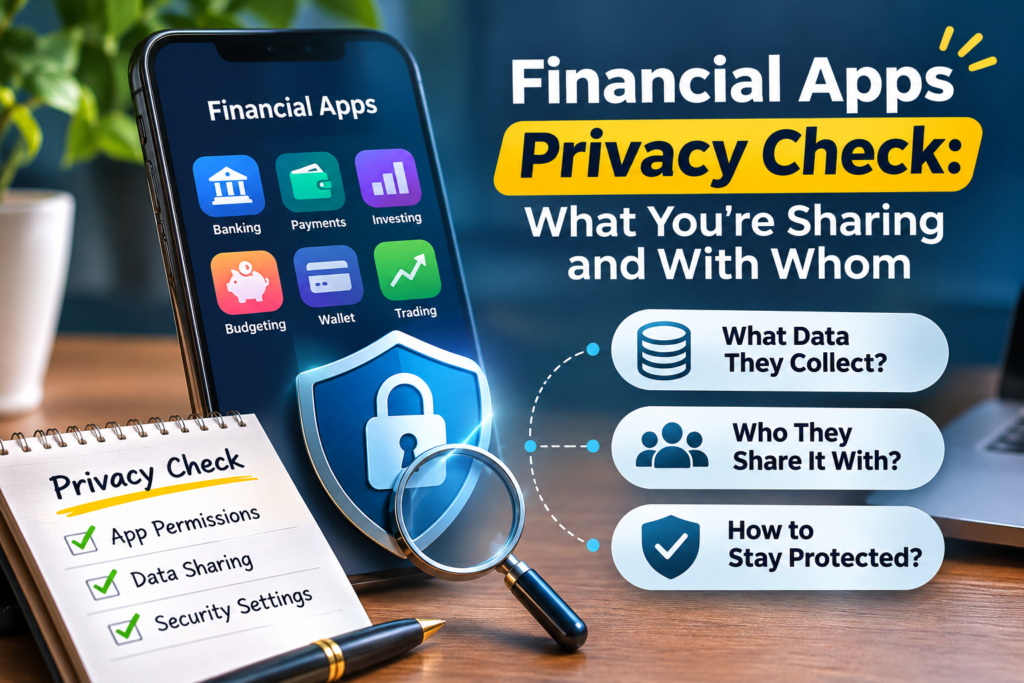
A budgeting app can show where your money goes, a payment app can simplify everyday transactions, and an investment platform can help you manage your portfolio. But these conveniences often involve sharing more personal information than users realise. A 2025 Federal Register publication discussing the Consumer Financial Protection Bureau’s research highlighted a telling finding: only 20% of respondents in a 2021 survey knew that financial technology apps used third-party providers to gather financial data, while just 24% knew these apps could sell personal financial information. This gap between using financial services and understanding their data practices makes a financial apps privacy check an important part of managing money online.
The issue is not that every financial app is unsafe. Many rely on data access to provide useful services. The real question is whether you understand what information you are sharing, why an app needs it, which companies receive it, and how to stop access when you no longer need the service.
What Information Do Financial Apps Actually Collect?
The information collected depends on the app and the service you use. A basic expense tracker may need transaction details, while an investment platform may require identity verification and financial information.
Common data categories include:
- Personal details: Name, email address, phone number, date of birth and residential address.
- Banking information: Account numbers, balances, transaction history and account activity.
- Identity information: Government-issued identification, tax details and verification documents.
- Device information: IP address, device type, operating system and approximate location.
- Financial behaviour: Spending habits, income patterns, recurring payments and investment preferences.
Some information is necessary to provide the service. For example, a budgeting app needs transaction information to categorise expenses. However, access to your entire financial history may not always be necessary for a feature that only requires a limited set of details.
Who Gets Access to Your Financial Data?
When you connect a bank account to another financial app, the information may travel through more than one organisation.
The Consumer Financial Protection Bureau explains that data sharing often involves both the company offering the service and a separate data aggregator that facilitates the transfer. The aggregator helps retrieve, organise or transmit information between financial institutions and the app.
Other potential recipients include:
- Financial institutions: Banks and credit unions that hold your accounts.
- Data aggregators: Companies that connect financial accounts with third-party services.
- Technology providers: Companies supporting cloud storage, analytics and app operations.
- Advertising partners: Businesses that may receive certain information for marketing or audience analysis, depending on the company’s policies and applicable law.
- Fraud prevention providers: Organisations that help identify suspicious activity and verify users.
This does not mean every company receives all your information. The type of access and permitted use depend on the service, your authorisation and its privacy terms. Still, knowing the full chain matters because the app displayed on your phone may not be the only organisation handling your data.
What to Check Before Giving an App Access
A useful financial apps privacy check starts before you press “Connect Account” or “Allow Access.” Take a few minutes to examine the following details.
1. Read the privacy policy, not just the app description
Look for sections explaining information collection, third-party sharing, advertising, data retention and deletion. Pay attention to whether the company uses your information only to provide the service or for additional purposes.
2. Understand the permission being requested
Does the app need to view account balances, transaction history, or make payments? Viewing information and initiating transactions are different permissions. Do not grant payment or transfer access unless the feature genuinely requires it.
3. Check how long access continues
Some services need information only once, while others regularly retrieve updated account activity. Find out whether access continues in the background and whether you can limit its duration.
4. Identify the companies involved
Look for the names of data aggregators, service providers and other third parties. If the privacy policy uses vague language without explaining who receives information or why, contact the company before connecting your account.
A Simple Financial App Privacy Comparison
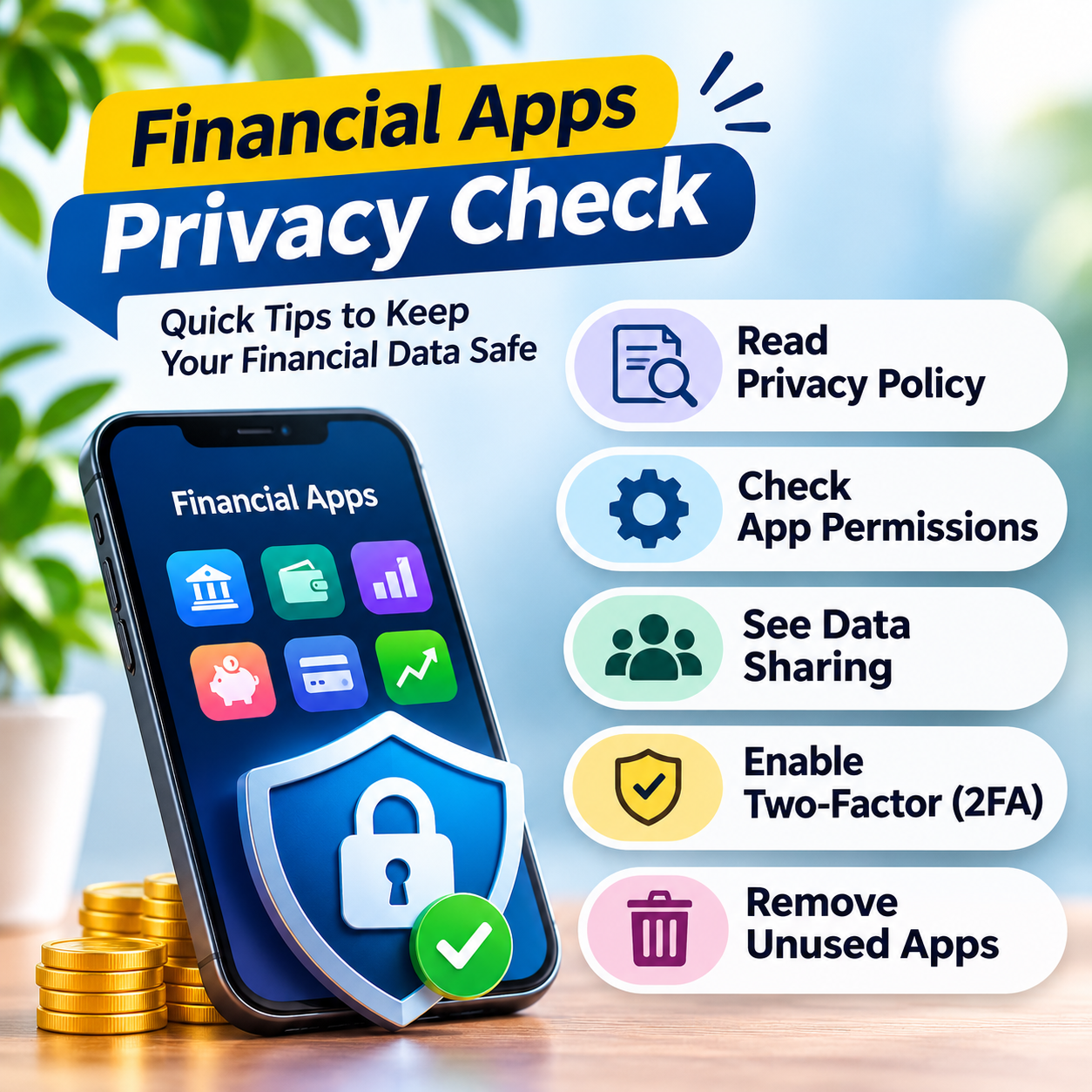
Use this table when reviewing the apps already installed on your phone.
| What to check | What you should look for | Warning sign |
|---|---|---|
| Data collection | Only information needed for the service | Unnecessary sensitive details |
| Account access | Clear permission and access limits | Broad, unexplained access |
| Third-party sharing | Named recipients and stated purposes | Vague sharing disclosures |
| Data retention | Clear storage and deletion rules | No retention information |
| Security | Strong authentication and encryption details | No clear security explanation |
| Account control | Easy way to revoke access | Difficult cancellation process |
How to Protect Your Financial Information
You do not need to stop using digital financial services to improve your privacy. A few practical habits can make a meaningful difference.
Start by reviewing connected applications through your bank’s security or account-access settings, if available. Remove services you no longer use and check whether they also require a separate data-deletion request.
Use unique passwords for financial accounts and enable multifactor authentication wherever possible. Avoid accessing sensitive financial information over unsecured public Wi-Fi, and keep your phone’s operating system and apps updated. It is also worth checking bank and credit card statements regularly. If you notice an unfamiliar transaction, contact your financial institution immediately.
Remember that deleting an app from your phone does not necessarily revoke its access to your financial accounts. You may need to withdraw authorisation separately and ask the provider to delete stored information, subject to applicable legal and retention requirements.
What Are Your Rights Over Financial App Data?
In the United States, financial privacy protections come from several laws and regulatory frameworks. The Gramm-Leach-Bliley Act requires covered financial institutions to explain certain information-sharing practices and provide consumers with opt-out rights for some sharing with non-affiliated third parties. These rights have exceptions, so not every disclosure can be stopped.
The CFPB’s Personal Financial Data Rights rule, issued in October 2024, also established requirements concerning consumer-authorised financial data access and third-party responsibilities. However, the CFPB announced a reconsideration process in August 2025, so implementation details and compliance requirements should be checked against current official guidance.
A financial apps privacy check should therefore include understanding which protections apply to your particular provider and the state or country where you live.
Make Privacy Part of Your Financial Routine
Financial apps can make money management easier, but convenience should not mean giving up control over personal information. Review permissions, understand third-party relationships, use strong account security and remove access that is no longer needed.
A regular financial apps privacy check helps you make informed decisions about which services deserve access to your financial life and which ones do not.
Frequently Asked Questions
1. Is it safe to connect a budgeting app to my bank account?
It can be, provided the app is legitimate, uses appropriate security measures and clearly explains its data practices. Check what information it accesses, who receives it and how to revoke permission.
2. Can financial apps sell my personal data?
Some apps may share or monetise certain information, depending on their business model, privacy disclosures and applicable laws. Read the policy carefully and look for marketing, advertising and data-sharing provisions.
3. Does deleting a financial app stop data sharing?
Not necessarily. You may need to revoke account access separately through the app or your bank and submit a data-deletion request where applicable.
Also Read: How Exchange Rates Work: Getting the Real Rate When You Transfer