
Cloud Gaming in 2027: Is It Finally Good Enough to Replace a Console?
Explore whether cloud gaming in 2027 can replace a console. Compare streaming quality, internet requirements, costs, game libraries and limitations.

Cloud gaming has made significant progress, but replacing a gaming console involves more than streaming a game without downloading it. It requires consistent picture quality, responsive controls, a reliable game library and pricing that makes sense over several years. According to Boston Consulting Group’s Video Gaming Report 2026, 27% of surveyed gamers described themselves as regular or heavy cloud gaming users, while 80% of gamers who had tried it reported a positive overall experience. Yet around 70% of cloud gamers still spent less than a quarter of their gaming time on the technology. BCG also projected the global cloud gaming market to grow from approximately $1.4 billion in 2025 to $6 billion in 2027. These figures suggest growing acceptance, but also reveal an important distinction: enjoying cloud gaming does not necessarily mean being ready to abandon local hardware.
What Has Actually Improved?
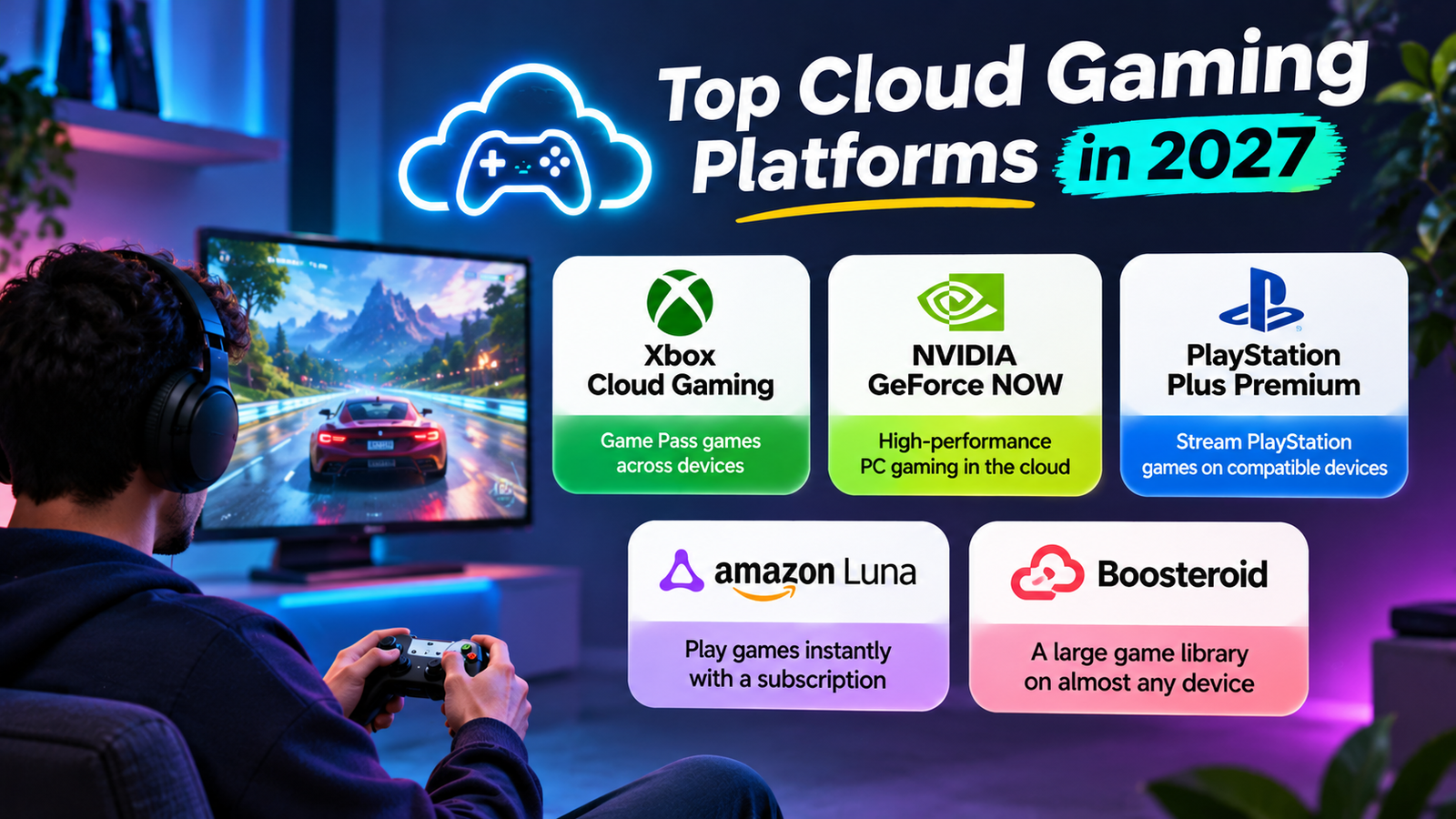
The biggest improvement is that cloud gaming no longer feels like an experimental feature available only to early adopters. Services such as NVIDIA GeForce NOW, Xbox Cloud Gaming and PlayStation Plus Premium have made streaming games across multiple devices a practical option.
NVIDIA’s GeForce NOW, for example, streams supported PC games from remote gaming hardware rather than requiring your device to render them locally. Its published requirements include 25 Mbps for 1080p at 60 FPS and 45 Mbps for 4K at 120 FPS, with network latency below 80 milliseconds to an NVIDIA data centre. The service also supports devices ranging from Windows PCs and Macs to smartphones, browsers and selected televisions.
This means an older laptop or compatible TV can deliver a gaming experience that would otherwise require considerably more powerful hardware. However, the experience depends heavily on your location, connection quality and the distance between you and the nearest server.
The Three Services Worth Comparing
Not every cloud gaming platform works in the same way. Understanding the difference is important before paying for a subscription.
NVIDIA GeForce NOW
GeForce NOW is particularly useful if you already own games on supported PC storefronts. Instead of purchasing a completely new game library, you connect eligible accounts and stream supported titles using NVIDIA’s remote hardware.
Its higher subscription tiers offer advanced graphics capabilities, including ray tracing and higher resolutions on supported games and devices. The limitation is that owning a game on Steam or Epic does not automatically mean it is available to stream. Check the supported-game catalogue first.
Xbox Cloud Gaming
Xbox Cloud Gaming takes a different approach by offering access to supported games through qualifying Game Pass plans. It is convenient for players who prefer exploring a subscription catalogue rather than purchasing every game individually.
However, Microsoft announced monthly cloud gaming allowances for Game Pass plans starting November 2026: 5 hours for Essential, 10 hours for Premium and 15 hours for Ultimate. Additional playtime can be purchased. This makes subscription limits an important consideration for regular players.
PlayStation Plus Premium
PlayStation’s cloud streaming is designed around its own gaming ecosystem. Eligible subscribers can stream selected PlayStation titles, including supported PS5 games on PlayStation Portal in participating regions.
Sony supports streaming at different resolutions depending on the device and connection. Its published requirements for Portal streaming include a minimum 5 Mbps connection to establish a session and 13 Mbps for 1080p. The main limitation is that availability and supported games vary by country and device.
Cloud Gaming vs Traditional Consoles
The following comparison highlights where each approach currently stands.
| Feature | Cloud gaming | Traditional console |
|---|---|---|
| Hardware | Remote servers handle rendering | Local console handles rendering |
| Initial cost | Usually lower | Higher upfront purchase |
| Internet | Essential for gameplay | Not always required |
| Game ownership | Depends on service and licence | Digital or physical ownership varies |
| Performance | Depends on network and server | Generally more consistent locally |
| Storage | Minimal local game installation | Requires local storage |
| Portability | Multiple compatible devices | Usually tied to console ecosystem |
| Offline gaming | Generally unavailable | Supported by many games |
Cloud gaming is attractive if you want to avoid purchasing expensive hardware. Consoles remain more dependable when you want predictable performance without worrying about internet interruptions.
The Real Problem: Internet Speed Is Not Everything
One common misconception is that a 100 Mbps internet connection automatically guarantees smooth cloud gaming. It does not.
Three factors matter:
- Bandwidth: Determines how much data your connection can handle. Higher resolutions require more bandwidth.
- Latency: Measures how long data takes to travel between your device and the remote server. High latency makes controls feel delayed.
- Jitter and stability: Sudden fluctuations can cause visual stuttering, compression or interrupted gameplay.
For example, a player living close to a cloud gaming data centre with a stable 50 Mbps connection may have a better experience than someone with a 300 Mbps connection located far away.
For the best results, use Ethernet where possible or a reliable 5 GHz Wi-Fi connection. NVIDIA specifically recommends a wired connection or 5 GHz Wi-Fi and sets an 80 ms latency requirement to its data centre.
Will Cloud Gaming Save You Money?
The answer depends on how frequently you play and which games you prefer.
A subscription may look cheaper than purchasing a console, but recurring payments add up. Over three years, even a $15 monthly subscription costs $540, excluding internet expenses and additional game purchases.
A console, on the other hand, involves a larger initial investment but does not usually require a cloud gaming subscription to run locally purchased games. Online multiplayer and subscription catalogues may still require separate memberships.
| Expense | Cloud gaming | Console gaming |
|---|---|---|
| Gaming hardware | Compatible device | Console purchase |
| Monthly subscription | Often required | Optional for local play |
| Game purchases | Depends on service | Depends on platform |
| Internet usage | High and continuous | Mainly downloads and online play |
| Long-term cost | Recurring service fees | Hardware and game purchases |
The most economical option is the one that matches your existing devices, gaming habits and game library.
Which Games Work Best Through Streaming?
Cloud gaming is particularly suitable for story-driven adventures, strategy games, simulation titles, racing games and casual multiplayer experiences.
Competitive shooters and fighting games are more demanding because even small input delays can affect performance. Players who rely on precise timing may still prefer local hardware.
There is also the issue of availability. Some games are not supported by every streaming service, and subscription catalogues can change. Before choosing a platform, check whether the specific games you regularly play are available.
The Verdict: A Real Alternative, Not Yet a Universal Replacement
Cloud gaming in 2027 is becoming a serious alternative for people who do not want to invest in dedicated gaming hardware. Better streaming technology, broader device compatibility and improved services have made it genuinely useful.
However, consoles still have advantages in performance consistency, offline access and predictable ownership. For now, cloud gaming is best viewed as another way to play rather than a complete replacement for every console.
If you already own a capable device and have reliable internet, try a cloud gaming service before spending money on new hardware. Your own experience with latency, supported games and subscription costs will tell you more than any advertised resolution figure.
Frequently Asked Questions
1. Can cloud gaming completely replace a console in 2027?
For casual and many single-player gamers, it can. However, players who want offline access, consistent performance and competitive responsiveness may still prefer a traditional console.
2. Do I need a powerful PC for cloud gaming?
No. The remote server handles most of the graphics processing. You mainly need a compatible device, a supported app or browser and a stable internet connection.
3. Is cloud gaming better than downloading games?
It saves local storage and avoids lengthy installations, but requires a continuous internet connection. Downloading remains preferable when you want offline access.
Also Read: How to Save for Travel Without Touching Your Emergency Fund