
How to Recover Deleted Files on Windows and Mac: EaseUS and Free Options
Learn how to recover deleted files on Windows and Mac using EaseUS, Windows File Recovery, PhotoRec, Time Machine and other free options.

Deleting an important file can feel like a disaster, especially when it contains client work, family photographs, financial records or an unfinished project. But deletion does not always mean the data has disappeared permanently. In many cases, the operating system simply marks the storage space as available for reuse. Whether you can recover deleted files on Windows and Mac depends on how the file was deleted, how much the device has been used since, the type of storage and whether a backup exists. There are several options worth trying before paying for recovery software: Windows and macOS have built-in recovery features, while tools such as EaseUS Data Recovery Wizard and the free PhotoRec can help in more difficult situations.
The most important rule is to act quickly. New downloads, software installations and even routine computer activity can overwrite deleted data. A recovery scan may find a file, but that does not guarantee the file will open intact.
First, Stop Using the Affected Drive
Before installing recovery software, stop saving new files to the drive where the deleted data was stored. If you accidentally deleted photographs from an external drive or USB stick, disconnect it safely and avoid using it.
This matters because deleted files often remain physically present until their storage space is reused. On SSDs, TRIM and background storage management can make recovery more difficult, sometimes very quickly.
If the missing files are business-critical or the drive is making unusual noises, disconnect it and consider professional data recovery rather than experimenting with multiple tools.
Recover Deleted Files on Windows Without Paying
Start with the simplest options before attempting a deep scan.
1. Check the Recycle Bin
Open the Recycle Bin from your desktop, locate the missing file, right-click it and select Restore. Windows returns it to its original location. This is the quickest solution when the file was deleted normally and the Recycle Bin has not been emptied.
2. Check OneDrive and File History
If your Desktop, Documents or Pictures folders are synchronised with OneDrive, check its online Recycle Bin. A deleted cloud file may still be available there. For locally backed-up files, open File History if it was configured before deletion. Search for the original folder, browse available versions and restore the required file.
3. Use Windows File Recovery
Microsoft offers a free command-line utility called Windows File Recovery for Windows 10 and Windows 11. It can attempt to recover files from local internal drives, external drives and USB storage. It does not support cloud storage or network file shares.
Install Windows File Recovery from the Microsoft Store. Connect a separate destination drive, then open the application and use a command in this format:
winfr source-drive: destination-drive: /regular /n *.docxFor example, this attempts to recover Word documents from drive C: to drive E:.
Microsoft provides Regular and Extensive modes. Regular is generally suitable for recently deleted files on healthy NTFS drives. Extensive is intended for older deletions, formatted or corrupted drives, and non-NTFS file systems.
Important: The source and destination must be different drives. Never save recovered files back to the drive being scanned.
Recover Deleted Files on Mac Using Built-In Features
Mac users should check Apple’s recovery options before downloading third-party software.
1. Check Trash
Open Trash from the Dock. If the deleted file is there, right-click it and select Put Back. The file returns to its previous location.
2. Restore from Time Machine
If Time Machine backups were enabled before the deletion, open the folder where the file originally existed. Launch Time Machine, browse earlier backups, select the missing file and click Restore.
This can also help recover older versions of documents that have been edited or overwritten.
3. Check iCloud Drive
If you use iCloud Drive, sign in to iCloud.com and look for the file under Recently Deleted or the account’s file recovery options. Apple generally retains recently deleted iCloud Drive files for up to 30 days, after which they are removed from Recently Deleted.
Also check whether the file exists on another Apple device that has not yet synchronised the deletion.
Is EaseUS Data Recovery Wizard Worth Trying?
When built-in options fail, EaseUS Data Recovery Wizard is a convenient option for users who prefer a graphical interface over command-line tools. It is available for Windows and Mac and can scan internal drives, external storage and removable devices.
The typical workflow is straightforward:
- Install EaseUS on a different drive from the one containing the lost data.
- Open the application and select the affected drive or location.
- Start the scan and allow it to search for recoverable files.
- Filter results by file type, name or location.
- Preview important files where supported.
- Select the files and recover them to a separate storage device.
EaseUS offers a free edition with a limited recovery allowance. Its published free allowance is up to 2GB, although the default free recovery may be 500MB, with an additional 1.5GB available through its sharing option. The Mac free edition also has limitations for SD-card recovery. Check the current edition and terms before installing.
Recover Deleted Files on Windows and Mac: Free Alternatives Worth Considering
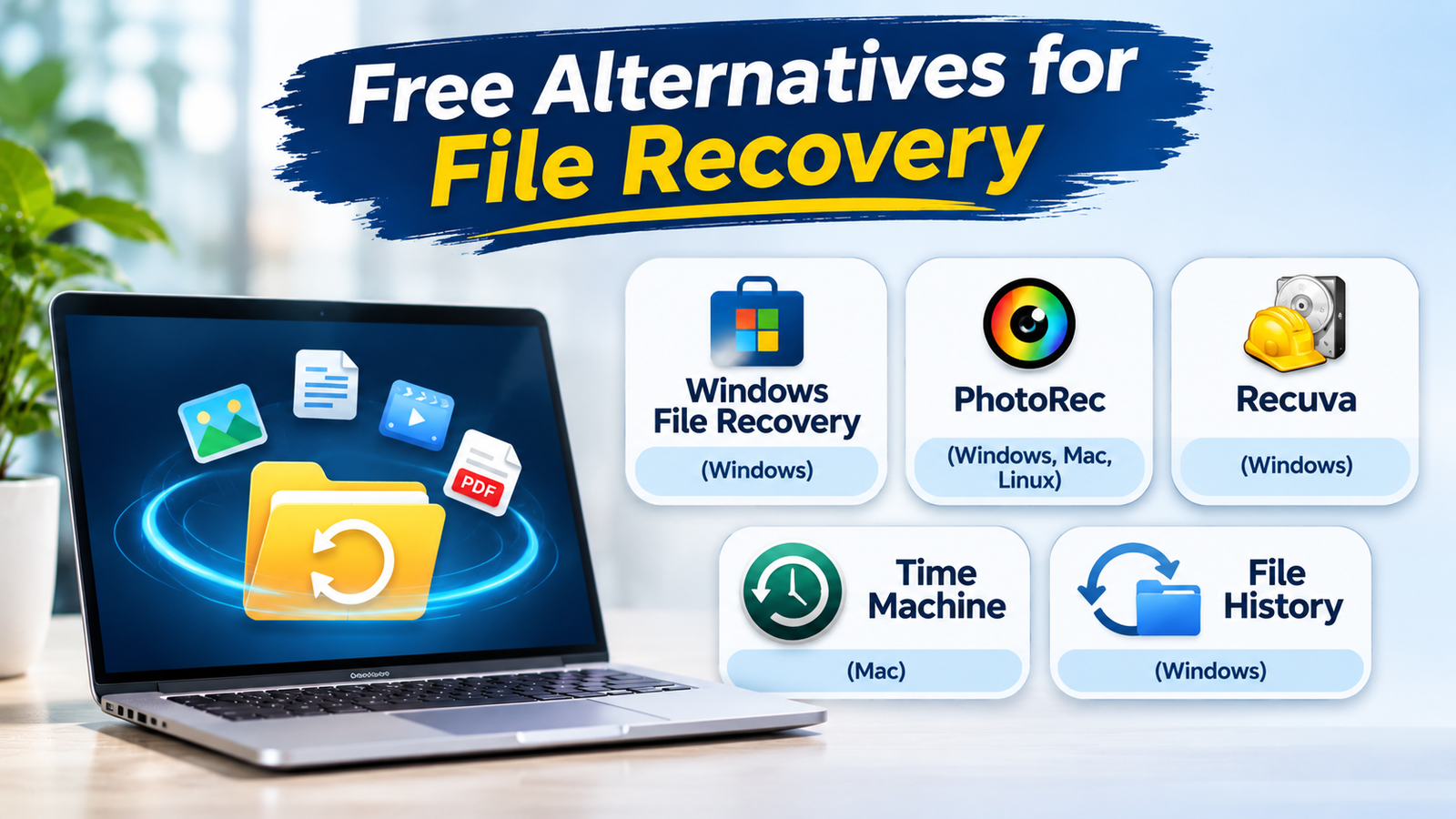
EaseUS is not the only option. If you want to avoid paid software, consider these alternatives.
| Tool | Platform | Best suited for | Main limitation |
|---|---|---|---|
| Windows File Recovery | Windows | Local drive recovery | Command-line interface |
| PhotoRec | Windows, Mac, Linux | Deep scans and damaged file systems | Original filenames and folders may be lost |
| Recuva | Windows | Recently deleted files | Less suited to complex drive damage |
| Time Machine | Mac | Restoring previous backups | Must have been configured earlier |
| File History | Windows | Restoring older file versions | Requires an existing backup |
PhotoRec is particularly useful because it is free and open-source. It scans storage for file signatures and can recover hundreds of file types, including images, documents and archives. However, it often cannot preserve original filenames or folder structures. Save recovered files to another drive, never the source.
Which Recovery Method Should You Choose?
The best option depends on what happened:
- Recently deleted a document: Check Recycle Bin or Trash first.
- Deleted a file from a synchronised folder: Check OneDrive or iCloud’s recovery area.
- Have an older backup: Use File History or Time Machine.
- Permanently deleted a Windows file: Try Windows File Recovery.
- Need a simpler scanning interface: Consider EaseUS.
- Recovering files from a formatted or damaged drive: PhotoRec may help, but consider professional assistance if the data is valuable.
No recovery tool can guarantee success. SSD TRIM, overwritten storage blocks, encryption and physical damage can make recovery impossible.
How to Recover Deleted Files on Windows and Mac: FAQs
1. Can permanently deleted files be recovered?
Sometimes. Recovery is more likely if the storage space has not been overwritten and the drive is functioning properly. Backups offer the most reliable route.
2. Is EaseUS Data Recovery Wizard free?
It offers a free edition with limited recovery capacity. Its published allowance is up to 2GB under the applicable conditions; check the current plan before relying on it.
3. Can I recover files after formatting a drive?
Possibly. Stop using the drive immediately. Tools such as PhotoRec or EaseUS may locate remaining data, but success depends on the file system, storage type and whether new data has overwritten the old files.
Also Read: How Small Agencies Can Automate Client Communication with Chatbots