
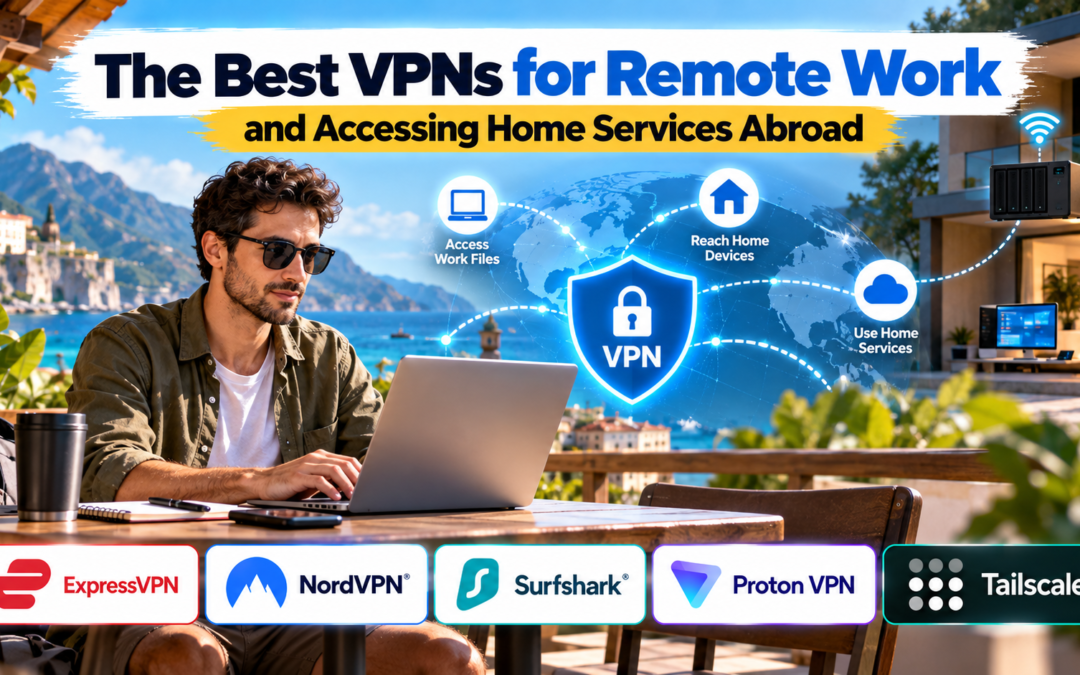
The Best VPNs for Remote Work and Accessing Home Services Abroad
Working from another country can expose practical problems that are easy to overlook when planning a trip. Your company may require a secure connection to internal systems, a banking website may flag a foreign login, or you may need a file stored on your home computer, a network-attached storage (NAS) device, or a self-hosted service. The best VPNs for remote work help protect internet traffic on hotel and café Wi-Fi, but choosing the right option depends on what you need to access.
A consumer VPN and a remote-access VPN solve different problems. A commercial service such as NordVPN or ExpressVPN routes traffic through its VPN servers, while tools such as Tailscale can connect your devices to a private network so you can reach your own computer or home services. NordVPN’s Meshnet, for example, supports secure connections between linked devices, while Tailscale can provide access to private office resources without exposing them publicly.
The important distinction is that changing your apparent IP address is not the same as gaining access to a device on your home network. Before subscribing, identify whether your priority is protecting work traffic, connecting to a company network, or securely reaching your own files and devices abroad.
The Best VPNs for Remote Work: Quick Comparison
| VPN or tool | Best for | Main advantage | Consideration |
|---|---|---|---|
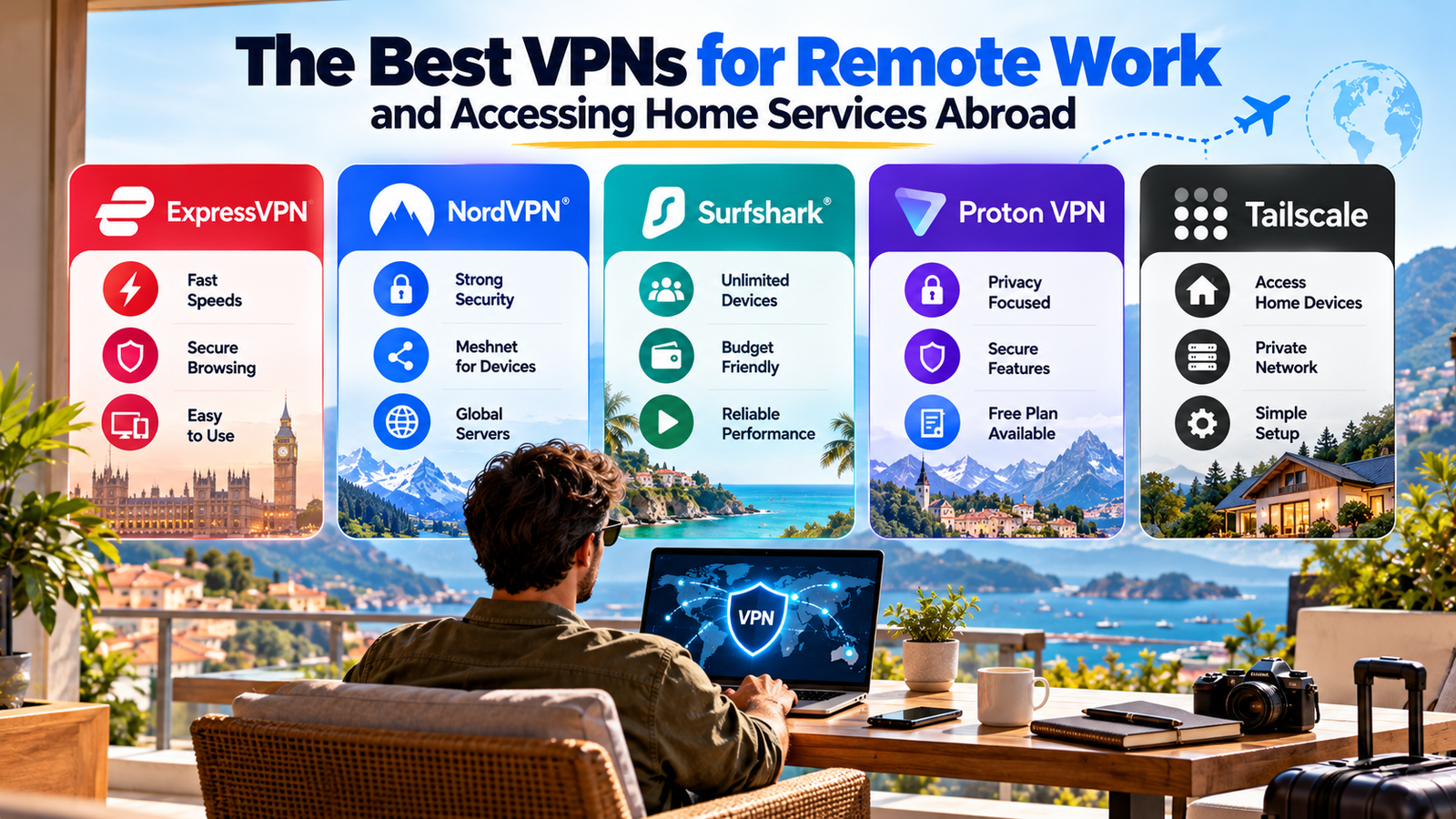
| NordVPN | Remote professionals and travellers | Fast connections and Meshnet for linked devices | Meshnet access needs configuration |
| ExpressVPN | Freelancers who want simple protection | Straightforward apps and Lightway protocol | Premium pricing may be a drawback |
| Surfshark | People using multiple devices | Unlimited simultaneous device connections on supported plans | Not a substitute for a private home network |
| Proton VPN | Privacy-focused professionals | Strong privacy features and a free plan | Some advanced needs may require a paid plan |
| Tailscale | Accessing home servers and private services | Connects authorised devices into a private network | Requires setup on the devices or network |
These options are not interchangeable. The first four are consumer VPN providers; Tailscale is a private networking tool designed for connecting devices and services. Features, plan limits and prices can change, so check the current terms before purchasing.
1. NordVPN: Best All-Round Option for Remote Work
Best for: Frequent travellers, consultants and hybrid employees
NordVPN is a strong starting point if you want to protect your laptop and phone on unfamiliar networks without managing your own VPN server. It offers encrypted VPN connections, a broad server network and security features aimed at everyday privacy. Its Meshnet feature is particularly relevant when you need to connect to your own devices rather than simply route traffic through a commercial VPN server.
With Meshnet, authorised devices can communicate over a private network.
- This can help you reach a home computer, transfer files or access supported services while travelling.
- NordVPN also documents remote desktop access through Meshnet, providing an alternative to exposing remote-access ports directly to the internet.
What to consider: Meshnet is not the same as selecting a VPN server in your home country. Set it up and test device permissions before leaving home, and check whether your intended operating systems and applications are supported.
2. ExpressVPN: Best for Straightforward, Everyday Protection
Best for: Freelancers who prefer simple setup.
ExpressVPN is worth considering if you frequently switch between hotel Wi-Fi, coworking spaces and mobile hotspots. Its Lightway protocol and user-friendly apps make it an approachable option for people who want encrypted internet access without spending much time adjusting network settings. TechRadar’s current VPN roundup highlights its usability and performance.
For remote work, it can help protect traffic between your device and the VPN server on networks you do not control. However, it does not automatically grant access to your home NAS, desktop or local-only dashboard. You would still need a separate remote-access solution, such as a properly configured remote desktop tool or private network.
What to consider: Compare renewal pricing as well as introductory offers. If home-device access is your main requirement, prioritise that capability instead of choosing solely on connection speed.
3. Surfshark: Best for Multiple Personal Devices
Best for: Digital nomads carrying several devices
Remote workers often travel with a work laptop, personal laptop, phone and tablet. Surfshark allows unlimited simultaneous connections under its standard subscription policy, making it appealing if you want to protect several personal devices without managing separate subscriptions.
It is useful for encrypting connections on public Wi-Fi and maintaining a consistent privacy setup across devices. But a commercial VPN connection does not, by itself, make your home printer, NAS or smart-home dashboard remotely accessible. You will need a separate, secure route to those devices.
What to consider: Review the device policy and features included in your chosen plan. For business use, confirm that sharing a consumer subscription complies with the provider’s terms and your employer’s security rules.
4. Proton VPN: Best for Privacy-Focused Professionals
Best for: Freelancers handling sensitive information
Proton VPN is a good candidate for professionals who put privacy high on their list. Its apps and security features are designed for users who want more control over how their internet traffic is protected. A free plan is also available, although the features and server choices available on free and paid plans differ.
For someone working abroad, the main benefit is an encrypted connection when using networks outside their control. However, a privacy-focused consumer VPN is not automatically a replacement for an employer-managed VPN or a private network linking your home devices.
What to consider: Check whether your required server locations, connection features and device support are included in the plan you intend to use. Do not assume that a free tier will meet every work-related requirement.
5. Tailscale: Best for Accessing Home Services Abroad
Best for: Home servers, NAS devices and self-hosted tools
If your main goal is accessing a service running at home, Tailscale deserves special attention. Rather than simply routing all your internet traffic through a commercial VPN server, it creates a private network between authorised devices. Its remote-worker documentation explains how subnet routers can provide access to resources on a private network and how exit nodes can route internet traffic through a designated device.
This setup can be useful for accessing a home server, development environment, NAS or internal dashboard from abroad. You install and configure Tailscale on the relevant devices, then grant access only to the people and devices that need it.
What to consider: A home device or network gateway generally needs to remain online and correctly configured. Use access controls, keep software updated and avoid exposing administrative interfaces directly to the public internet.
How to Choose the Right Setup
The best VPNs for remote work are not necessarily the ones with the largest server counts. Choose based on the actual task:
- Public Wi-Fi protection: Choose a reputable consumer VPN with a reliable kill switch and modern encryption.
- Company systems: Use the VPN or zero-trust access tool approved by your employer.
- Home computer access: Configure a secure remote-access tool or private network before travelling.
- NAS and local dashboards: Consider Tailscale or a carefully configured home VPN gateway.
- Home-country IP address: A VPN server in your home country may help with some services, but banking platforms and websites can still apply location checks and additional verification.
Before departure, test access from a different network, enable multi-factor authentication, install updates and save recovery codes securely. If you manage your own home network, use strong credentials and restrict access to only the services you need.
Remember that a VPN does not override company policies, local laws or a service’s geographic restrictions. Some employers require traffic to pass through their own security infrastructure, and some financial services may restrict foreign access even when a VPN is enabled.
Best VPNs for Remote Work: Final Verdict
Choose NordVPN for general-purpose VPN protection with the additional option of Meshnet, ExpressVPN for straightforward everyday use, Surfshark for multiple personal devices, and Proton VPN for a privacy-focused alternative. If accessing your own home services is the primary goal, Tailscale may be the more suitable starting point.
The right choice depends on whether you need secure browsing, company-approved access or a private route back to your own devices. Test the complete setup before your trip, not after you arrive abroad.
Best VPNs for Remote Work: FAQs
1. Can I access my home computer from abroad using a VPN?
Yes, with the right setup. A private network such as Tailscale or NordVPN Meshnet can connect authorised devices, while remote desktop software can provide access to the computer itself. Configure and test the connection before travelling.
2. Is a consumer VPN enough for remote work?
It can protect traffic on public Wi-Fi, but it may not provide access to internal company resources. Follow your employer’s requirements and use its approved remote-access solution when necessary.
3. Can a VPN help me access home-country banking services?
It may provide an IP address associated with your home country, but it cannot guarantee access. Banks may use device checks, identity verification, fraud detection and other location signals.
Also Read: Termly Review: Is It Worth Using for Website Privacy Compliance?