
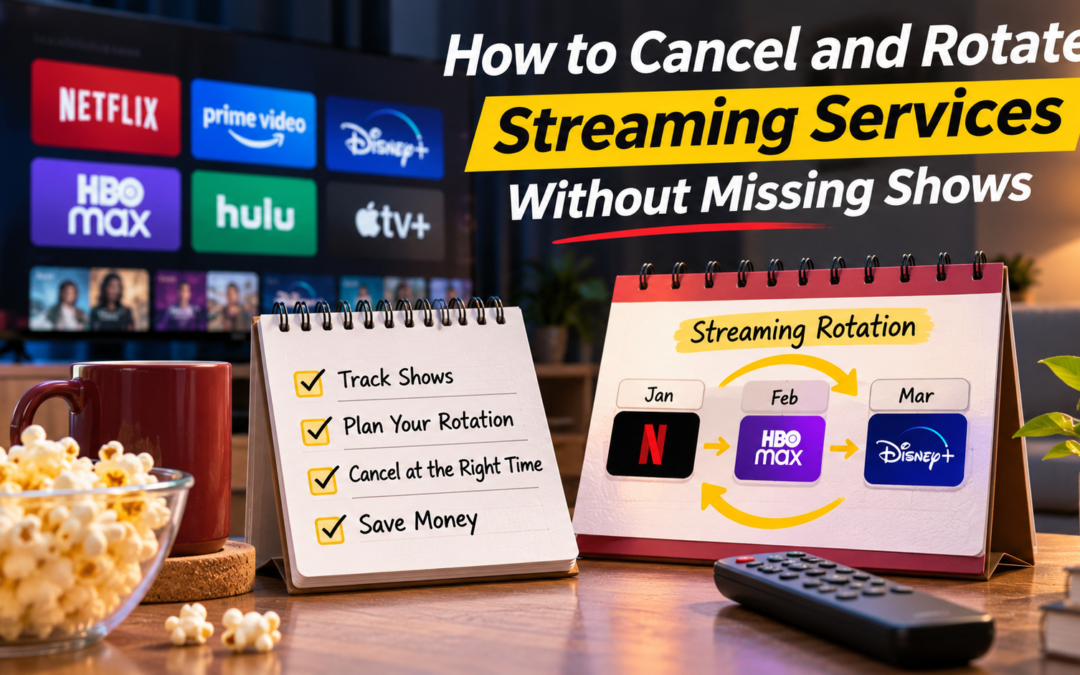
How to Cancel and Rotate Streaming Services Without Missing Shows
Rotating streaming subscriptions is becoming a practical way to control entertainment spending without giving up the shows you want to watch. According to Deloitte’s 2026 Digital Media Trends research, 43% of U.S. consumers cancelled at least one paid streaming video subscription in the previous six months, while 27% cancelled and later returned to the same service. Deloitte also reports that subscribing households spend an average of $69 per month on streaming video services. These figures point to a clear opportunity: instead of paying for several platforms all year, viewers can subscribe when the content they want is available, finish watching it, and move to another service. The trick is timing. If you cancel too early, you may miss a weekly episode, a season finale or a show that arrives later than expected. Here is how to cancel and rotate streaming services strategically, keep track of release dates and avoid paying for months you barely use.
Start With a List of What You Actually Watch
Before cancelling anything, review your current subscriptions and identify the shows, films and live events you genuinely want to watch.
Do not judge a platform only by its catalogue size. A service may have hundreds of titles, but if you regularly watch only one series, keeping it active throughout the year may not make financial sense.
Create a simple watchlist with three categories:
- Currently watching: Shows with new episodes arriving weekly.
- Waiting to watch: Completed seasons or films you want to save for later.
- Upcoming releases: New seasons, finales and exclusive titles expected in the coming months.
This gives you a clearer picture of which subscriptions deserve your money right now.
Build a Streaming Rotation Calendar
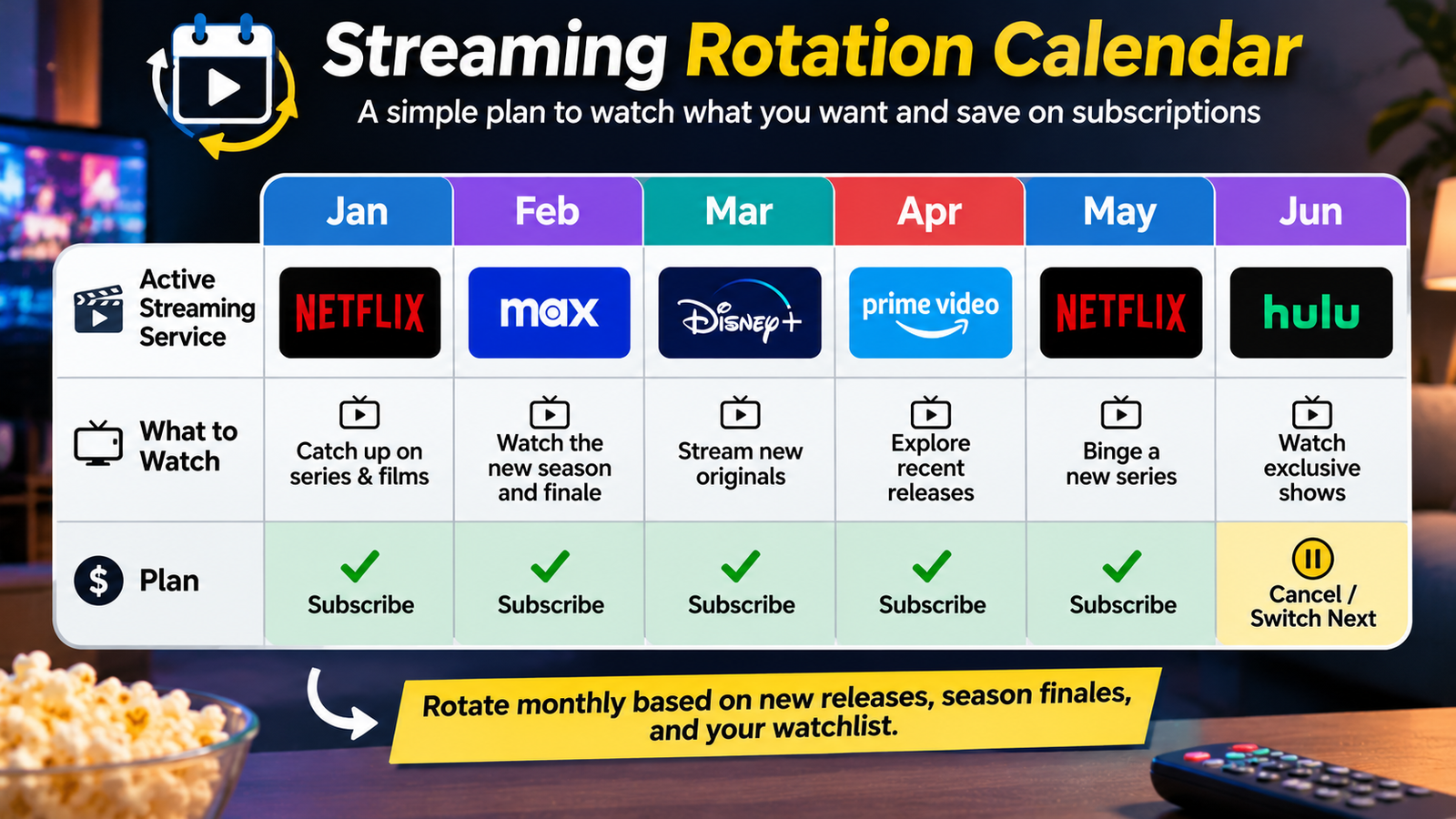
A rotation calendar is the most useful tool when planning how to cancel and rotate streaming services. It helps you avoid paying for multiple platforms during months when you only actively use one or two.
For example, imagine you want to watch a series on Netflix, a new season on Max and an original show on Disney+. Instead of keeping all three subscriptions active, plan your viewing around their release schedules.
| Period | Streaming plan | What to do |
|---|---|---|
| January | Netflix | Watch completed seasons and selected films |
| February | Max | Catch up on a series and its season finale |
| March | Disney+ | Watch the latest original releases |
| April | Netflix or Max | Return only if new episodes are available |
This is an example, not a fixed schedule. Actual rotation depends on release dates, subscription costs and how much time you have to watch.
The important thing is to avoid overlapping billing periods unnecessarily. If a show’s final episode arrives near the end of the month, plan to finish it before your next renewal date.
Understand Weekly Releases Before Cancelling
One of the biggest mistakes subscribers make is cancelling immediately after watching the first few episodes of a new series.
Streaming platforms use different release strategies. Some release an entire season at once, while others publish episodes weekly. A weekly release can keep you subscribed for two or three months if you follow multiple shows on the same platform.
Before subscribing, check:
- Whether the complete season is available.
- The date of the final episode.
- Whether another season has been confirmed.
- Whether the show is exclusive to that platform.
- Whether the platform has announced a release schedule.
If a series releases weekly, you may find it cheaper to wait until the finale is available and watch the entire season during one subscription period.
Cancel at the Right Time, Not at the Last Minute
Most streaming services allow you to cancel automatic renewal while continuing to watch until the end of the paid billing period. However, cancellation and access rules vary depending on the service, promotional offer and billing provider.
Check your account’s subscription or membership page for the exact renewal date and access end date. If you subscribed through Apple, Google Play, Amazon or a mobile carrier, you may need to cancel through that provider rather than directly through the streaming platform.
A few habits make the process easier:
- Cancel immediately after deciding not to renew, rather than waiting until the final day.
- Save the cancellation confirmation email.
- Check whether access continues until the billing period ends.
- Look for annual plans or bundled subscriptions before cancelling.
- Set a reminder a few days before your next planned subscription begins.
Remember that cancelling a subscription is not the same as deleting your account. Avoid deleting your profile or account unless you specifically want to remove it.
Keep Track of Your Shows Across Platforms
A rotating subscription strategy only works if you know where your shows are available. Streaming catalogues change, and a title that was available last month may move to another platform.
Use a watchlist app, spreadsheet or calendar to record the show, platform, season status and next episode date. Services such as JustWatch can also help you check where films and series are currently available in your region.
If you share subscriptions with family members, coordinate the rotation before cancelling. Someone else may be halfway through a series or relying on the platform for downloads and offline viewing.
For anyone learning how to cancel and rotate streaming services, this small amount of organisation can prevent accidental interruptions and unnecessary renewals.
How Much Can You Actually Save?
The savings depend on how many services you use and how frequently you rotate them.
Consider a simple example: three subscriptions costing $15 each per month would total $45 monthly, or $540 annually. If you keep one active at a time and rotate between them, your subscription spending could fall to around $180 annually, assuming similar monthly prices and no overlapping payments.
| Subscription approach | Monthly cost | Annual cost |
|---|---|---|
| Three services all year | $45 | $540 |
| One service at a time | $15 | $180 |
| Potential annual saving | $30/month | $360 |
These are illustrative figures, not current prices for specific platforms. Actual savings depend on plan prices, taxes, bundles and the length of each subscription.
Make Streaming Work Around Your Schedule
The best approach is not to cancel every service as soon as you finish one show. Some platforms offer valuable bundles, sports coverage, live programming or family content that may justify keeping a subscription active.
Instead, review your subscriptions once a month. Check what you watched, what is arriving next and which services are likely to go unused. This makes how to cancel and rotate streaming services a repeatable routine rather than a last-minute budgeting exercise.
You do not need every streaming platform available. You need access to the right content at the right time, without paying for months when you are not watching.
How to Cancel and Rotate Streaming Services: FAQs
1. Can I cancel a streaming service and still watch until the end of the month?
Many services allow access until the end of the paid billing period after cancellation. Check your account’s stated access end date, as rules can vary.
2. Is it cheaper to subscribe to one streaming service at a time?
It can be. Rotating between services reduces overlapping monthly payments, particularly if you mainly watch exclusive shows on individual platforms.
3. When should I cancel a streaming subscription?
Cancel before the next billing date once you have finished the content you intended to watch. Do not wait until the final day in case the cancellation process takes time or requires confirmation.
Also Read: Free-to-Play Spending: A Sane Budget System for Gamers