
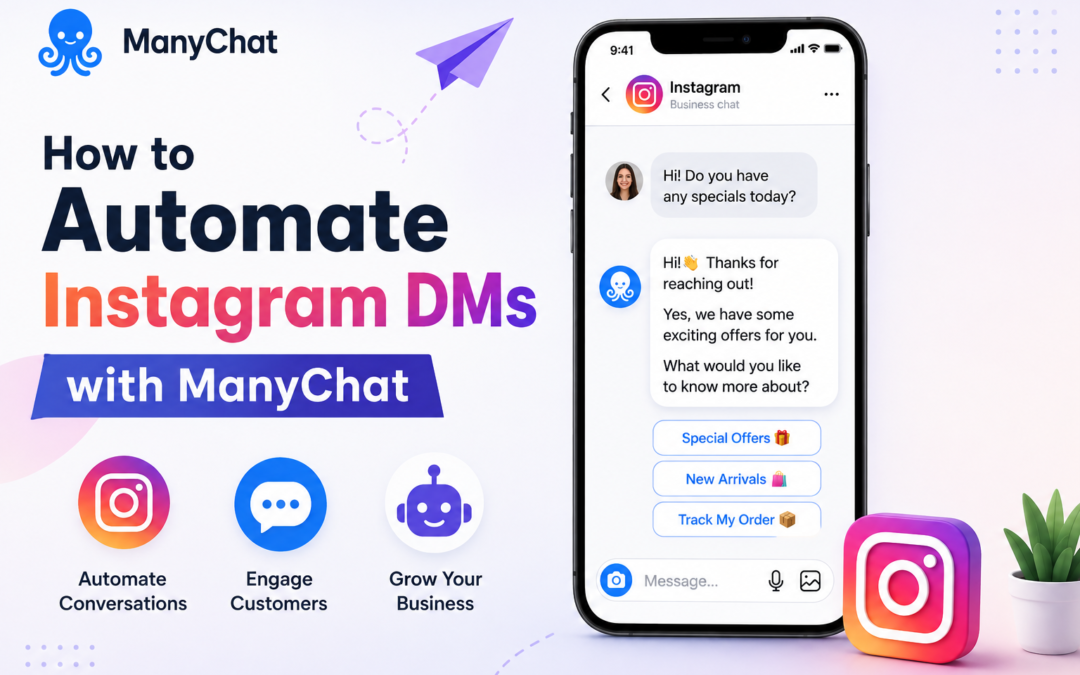
How to Automate Instagram DMs with ManyChat: A Step-by-Step Guide
Instagram has evolved from a photo-sharing platform into one of the most powerful customer engagement channels for businesses. With over two billion monthly active users globally, brands now rely on Instagram not only to build awareness but also to answer product inquiries, qualify leads, collect customer information, and even drive sales directly through direct messages (DMs). Responding to every message manually, however, becomes increasingly difficult as conversations grow. This is where knowing how to automate Instagram DMs with ManyChat becomes a valuable strategy.
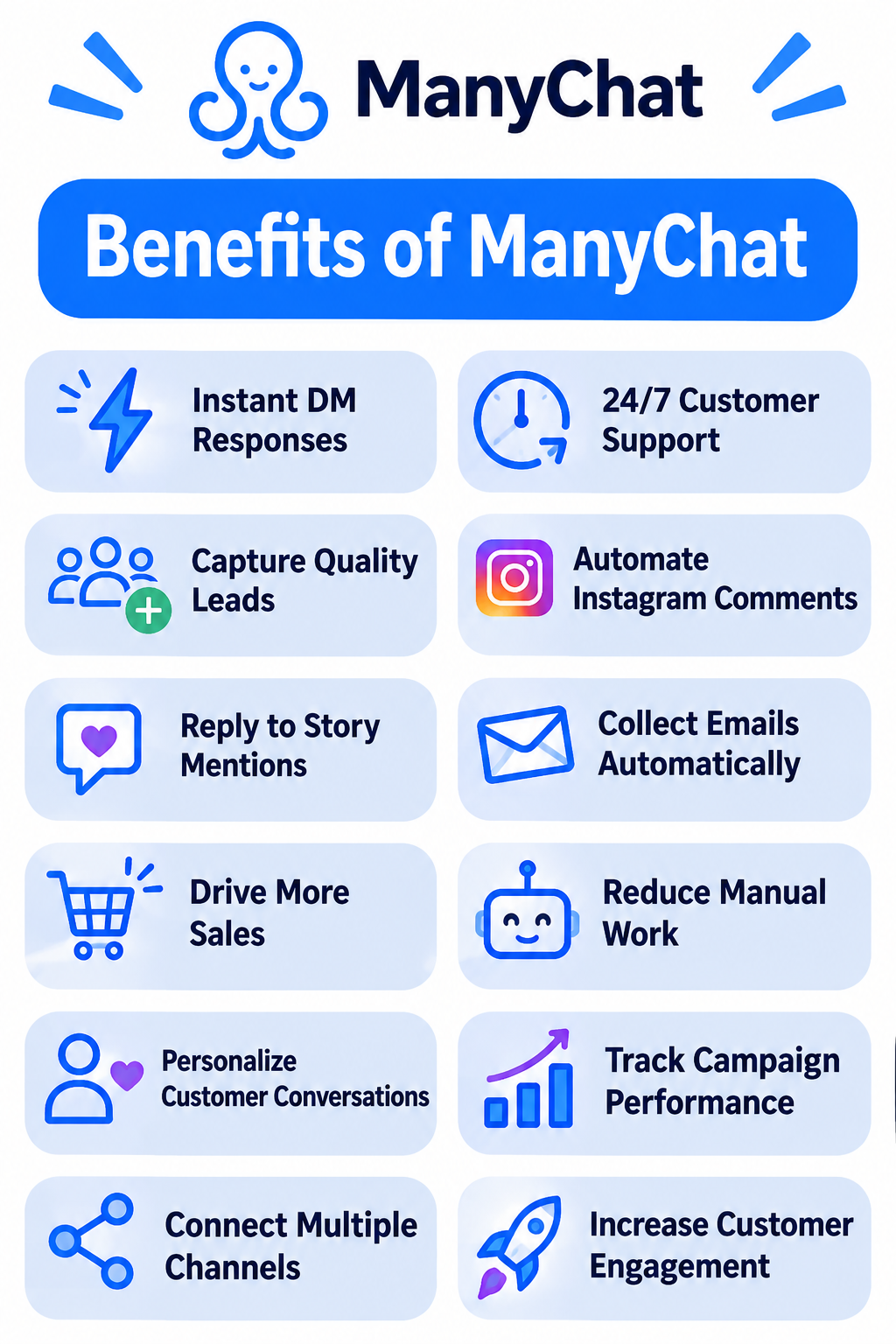
ManyChat is a conversation automation platform that helps businesses automatically reply to Instagram DMs, comments, Story mentions, and keyword-based interactions while maintaining a personalized customer experience. When implemented correctly, automation reduces response times, captures more leads, and allows businesses to engage customers around the clock without sacrificing quality.
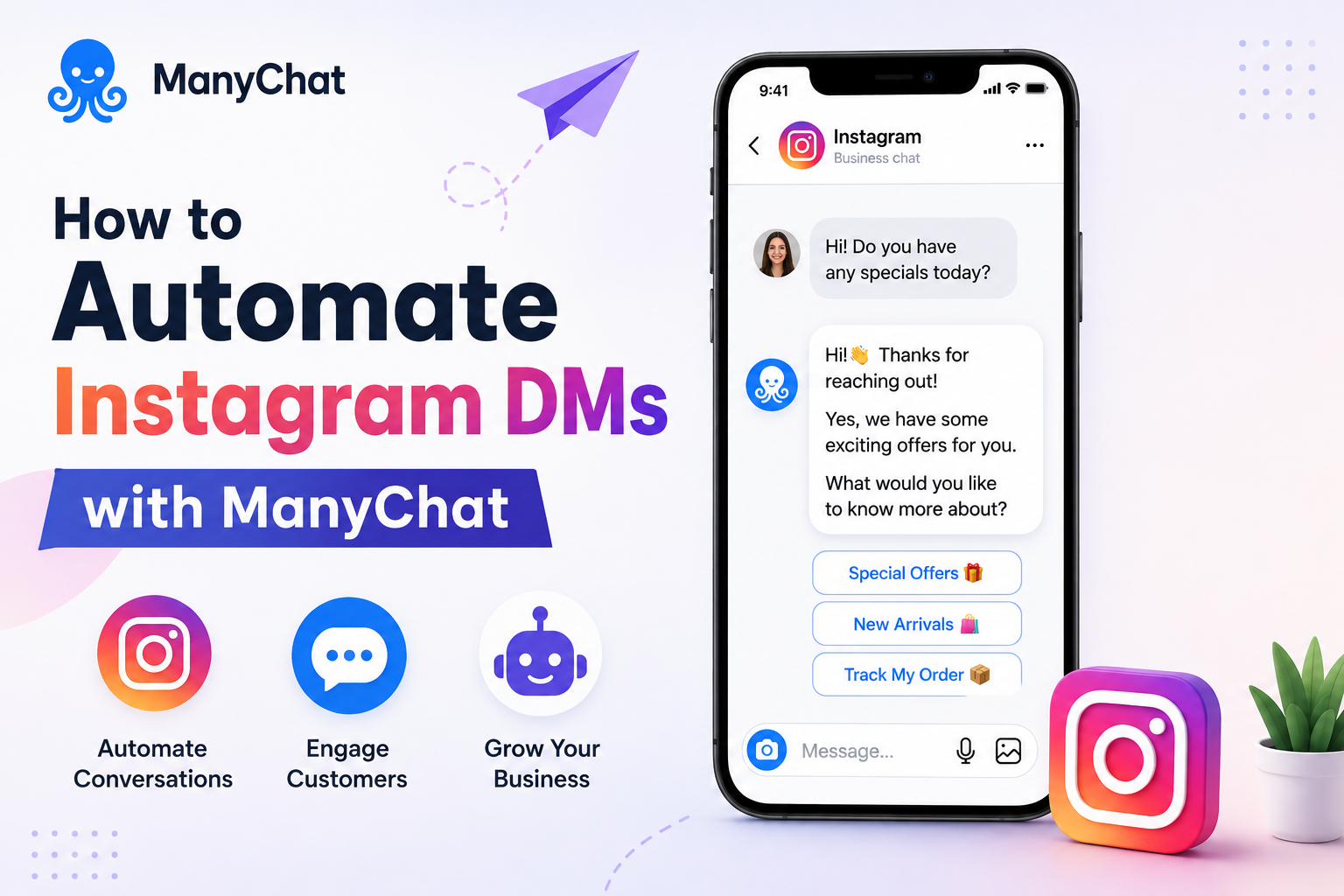
Why Instagram DM Automation Matters
Consumers increasingly expect businesses to respond within minutes rather than hours. A delayed response often means losing a potential customer to a competitor. Whether someone asks about pricing, delivery, appointments, or product availability, fast communication improves trust and conversion rates.
Instagram’s built-in messaging system works well for small volumes, but as businesses grow, managing hundreds of conversations manually becomes inefficient. Automation handles repetitive queries instantly while allowing human agents to step in whenever personalized assistance is required.
What is ManyChat?
ManyChat is a marketing automation platform designed to build conversational workflows across messaging channels. For Instagram, it enables businesses to automate replies based on user actions such as sending a keyword, commenting on a post, replying to a Story, or clicking a link.
Instead of replacing human conversations, ManyChat streamlines routine interactions. Businesses can answer FAQs, recommend products, collect email addresses, share downloadable resources, qualify leads, and route complex conversations to team members, all within Instagram Direct Messages.
Prerequisites Before You Start
Before learning how to automate Instagram DMs with ManyChat, ensure you have the necessary accounts and permissions in place.
| Requirement | Purpose |
|---|---|
| Instagram Professional Account | Required for automation features |
| Facebook Page connected to Instagram | Enables Meta integration |
| ManyChat Account | Creates and manages automation |
| Meta Permissions Enabled | Allows message automation |
| Business Objectives | Helps design relevant workflows |
Connecting these accounts takes only a few minutes but forms the foundation for every automation you’ll build.
Step 1: Connect Instagram to ManyChat
- Begin by creating a ManyChat account and signing in using your Facebook credentials.
- During setup, authorize access to your connected Instagram Business or Creator account.
- Once connected, ManyChat automatically syncs your Instagram profile, allowing you to create messaging flows and monitor conversations from a single dashboard.
- Before publishing any automation, verify that permissions remain active to avoid interruptions after Meta updates.
Step 2: Identify Your Most Common Customer Questions
Effective automation starts with understanding customer behavior rather than building complex workflows.
Review your Instagram inbox and identify recurring questions. Businesses typically receive repeated inquiries about pricing, business hours, shipping, bookings, product availability, return policies, or service details. These repetitive conversations are the best candidates for automation because they save significant time while maintaining consistent customer support.
Step 3: Build Your First Automation Flow
A Flow is the sequence of messages users receive after triggering an automation.
- Start with a friendly greeting that feels conversational rather than robotic.
- Follow it with useful information or quick reply buttons that guide users toward the next action.
- Instead of overwhelming visitors with long paragraphs, keep messages concise and interactive.
For example, a restaurant might offer buttons such as “View Menu,” “Reserve a Table,” and “Today’s Specials,” while an online store could display “Browse Products,” “Track My Order,” or “Contact Support.”
Step 4: Use Keywords and Comment Automation
One of the most powerful features in how to automate Instagram DMs with ManyChat is keyword automation.
You can configure specific words or phrases that automatically trigger a response. If users send “Price,” “Catalogue,” “Menu,” or “Appointment,” ManyChat instantly delivers the relevant information without requiring manual intervention.
Comment automation is equally effective for marketing campaigns. If someone comments “Guide” or “Interested” on a promotional post, ManyChat can automatically send a personalized DM containing additional details, download links, or promotional offers.
Step 5: Personalize Every Conversation
Automation works best when conversations feel natural.
- Use variables such as the customer’s first name, previous responses, or selected interests to create personalized messages.
- Segmenting audiences based on their choices allows businesses to deliver more relevant recommendations instead of generic broadcasts.
- Thoughtful personalization increases engagement and helps customers feel like they’re interacting with a helpful brand rather than a scripted chatbot.
Step 6: Test Before Publishing
Before making any workflow live, test every conversation path thoroughly.
Verify that buttons function correctly, keywords trigger the right responses, and fallback messages appear when users enter unexpected text. Testing from multiple Instagram accounts also helps identify permission issues or broken links that could affect the customer experience.
Regular testing should continue even after deployment because Instagram and Meta occasionally update messaging policies.
Best Practices for Successful Instagram Automation
Learning how to automate Instagram DMs with ManyChat involves more than simply setting up workflows. Successful businesses continuously refine their automation based on customer behavior.
- Keep messages conversational, avoid sending excessive promotional content, and always provide an option to speak with a real person.
- Review analytics regularly to identify where users exit conversations, then simplify those sections.
- Updating flows as products, services, or campaigns change ensures automation remains accurate and valuable.
- Most importantly, use automation to begin conversations, not replace meaningful customer interactions.
Common Mistakes to Avoid
Many businesses fail because they attempt to automate every possible conversation. Overly complicated workflows often confuse users instead of helping them.
Avoid creating lengthy message chains, forcing customers through unnecessary menus, or hiding contact options behind multiple clicks. Automation should reduce effort, not increase it. Businesses should also avoid outdated information by reviewing flows regularly whenever pricing, operating hours, or services change.
Conclusion
Understanding how to automate Instagram DMs with ManyChat gives businesses a practical way to improve customer engagement while reducing repetitive manual work. By combining keyword automation, comment triggers, personalized conversations, and intelligent workflows, ManyChat enables brands to respond faster, capture more qualified leads, and maintain consistent communication at any time of day.
The most effective automation doesn’t try to replace people; it removes repetitive tasks so teams can focus on meaningful customer conversations. Whether you’re a small business, creator, restaurant, or e-commerce brand, investing time in building thoughtful Instagram automation today can significantly improve customer satisfaction and marketing performance tomorrow.
Frequently Asked Questions
1. What is ManyChat?
ManyChat is a conversation automation platform that helps businesses automate messaging on Instagram, Facebook Messenger, WhatsApp, and other supported channels.
2. Can ManyChat automate Instagram DMs?
Yes. ManyChat can automatically respond to Instagram direct messages, Story replies, comments with specific keywords, and other supported user interactions through Meta’s official APIs.
3. Do I need an Instagram Business account to use ManyChat?
Yes. Instagram automation requires a Professional account (Business or Creator) connected to a Facebook Page.
Also Read: Udemy Course Quality: How to Spot a Great Course Before You Buy