
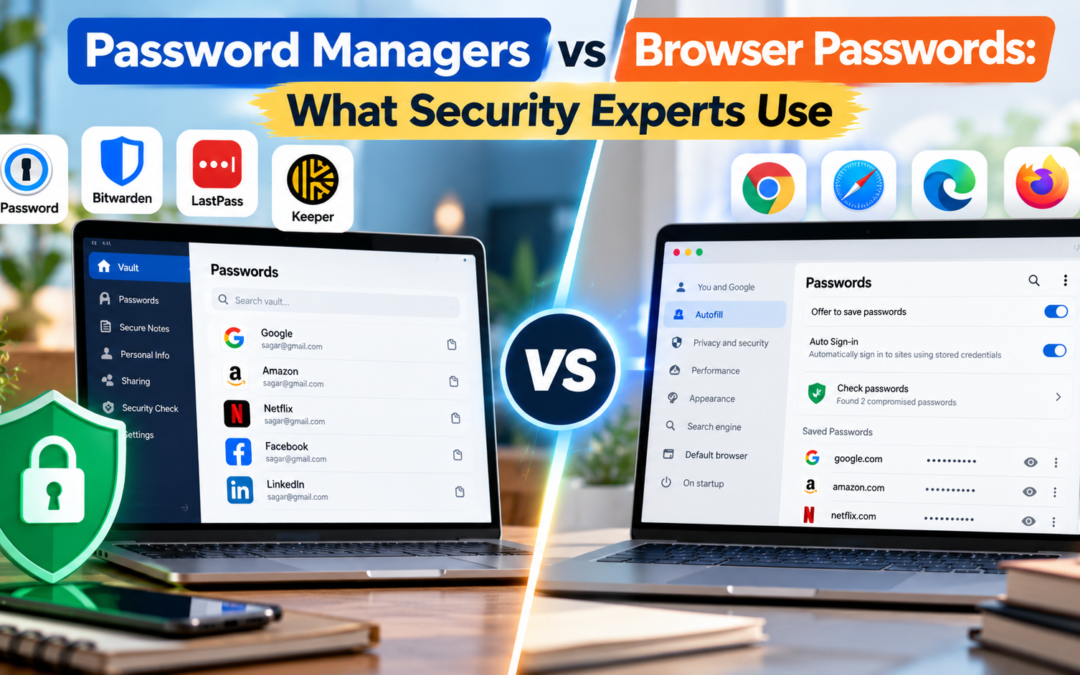
Password Managers vs Browser Passwords: What Security Experts Use
Passwords remain one of the weakest links in online security, particularly when people reuse the same credentials across multiple websites. NIST recommends using a password manager because it makes it practical to generate long, unique passwords for individual accounts rather than relying on passwords people can easily remember. NIST’s current digital identity guidance also requires services to support password managers and autofill because they encourage stronger, unique credentials. Password managers vs browser passwords is no longer a simple comparison between “secure” and “unsafe.” Both can be secure. The real difference is how much control, portability and security management a user needs.
That raises a question many users never stop to consider: should passwords be stored in a dedicated password manager such as 1Password, Bitwarden or Keeper, or is the password manager already built into Chrome, Safari or another browser good enough?
The answer has changed considerably. Browser password storage is now far more secure than the old practice of saving passwords in a browser without protection. Chrome, for example, encrypts saved credentials and can warn users when passwords appear in known breaches. Apple similarly provides automatic strong-password generation and password syncing through its built-in Passwords and Keychain infrastructure.
Browser Passwords Are Better Than Many People Think
Modern browsers have evolved into capable credential managers.
- Google Password Manager can generate unique passwords, store them in a Google Account or locally on a device, autofill credentials and alert users when saved passwords have been compromised.
- Chrome also supports passkeys, which can replace passwords entirely on supported websites and are designed to resist phishing.
Apple’s system works similarly.
- Strong passwords can be generated automatically, stored in the Passwords app or Keychain and synchronised across compatible Apple devices.
- Apple also supports passkeys and Sign in with Apple, reducing the number of conventional passwords users need to maintain.
For someone who uses Chrome across Windows, Android and a few personal devices, Google Password Manager may be perfectly adequate. An Apple-heavy household may have little reason to install another application.
The weakness is ecosystem dependence. A browser-based solution works best when most devices and browsers belong to the same ecosystem.
Dedicated Password Managers Go Further
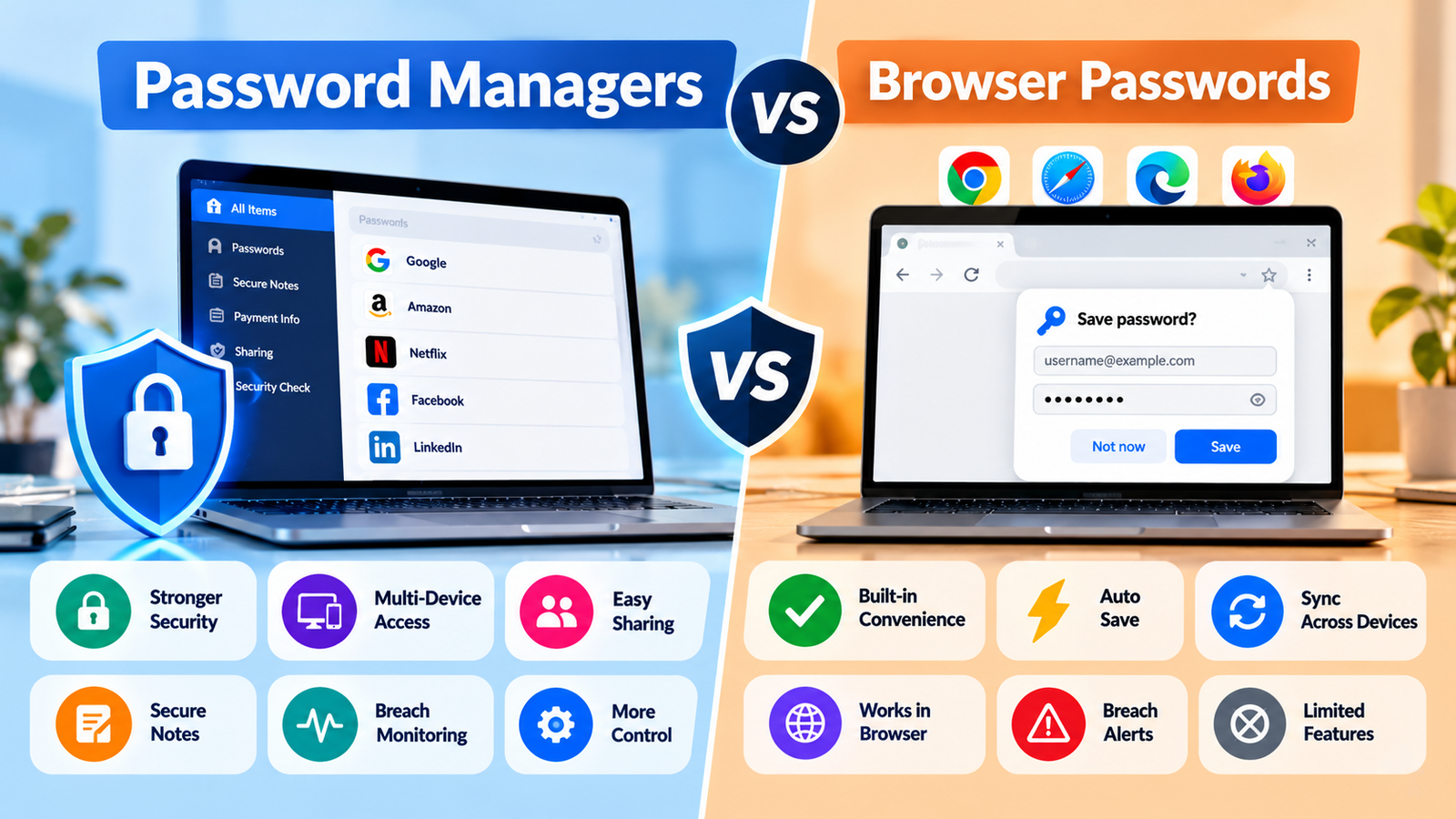
A standalone password manager is built around the vault rather than around a particular browser.
That distinction becomes important when someone uses Windows at work, an iPhone personally and perhaps a Mac or Android tablet at home. A dedicated service can provide a consistent vault across those environments without making Chrome, Safari or another browser the centre of the system.
The additional features are often more important than basic password storage. Depending on the provider, users may get secure sharing, family accounts, password health reports, breach monitoring, encrypted notes, identity information, emergency access and more sophisticated vault organisation.
NIST specifically points out that password managers can provide encrypted storage, password generation and autofill, while recommending a strong master passphrase and multifactor authentication for the password manager itself.
This creates an important security principle: the password manager becomes a high-value account and should be protected accordingly.
The Biggest Difference Is Portability
Consider someone who uses Chrome on a Windows laptop, Safari on an iPhone and Firefox for certain work activities.
Browser storage can handle some of this, but the experience becomes fragmented. A dedicated password manager is designed to remain consistent regardless of which browser is being used.
That does not mean browser storage is inherently less secure. Google, for example, protects saved passwords with encryption and provides additional authentication options when users access or reveal stored credentials.
The distinction is primarily about control and independence from one ecosystem.
| Feature | Browser Passwords | Dedicated Password Manager |
|---|---|---|
| Password generation | Yes | Yes |
| Autofill | Yes | Yes |
| Breach alerts | Increasingly common | Usually extensive |
| Passkey support | Yes on major browsers | Increasingly standard |
| Cross-browser use | Limited/less convenient | Strong |
| Cross-platform support | Depends on ecosystem | Usually excellent |
| Secure sharing | Basic or ecosystem-dependent | Usually advanced |
| Family management | Limited | Common |
| Encrypted notes/documents | Limited | Common |
| Password health tools | Basic to moderate | Usually more comprehensive |
| Cost | Generally free | Free and paid options |
| Best suited to | Single-ecosystem users | Multi-device or advanced users |
What Security Experts Actually Care About
The most important issue isn’t whether a password sits in Chrome or a standalone application. It is whether every account has a unique credential, whether the vault is properly protected and whether multifactor authentication is enabled.
A beautifully designed password manager does little good if its master password is weak.
NIST recommends a long passphrase for the password-manager account, unique passwords for individual services and MFA where available. It also cautions against password-manager recovery mechanisms that could undermine the security of the vault.
Passkeys are also changing the conversation. Instead of creating another complicated password, a passkey uses cryptographic credentials tied to a particular website or app. Google notes that passkeys are resistant to phishing and can be protected by device biometrics or a PIN.
For accounts supporting passkeys, using one can be more meaningful than debating which password vault stores a conventional password.
When a Browser Is Enough
A browser password manager makes sense when someone:
- Uses one primary ecosystem.
- Mainly needs passwords and passkeys.
- Does not need complex sharing features.
- Wants a free solution.
- Is comfortable keeping credentials tied to Google, Apple or another platform.
- Has MFA enabled on the main account.
For many ordinary users, moving from reused passwords to a properly configured browser password manager is already a major security improvement.
When a Dedicated Manager Makes More Sense
A standalone manager becomes more compelling for people managing dozens or hundreds of accounts, switching between operating systems, sharing credentials with family members or managing business accounts.
It is also useful when passwords are only part of the information that needs protection. Secure notes, recovery codes, software licences, identity documents and other sensitive information can often be organised inside the same encrypted vault.
Recent password-manager comparisons also increasingly evaluate passkey support, cross-platform access, security audits and recovery options rather than password storage alone.
The Practical Verdict
For a single-device or single-ecosystem user, the built-in browser or operating-system password manager is no longer a compromise. Chrome and Apple’s password systems have strong security features and are particularly convenient.
A dedicated password manager wins when flexibility matters more: multiple platforms, multiple browsers, family sharing, business use and more advanced security management.
Ultimately, password managers vs browser passwords is the wrong question if it leads someone to ignore the fundamentals. A unique password for every important account, MFA or passkeys, a protected primary account and sensible recovery options matter more than the brand of vault being used.
FAQs
1. Are browser password managers safe?
Yes. Modern browser password managers use encryption, authentication controls and security checks. Chrome, for example, can identify saved credentials exposed in known breaches.
2. Should passwords be stored in both a browser and a password manager?
Usually there is little benefit to maintaining two active vaults. Duplicating credentials can create confusion and make security management harder.
3. Are passkeys safer than passwords?
For supported services, generally yes. Passkeys are designed to resist phishing and do not require users to create or remember a traditional password.