
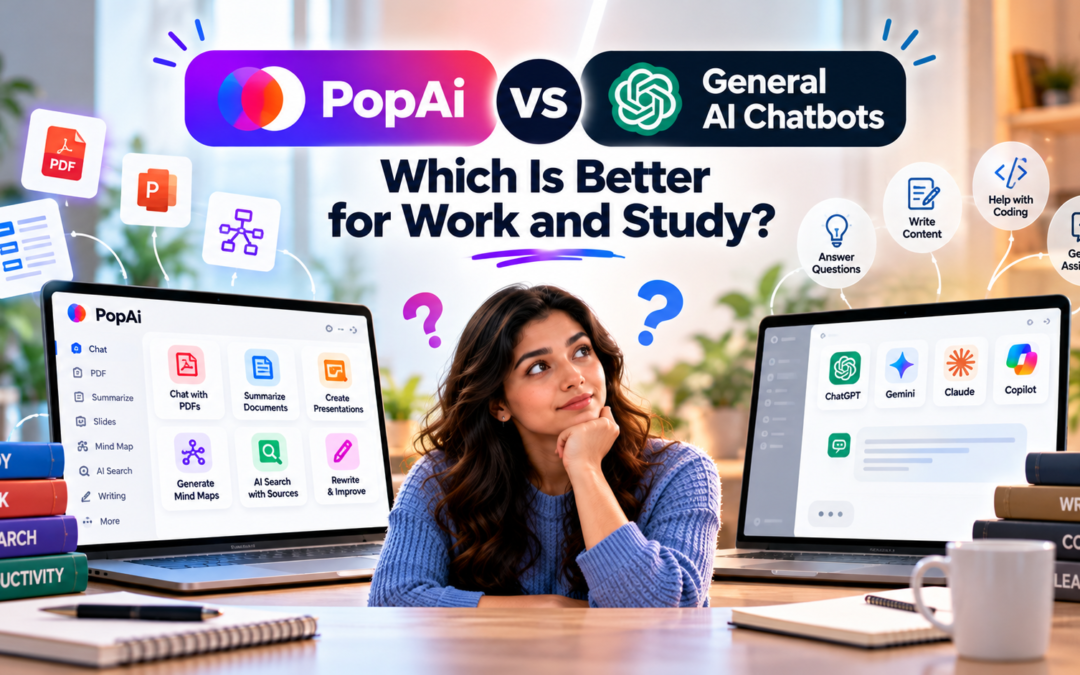
PopAi vs General AI Chatbots: Which Is Better for Work and Study?
The PopAi vs general AI chatbots comparison is less about which tool has the smarter chatbot and more about how each one handles the work surrounding an answer. PopAi positions itself as an AI workspace combining conversational AI with document analysis, AI presentations, AI Sheets and other productivity tools. Its current document reader can handle up to 20 documents and 5,000 pages at once, while its presentation tools can turn PDFs, Word files, images and web content into editable slide decks.
General-purpose chatbots such as ChatGPT, meanwhile, are designed to cover a much wider range of tasks, including writing, reasoning, summarization, coding, research, image work, file analysis and data analysis. ChatGPT also has dedicated Study Mode for step-by-step learning and Deep Research for multi-source research with citations.
That difference is important. A student preparing a presentation from a 100-page research paper has different needs from someone brainstorming an essay topic. Similarly, a business user analyzing a spreadsheet may want an AI assistant that understands tables and formulas rather than a conventional conversational interface.
What Makes PopAi Different?
PopAi is built around the idea of an AI workspace rather than just an AI chat window.
Its ChatPDF system lets users upload documents, ask questions about them, create summaries, generate mind maps and analyze charts or images. PopAi says users can upload up to 20 documents totaling 5,000 pages in its AI reader.
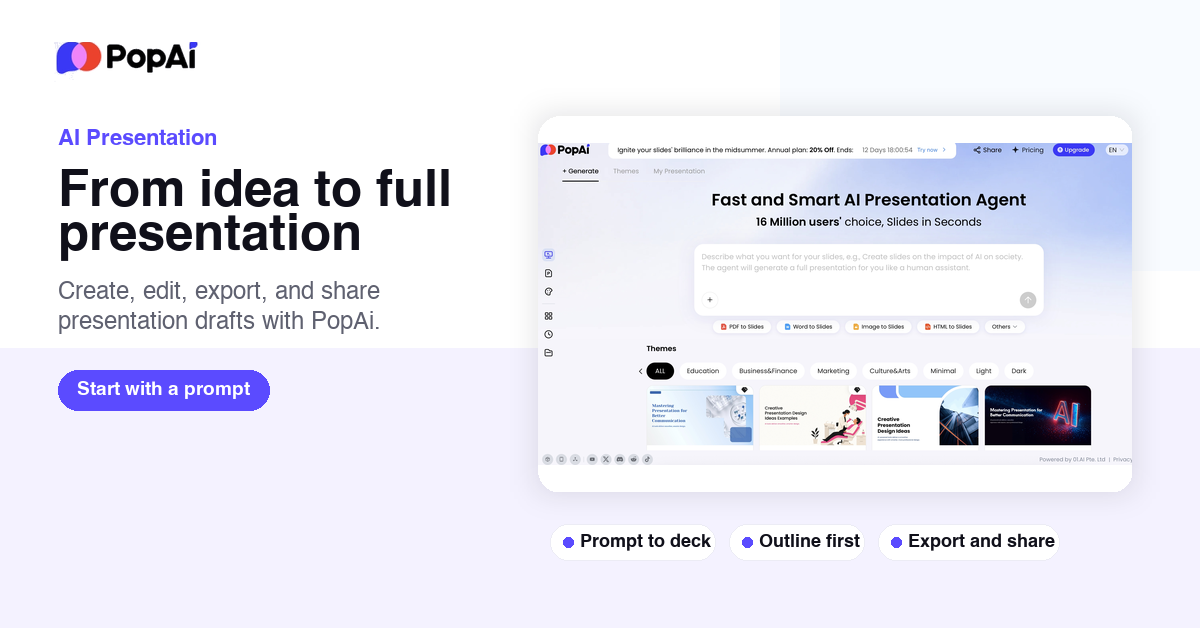
Its presentation functionality is another major distinction. A user can start with a topic or upload a document and have PopAi create a structured presentation. Generated slides remain editable and can be exported as PPTX or PDF.
PopAi also has AI Sheets, where users can generate tables, automate Excel and Google Sheets formulas, analyze data and export results to Excel, CSV or PDF.
For someone whose work repeatedly moves between documents, research, spreadsheets and presentations, that integration can reduce the number of separate tools involved.
How General AI Chatbots Compare
General AI chatbots take a broader approach.
Rather than specializing primarily in documents and presentations, they can handle open-ended questions, writing, coding, brainstorming, explanations, translation, data analysis and research. ChatGPT, for example, supports file uploads, data analysis, image input and generation, web search and Deep Research, depending on the user’s plan and available features.
For study, ChatGPT also offers Study Mode, which uses guided questions, hints, knowledge checks and step-by-step explanations rather than simply returning an answer.
This broader scope makes a general chatbot useful when the task changes frequently throughout the day.
PopAi vs General AI Chatbots: Feature Comparison
| Feature | PopAi | General AI Chatbots |
| General questions | Yes | Yes |
| Document analysis | Strong focus | Available on many platforms |
| Large PDF workflows | Dedicated tools | Depends on platform/model |
| AI presentations | Dedicated presentation generator | Often available, but workflow varies |
| PDF to PPT | Dedicated feature | May require a separate workflow |
| Spreadsheet assistance | AI Sheets | Available on some platforms |
| Research | AI-assisted document/web workflows | Often broader research capabilities |
| Study assistance | Yes | Often includes tutoring/study features |
| Coding | Not the primary focus | Usually a major capability |
| Image generation | Available in PopAi | Available in some general AI platforms |
| Data analysis | AI Sheets | Available on leading platforms |
| Best suited to | Document-heavy productivity | Broad, changing workloads |
The comparison shows why a simple “better” answer doesn’t really capture the difference. They overlap, but their starting points are different.
For Students: Which One Fits Better?
Students often move through several different tasks during one assignment: finding information, reading papers, understanding difficult sections, taking notes, preparing slides and revising.
This is where PopAi can be particularly convenient.
A research paper can be uploaded into its document environment, where the user can ask questions about the source, summarize sections, generate notes and create a presentation from the material. Its PDF-to-PPT workflow specifically analyzes the document’s hierarchy and extracts headings, paragraphs, charts, tables and other elements before organizing them into slides.
A general chatbot is more useful when the student needs broader tutoring. For example, Study Mode in ChatGPT can use Socratic questioning, hints, quizzes and knowledge checks to help students work through a concept instead of simply generating an answer.
So the distinction is fairly practical: PopAi leans toward turning study material into usable outputs, while general AI chatbots can be more flexible for learning conversations.
For Work: Where Does PopAi Fit?
For office work, PopAi’s strongest use cases are document-heavy workflows.
- Consider a consultant who receives a lengthy report and needs to produce a presentation.
- PopAi can analyze the PDF and create an editable slide structure rather than requiring every section to be manually transferred.
The same applies to spreadsheet-heavy work.
- Its AI Sheets functionality can create tables from prompts, generate formulas and export data into common formats.
A general chatbot becomes more useful when the workflow extends beyond those specific tasks.
- Drafting emails, analyzing an unfamiliar problem, writing code, researching a topic, creating strategy documents or switching between unrelated tasks are areas where a broader AI assistant can provide more versatility.
PopAi vs General AI Chatbots: The Workflow Matters
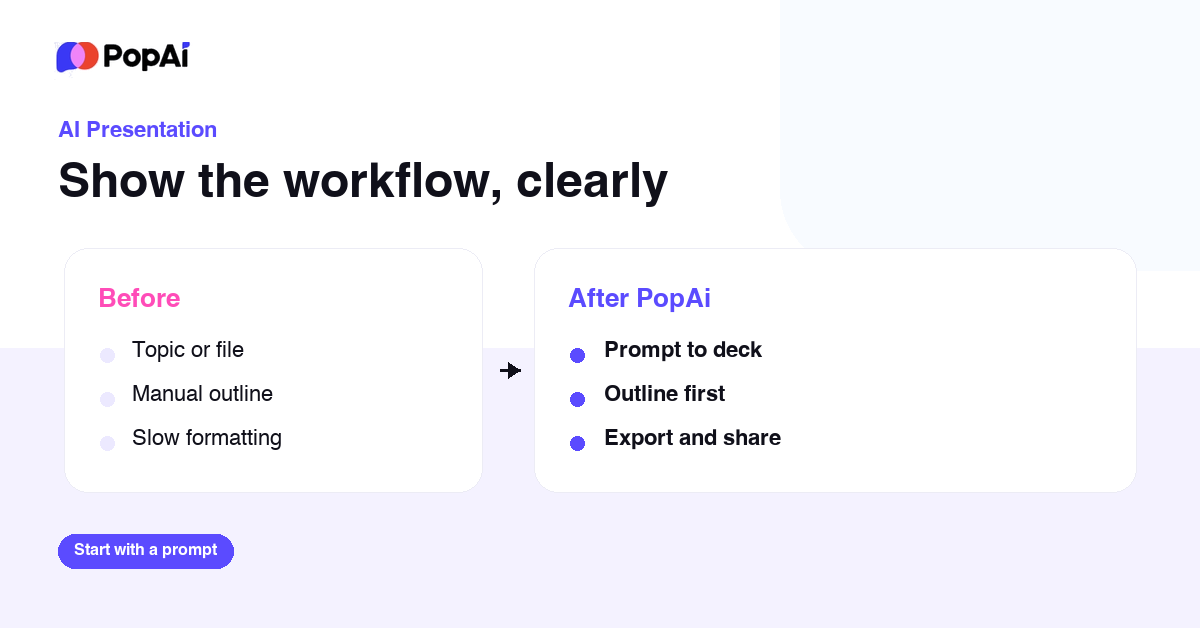
One of the biggest differences is how much setup is required.
With PopAi, several common outputs have dedicated workflows. For example, there is a specific PDF-to-Slides tool that accepts a PDF and turns its structure into an editable presentation.
With a general chatbot, the same outcome may be possible, but the user may need to describe the desired structure, provide the source material and then iterate through the result.
That doesn’t necessarily make one approach universally better. Users who prefer specialized interfaces may appreciate PopAi’s workflow, while users who want one assistant capable of handling many unrelated tasks may prefer a general chatbot.
Where General AI Chatbots Have the Edge
The biggest advantage of a general chatbot is breadth.
A single conversation can move from explaining a statistics problem to drafting an email, debugging Python code, analyzing a spreadsheet and brainstorming a business proposal. Leading platforms also increasingly combine web research, files, data analysis and multimodal capabilities.
For people whose work doesn’t follow a predictable document-to-presentation workflow, that flexibility can be more valuable than having dedicated buttons for specific outputs.
Where PopAi Has the Edge
PopAi’s advantage is specialization.
Its current product brings ChatPDF, presentations and AI Sheets into one workspace, with dedicated workflows for converting documents into slides, analyzing PDFs and working with spreadsheet data.
That can be especially useful for students, researchers, consultants, educators and office users who repeatedly work with reports, academic papers, presentations and structured data.
Final Thoughts
The PopAi vs general AI chatbots decision ultimately depends on the type of work being done.
- PopAi makes a strong case when the workflow revolves around documents, PDFs, presentations and spreadsheet analysis.
- Its dedicated tools reduce the amount of prompting and manual formatting involved in turning source material into a finished output.
General AI chatbots are broader.
- They can move between research, writing, coding, tutoring, data analysis and creative tasks without being tied to one particular workflow.
- ChatGPT’s current combination of file analysis, Deep Research and Study Mode illustrates how far that general-purpose model can extend.
For a student working primarily with academic PDFs and presentations, PopAi’s specialized workflow may be particularly relevant. For a professional who jumps between many unrelated tasks, a general AI chatbot offers broader coverage. And for users who regularly do both, using a specialized document workspace alongside a general assistant can be a practical approach.
FAQs
1. Is PopAi a general AI chatbot?
PopAi includes conversational AI, but its platform extends beyond chat with dedicated document analysis, AI presentation and AI Sheets functionality.
2. Can PopAi analyze PDFs?
Yes. Its AI ChatPDF tools can summarize and analyze documents, answer questions, interpret charts and images, and generate mind maps.
3. Can PopAi create PowerPoint presentations?
Yes. PopAi can create presentations from topics and documents, and its PDF-to-Slides tool can generate editable PPTX files from supported PDFs.
Also Read: Krisp Review: Does AI Noise Cancellation Actually Work on Calls?