by parth@bidkinetic.com | Sep 3, 2026 | Education
Grammarly now goes well beyond traditional spell-checking, with AI-powered rewrites, tone suggestions, proofreading, paragraph-level editing, plagiarism and citation support, and AI agents designed to work with the context of what you are writing. Grammarly says its tools work across more than 1 million apps and websites, including Gmail, Google Docs, Microsoft Word, Slack, Notion and LinkedIn. If you are wondering why pay for a writing assistant when ChatGPT can already rewrite a paragraph, fix grammar, change tone, and generate an email in seconds, then this Grammarly review is for you.
The 2026 buying decision is less about whether Grammarly has useful features and more about workflow convenience. If you write dozens of emails, reports, proposals, assignments or client messages every week, having corrections appear directly where you are working can be more useful than repeatedly copying text into ChatGPT. But if you mainly need occasional rewriting or brainstorming, paying for a premium writing assistant becomes harder to justify.
| Area |
Grammarly |
ChatGPT |
| Grammar correction |
Excellent, real-time |
Strong, usually prompt-based |
| Writing directly inside apps |
Major strength |
Requires more switching/integration |
| Tone suggestions |
Built into writing workflow |
Available through prompts |
| Paragraph rewrites |
One-click |
Requires instruction |
| AI agents |
Writing-focused agents |
Broad general-purpose capabilities |
| Plagiarism/citation tools |
Available |
Not the primary focus |
| Best advantage |
Continuous writing assistance |
Flexible reasoning and generation |
What Grammarly Does Better Than a General AI Chatbot
The Advantage Is Where Grammarly Lives
The strongest argument for Grammarly is not that its AI is smarter than ChatGPT at every task. It is that Grammarly sits inside the writing process.
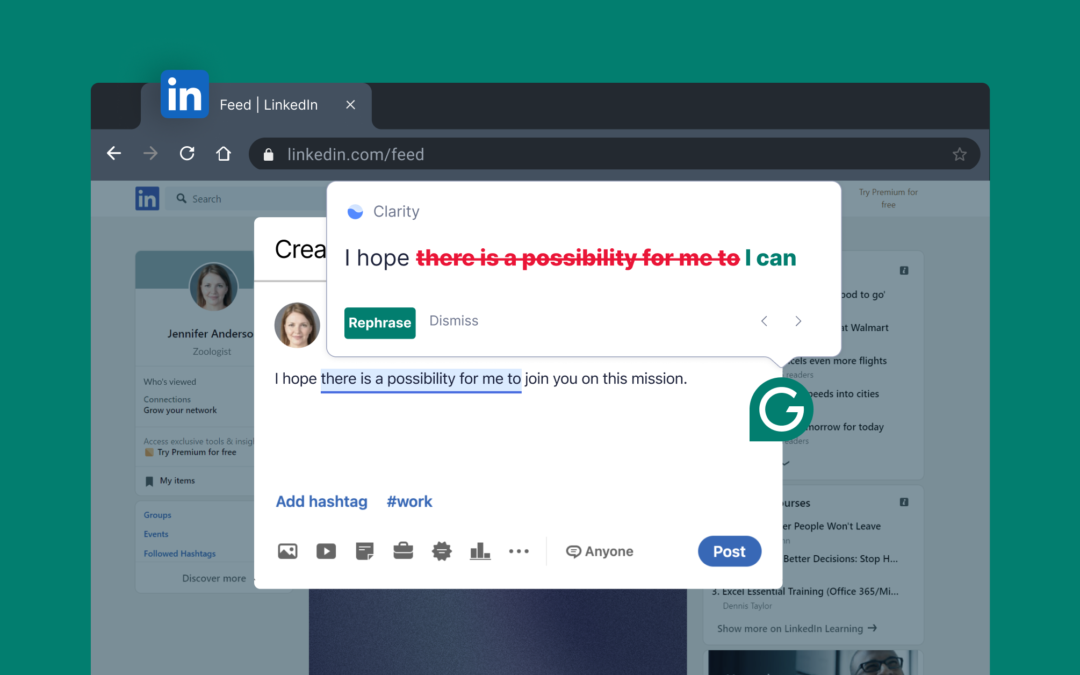
- You can draft an email in Gmail, write a document in Google Docs or respond to a message in Slack while Grammarly provides suggestions without requiring you to leave the application.
- Its current product supports browsers, Windows, Mac, Android, iOS and iPad, along with its own web-based editor.
- That distinction becomes important when editing is something you do continuously rather than occasionally.
- A freelancer writing ten client emails a day has a different need from someone who asks ChatGPT to rewrite one cover letter every few weeks.
It Has Shifted From Correction to Editorial Assistance
Modern Grammarly is also less focused on simply underlining mistakes.
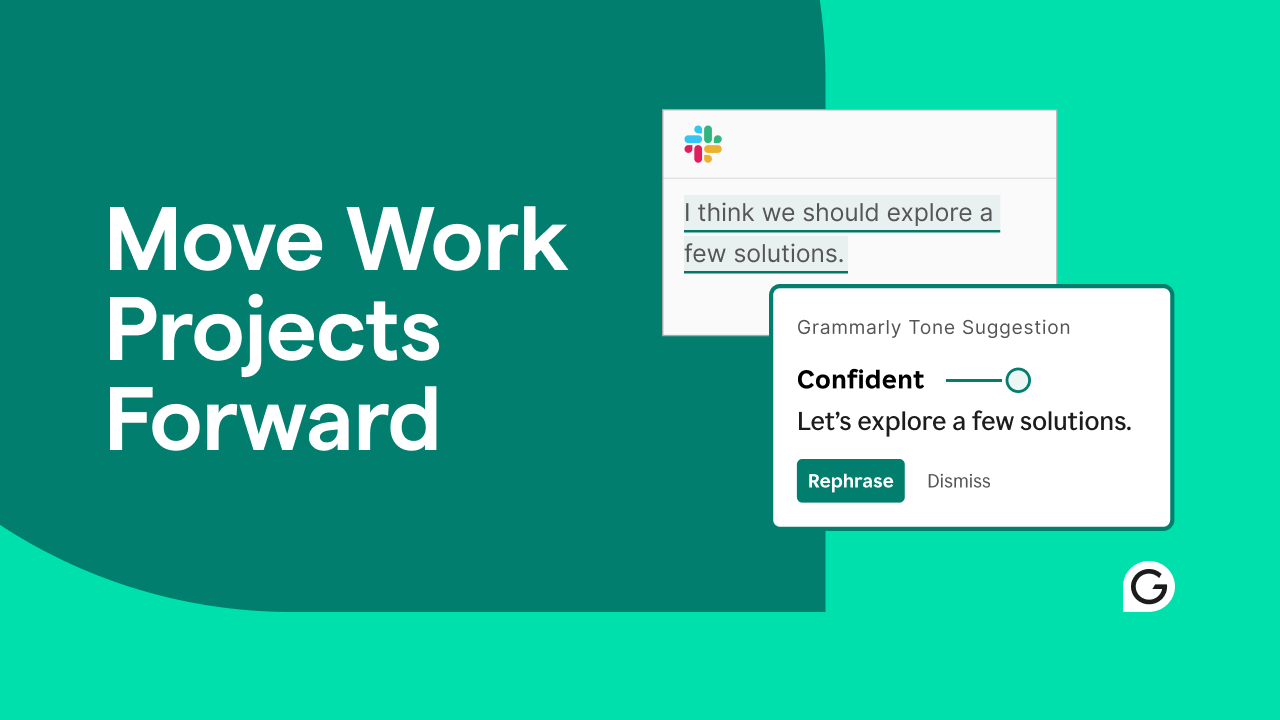
- Its current tools include clarity and concision suggestions, tone adjustments and full-paragraph rewrites.
- Grammarly also offers AI agents such as Proofreader and Reader Reactions, which are designed to provide deeper feedback on writing rather than only correcting grammar.
That makes the platform more interesting for professional writing. A sentence can be grammatically correct and still be too vague, unnecessarily wordy or poorly suited to its audience. Grammarly increasingly tries to address that second layer.
Grammarly Review: Where Premium Actually Earns Its Keep

The paid version becomes easier to justify when your writing has consequences attached to it. A poorly worded sales email, awkward proposal or unclear report can cost more than the subscription itself, particularly for people who communicate with customers or colleagues throughout the day.
Another advantage is consistency. Instead of asking an AI chatbot to rewrite every piece of text from scratch, Grammarly can continuously flag issues and suggest improvements while you work. Its Pro offering currently includes advanced AI writing features such as strategic suggestions, tone adjustments, full-sentence rewrites and 1,000 AI prompts per month.
For students and researchers, the equation is slightly different. Grammarly’s broader writing ecosystem includes plagiarism detection and citation support, which can be more useful for academic work than simply having an AI generate a cleaner paragraph.
Where ChatGPT Has the Clearer Advantage
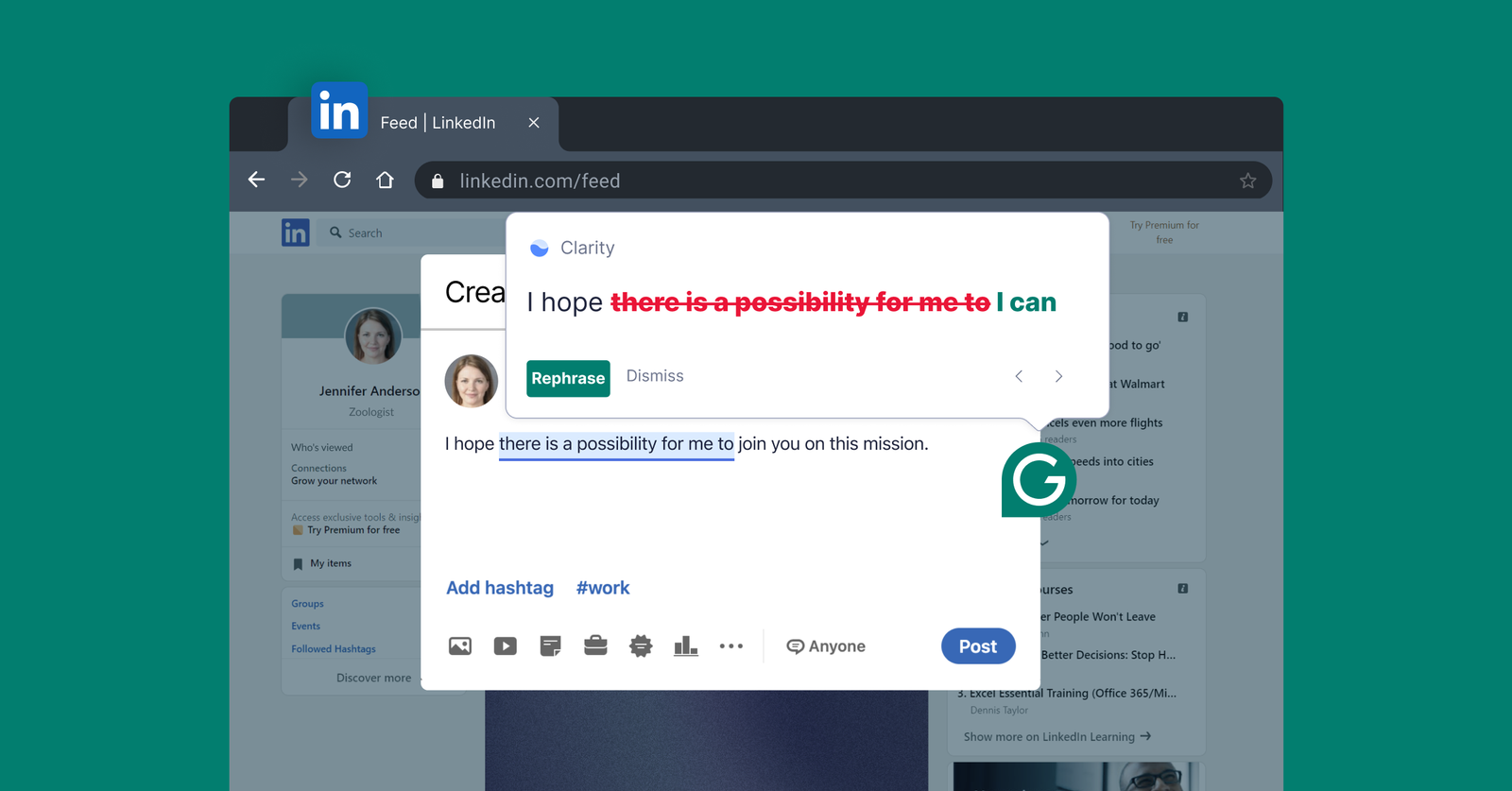
There is a reason the Grammarly review conversation has changed in 2026: general-purpose AI has become extremely capable at writing tasks.
- ChatGPT can take a poorly structured argument and rebuild it, explain why a sentence is weak, generate alternative approaches, summarize research, brainstorm ideas and work through complex instructions.
- Grammarly is increasingly adding similar AI capabilities, but its primary strength remains communication and writing workflow rather than broad reasoning.
This creates an important distinction.
- If you need to think through what you want to say, ChatGPT is often the more versatile tool.
- If you already know what you want to say and need help making it clear, concise and appropriate while you are writing, Grammarly can be more convenient.
You also do not necessarily have to choose one.
- A practical workflow can use ChatGPT for brainstorming, research and structural work, then Grammarly for polishing the final version inside the application where it will actually be sent or published.
Grammarly Review: What Are the Downsides?
The biggest issue with the tool is overlap.
Paying for Grammarly on top of an existing AI subscription can feel unnecessary if you rarely write professionally or academically. Many users can already get strong grammar corrections and rewrites by pasting text into a free AI chatbot.
There is also the question of AI over-editing.
A technically cleaner sentence is not automatically a better sentence. Grammarly’s suggestions can sometimes push writing toward a more polished or conventional style when the original voice was intentionally informal, direct or distinctive. The safest approach is to treat suggestions as editorial options rather than automatic improvements.
Privacy is another consideration whenever an AI tool processes writing.
Grammarly says its systems analyze text, writing behavior and usage data to provide suggestions, while users can manage certain product-improvement and tailored-assistance controls. Saved documents in Grammarly’s Editor are stored until the user deletes them or deletes the account.
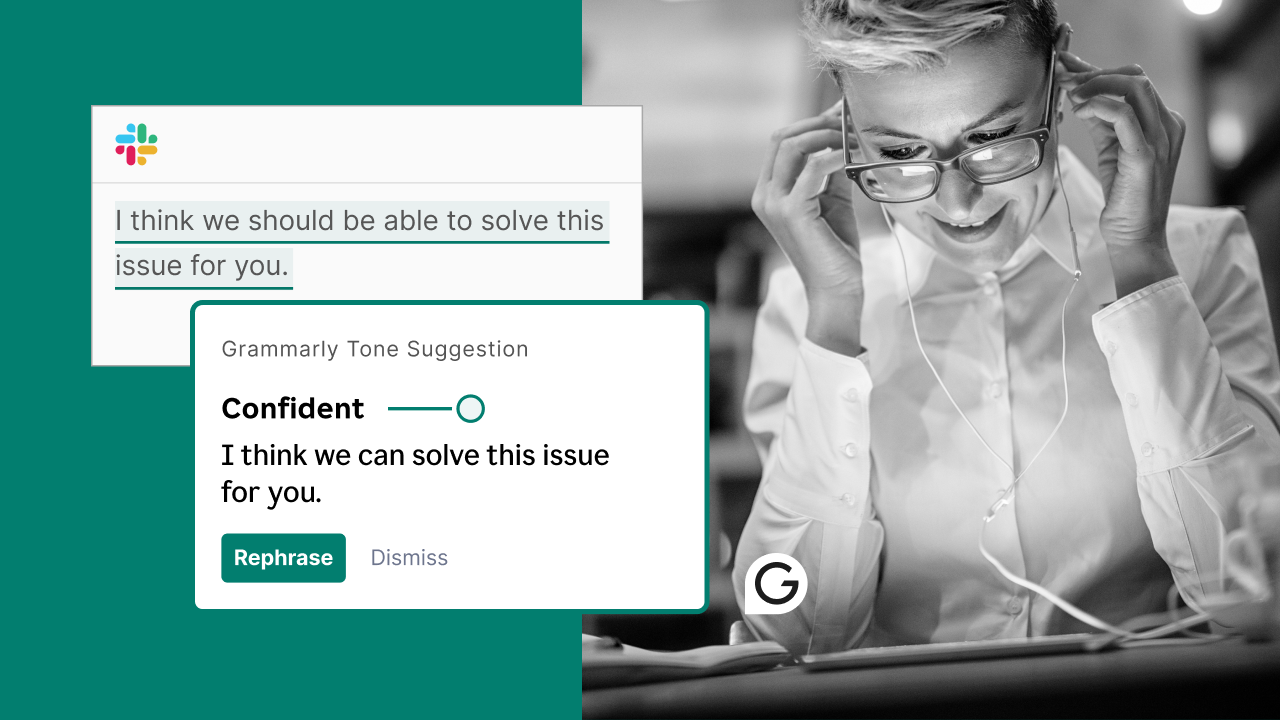
Grammarly’s current individual paid plan is Pro at $12 per month, compared with the free plan at $0. The free version covers basic writing assistance and provides 100 AI prompts per month, while Pro expands the toolkit considerably with full-sentence rewrites, tone adjustments, fluent English suggestions, unlimited personalized suggestions, plagiarism and AI-generated-text detection, and 2,000 AI prompts per month.
| Feature |
Free |
Grammarly Pro |
| Monthly price |
$0 |
$12 |
| Grammar and spelling |
✓ |
✓ |
| Tone detection |
✓ |
✓ |
| Full-sentence rewrites |
Limited |
✓ |
| Personalized suggestions |
Limited |
Unlimited |
| AI prompts |
100/month |
2,000/month |
| Plagiarism detection |
No |
✓ |
| AI text detection |
No |
✓ |
The answer depends on how often you write and where you write.
Worth paying for if:
- You write professional emails and documents every day.
- You want real-time correction without switching applications.
- Tone and clarity matter as much as grammar.
- You regularly rewrite long-form content.
- You need plagiarism or citation-related tools.
- You want AI assistance built directly into your normal workflow.
Probably not worth it if:
- You only need occasional grammar correction.
- You already use ChatGPT effectively for rewriting.
- Most of your writing is casual.
- You rarely need advanced editing features.
For heavy writers, Grammarly remains a useful productivity layer rather than simply another chatbot. For occasional users, free AI tools have made its premium features considerably harder to justify.
The biggest takeaway from this Grammarly review is that its value now comes from integration and continuous assistance, not from having exclusive access to AI writing. Grammarly does not need to beat ChatGPT at every writing task to be useful. It needs to make the hundreds of small edits you make during a normal workday faster and easier.

FAQs
- Is Grammarly Premium worth it in 2026?
It can be, particularly for people who write professionally every day and value real-time suggestions inside Gmail, Docs, Word and other applications.
- Does Grammarly use AI?
Yes. Grammarly now uses generative AI and AI agents for tasks including rewriting, proofreading, tone adjustment and broader writing feedback.
- Does Grammarly work with Google Docs and Gmail?
Yes. Grammarly lists Google Docs and Gmail among the applications where its writing assistance can be used, alongside Microsoft Word, Outlook, Slack, Notion, LinkedIn and other platforms.
Also Read: How to Do Keyword Research for a New Website: Free + Paid Methods
by parth@bidkinetic.com | Sep 3, 2026 | Education
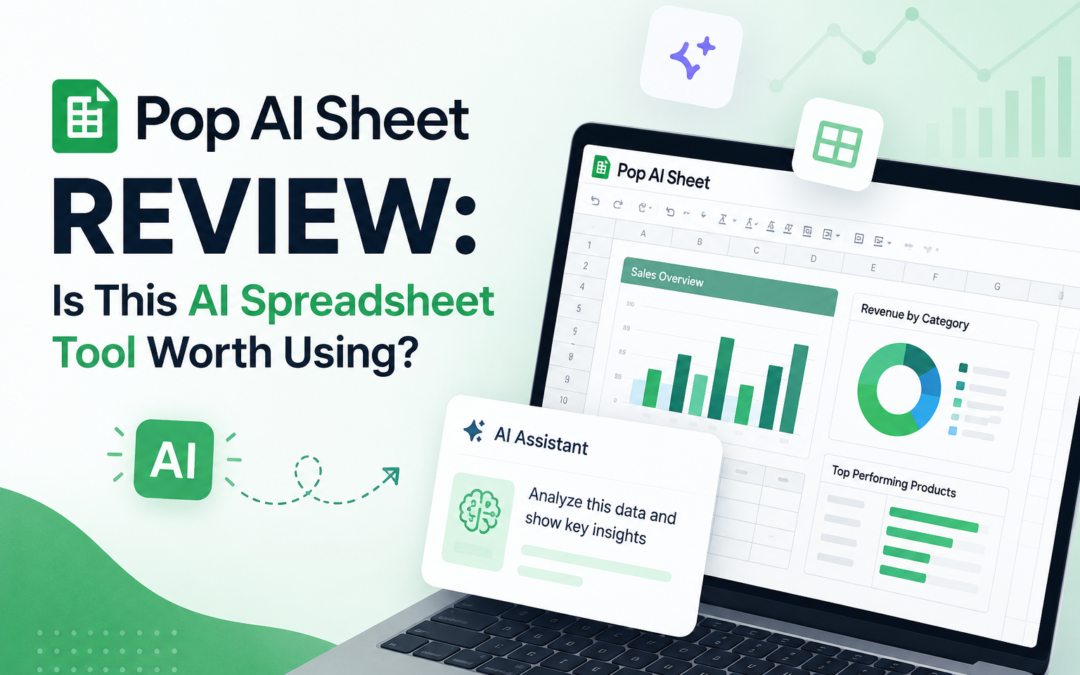
If you regularly spend hours cleaning datasets, writing formulas, comparing sheets, or turning raw numbers into useful insights, an AI spreadsheet tool can be more valuable than another general-purpose chatbot. Pop AI’s spreadsheet-focused capabilities are designed around that exact problem: understanding spreadsheet structures, reasoning across data, generating formulas and SQL queries, and helping users manipulate information without manually handling every step. The interesting question, therefore, is not whether AI can generate a SUM formula. Excel and Google Sheets users have been doing that for years. The real test is whether Pop AI Sheet can reduce the repetitive work surrounding formulas, data relationships and analysis while still leaving the user in control of the final numbers.
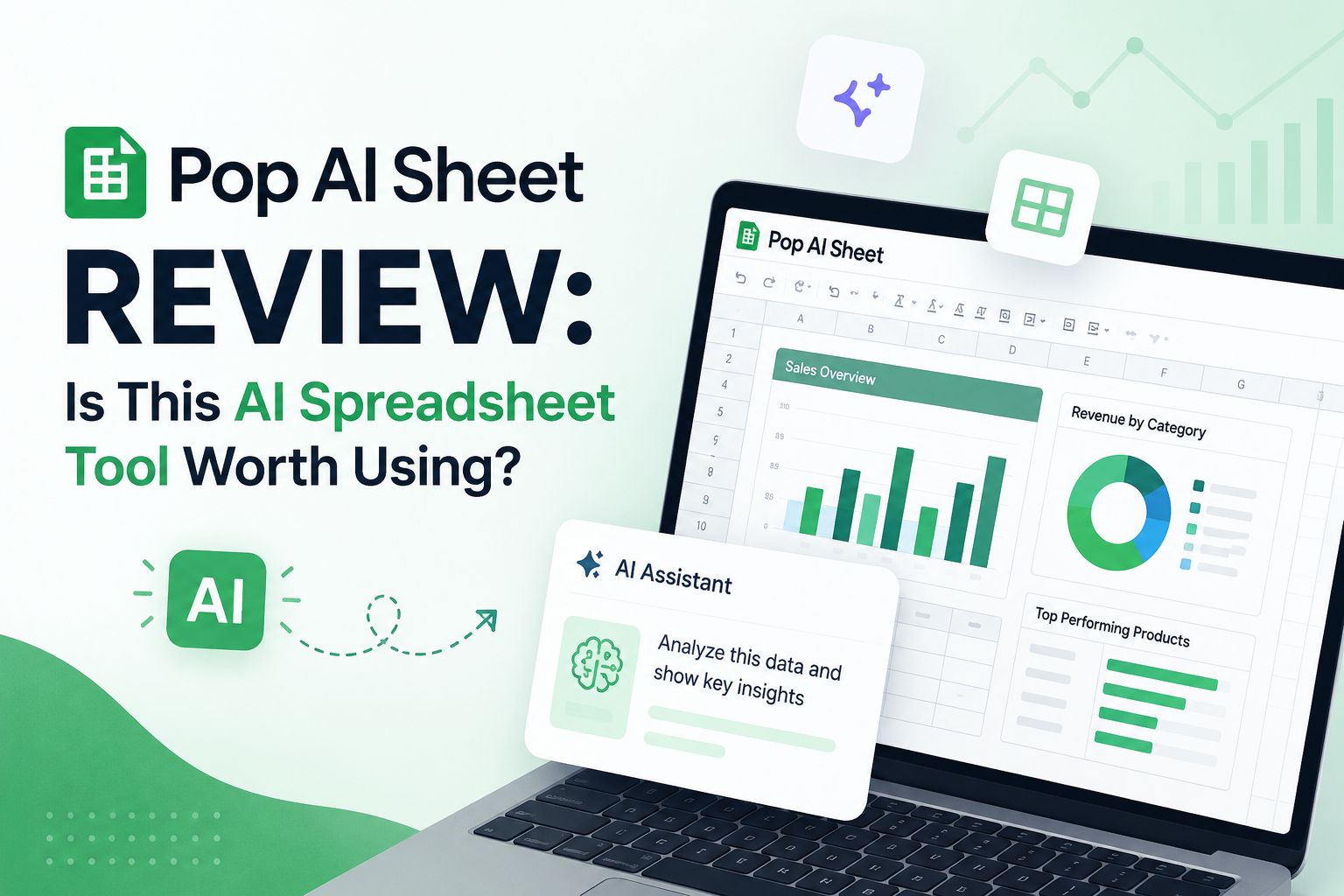
What Makes Pop AI Sheet Different From a Normal Spreadsheet Assistant?
Most spreadsheet problems are not actually about knowing one formula.
They involve several connected steps: finding the right columns, combining information from different sheets, calculating a new metric, checking the result and then presenting it in a usable format.PopAI’s spreadsheet agent is designed to work across these stages.
Its 2026 AI Agent for Excel materials describe features such as table understanding, multi-sheet data integration, automated calculations, annotations, and natural-language interaction with spreadsheet data.
One particularly useful capability is its approach to multi-sheet analysis.
Instead of manually joining datasets or writing SQL, users can describe what they want and have the system generate queries to extract relevant information. For example, a sales workbook could contain separate customer, product and transaction sheets. Rather than repeatedly using lookup formulas, an AI workflow could identify the common fields, combine the relevant information and calculate derived values.
| Capability |
Where It Can Help |
Value to Users |
| Spreadsheet understanding |
Identifying headers, fields and relationships |
Less manual setup |
| Formula assistance |
Creating or explaining calculations |
Useful for non-experts |
| Multi-sheet analysis |
Combining related datasets |
Reduces repetitive work |
| SQL generation |
Querying larger or complex tables |
Helpful without coding knowledge |
| Data reasoning |
Finding patterns and answering questions |
Faster analysis |
| Notes and annotations |
Marking important figures or assumptions |
Better review workflow |
Is an AI Spreadsheet Tool Useful for Real-World Work?
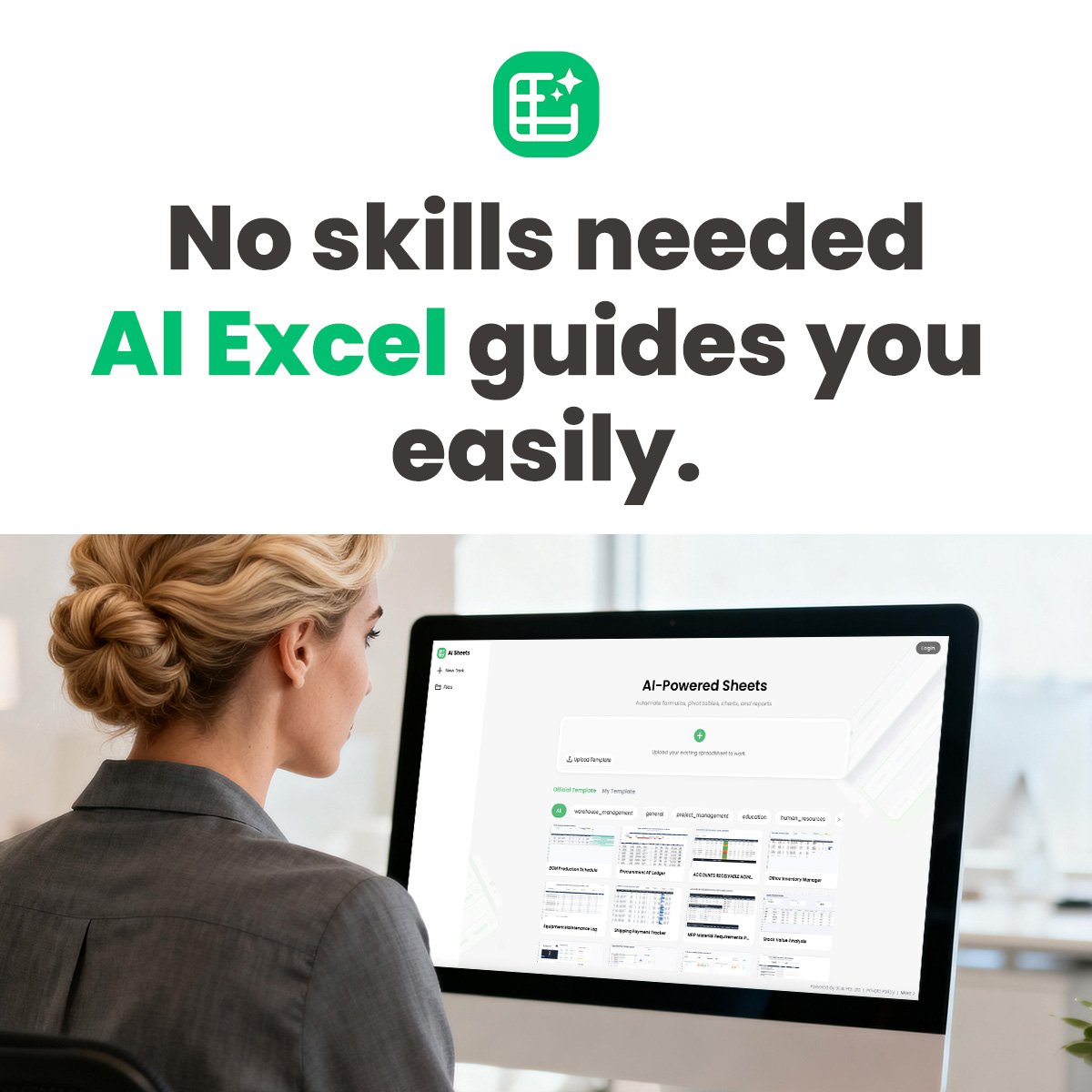
The strongest use case is repetitive analysis rather than replacing spreadsheet expertise.
Consider a marketing manager reviewing monthly campaign data.
- Instead of manually calculating conversion rates for every campaign, comparing periods and searching for the largest changes, the user could ask the AI to identify campaigns with falling conversion rates and explain the underlying figures.
- The system’s ability to reason across spreadsheet data is intended to make this type of investigation less dependent on manual filtering and formula construction.
Financial and operational spreadsheets offer another practical example.
- A finance employee might have revenue, expense and regional performance data stored across several tabs.
- An AI assistant can potentially reduce the time spent locating information and constructing intermediate calculations.
- PopAI also highlights annotation and note-management features, which can be useful when reviewing assumptions, unusual figures or follow-up items rather than simply producing an answer and moving on.
From Spreadsheet Answers to Spreadsheet Reasoning
The more interesting shift with Pop AI Sheet is its move from answering isolated spreadsheet questions to reasoning across the data behind them. Instead of asking only “What is the total revenue?”, users can work toward questions such as which products are driving a decline, where performance changed most sharply, or what relationships exist between different datasets.
That makes the tool potentially useful for exploratory analysis, where the question is not known in advance. Rather than building a series of formulas just to investigate a hypothesis, an AI workflow can help move through several analytical steps and surface patterns worth checking. The important caveat is that these findings still need human validation, particularly when decisions depend on the underlying numbers.
Where Pop AI Sheet May Fall Short
The biggest reason not to treat any AI spreadsheet tool as an automatic replacement for Excel skills is accuracy.
A system can understand a table incorrectly, interpret an ambiguous request differently from what you intended, or produce a technically valid calculation that answers the wrong business question. That matters considerably when spreadsheets contain financial forecasts, payroll information, inventory figures or management reporting.
There is also a learning curve in knowing how to phrase requests effectively.
“Analyze this spreadsheet” is too vague to produce consistently useful work. Better instructions specify the metric, comparison period, filters and desired output. Users should therefore treat AI-generated formulas, queries and conclusions as work to verify, not numbers that can be accepted without checking.
Who Should Actually Use Pop AI Sheet?
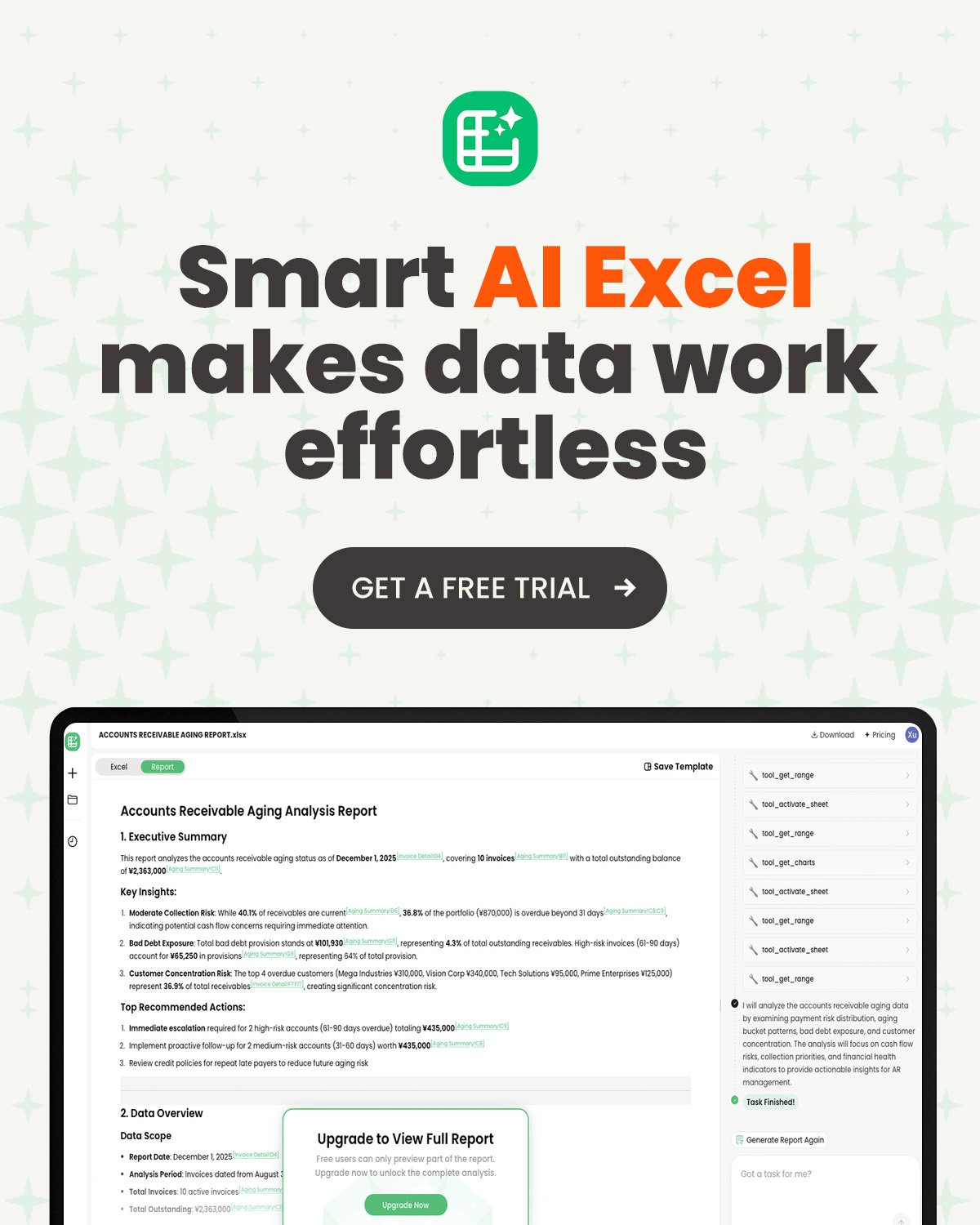
Pop AI Sheet makes the most sense for people who work with spreadsheets frequently but do not necessarily want to spend their day writing formulas or SQL. Analysts, marketers, operations teams, researchers, students and business owners could benefit when their workload involves repeated data cleaning, calculations or comparisons.
For experienced Excel users, the value is different. If you already know exactly how to build every formula and manipulate every dataset, an AI spreadsheet tool needs to save meaningful time to justify adding another layer to your workflow. Its strongest appeal is likely to be the reduction of repetitive tasks and the ability to interact with complex spreadsheet structures using plain language.
Final Verdict: Is Pop AI Sheet Worth Using?
Pop AI Sheet is worth considering if your spreadsheet work involves more than basic tables and simple calculations. Its emphasis on table understanding, multi-step reasoning, multi-sheet analysis and natural-language interaction gives it a more practical purpose than an AI tool that merely generates formulas.
The deciding factor, however, is not the number of AI features. It is whether those features remove enough repetitive work from your particular workflow. If you regularly clean datasets, combine sheets, investigate trends or explain complicated calculations, the time savings could be substantial. If you only use spreadsheets for simple lists and occasional SUM formulas, you probably do not need another AI spreadsheet tool.
FAQs
- What is Pop AI Sheet used for?
It is designed to help users understand, analyze and manipulate spreadsheet data through AI, including tasks involving formulas, multiple tables, data relationships and natural-language queries.
- Can Pop AI Sheet work with multiple sheets?
Yes. PopAI describes its spreadsheet agent as capable of understanding relationships between sheets and combining data based on common columns.
- Can it generate SQL queries?
PopAI says its agent can generate SQL queries to extract information from spreadsheet data without requiring users to write the SQL themselves.
Also Read: How to Cut Your Email Time in Half: Superhuman, Shortcuts, and AI

by parth@bidkinetic.com | Sep 2, 2026 | Education
Coursera Plus can be a smart investment for learners who plan to take multiple courses, earn certificates, or build several skills throughout the year. As of 2026, Coursera Plus gives subscribers access to more than 10,000 courses, Projects, Specializations and Professional Certificates, with content from more than 350 universities and companies. The standard price is currently $59 per month or $399 per year, although Coursera periodically runs discounts. That means the annual plan works out to about $33.25 per month at the regular $399 price, while the monthly plan makes more sense if you only have a short learning sprint in mind.
The interesting part is the break-even point. If you take one course and disappear for the rest of the year, Plus may be unnecessary. If you’re planning a Google Professional Certificate, a data course, an AI specialization and a few shorter courses in the same year, the economics change considerably.
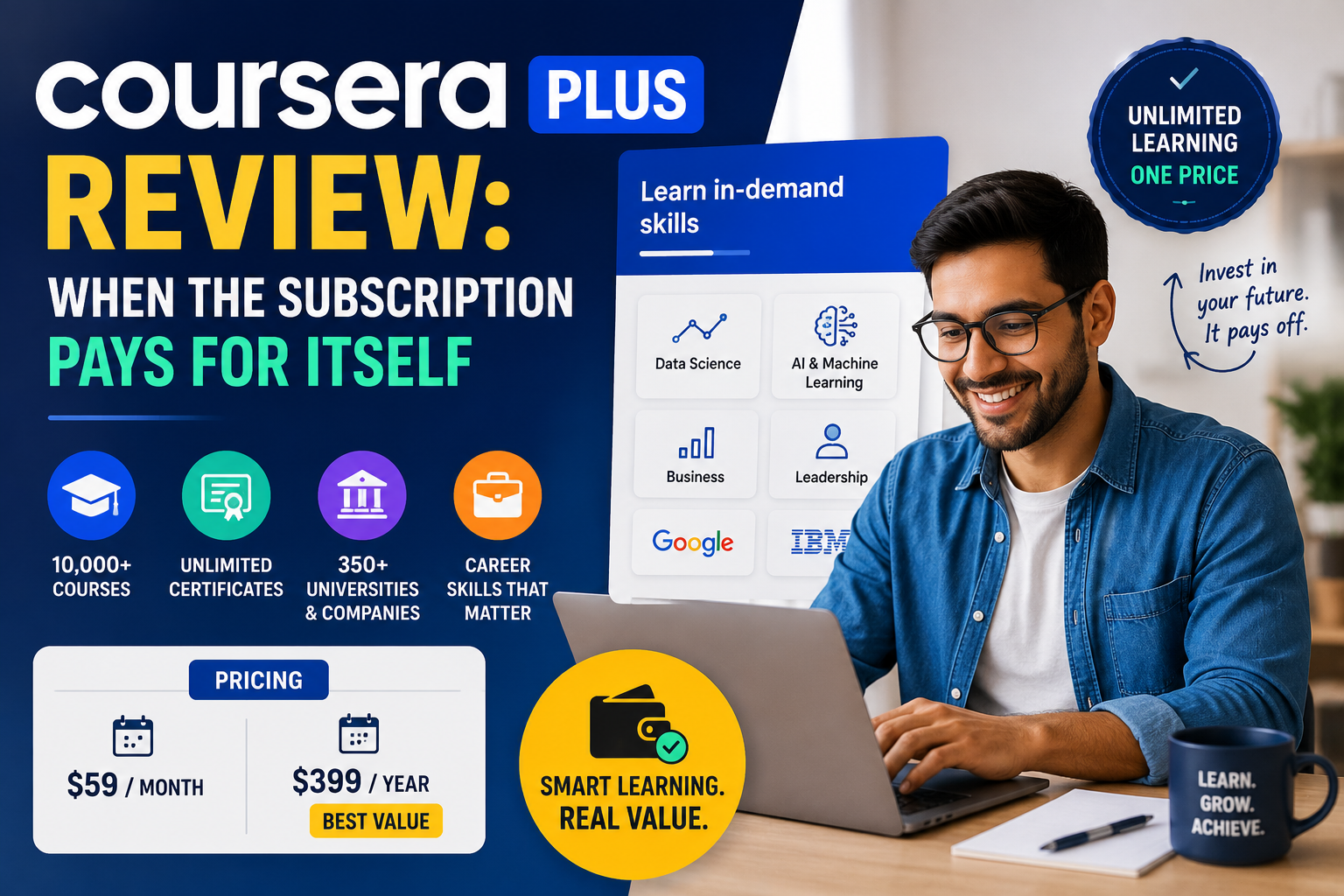
The Math Behind Coursera Plus
The easiest way to judge the subscription is to stop thinking about the number of courses available and calculate what you will actually finish.
At $399 annually, you need to extract roughly $400 worth of learning from the platform to justify the subscription. Coursera says Plus includes unlimited certificates, so completing several eligible courses does not create a separate certificate charge.
| Learning Pattern |
Likely Value of Plus |
| 1 short course |
Usually poor |
| 2 substantial courses |
Could be worthwhile |
| 1 Professional Certificate |
Potentially worthwhile |
| 2-3 Professional Certificates |
Strong value |
| Multiple Specializations |
Excellent value |
| Frequent skill exploration |
Very strong value |
| Casual browsing |
Poor value |
The biggest mistake is buying the annual plan because “10,000+ courses” sounds like an incredible bargain. The catalog only matters if those courses match your goals.
When the Monthly Plan Makes More Sense
The $59 monthly plan is particularly interesting for people with a defined short-term objective. Suppose you want to finish a Professional Certificate in four months. Paying monthly would cost about $236, assuming the current standard price stays unchanged.
That can be considerably more sensible than paying $399 upfront.
- The monthly option also gives you flexibility if you’re testing whether online learning fits your schedule.
- Coursera currently offers a 7-day free trial for the monthly plan, while annual subscribers have a 14-day refund window.
There is one catch: check the exact content you want before subscribing.
- Coursera says the majority of its catalog is included, but some courses, Specializations and Professional Certificate programs are excluded, and degrees and MasterTrack programs aren’t covered by Plus.
Where the Subscription Becomes Surprisingly Valuable
Source: Coursera
The strongest case for Plus isn’t necessarily completing expensive professional programs. It’s the ability to experiment without repeatedly paying for another course.
Imagine you’re moving into data analytics. You could start with SQL, discover that you enjoy visualization, move into Python, take a Tableau course and then decide whether a broader data certificate makes sense.
With individual subscriptions, constantly switching subjects can become expensive. Plus removes much of that friction.
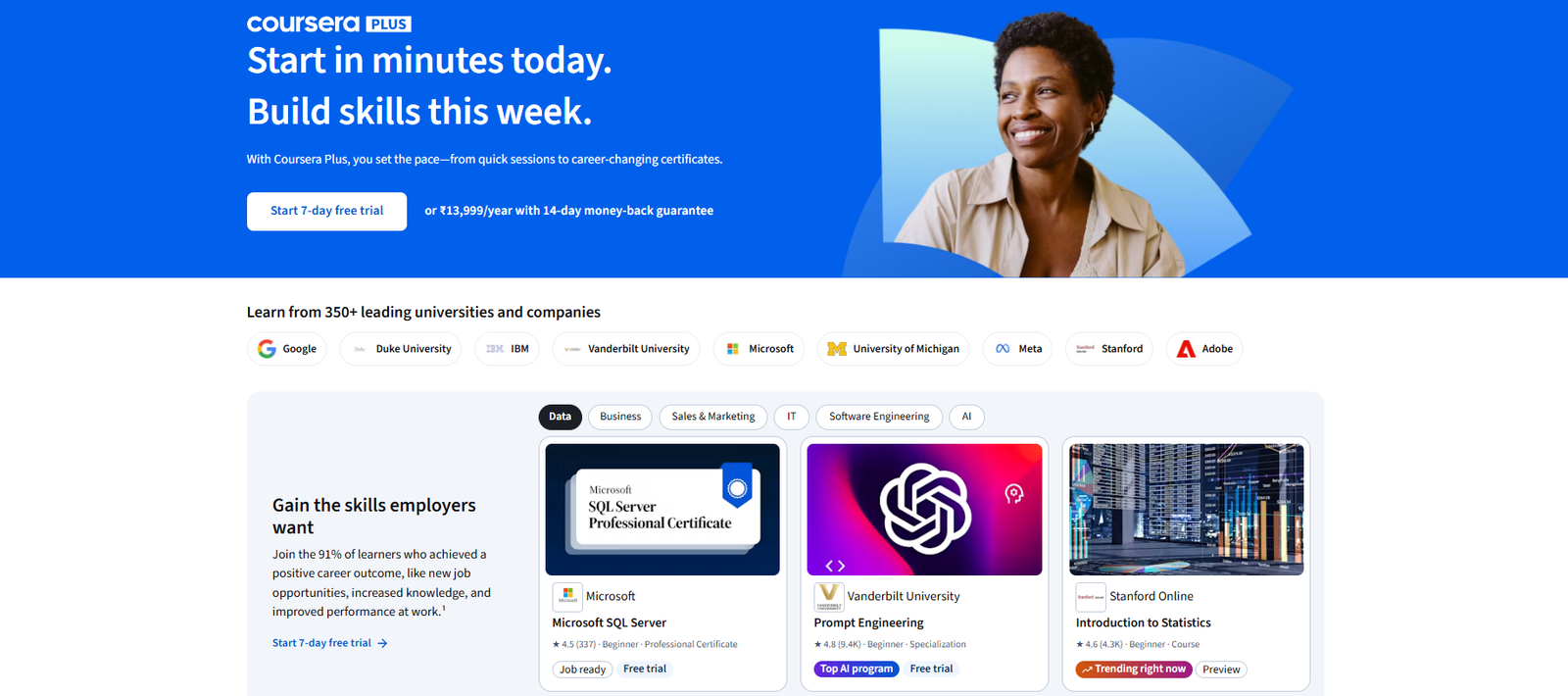
Coursera currently offers courses and credentials from organizations including Google, IBM and Microsoft, alongside university partners. That makes Plus particularly useful for career changers who haven’t yet settled on one specialization.
The Hidden Cost: Unfinished Courses
There’s another side to Coursera Plus that promotional pricing doesn’t show. Unlimited access can create a strange problem: too much choice.
A learner may enroll in machine learning on Monday, cybersecurity on Wednesday and UX design the following weekend. Three months later, they have started seven courses and finished none.
The subscription then becomes expensive even though the learner technically has access to thousands of resources. A better strategy is to maintain one primary course and one secondary course. Don’t open another program until one of those is finished.
Professional Certificates Change the Calculation
If your goal is career development, Professional Certificates are where Plus can make the most sense.
Coursera currently advertises more than 200 Professional Certificate programs through its Plus offering, including programs from major industry partners. These are designed around job-related skills rather than simply academic theory.
For example, someone targeting an entry-level data role could combine a data analytics certificate with shorter SQL, Python or visualization courses. Someone moving toward project management could pair a Professional Certificate with courses covering Agile, stakeholder management and business communication.
The certificate itself isn’t a job guarantee. Its usefulness depends on whether you can demonstrate the skills through projects, work experience or a portfolio.
Don’t Assume Everything on Coursera Is Included
This is probably the most important purchasing check.
- Coursera explicitly says that not every offering carries Plus access.
- Before subscribing, search for the exact program and look for the Coursera Plus badge.
- This matters especially if you’ve already identified a particular university course or advanced program you want.
- A $399 subscription isn’t a bargain if the one course you actually need isn’t covered.
Also check whether you already have another Specialization subscription.
- Coursera says existing subscriptions do not automatically cancel when you start Plus, so you could accidentally pay for both.
Who Gets the Most From Coursera Plus?
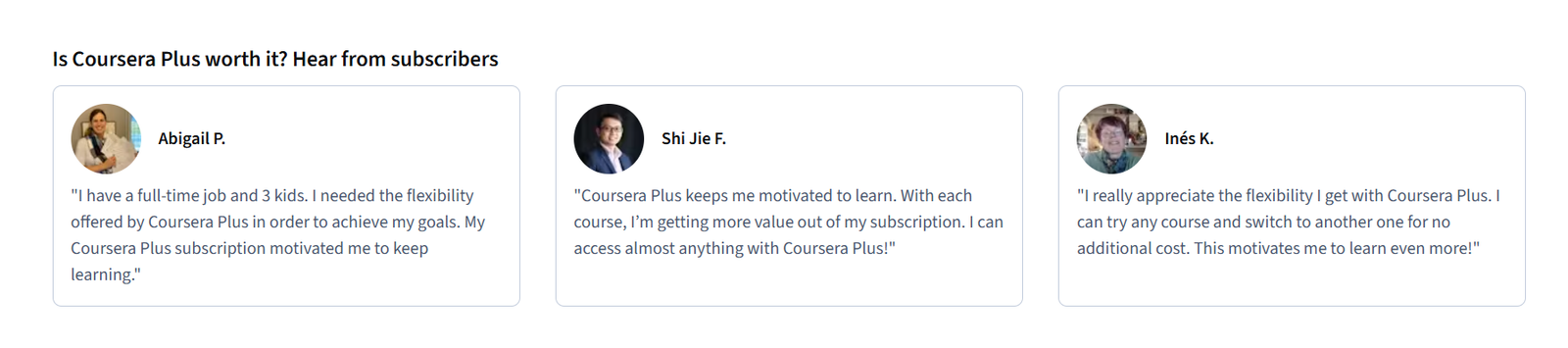
Source: Coursera
The ideal subscriber isn’t necessarily someone who studies every day. It’s someone who has multiple learning objectives within the same year.
Career changers, working professionals building complementary skills, students exploring career options and people preparing for a role transition can all benefit.
For example, spending six months completing one Professional Certificate and then using the remaining subscription period for targeted courses can make the annual plan substantially more attractive than purchasing each learning program separately.
By contrast, if you need one specific course for one specific purpose, buying that course individually may be the smarter decision.
So, Does Coursera Plus Pay for Itself?
The most useful conclusion is simple: Plus pays for itself through learning volume, not access volume.
Having access to 10,000+ courses means little if you finish one. But completing several substantial programs, earning multiple certificates and using shorter courses to fill specific skill gaps can make the $399 annual price look quite reasonable.
Before subscribing, make a list of the programs you realistically intend to complete in the next 6-12 months. Check that they’re included, estimate how long each will take and calculate the equivalent cost if purchased separately.
If that number comfortably exceeds the subscription price, Plus is probably a good buy. If your list contains only one course, keep your money and buy that course instead.
FAQs
- Can I earn unlimited certificates with Coursera Plus?
Yes. Coursera states that Plus subscribers can earn a certificate for every eligible course, Project, Specialization or Professional Certificate they complete, without a separate certificate limit.
- Is monthly or annual Coursera Plus better?
Choose monthly if you have a short, defined learning goal. The annual plan is more attractive when you expect to study consistently across several subjects throughout the year.
- Can I cancel Coursera Plus?
Yes. The monthly plan can be cancelled, while annual subscriptions are subject to Coursera’s applicable refund terms. Coursera currently provides a 14-day refund period for annual Plus subscriptions.
Also Read: Are Google Career Certificates on Coursera Worth It? A Complete Review

by parth@bidkinetic.com | Sep 2, 2026 | Education
If you are comparing Coursera vs Udemy in 2026, the obvious differences are not the most important ones. Both platforms offer thousands of online courses, but they are built around very different buying habits. Coursera Plus costs $59 per month or $399 per year and provides access to 10,000+ courses, Projects, Specializations, and Professional Certificates from more than 350 universities and companies. Udemy, meanwhile, has a marketplace of 250,000+ courses, with individual courses priced at $19.99-$199.99, while its Personal Plan provides access to a curated collection of around 26,000 courses.
There is also an unusual twist in 2026: Coursera and Udemy completed their combination in May, creating a company with more than 290 million learners and a combined catalog of over 315,000 courses. However, the companies stated that there were no immediate changes to existing pricing, course access, or learner experiences. So, for someone deciding what to pay for today, the two platforms should still be evaluated separately.

Coursera vs Udemy: What Are You Actually Paying For?
The biggest difference is the learning model.
Coursera is closer to structured education. Its catalog includes university-backed courses and professional programs from organizations such as Google, Microsoft, IBM, Meta and Stanford. Many programs are designed as sequences rather than isolated video courses, which makes Coursera particularly useful when the goal is to build a recognizable skill path or earn career-oriented credentials.
Udemy operates more like a massive course marketplace. That can be an advantage when you know exactly what you need. Want to learn a specific version of Excel, prepare for a certification, build a React application, edit videos in Premiere Pro, or master a particular design tool? Udemy’s enormous catalog makes it easier to find highly specific courses, often from instructors who teach the subject from a practical, project-focused perspective.
| Factor |
Coursera |
Udemy |
| Main model |
Structured learning and credentials |
Individual courses and marketplace learning |
| Catalog size |
10,000+ programs in Coursera Plus |
250,000+ marketplace courses |
| Subscription |
$59/month or $399/year |
Personal Plan available in eligible markets |
| Subscription content |
10,000+ included offerings |
Around 26,000 curated courses |
| Individual purchases |
Often $49-$79/month for programs |
$19.99-$199.99 one-time |
| Access after cancellation |
Subscription content ends |
Purchased courses generally remain accessible |
| Credentials |
Certificates, Professional Certificates, Specializations |
Certificates of completion |
| Best for |
Career paths and structured learning |
Specific skills and practical tutorials |
The important distinction is that Udemy’s individual purchase model can be much cheaper for occasional learners. Buy one course, finish it, and you generally retain lifetime access to that course. Coursera is more attractive when you expect to move through multiple courses or credentials during the same subscription period.
Coursera vs Udemy for Career Development
For career switching or building a formal learning pathway, Coursera has the stronger proposition. A learner can move from an introductory course into a Specialization or Professional Certificate and build several related skills without constantly deciding which standalone course to buy next. Coursera Plus also includes unlimited certificates on eligible content after the trial period.
That does not automatically make Udemy inferior for careers. In technical fields, Udemy can be extremely useful for learning the exact tools used on the job. Its current Personal Plan highlights areas such as web development, IT certifications, data science, digital marketing and leadership, while individual purchases provide lifetime access.
The credential distinction matters, though. A Coursera Professional Certificate from a recognized industry partner can be more relevant on a résumé than a generic completion certificate. Udemy itself states that it is not an accredited institution, although its courses can be useful for skills training and exam preparation.
Coursera vs Udemy: Which One Gives Better Value?
The answer depends heavily on how you learn.
Suppose you want to learn Python, SQL, data visualization and machine learning over six months.
- Coursera Plus becomes easier to justify because you can move between several eligible courses and programs without buying each one separately.
- At $399 annually, completing even four or five substantial programs can make the subscription look reasonable.
Now consider a different learner. You need a 12-hour course on advanced Excel, another course on Power BI and perhaps a specific Photoshop tutorial. You may not need a subscription at all.
- Udemy’s individual-course model lets you buy exactly what you need and keep access afterwards.
- Its marketplace currently lists individual courses from $19.99 to $199.99, although actual pricing varies by course and promotions.
There is another trap with subscriptions: catalog size is not the same as usable catalog size.
- Coursera Plus covers more than 10,000 offerings, but some courses, Specializations and Professional Certificates are excluded, as are degrees and MasterTrack programs.
- Udemy Personal Plan also does not include every course in its 250,000+ marketplace. Its subscription collection is curated separately.
Which Platform Should You Choose in 2026?

Source: Coursera
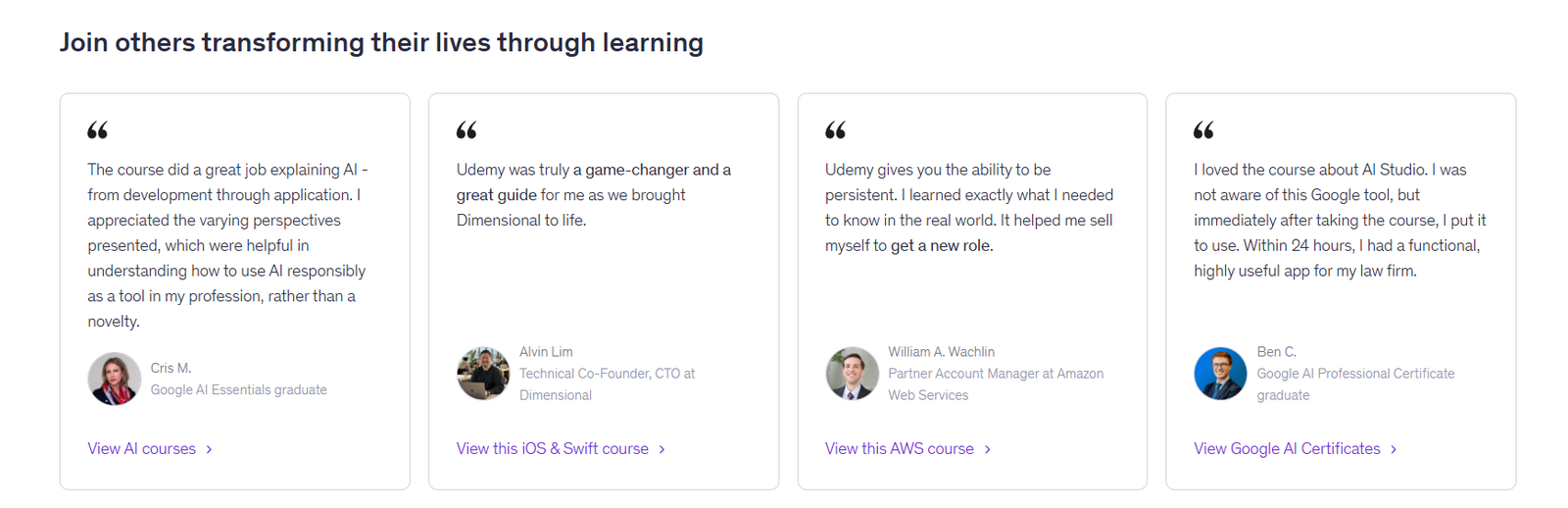
Source: Udemy
Choose Coursera if your priority is structured learning, university or industry credentials, career transitions, Professional Certificates, or completing several related programs during the year.
Choose Udemy if you prefer buying individual courses, need highly specific practical instruction, want lifetime access to purchased courses, or only expect to learn one or two skills at a time.
For heavy learners, Coursera Plus can deliver more predictable value. For selective learners, Udemy can be cheaper because you are not paying for access to hundreds of courses you may never open.
The most sensible Coursera vs Udemy strategy may therefore be to stop asking which platform is universally better. Instead, calculate your expected learning. If you can identify several Coursera programs you genuinely intend to complete, Plus has a strong financial case. If you only have a handful of targeted skills to learn, compare individual Udemy courses before committing to any subscription.
FAQs
- Is Coursera better than Udemy in 2026?
Not universally. Coursera is generally stronger for structured programs, professional credentials and career-oriented learning, while Udemy is often better for highly specific skills and individual course purchases.
- Is Coursera Plus worth $399 a year?
It can be if you plan to complete multiple eligible courses, Specializations or Professional Certificates. Coursera itself says learners taking more than one course regularly may save money with Plus.
- Are Coursera certificates better than Udemy certificates?
For career signaling, a certificate attached to a recognized university or industry Professional Certificate can carry more context than a generic completion certificate. However, employers will usually care more about demonstrated skills and relevant projects than the certificate alone.
Also Read: How to Switch Careers into Tech in 12 Months Using Online Courses
by parth@bidkinetic.com | Sep 1, 2026 | Education