
How to Order Delivery for Less: Fees, Timing, and Pickup Tricks
Learn how to order delivery for less by cutting hidden fees, comparing prices, choosing smarter timing, using pickup tricks, and maximizing delivery discounts.

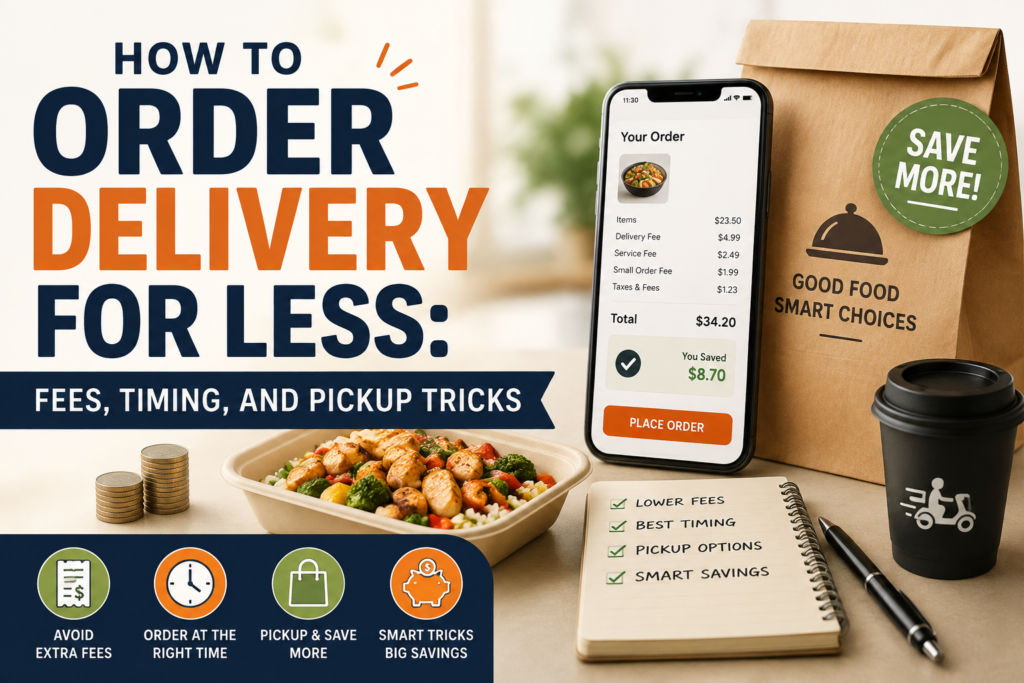
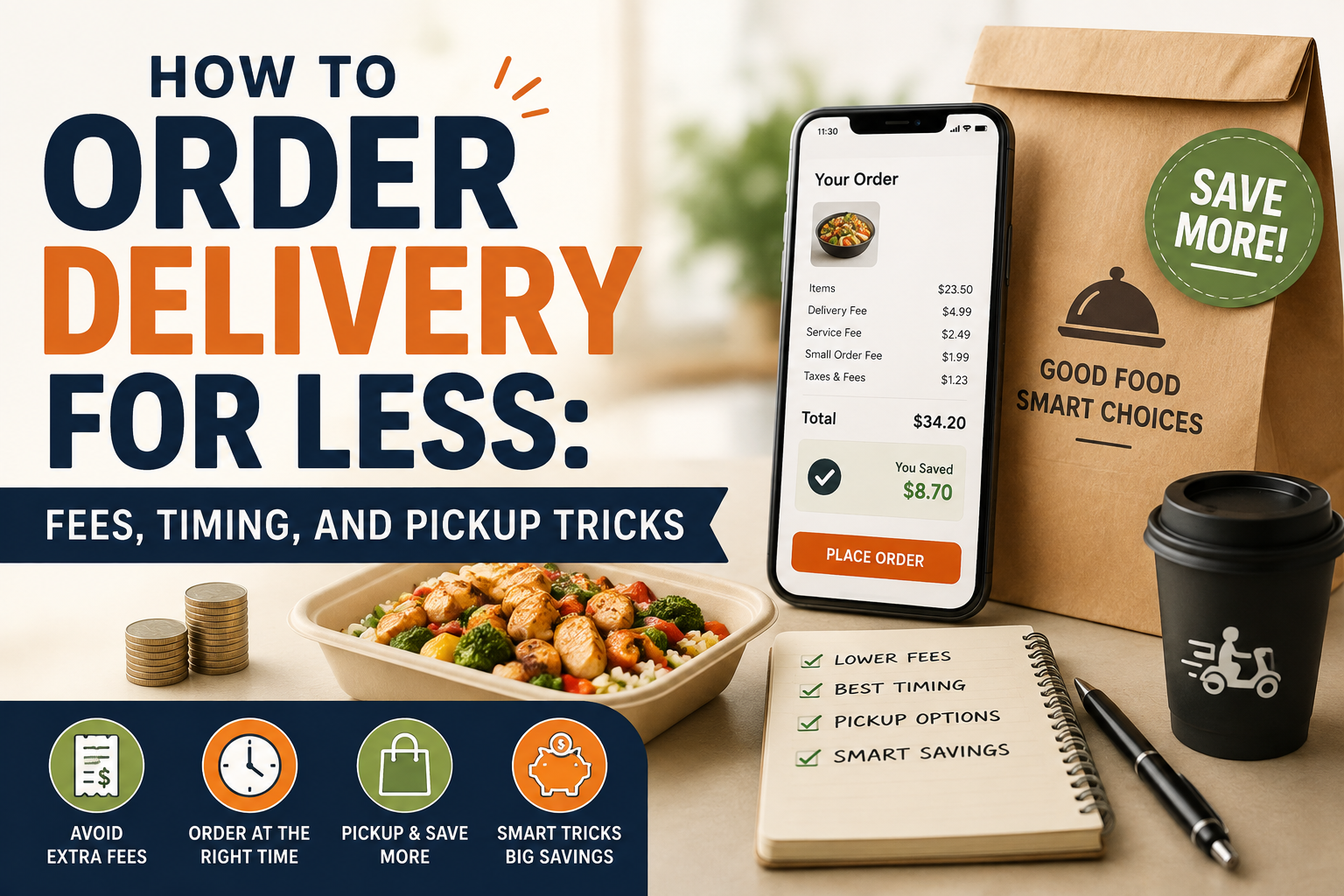
How to order delivery for less starts with understanding one simple fact: the price you see beside a restaurant’s dish is rarely the amount you ultimately pay. A delivery order can include a delivery fee, service fee, small-order charge, taxes, optional priority charges and a tip. On DoorDash, for example, fees can vary according to the merchant, distance, order size and local regulations, while Uber Eats similarly factors in location, merchant, courier availability and demand.
That makes saving money less about finding one magical coupon and more about changing when, where and how you order. Sometimes the cheapest option is delivery with a membership. Sometimes it’s ordering two meals together and sometimes, surprisingly, the best “delivery deal” is pickup.
Start With the Checkout Total, Not the Menu Price
A $15 meal isn’t necessarily a $15 meal.
Before placing an order, look at the complete checkout screen and separate the costs into three categories: food, unavoidable charges and avoidable charges. Delivery fees, service fees and small-order charges are often the areas where you have some control.
DoorDash currently lists several possible charges, including service, delivery, long-distance, small-order and weather-impact fees. Its fee structure is also being updated across much of the US to better reflect delivery distance and effort.
Uber Eats likewise says delivery charges can rise during busy periods and that service and other fees may apply.
The important habit is simple: don’t judge a deal until you reach checkout.
The Menu-Price Gap Can Beat a Delivery Discount
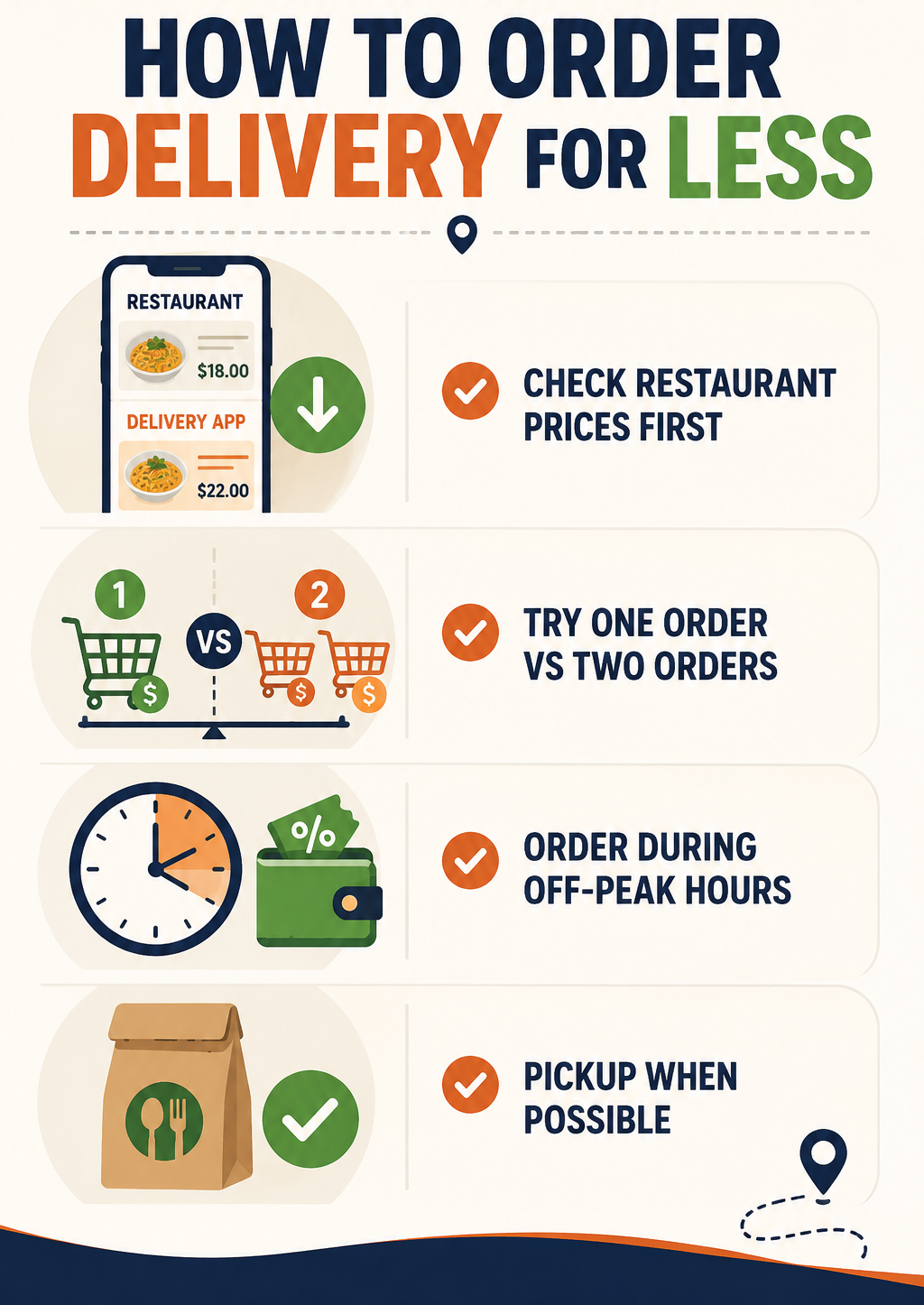
Don’t assume a delivery discount means you’re getting the best price. Some restaurants list higher prices on delivery apps than on their own websites or pickup menus. Compare the same basket directly before ordering.
Quick check: Compare food-price difference + delivery fees against the advertised discount. A 20% coupon may be meaningless if the menu is already 15-20% more expensive.
The calculation worth remembering is:
Real savings = platform discount − higher menu pricing − additional fees
If that number is negative, the “deal” isn’t really a deal.
Distance Is One of the Easiest Costs to Control
Choosing the closest restaurant isn’t just about getting your food faster. It can also reduce delivery-related costs.
DoorDash’s newer fee model takes delivery effort and distance into account, while Uber Eats says delivery fees can vary according to the distance and availability of delivery partners.
If two restaurants sell comparable meals, compare their final totals rather than assuming the cheaper menu wins.
For example:
| Option | Food | Fees | Final Cost |
|---|---|---|---|
| Restaurant A, nearby | $18 | $4 | $22 |
| Restaurant B, farther away | $16 | $8 | $24 |
| Restaurant C, pickup | $18 | $0 | $18 |
The $16 meal isn’t actually the cheapest choice.
Order During Quieter Periods
Timing can influence what you pay, particularly when platforms are dealing with high demand.
Uber Eats specifically notes that delivery fees can be higher during busy hours in some locations.
If you’re flexible, avoid ordering exactly when everyone else is ordering. A late lunch instead of the noon rush, or an earlier dinner rather than peak evening demand, can sometimes produce a better delivery fee or more available promotions.
There’s another advantage: restaurants and couriers may be less overwhelmed, potentially reducing the temptation to pay extra for priority or express delivery.
You don’t need to rearrange your entire day around delivery prices. But if you’re deciding between 5:30 and 7:30 p.m., checking both totals takes seconds.
Don’t Order Too Little
Small orders are one of the easiest ways to turn delivery into an expensive habit.
Both DoorDash and Uber Eats have mechanisms that can add fees when an order falls below certain minimums. DoorDash calls this a Small Order Fee in applicable situations, while Uber Eats applies small-order fees to certain convenience, grocery and retail orders below specified thresholds.
This creates an interesting calculation.
If you’re ordering $9 worth of food and paying a $3 small-order fee, adding a $4 side you actually wanted can make more financial sense than paying the fee. Adding something you don’t need simply to reach a threshold doesn’t.
The distinction is important: consolidate purchases, don’t manufacture purchases.
How to Order Delivery for Less With Memberships
Delivery subscriptions can make sense if you order frequently, but only when your actual savings exceed the membership price.
DoorDash’s DashPass currently costs $9.99 per month or $96 per year. Eligible members receive $0 delivery fees and reduced service fees on qualifying orders, subject to merchant and subtotal requirements. DoorDash says members save an average of $4-$5 per eligible order.
That means someone receiving roughly $4.50 in savings per qualifying order would need a little more than two eligible orders each month to cover a $9.99 subscription.
But don’t subscribe solely because one order has a high delivery fee. Check your last few orders first. If you order twice a month, pickup may still be cheaper. If you order four or five times every month, membership becomes much more interesting.
Pickup Is the Underrated Money-Saver
Pickup can eliminate one of the biggest expenses attached to delivery: getting the food brought to your door.
Uber Eats explicitly states that its delivery fee does not apply to pickup orders.
That doesn’t necessarily mean pickup will always have the exact same final price as ordering directly from the restaurant. Menu pricing and platform arrangements can differ. But for nearby restaurants, pickup is worth checking whenever you’re already out or can combine the trip with another errand.
A $20 meal with $6 in delivery-related charges is effectively a 30% premium before tax and tip. If the restaurant is five minutes away, that premium may be difficult to justify.
Combining and Splitting a Large Order
Ordering for two people can be considerably more efficient than placing two separate delivery orders. This works particularly well for roommates, families and office lunches.
The key is to compare the final combined total with two individual checkouts rather than assuming automatically that bigger is cheaper.
Test One Order vs. Two
Sometimes splitting a large order can unlock separate promotions or avoid a discount cap. Build the order both ways and compare the final totals.
For example, if a 20% discount is capped at $5, a $60 order still gets only $5 off. Two qualifying orders could occasionally produce greater savings, but only if the second delivery fee doesn’t erase the extra discount.
Be Careful With Express Delivery
- Paying extra to get food slightly faster is rarely a good value unless timing genuinely matters.
- DoorDash lists optional Express Delivery among the fees that can apply to some orders.
- Uber Eats also offers a Priority Delivery Fee in applicable situations.
- If your food is already estimated to arrive within a reasonable window, paying several extra dollars to move it ahead in the queue doesn’t improve the food itself.
Use priority delivery when you have a genuine time constraint, not simply because the button is offered.
Compare Platforms Before Paying
The same restaurant can appear on multiple delivery platforms, and the final total can differ.
Compare:
- Menu price
- Delivery fee
- Service fee
- Minimum-order requirement
- Active discounts
- Membership benefits
- Estimated arrival time
Don’t compare only the promotional headline. A “20% off” offer can lose its advantage if the platform has higher menu prices or additional charges.
For regular orders, saving $3-$5 through comparison can add up quickly over a month.
A Practical Delivery-Saving Routine
If you’re trying to learn how to order delivery for less, use a 30-second routine before every order.
First, check the nearest restaurants. Then compare the final checkout totals on the platforms you already use. If you’re close to a minimum, ask whether adding something you genuinely want makes sense. Check whether a membership applies. Finally, compare delivery with pickup.
This takes less time than hunting through random coupon websites and gives you a decision based on the actual order in front of you.
The Cheapest Order Is Usually the One You Plan
The biggest savings rarely come from one spectacular coupon. They come from avoiding unnecessary charges repeatedly.
Choose nearby restaurants, order when demand is lower when practical, combine orders, use memberships only when the numbers work and check pickup before paying for delivery. Most importantly, compare the final checkout price, because that’s where the real cost of convenience becomes visible.
Once you start looking at delivery as a combination of food cost, distance, timing and fees rather than simply a menu order, knowing how to order delivery for less becomes much easier, and the savings can add up without requiring you to give up delivery altogether.
FAQs on How to Order Delivery for Less
1. Is delivery membership always cheaper?
No. Memberships are most useful for frequent customers who consistently place eligible orders. If you only order delivery occasionally, the subscription itself can outweigh the savings.
2. Does ordering during off-peak hours really save money?
It can. Some platforms adjust delivery costs based on demand and courier availability. Uber Eats, for example, says delivery fees may be higher during busy periods in certain areas.
3. Is pickup always cheaper than delivery?
Not necessarily, but it often eliminates delivery-specific charges. Check the restaurant’s pickup price and compare the complete total rather than assuming.
Also Read: How to Shop AliExpress Safely: Sellers, Shipping, and Refunds