

Superhuman Email Review: Is a $30/Month Inbox Worth It?
If the inbox is already manageable with Gmail or Outlook, paying $30 every month for an email client sounds excessive. But if email consumes hours of the workday, the calculation changes. This Superhuman Email review looks at whether the premium comes from genuinely faster email handling or simply from putting familiar features behind a polished interface. The platform claims its workflow can help users save four hours per week, respond 12 hours faster and handle twice as many emails in the same amount of time.
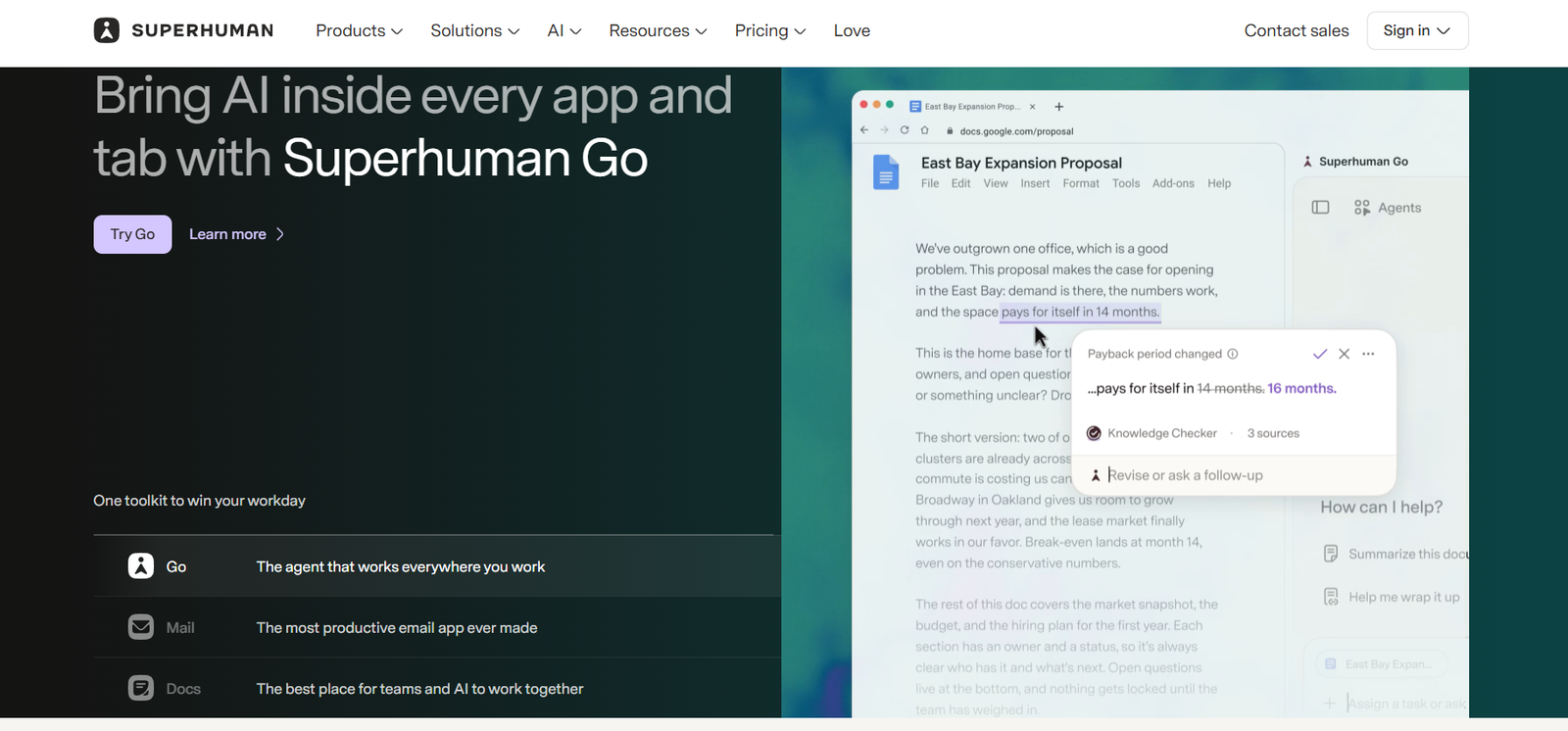
The current product is also more capable than the minimalist inbox associated with Superhuman’s earlier reputation. Starter includes Superhuman AI, email productivity tools, calendar and scheduling, team collaboration and more than 100 keyboard shortcuts. Business adds Auto Drafts, Ask AI, custom AI labels, HubSpot and Salesforce integrations, and Recent Opens.
Source: Superhuman
What Makes Superhuman Different From Gmail?
Speed Is the Product
Superhuman is built around the idea that email should be processed rather than browsed. Keyboard commands, rapid navigation, split inboxes, shortcuts and instant actions are designed to reduce the number of mouse movements and context switches involved in handling messages.
That approach makes the biggest difference for repetitive inbox work. Archiving, replying, forwarding, snoozing, searching and jumping between conversations can become almost mechanical once the shortcuts become familiar. The company says actions are designed to happen in under 100 milliseconds, although the real benefit depends on how quickly a user adopts the workflow.
Split Inbox Is More Useful Than Another Folder System
Superhuman’s Split Inbox separates incoming mail into categories so important messages do not have to compete with newsletters, automated notifications and lower-priority conversations.
This is a subtle but important distinction. Gmail provides enormous flexibility, but that flexibility can also encourage endless labels, folders and filters. Superhuman takes a more opinionated approach, trying to decide how the inbox should be worked rather than simply giving users more ways to organise it.
The AI Features Are More Practical Than Flashy
AI Handles the Repetitive Parts
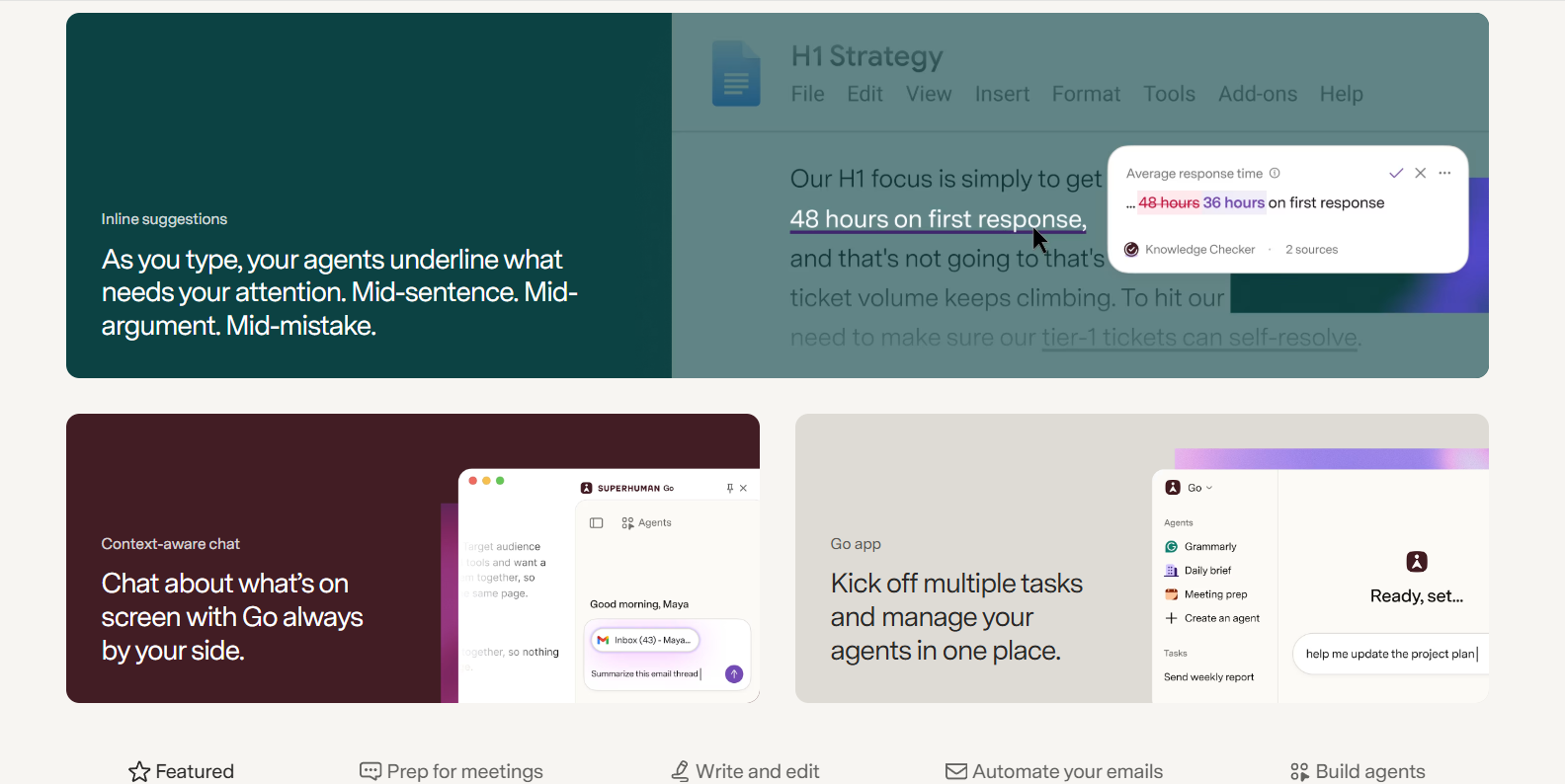
Superhuman’s AI tools include Write with AI, Instant Reply, Instant Event, Auto Archive, Auto Labels, Auto Reminders, Auto Summarize, Autocorrect and Autocomplete. Business users get additional capabilities such as Auto Drafts, Ask AI and Custom Auto Labels.
The useful part is how these features sit inside the inbox. AI is not treated as a separate chatbot that requires copying an email into another window. A message can be summarised, answered or organised while remaining inside the normal email workflow.
Auto Drafts Could Be the Real Differentiator
Business subscribers get Auto Drafts, which can automatically prepare replies based on the context of incoming messages. Ask AI also allows questions about email content, while custom AI labels can classify messages according to rules specific to a workflow.
For someone receiving dozens of recurring requests, this is considerably more valuable than a generic “write an email” button. For a person who sends only a handful of emails each day, it is much harder to justify the additional subscription.
Where Superhuman Earns Its Price
| Area | Superhuman advantage | Reality check |
| Speed | Keyboard-first navigation and rapid actions | Requires learning the shortcuts |
| Inbox management | Split Inbox, AI labels and automation | Less flexible than building everything manually |
| AI writing | Replies, autocomplete and drafting | Quality still needs human review |
| Summaries | Quick understanding of long threads | Most useful for high-volume inboxes |
| Calendar | Scheduling directly from email | Useful, but not unique |
| CRM | HubSpot and Salesforce on Business | Only valuable to sales/customer teams |
| Collaboration | Shared conversations and team comments | More relevant to teams than individuals |
| Support | Live onboarding/productivity coaching | Adds value for professional users |
This is where the Superhuman Email becomes less about features and more about working style. Superhuman is not necessarily better because it has more functions than Gmail. It is better when speed and consistency matter more than unlimited customisation.
The onboarding also reflects that philosophy. Superhuman includes live 1:1 onboarding on its Mail plans, with the company positioning productivity coaching as part of the product rather than leaving users to discover shortcuts themselves.
What Could Be Better?
Source: Superhuman
The biggest weakness is obvious: the price.
- Starter costs $30 monthly, while annual billing brings it down to $25 per month.
- Business costs $40 monthly or $33 per month annually.
- That means the annual Starter subscription is $300, enough to make the decision meaningful even for a professional.
Someone who sends 20 emails a day may not recover that cost. Someone who lives inside email for six hours a day might.
This is another point worth noticing.
- Starter includes most Superhuman AI features, but Auto Drafts, Ask AI, Custom Auto Labels with AI, HubSpot and Salesforce integrations and Recent Opens are Business features.
- That makes the $30 plan slightly less compelling for users specifically attracted by AI automation.
- The cheaper plan is strongest as a speed-focused email client, while Business starts making sense when email is tied directly to sales, customer management or heavier automation.
Is Superhuman Worth $30 a Month?
The Superhuman Email review verdict depends almost entirely on inbox volume.
For executives, founders, sales professionals, recruiters, consultants and customer-facing teams, saving even 30 minutes a day could make the subscription economically sensible. Superhuman’s own reported figure of four hours saved per week would make the $30 monthly cost relatively small compared with the value of professional time, although that productivity claim should be treated as a vendor-reported result rather than an independent benchmark.
For lighter users, Gmail or Outlook remains difficult to beat because the core email infrastructure is already paid for and increasingly includes AI assistance. Paying Superhuman’s premium only makes sense when its speed-focused workflow becomes noticeably faster than the existing setup.
Final Verdict
The Superhuman Email review conclusion is that Superhuman is not really selling email. It is selling a faster way to process email.
That distinction explains both its appeal and its price. The interface, keyboard shortcuts, Split Inbox and integrated AI can make a high-volume inbox feel substantially less cumbersome. But the $30 monthly Starter price is hard to defend if email is not a major part of the working day.
Worth it for: heavy email users who value speed.
Probably not worth it for: casual users, students, and people already satisfied with Gmail or Outlook.
Best value: Starter for speed-focused users; Business for teams that will actually use Auto Drafts, AI automation and CRM integrations.
FAQs
- Is Superhuman better than Gmail?
Not universally. Superhuman is designed for speed, keyboard-driven workflows and high-volume inbox management. Gmail remains the better fit for users who prioritise flexibility, integrations and avoiding another subscription.
- Does Superhuman work with Outlook?
Yes. Superhuman Mail supports both Gmail and Outlook, making it useful for professionals working across Google Workspace and Microsoft environments.
- Does Superhuman have AI?
Yes. Superhuman Mail includes AI features such as writing assistance, instant replies, summaries, autocomplete, auto labels and reminders. Business adds Auto Drafts, Ask AI and additional AI-powered automation.
Also Read: Troop Messenger Review: The Team Messaging Tool Built for Remote Collaboration