
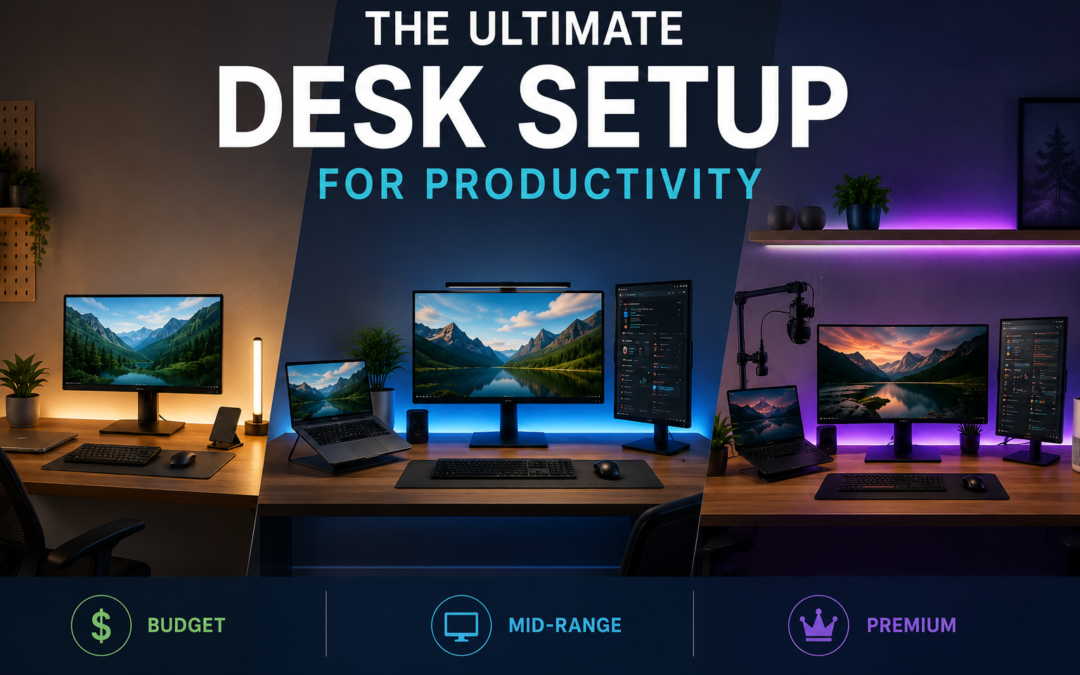
The Ultimate Desk Setup for Productivity: Budget, Mid, and Premium Builds
A great desk setup for productivity is not about filling a table with expensive gadgets. It is about removing the small frustrations that repeatedly interrupt work: a cramped display, awkward charging, poor lighting, cable clutter or a laptop sitting too low for comfortable viewing. Research on modern multi-monitor workstations suggests that additional screens can improve task efficiency, but poor positioning can also increase neck strain.
That makes the right setup surprisingly personal. A developer may benefit from two screens, a writer may prefer one excellent display, while a video editor needs colour accuracy and fast storage. The three builds below are designed around that reality, not around buying the most expensive version of everything.
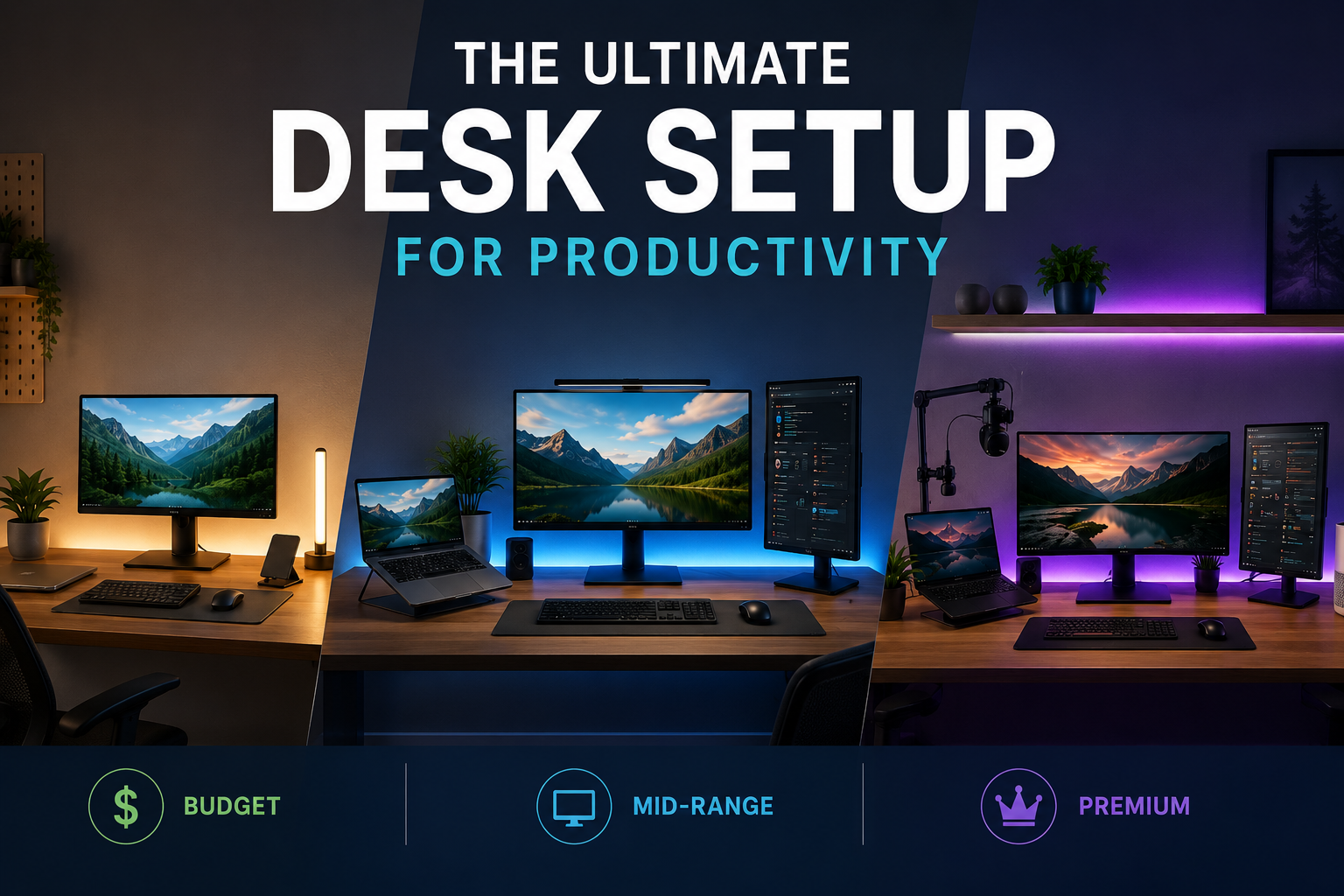
What Actually Makes a Desk Productive?
Before choosing equipment, divide your desk into five jobs:
- Display: Your primary workspace.
- Input: Keyboard, mouse and other controls.
- Lighting: Enough illumination without screen glare.
- Power: Charging and connectivity without cable chaos.
- Environment: Temperature, air quality and distractions.
Spend money according to the bottleneck you experience most. If you’re constantly switching between windows, upgrade the display before buying decorative lighting. If your desk feels uncomfortable after two hours, fix ergonomics before upgrading your monitor.
Budget Build: Spend Where It Counts
Target budget: roughly $300-$500
The budget build should establish a good working foundation without turning into a gadget collection.
Start with a 27-inch 1440p monitor if your computer can drive it. For office work, coding and content creation, 1440p gives you substantially more usable workspace than a basic 1080p display without requiring the hardware or price of a high-end 4K setup.
If you already own a laptop, don’t immediately buy a second computer. Add a monitor and use the laptop as a secondary screen.
A basic monitor arm can also be worthwhile. Raising the display and freeing desk space is often more useful than buying a premium desk mat or decorative accessory.
Other Requirements
For connectivity, UGREEN is worth considering for USB-C hubs, chargers and multi-port adapters. The important specification is not the number of ports printed on the box; check whether the hub supports the display resolution, USB speed and charging wattage your devices actually require.
For lighting, a simple adjustable desk lamp is enough. Position it so it illuminates the workspace without reflecting directly into the monitor.
Budget priority: monitor → chair/ergonomics → connectivity → lighting → accessories.
Mid-Range Build: Two Screens, Cleaner Workflow
Target budget: roughly $700-$1,200
This is where the desk setup for productivity starts becoming a proper workstation.
A strong configuration is a 27-inch 4K monitor plus a laptop or second display, or two matching 27-inch 1440p monitors. Dual-screen setups can improve task efficiency, but positioning matters. A 2026 review found that multi-monitor benefits depend heavily on screen arrangement and task type, while poorly arranged displays can increase neck and visual strain.
Keep the screen you use most directly in front of you. If one monitor is secondary, angle it slightly rather than turning your head repeatedly throughout the day.
Other Requirements
Ulanzi products become useful if your desk also serves as a content-creation station. A compact arm or mounting system can hold a webcam, camera, microphone or light without consuming valuable desk space.
For a portable second display, Uperfect offers another practical option, particularly for laptop users who travel or work from multiple locations.
Lighting is another worthwhile upgrade. Govee can add adjustable ambient lighting behind the desk or monitor. Keep it subtle; RGB lighting should improve the environment rather than become another notification demanding attention.
Premium Build: Build a Complete Workstation
Target budget: $1,500+
A premium setup should improve the entire workflow rather than simply increase specifications.
For the main display, consider a high-quality LG or Samsung monitor matched to your work. A 32-inch 4K display works particularly well for spreadsheets, editing and multitasking, while an ultrawide can reduce window switching for users who constantly work across multiple applications.
Other Requirements
Add a quality monitor arm, USB-C/Thunderbolt dock and high-speed external storage. The goal is simple: connect one cable to your laptop and have your monitor, peripherals, network and charging ready.
For creators, a camera mounted using Ulanzi hardware can remain permanently positioned rather than being unpacked for every call or recording session.
Govee lighting can provide controlled bias lighting, while Dyson or Dreame ecosystems can improve the surrounding environment through air purification, cleaning or climate-related comfort depending on the room.
This is also where cable management deserves attention. Run power and signal cables under the desk, label the important ones and leave enough slack to move your monitor or laptop without unplugging everything.
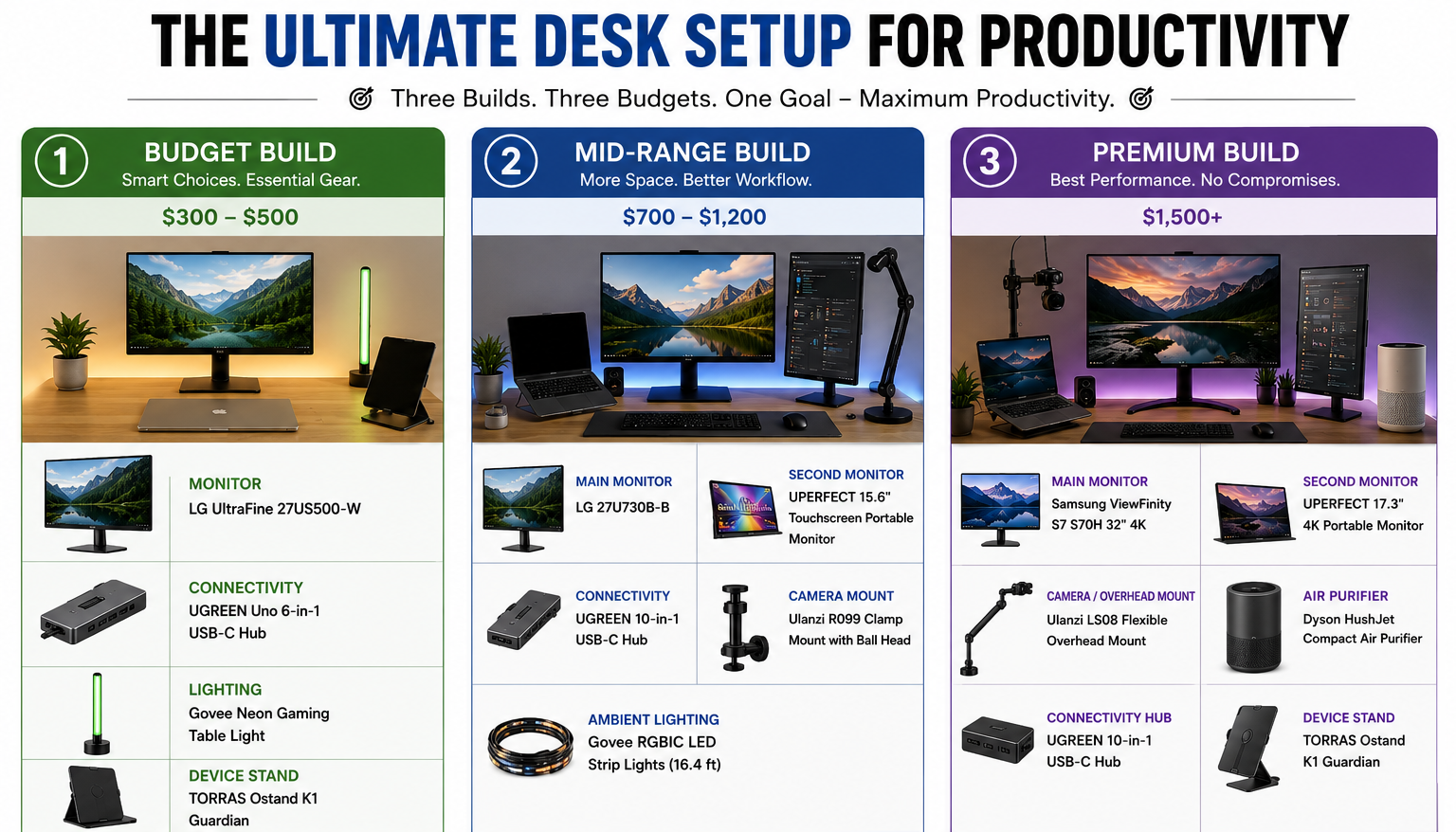
Recommended Products by Build
| Build | Category | Brand | Product | Specifications |
|---|---|---|---|---|
| Budget | Main monitor | LG | UltraFine 27US500-W, 27″ | 27-inch 4K monitor; suitable as the main productivity display. |
| Budget | Connectivity | UGREEN | Uno 6-in-1 USB-C Hub | USB-C hub for adding HDMI, USB and other connections; a practical laptop-desk upgrade. |
| Budget | Lighting | Govee | Neon Gaming Table Light | Compact smart desk lighting; better suited as an optional ambience upgrade than a core productivity purchase. |
| Budget | Device stand | TORRAS | Ostand K1 Guardian | Adjustable stand solution for compatible iPad models; useful for keeping a secondary device visible. |
| Mid-range | Main monitor | LG | 27U730B-B, 27″ 4K | 3840×2160 IPS, DCI-P3 90%, HDR10 and 65W USB-C PD. |
| Mid-range | Portable second monitor | UPERFECT | 15.6″ Touchscreen Portable Monitor | Portable second-screen option for laptop-based workflows. |
| Mid-range | Connectivity | UGREEN | 10-in-1 USB-C Hub | More connectivity for a multi-peripheral workstation. |
| Mid-range | Camera/phone mount | Ulanzi | R099 Clamp Mount with Mini Ball Head | Desk-clamp mounting solution for cameras, phones and compact equipment. |
| Mid-range | Ambient lighting | Govee | RGBIC LED Strip Lights, 16.4 ft | Useful behind the monitor/desk for adjustable ambient lighting. |
| Premium | Main monitor | Samsung | ViewFinity S7 S70H, 32″ 4K | 3840×2160, HDR10, 99% sRGB, 60Hz; designed around a larger professional workspace. |
| Premium | Alternative creator monitor | LG | 27UP850K-W, 27″ 4K | IPS, DCI-P3 95%, DisplayHDR 400 and 90W USB-C PD; particularly strong for creators. |
| Premium | Secondary display | UPERFECT | 17.3″ 4K Portable Monitor | Large portable 4K secondary-screen option. |
| Premium | Camera/overhead mount | Ulanzi | LS08 Flexible Overhead Mount | Useful for desk recording, tutorials, product shots and overhead content. |
| Premium | Air purifier | Dyson | HushJet Compact Air Purifier | Premium workspace-environment upgrade. |
| Premium | Alternative air purifier | Dreame | AP10 Pet Air Purifier | Alternative premium air-purification option. |
| Premium | Tablet stand | TORRAS | Ostand K1 Guardian | Useful for keeping an iPad available as a reference/secondary screen. |
Don’t Overspend on the Wrong Things
A premium desk setup for productivity can still be badly designed.
You don’t need three monitors simply because you can fit three. If your work happens primarily in one application, a single high-quality display may be better.
You also don’t need a $300 smart-lighting system if your biggest problem is glare from a window.
And don’t buy a monitor arm without checking VESA compatibility, screen weight and desk thickness. The same applies to USB-C docks: confirm bandwidth before purchasing.
Torras can be useful for device stands and protection, but treat these as convenience upgrades rather than productivity essentials. Best Buy can be useful when you want to compare multiple brands in one place, particularly for monitors, docks and accessories.
A Better Way to Build Your Desk
Build in stages.
First, fix your chair, monitor position and lighting. Then improve connectivity and storage. Only after that should you spend on aesthetic upgrades.
A useful test is to work for a full week before buying anything new. Write down every repeated annoyance: “I need another screen,” “my laptop is too low,” “my charger doesn’t reach,” “this cable keeps falling behind the desk.” Buy specifically to eliminate those problems.
The best desk setup for productivity is therefore rarely the one that looks most impressive online. It is the one that lets you start work quickly, stay comfortable and keep your attention on the task instead of the equipment.
The Three Builds at a Glance
| Component | Budget | Mid-Range | Premium |
|---|---|---|---|
| Main display | 27″ 1440p | 27″ 4K / Dual | 32″ 4K / Ultrawide |
| Secondary display | Existing laptop | Second monitor | Premium secondary |
| Monitor arm | Basic | Adjustable | Gas-spring premium |
| Connectivity | USB-C hub | Advanced dock | Thunderbolt/USB4 dock |
| Lighting | Desk lamp | Govee ambient | Govee + task lighting |
| Camera setup | Laptop webcam | Ulanzi mount | Dedicated camera + mount |
| Environment | Basic ventilation | Air purifier | Dyson/Dreame ecosystem |
| Cable management | Clips | Tray + clips | Integrated routing |
| Best for | Students, basic WFH | Professionals | Heavy daily users |
FAQs on Desk Setup for Productivity
1. Is a dual-monitor setup actually more productive?
It can be. Research suggests multiple monitors can improve task efficiency, but the benefit depends on the work and screen arrangement. Poor positioning can create neck strain.
2. Is 4K necessary for productivity?
No. A good 1440p monitor can be excellent for everyday work. 4K becomes more attractive for large screens, detailed creative work and users who want more workspace.
3. Are smart lights worth buying?
Only if lighting is genuinely a problem or you want adjustable ambient lighting. Govee can be useful for this, but a good task lamp is often enough.
Also Read: GamsGo: The One-Stop Shop That’s Quietly Saving People a Lot of Money