
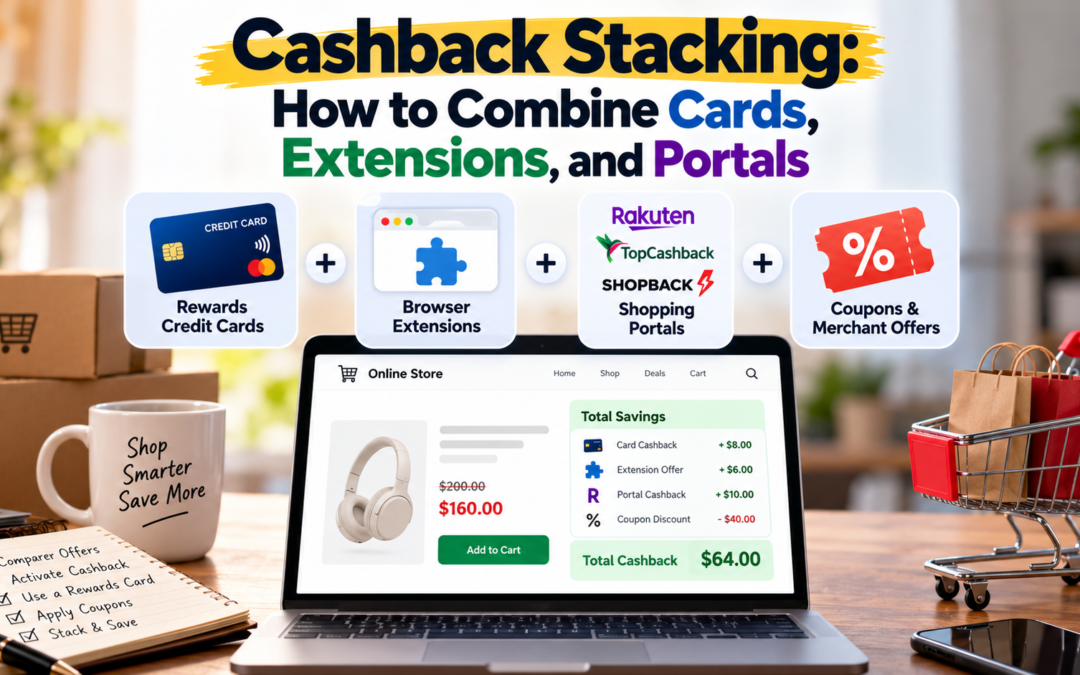
Cashback Stacking: How to Combine Cards, Extensions, and Portals
Online shoppers often focus on the discount displayed on a product page and overlook the rewards available through their payment card or shopping portal. Cashback stacking offers a way to earn multiple benefits from a single eligible purchase by combining different reward programmes. The opportunity is meaningful: according to the U.S. Federal Reserve’s 2024 Diary of Consumer Payment Choice, credit cards accounted for 35% of consumer payments by number in 2023, while debit cards accounted for 30%. With card payments already part of everyday spending, understanding how payment rewards interact with online shopping offers can help consumers make better purchasing decisions.
The catch is that not every reward can be combined. Some browser extensions compete for the same referral credit, certain coupon codes invalidate portal cashback, and advertised rates may apply only to selected products or customers. The goal is not to activate every offer available. It is to identify compatible savings and make sure the final purchase qualifies.
What Is Cashback Stacking?
Cashback stacking means combining two or more eligible savings mechanisms on one transaction. For example, you might use a retailer coupon to reduce the purchase price, visit the store through a cashback portal, pay with a rewards credit card, and activate a qualifying bank offer.
Each layer works differently. A retailer coupon reduces the amount charged. A shopping portal may share part of its referral commission with you. Your card issuer awards points or cashback under your card’s terms, while a targeted bank offer may provide an additional statement credit.
These rewards are often calculated separately, so they can complement one another. However, stacking is never automatic across all programmes; eligibility rules, payment methods, exclusions, and tracking conditions matter.
The Four Main Layers of Cashback Stacking
1. Start with a cashback portal
Shopping portals such as Rakuten direct shoppers to participating retailers through tracked links. If the purchase qualifies, the portal awards cashback according to the merchant’s terms.
Before shopping, compare the available rates for the retailer and check whether the offer applies to your product category. A headline rate may exclude gift cards, subscriptions, sale items, or certain brands.
Click through the portal first and complete the purchase in the same shopping session whenever possible. Opening another cashback service or using an unrelated referral link afterwards may interfere with tracking.
2. Use a browser extension carefully
Browser extensions can surface coupons, compare offers, and remind you to activate cashback. They can make savings easier to find, but installing several shopping extensions does not mean all their rewards will accumulate.
Some extensions operate as cashback portals themselves. Activating one after another may replace the original referral attribution, leaving only one service eligible to receive credit.
A practical approach is to compare offers before checkout, choose the portal you want to use, and activate its cashback tracking. Use other extensions for price comparisons or coupon discovery only when doing so does not redirect the shopping session or violate the selected portal’s terms.
3. Pay with a rewards credit card
A qualifying rewards card can add another layer. Depending on the card, the transaction may earn flat-rate cashback, category bonuses, or points redeemable for travel, merchandise, or statement credits.
Check the card’s eligible spending categories and exclusions. Some cards exclude gift-card purchases, wallet loads, fees, or specific merchant categories. A purchase made through a portal does not guarantee that the card will award bonus-category rewards.
Also, pay the balance in full whenever possible. Interest charges can easily exceed the cashback earned, making the transaction more expensive overall.
4. Activate merchant and bank-linked offers
Retailers may offer promo codes, loyalty points, or discounts through their own apps. Banks may also provide targeted offers, such as a statement credit after spending a specified amount at a participating merchant.
Activate eligible offers before purchasing and read the conditions. Some require a minimum spend, a particular card, or a purchase within a set period. A bank-linked offer may combine with portal cashback, but a separate shopping programme that uses its own referral link may not.
Cashback Stacking in Practice
Consider a hypothetical online purchase priced at $200. Assume the coupon is valid, the portal tracks successfully, the card earns rewards on the eligible transaction, and the bank offer applies.
| Savings layer | Example calculation | Value |
|---|---|---|
| Retailer coupon | 10% off $200 | $20.00 |
| Cashback portal | 5% of the discounted $180 | $9.00 |
| Rewards credit card | 2% of $180 | $3.60 |
| Bank-linked offer | Eligible statement credit | $10.00 |
| Total estimated benefit | $20 + $9 + $3.60 + $10 | $42.60 |
The effective benefit is $42.60, or 21.3% of the original $200 price. The final cost after these benefits would be $157.40, assuming every reward is approved and the card reward is calculated on $180.
This is an illustration, not a guaranteed outcome. Actual calculations may differ because taxes, shipping, reward caps, excluded products, and programme-specific definitions of eligible spending affect the result. Cashback may also arrive weeks later rather than at checkout.
Common Mistakes That Reduce Your Savings
The biggest mistake is assuming that every advertised offer can be combined.
- Before placing an order, check whether the portal permits coupon codes from outside its own platform.
- Rakuten, for example, warns that unlisted coupon codes and other shopping extensions can affect cashback eligibility.
Another mistake is choosing a higher cashback percentage without checking the purchase price.
- A competing portal offering 8% cashback may not be better if the retailer’s price is higher or the offer excludes the item you want.
Avoid buying unnecessary products just to reach a minimum-spend threshold.
- Spending an extra $40 to unlock a $10 reward is not a saving if you did not need the additional purchase.
Finally, keep order confirmations and screenshots of activated offers.
- If cashback fails to track, these records can help when contacting the portal or retailer.
- Review the programme’s claim deadlines, as missing them may make a correction difficult.
A Simple Routine for Better Results
Before checking out, compare the retailer’s direct price with prices offered elsewhere. Check one or two reputable cashback portals, read the eligible purchase terms, and select the portal with the best overall value. Activate any compatible bank offer, apply an approved coupon, and pay with a card that rewards the transaction.
After ordering, verify that the portal recorded the purchase as pending. Check the reward status again after the retailer’s return or confirmation period. If a purchase is returned or cancelled, cashback may be reduced or reversed.
The most effective cashback stacking routine is repeatable rather than complicated. A few compatible rewards on a planned purchase are usually more valuable than chasing every promotion across multiple websites.
Frequently Asked Questions
1. Can I combine cashback from a portal with credit card rewards?
Often, yes. The portal and card issuer usually operate separate reward programmes. However, both rewards must be eligible under their respective terms, and the card must recognise the transaction as qualifying spending.
2. Can I use two cashback portals for one purchase?
Usually, you should not expect both portals to pay for the same transaction. They may compete for referral attribution, meaning only one portal receives credit. Compare their offers before clicking through and choose one.
3. Do browser extensions guarantee the best deal?
No. Extensions can find coupons and highlight offers, but they may not display every promotion or account-specific deal. Check the final price, offer restrictions, and privacy permissions before installing or using an extension.
Also Read: Humble Choice Review: Is the Monthly Subscription Worth It Now?