
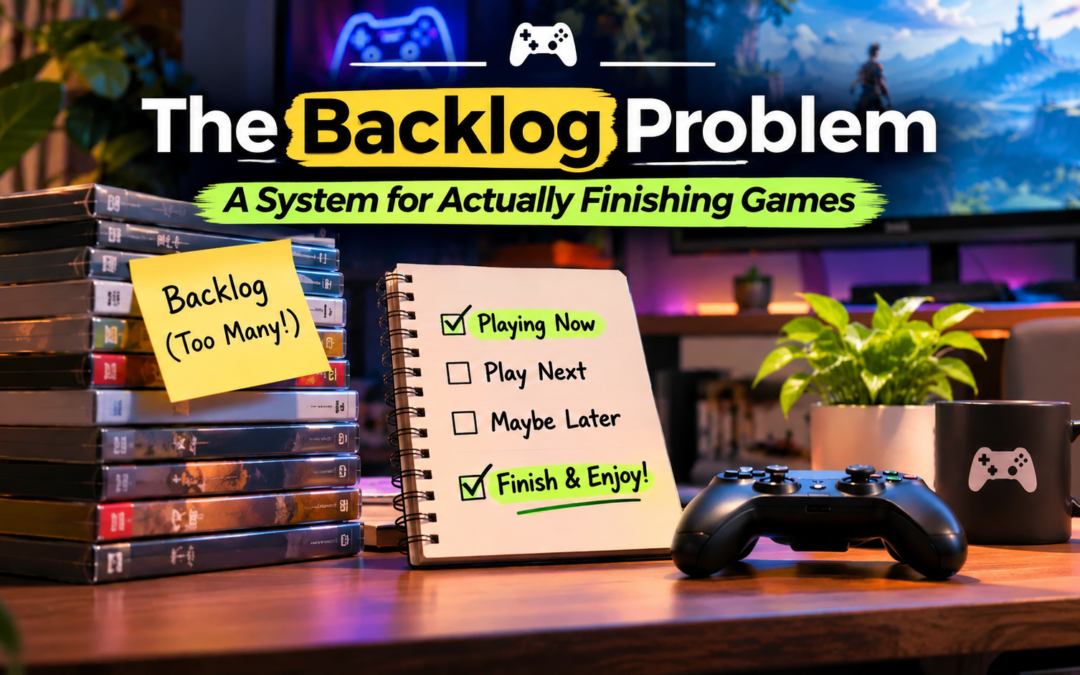
The Gaming Backlog Problem: A System for Actually Finishing Games
A growing game library can feel like a collection of possibilities until the number of unfinished titles starts becoming overwhelming. You buy a game during a seasonal sale, download another because friends recommend it, and start a third before finishing the one already installed. The result is the familiar gaming backlog problem: owning more games than you realistically have time to play. Research based on a public Steam behaviour dataset covering 12,393 players and 129,511 game-purchase records found that approximately 45% of purchased game records had no matching recorded playtime. This is not a platform-wide statistic, but it highlights how easily games accumulate without being played.
The answer is not to turn gaming into another chore. It is to build a simple system that helps you choose what to play, finish what you enjoy, and stop feeling guilty about the rest.
Why Your Gaming Backlog Keeps Growing
The biggest reason gaming backlogs grow is that buying games and playing games are two very different activities. A discount creates an immediate sense of value, while finishing a 40-hour RPG requires weeks of actual free time.
There is also the problem of choice. When your library contains dozens of games, deciding what to play can become surprisingly difficult. You spend more time browsing your collection than enjoying it, eventually returning to the same familiar title.
The first step is to stop treating your entire library as a list of pending tasks. You do not owe every game your time simply because you purchased it.
Step 1: Divide Your Library Into Three Categories
Start by reviewing your library and assigning every game to one of three groups.
| Category | What belongs here | What to do |
|---|---|---|
| Playing Now | Games you are actively enjoying | Focus on these first |
| Play Next | Games you genuinely want to experience | Keep a shortlist |
| Maybe Later | Older purchases and uncertain choices | Review or remove |
Keep the Playing Now category limited to two games: one main game and one shorter alternative. For example, you might play an open-world RPG as your main experience and a racing or puzzle game when you want something less demanding.
This prevents you from constantly switching between five or six unfinished titles.
Step 2: Choose Games Based on Available Time
A common mistake is selecting games based entirely on excitement rather than available time.
A 70-hour role-playing game may look appealing, but it might not suit a month when work and personal commitments leave you with only a few hours of gaming each week. Before starting something new, consider its approximate completion time, difficulty, mission structure and the amount of commitment it requires.
A practical selection guide:
- Under 10 hours: Ideal for short gaming sessions and quick completions.
- 10-25 hours: Suitable for a few weeks of regular play.
- 25-50 hours: Better for a longer commitment.
- 50+ hours: Start when you genuinely have the time and interest.
You can check estimated completion times on resources such as HowLongToBeat, but remember that your actual playtime will depend on your playstyle.
Step 3: Follow a Simple Weekly Gaming Schedule
You do not need to play every day to finish games. You need a routine that fits your lifestyle.
For example, someone with six hours available each week could divide gaming time into three two-hour sessions. Keeping those sessions consistent makes progress easier to maintain.
Try this weekly structure:
| Day | Gaming plan | Time |
|---|---|---|
| Tuesday | Main game | 2 hours |
| Thursday | Main game | 2 hours |
| Saturday | Main game or shorter game | 2 hours |
The important part is returning to the same game instead of restarting something new every weekend.
If you miss a session, do not try to compensate by forcing extra hours into the next week. The system should make gaming enjoyable, not create another deadline.
Step 4: Give Every Game a Fair Chance, but Know When to Stop
Not every game deserves to be finished. Sometimes the gameplay feels repetitive, the story fails to interest you, or the mechanics simply do not match your preferences.
Give a new game two or three meaningful sessions before deciding whether to continue. This gives you enough time to understand its core mechanics and experience more than its opening section.
After that, ask yourself:
- Am I enjoying the gameplay?
- Do I look forward to playing it?
- Is the story or progression keeping me interested?
- Would I choose this game again today?
If most answers are no, move on.
There is no achievement for finishing a game you dislike. Marking a title as dropped is a useful decision, not a failure.
Step 5: Stop Buying Games Just Because They Are on Sale
This is where the system becomes especially important.
Seasonal discounts, publisher bundles and limited-time offers create pressure to purchase games immediately. However, a discounted game is not automatically a good purchase if you already have several titles waiting.
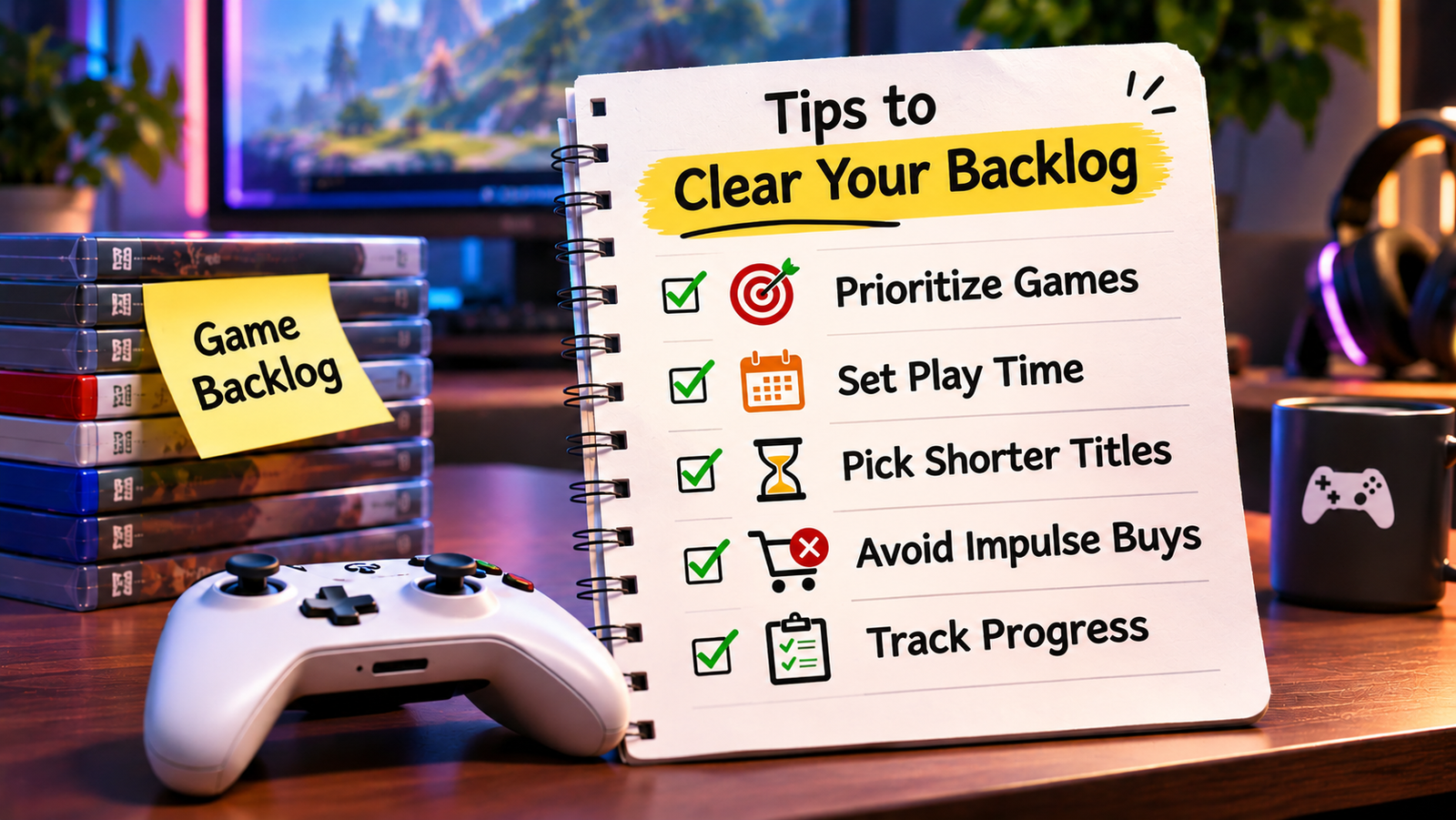
Before buying anything, ask yourself whether you plan to play it within the next 30 days. If the answer is no, add it to your wishlist instead.
A useful rule is to finish or deliberately drop one game before purchasing another. This does not mean you can never buy games for future enjoyment. It simply creates a pause between collecting and playing.
Step 6: Track Progress Without Turning It Into Work
A basic spreadsheet or gaming backlog tracker is enough. Record the title, approximate completion time, current status and your next action.
You can use categories such as:
- Not Started
- Playing
- Completed
- Dropped
Avoid tracking every achievement, collectible and optional mission unless you genuinely enjoy doing so. The purpose is to make decisions easier, not create additional administration.
Make Your Gaming Library Enjoyable Again
The goal is not to reach zero games in your backlog. New releases will arrive, interests will change, and some games will never make it to your console or PC.
A better approach to the gaming backlog problem is to make deliberate choices about what deserves your time. Keep a short playing list, choose games that fit your schedule, stop buying titles impulsively and give yourself permission to drop games you do not enjoy.
Your library should be a source of entertainment, not a reminder of everything you have yet to complete. Play what excites you, finish what you enjoy and let the rest wait.
Gaming Backlog: Frequently Asked Questions
1. How many games should I play at once?
Two is a practical limit for most people: one longer main game and one shorter alternative. It reduces switching while giving you variety.
2. Should I finish every game I purchase?
No. Your time is more valuable than the money already spent. If a game no longer interests you, dropping it is perfectly reasonable.
3. How do I stop buying games during sales?
Create a wishlist, set a monthly gaming budget and introduce a waiting period before purchasing discounted titles. Buy games when you are ready to play them.
Also Read: How to Save for Travel Without Touching Your Emergency Fund