

Subscriptions Audit: The 30-Minute Exercise That Saves $600/Year
A streaming service here, a cloud-storage plan there, an unused fitness membership and an app you subscribed to for a free trial can quietly turn into a significant monthly expense. According to CNET’s 2026 State of Subscriptions findings, Americans spend an average of $111 per month on subscriptions, or $1,332 annually, with approximately $21 per month going towards subscriptions they do not use. That is $252 a year spent on services delivering little or no value. A focused subscriptions audit can uncover these forgotten charges, overlapping services and unnecessary upgrades. With a few cancellations and plan changes, saving $600 a year is a realistic target for some households not a guaranteed average, but a useful goal worth checking against your own spending.
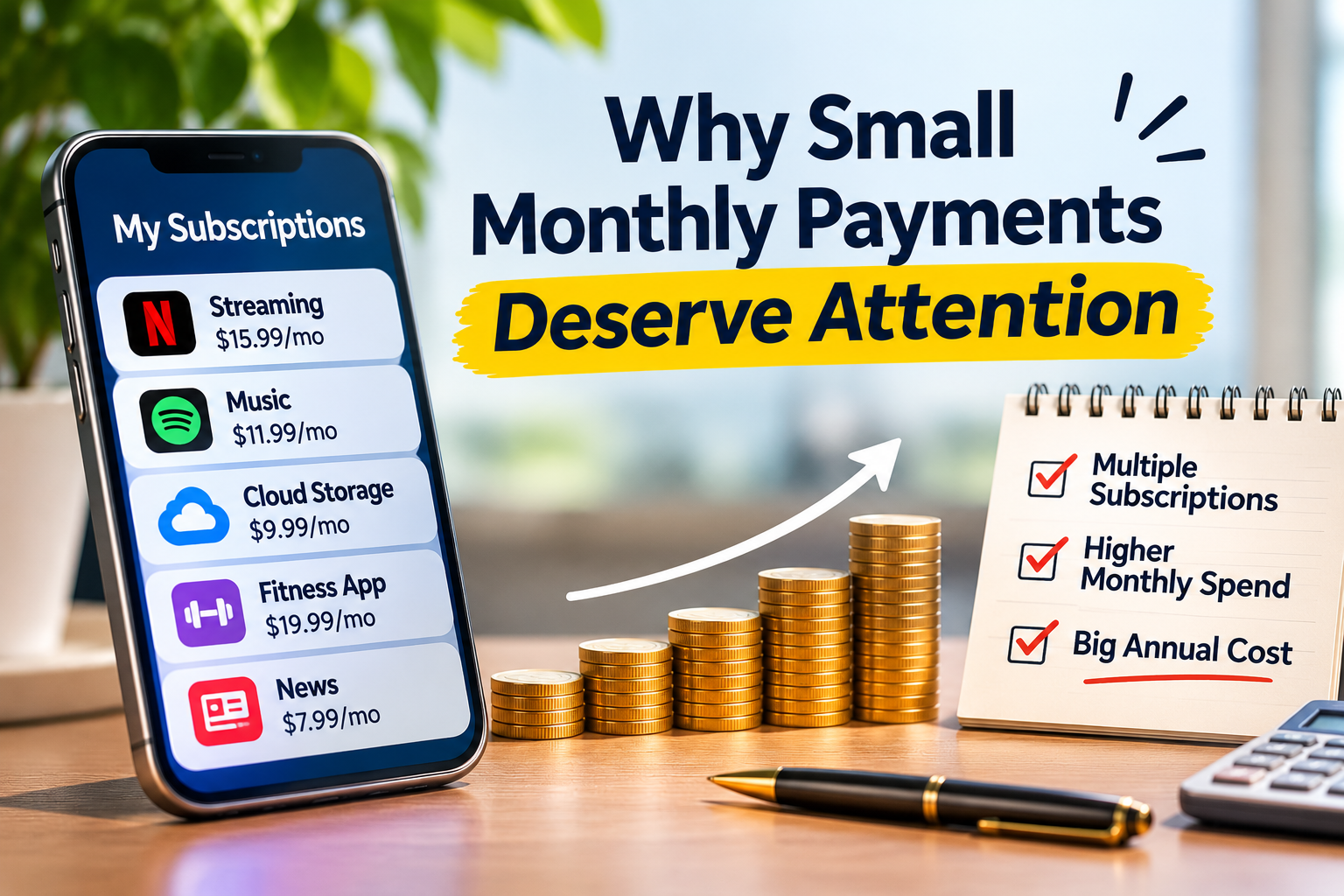
Why Small Monthly Payments Deserve Attention
The problem with subscriptions is rarely one expensive service. It is the combined cost of several small payments that renew automatically, often on different dates. A $9.99 streaming plan may seem harmless, but add a $14.99 productivity tool, a $12 music service and a $20 membership you barely use. Suddenly, more than $55 is leaving your account every month. The solution is not to cancel everything. It is to identify which services still deserve a place in your budget and which ones are simply continuing because nobody remembered to stop them.
Your 30-Minute Subscriptions Audit
Set aside half an hour, open your banking and payment apps, and work through these steps. You do not need a complicated spreadsheet or a paid subscription-tracking tool.
Minutes 0-5: Find Every Recurring Payment
Start with your bank and credit card statements. Review at least the last two to three months, because some subscriptions renew quarterly or annually rather than monthly.
Look for recurring charges under categories such as:
- Video and music streaming
- Cloud storage and software
- Fitness and wellness memberships
- News and digital publications
- Food delivery and shopping memberships
- Gaming and entertainment platforms
- Learning apps and online courses
Also check Apple App Store and Google Play subscriptions, PayPal automatic payments, and any digital wallets you use. Some charges appear under the payment processor’s name rather than the service’s name.
Minutes 5-12: Build a Complete Subscription List
Write down each service, its price, billing frequency and next renewal date. Include annual plans by converting them into monthly equivalents. A $120 annual membership, for example, costs $10 per month when spread across the year.
| Subscription | Monthly cost | Last used | Initial decision |
|---|---|---|---|
| Video streaming | $15 | This week | Keep |
| Music streaming | $12 | Daily | Keep |
| Fitness app | $20 | 3 months ago | Cancel |
| Cloud storage | $10 | This week | Review plan |
| News membership | $8 | Rarely | Cancel |
| Extra streaming service | $14 | Last month | Pause |
This example contains $79 in monthly payments. Canceling the fitness app and news membership alone frees up $28 each month, or $336 annually.
Minutes 12-20: Identify What You Can Cancel
Now evaluate each subscription honestly. Ask three questions:
- Have I used it recently? If you have not opened a paid app in two or three months, consider whether you still need it.
- Does another service already provide the same benefit? Two streaming platforms, multiple cloud-storage plans or overlapping productivity tools may be unnecessary.
- Is the price still worth it? A service you use occasionally may no longer justify its increased monthly fee.
Do not automatically cancel services you genuinely depend on. The purpose is to remove waste, not make everyday life inconvenient.
Minutes 20-25: Check for Cheaper Alternatives
Some subscriptions are worth keeping but may not need to cost as much.
Look for annual plans only when you are confident you will use the service throughout the year. Compare individual and family plans, check whether your mobile or internet provider already includes a service, and review free versions of tools you use occasionally.
For example, someone paying $20 monthly for a premium productivity tool might find that its free plan covers their everyday requirements. That one adjustment saves $240 annually.
Be careful with introductory discounts. A low first-month price can turn into a much higher recurring charge after the promotional period.
Minutes 25-30: Cancel, Confirm and Redirect the Money
Complete the cancellations while you are still reviewing your accounts. Do not leave them for another day.
Use the provider’s official website or app, or the App Store or Google Play subscription settings if you subscribed through those platforms. Save cancellation confirmation emails and screenshots, and check your next statement to ensure billing has stopped.
Deleting an app does not necessarily cancel its subscription. Similarly, removing a payment card may not terminate the agreement. Follow the provider’s cancellation process and check the renewal status.
Finally, transfer the money you have freed up into savings. Otherwise, the amount may simply disappear into everyday spending.
How Can a Subscriptions Audit Save $600 a Year?
You do not need to eliminate dozens of services to reach the target. A few practical adjustments can add up.
| Action | Monthly savings | Annual savings |
|---|---|---|
| Cancel unused fitness app | $20 | $240 |
| Remove duplicate streaming plan | $15 | $180 |
| Downgrade cloud storage | $10 | $120 |
| Cancel unused news membership | $8 | $96 |
| Total | $53 | $636 |
These are illustrative amounts, not guaranteed savings. Your actual results depend on your current subscriptions and cancellation terms. However, the example shows how removing four unnecessary or overpriced services can free up more than $600 annually.
Make the Exercise a Quarterly Habit
A single review is useful, but subscriptions change throughout the year. You may sign up for a new streaming platform during a holiday, purchase software for a temporary project or forget to cancel a free trial.
Schedule a reminder every three months to review your statements, check renewal dates and remove services you no longer need. Keep a simple record of annual memberships so that unexpected renewals do not catch you off guard.
A regular subscriptions audit also makes it easier to notice price increases before they become a permanent part of your monthly budget.
Give Your Monthly Budget a Fresh Start
Recurring payments are easy to overlook because each one appears small on its own. But over twelve months, forgotten memberships and duplicate services can cost more than a weekend getaway or several months of essential expenses.
A subscriptions audit takes just 30 minutes and gives you a clearer picture of where your money goes. Review what you pay for, cancel what you no longer need, and put the difference towards something that matters more. The best part is that you can repeat the exercise every quarter without spending a penny.
Frequently Asked Questions
1. How often should I conduct a subscriptions audit?
Every three months is a practical starting point. Review your accounts sooner if you notice unexpected recurring charges or significant price increases.
2. Can I find all my subscriptions through my bank?
Not always. Bank statements reveal many recurring payments, but app-store purchases, PayPal payments and annual renewals may require separate checks.
3. Is it better to cancel or pause a subscription?
Cancel if you no longer need the service. Pause it if the provider offers a genuine suspension option, and you expect to return. Check whether pausing prevents billing completely.
Also Read: How to Read Your Credit Report (and Dispute Errors That Cost You)