by parth@bidkinetic.com | Oct 9, 2026 | Tech
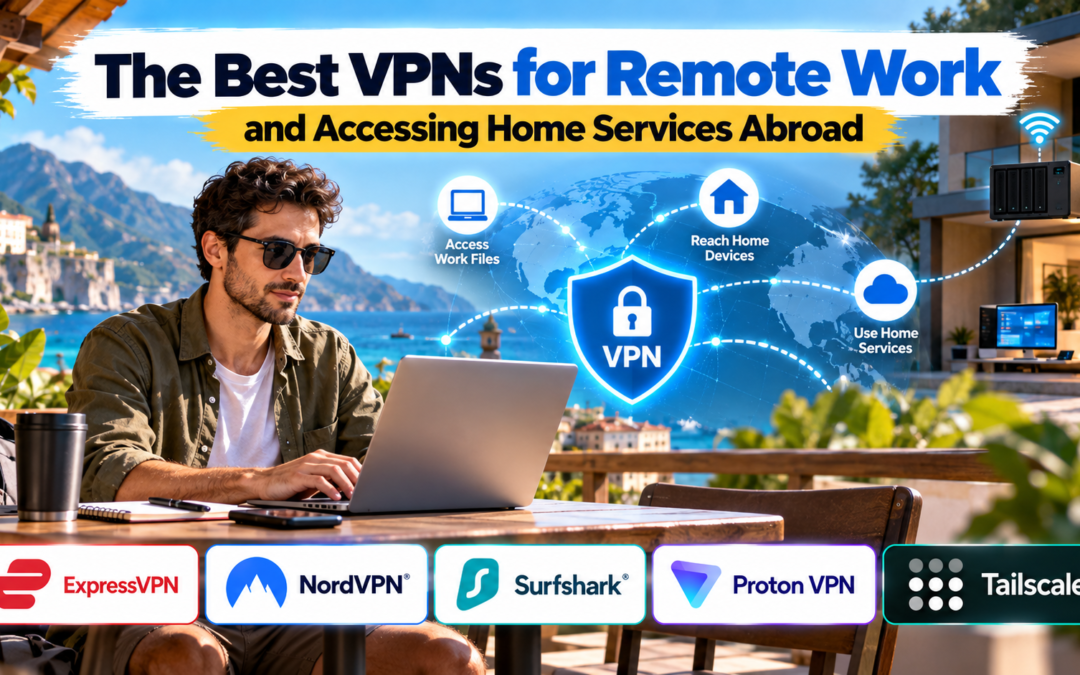
Working from another country can expose practical problems that are easy to overlook when planning a trip. Your company may require a secure connection to internal systems, a banking website may flag a foreign login, or you may need a file stored on your home computer, a network-attached storage (NAS) device, or a self-hosted service. The best VPNs for remote work help protect internet traffic on hotel and café Wi-Fi, but choosing the right option depends on what you need to access.
A consumer VPN and a remote-access VPN solve different problems. A commercial service such as NordVPN or ExpressVPN routes traffic through its VPN servers, while tools such as Tailscale can connect your devices to a private network so you can reach your own computer or home services. NordVPN’s Meshnet, for example, supports secure connections between linked devices, while Tailscale can provide access to private office resources without exposing them publicly.
The important distinction is that changing your apparent IP address is not the same as gaining access to a device on your home network. Before subscribing, identify whether your priority is protecting work traffic, connecting to a company network, or securely reaching your own files and devices abroad.
The Best VPNs for Remote Work: Quick Comparison
| VPN or tool |
Best for |
Main advantage |
Consideration |
| NordVPN |
Remote professionals and travellers |
Fast connections and Meshnet for linked devices |
Meshnet access needs configuration |
| ExpressVPN |
Freelancers who want simple protection |
Straightforward apps and Lightway protocol |
Premium pricing may be a drawback |
| Surfshark |
People using multiple devices |
Unlimited simultaneous device connections on supported plans |
Not a substitute for a private home network |
| Proton VPN |
Privacy-focused professionals |
Strong privacy features and a free plan |
Some advanced needs may require a paid plan |
| Tailscale |
Accessing home servers and private services |
Connects authorised devices into a private network |
Requires setup on the devices or network |
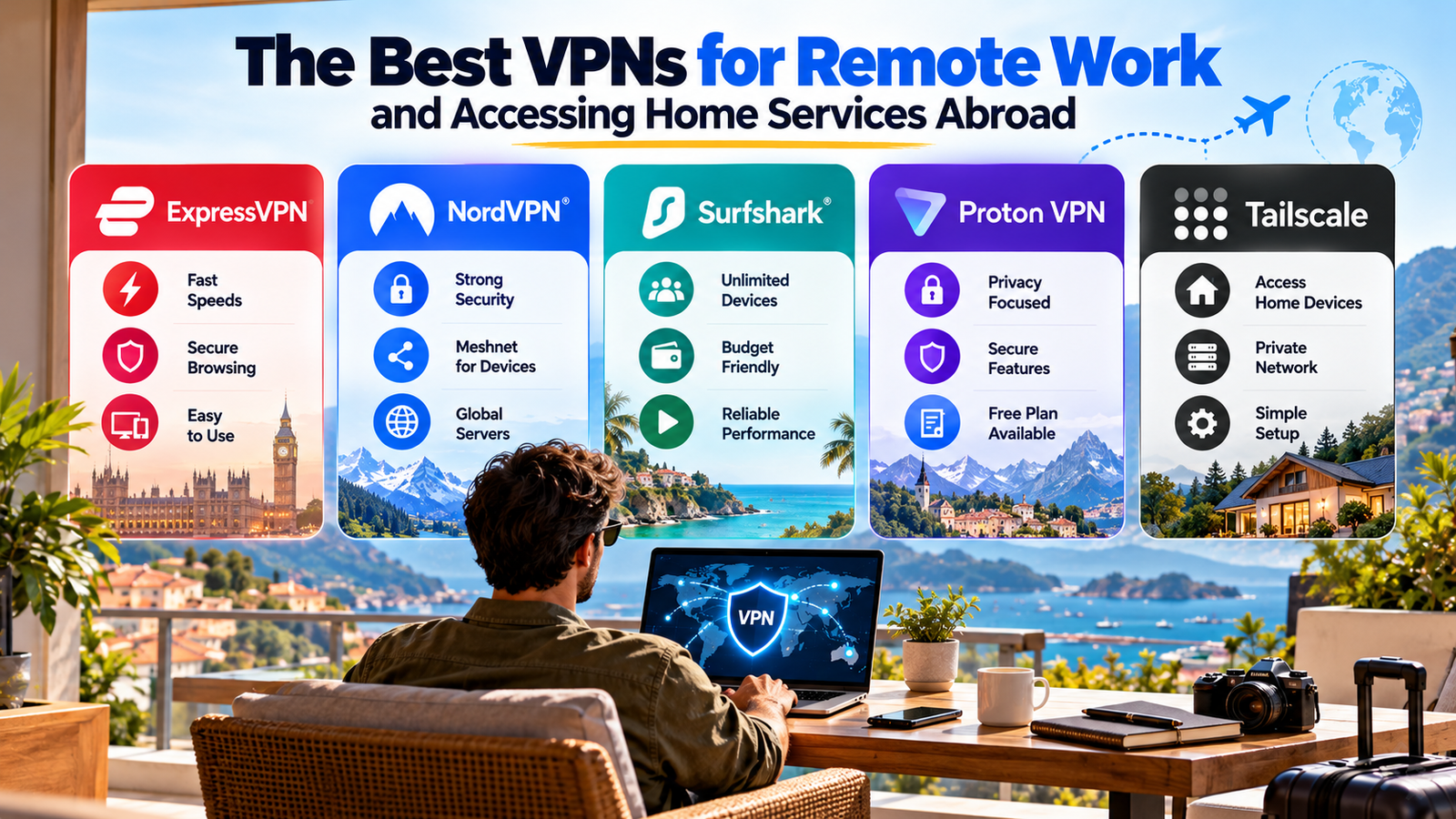
These options are not interchangeable. The first four are consumer VPN providers; Tailscale is a private networking tool designed for connecting devices and services. Features, plan limits and prices can change, so check the current terms before purchasing.
1. NordVPN: Best All-Round Option for Remote Work
Best for: Frequent travellers, consultants and hybrid employees
NordVPN is a strong starting point if you want to protect your laptop and phone on unfamiliar networks without managing your own VPN server. It offers encrypted VPN connections, a broad server network and security features aimed at everyday privacy. Its Meshnet feature is particularly relevant when you need to connect to your own devices rather than simply route traffic through a commercial VPN server.
With Meshnet, authorised devices can communicate over a private network.
- This can help you reach a home computer, transfer files or access supported services while travelling.
- NordVPN also documents remote desktop access through Meshnet, providing an alternative to exposing remote-access ports directly to the internet.
What to consider: Meshnet is not the same as selecting a VPN server in your home country. Set it up and test device permissions before leaving home, and check whether your intended operating systems and applications are supported.
2. ExpressVPN: Best for Straightforward, Everyday Protection
Best for: Freelancers who prefer simple setup.
ExpressVPN is worth considering if you frequently switch between hotel Wi-Fi, coworking spaces and mobile hotspots. Its Lightway protocol and user-friendly apps make it an approachable option for people who want encrypted internet access without spending much time adjusting network settings. TechRadar’s current VPN roundup highlights its usability and performance.
For remote work, it can help protect traffic between your device and the VPN server on networks you do not control. However, it does not automatically grant access to your home NAS, desktop or local-only dashboard. You would still need a separate remote-access solution, such as a properly configured remote desktop tool or private network.
What to consider: Compare renewal pricing as well as introductory offers. If home-device access is your main requirement, prioritise that capability instead of choosing solely on connection speed.
3. Surfshark: Best for Multiple Personal Devices
Best for: Digital nomads carrying several devices
Remote workers often travel with a work laptop, personal laptop, phone and tablet. Surfshark allows unlimited simultaneous connections under its standard subscription policy, making it appealing if you want to protect several personal devices without managing separate subscriptions.
It is useful for encrypting connections on public Wi-Fi and maintaining a consistent privacy setup across devices. But a commercial VPN connection does not, by itself, make your home printer, NAS or smart-home dashboard remotely accessible. You will need a separate, secure route to those devices.
What to consider: Review the device policy and features included in your chosen plan. For business use, confirm that sharing a consumer subscription complies with the provider’s terms and your employer’s security rules.
4. Proton VPN: Best for Privacy-Focused Professionals
Best for: Freelancers handling sensitive information
Proton VPN is a good candidate for professionals who put privacy high on their list. Its apps and security features are designed for users who want more control over how their internet traffic is protected. A free plan is also available, although the features and server choices available on free and paid plans differ.
For someone working abroad, the main benefit is an encrypted connection when using networks outside their control. However, a privacy-focused consumer VPN is not automatically a replacement for an employer-managed VPN or a private network linking your home devices.
What to consider: Check whether your required server locations, connection features and device support are included in the plan you intend to use. Do not assume that a free tier will meet every work-related requirement.
5. Tailscale: Best for Accessing Home Services Abroad
Best for: Home servers, NAS devices and self-hosted tools
If your main goal is accessing a service running at home, Tailscale deserves special attention. Rather than simply routing all your internet traffic through a commercial VPN server, it creates a private network between authorised devices. Its remote-worker documentation explains how subnet routers can provide access to resources on a private network and how exit nodes can route internet traffic through a designated device.
This setup can be useful for accessing a home server, development environment, NAS or internal dashboard from abroad. You install and configure Tailscale on the relevant devices, then grant access only to the people and devices that need it.
What to consider: A home device or network gateway generally needs to remain online and correctly configured. Use access controls, keep software updated and avoid exposing administrative interfaces directly to the public internet.
How to Choose the Right Setup
The best VPNs for remote work are not necessarily the ones with the largest server counts. Choose based on the actual task:
- Public Wi-Fi protection: Choose a reputable consumer VPN with a reliable kill switch and modern encryption.
- Company systems: Use the VPN or zero-trust access tool approved by your employer.
- Home computer access: Configure a secure remote-access tool or private network before travelling.
- NAS and local dashboards: Consider Tailscale or a carefully configured home VPN gateway.
- Home-country IP address: A VPN server in your home country may help with some services, but banking platforms and websites can still apply location checks and additional verification.
Before departure, test access from a different network, enable multi-factor authentication, install updates and save recovery codes securely. If you manage your own home network, use strong credentials and restrict access to only the services you need.
Remember that a VPN does not override company policies, local laws or a service’s geographic restrictions. Some employers require traffic to pass through their own security infrastructure, and some financial services may restrict foreign access even when a VPN is enabled.
Best VPNs for Remote Work: Final Verdict
Choose NordVPN for general-purpose VPN protection with the additional option of Meshnet, ExpressVPN for straightforward everyday use, Surfshark for multiple personal devices, and Proton VPN for a privacy-focused alternative. If accessing your own home services is the primary goal, Tailscale may be the more suitable starting point.
The right choice depends on whether you need secure browsing, company-approved access or a private route back to your own devices. Test the complete setup before your trip, not after you arrive abroad.
Best VPNs for Remote Work: FAQs
1. Can I access my home computer from abroad using a VPN?
Yes, with the right setup. A private network such as Tailscale or NordVPN Meshnet can connect authorised devices, while remote desktop software can provide access to the computer itself. Configure and test the connection before travelling.
2. Is a consumer VPN enough for remote work?
It can protect traffic on public Wi-Fi, but it may not provide access to internal company resources. Follow your employer’s requirements and use its approved remote-access solution when necessary.
3. Can a VPN help me access home-country banking services?
It may provide an IP address associated with your home country, but it cannot guarantee access. Banks may use device checks, identity verification, fraud detection and other location signals.
Also Read: Termly Review: Is It Worth Using for Website Privacy Compliance?
by parth@bidkinetic.com | Oct 9, 2026 | Tech
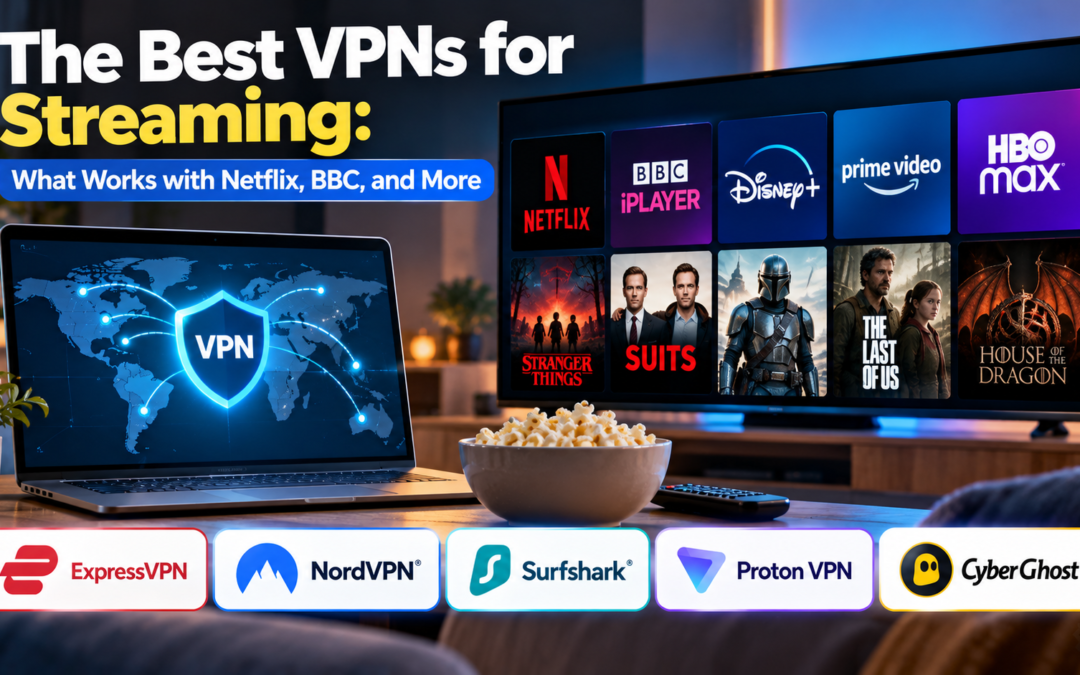
Streaming libraries change depending on where you watch. A Netflix subscriber in the United States may see a different catalogue from someone in the UK, while BBC iPlayer is primarily designed for audiences in the United Kingdom. For travellers, expatriates and households using several streaming services, choosing a VPN involves more than finding the fastest connection. It requires reliable access to streaming platforms, enough speed for HD or 4K playback, compatible apps and a subscription that makes sense over time. The best VPNs for streaming combine consistent connections, fast servers, easy-to-use apps and responsive support when a streaming service blocks an IP address.
The market is competitive in 2026. Recent independent streaming tests show that VPN performance varies by platform: a provider that works consistently with BBC iPlayer may have more difficulty with Netflix, which actively detects VPN connections. Comparitech’s October 2026 tracking covers thousands of streaming checks across multiple providers, platforms and regions, illustrating why blanket promises about unblocking every service should be treated cautiously. ExpressVPN, NordVPN and Surfshark are strong candidates, but each has different advantages depending on your budget, devices and preferred streaming platforms.
The Best VPNs for Streaming at a Glance
| VPN |
Best for |
Main advantage |
Potential drawback |
| ExpressVPN |
Overall streaming experience |
Simple apps and strong streaming compatibility |
Usually positioned at a premium price |
| NordVPN |
BBC iPlayer and all-round performance |
Fast connections and broad streaming support |
Some servers may need switching |
| Surfshark |
Budget-conscious households |
Unlimited simultaneous device connections |
Results can vary by server and service |
| Proton VPN |
Privacy-focused users |
Strong privacy features and a free plan |
Free-plan streaming suitability is limited |
| CyberGhost |
Streaming-focused server selection |
Dedicated server options for certain platforms |
Specialised servers do not guarantee access |
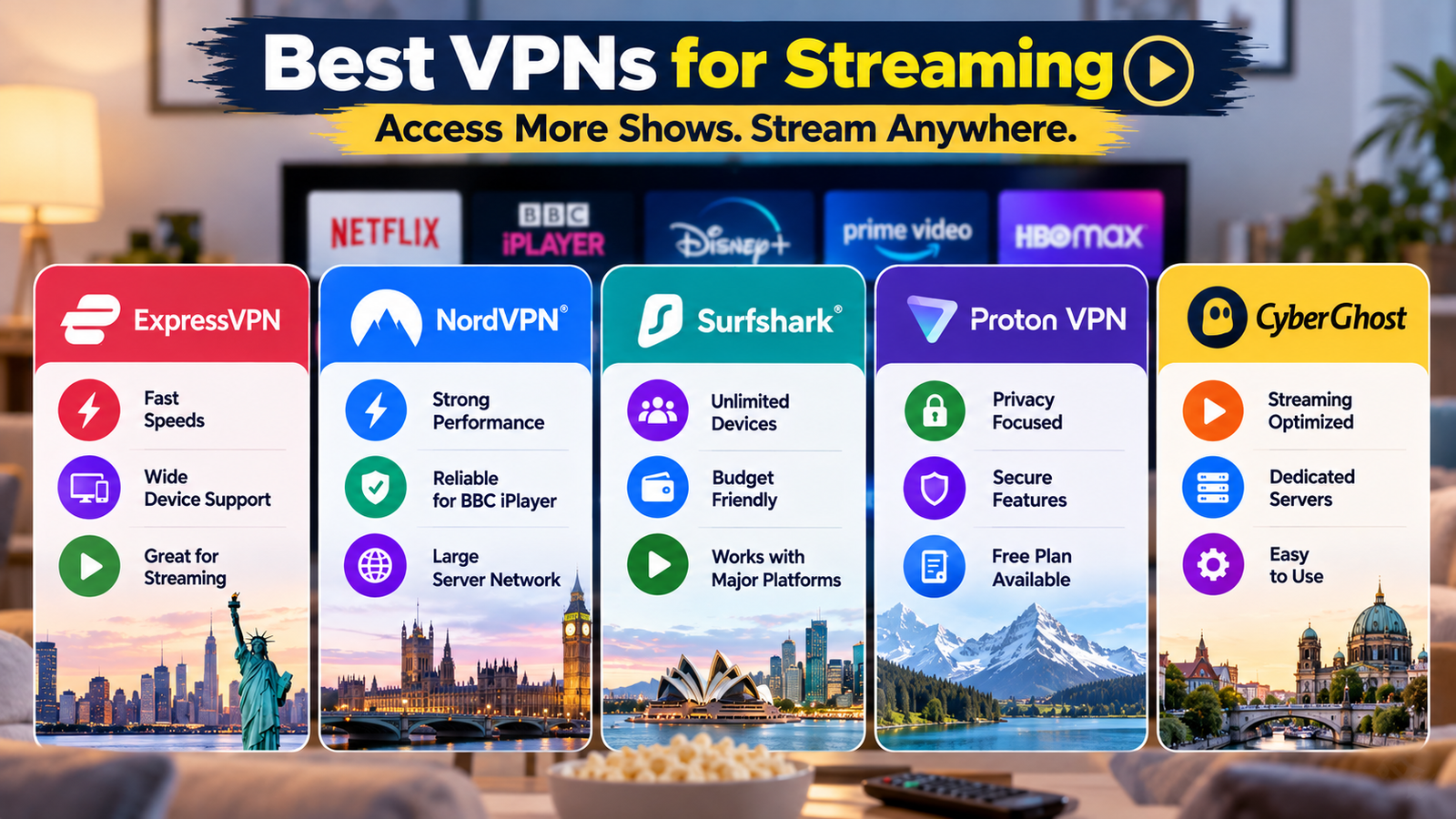
These recommendations reflect the providers’ feature sets and published independent comparisons, not a guarantee that every server will work with every service.
1. ExpressVPN: Best for an Easy Streaming Experience
Best for beginners and frequent travellers.
ExpressVPN is a strong choice for people who want to connect, open their streaming app and start watching without spending time configuring settings. Its Lightway protocol is designed for fast connections, and the service offers apps across major desktop, mobile and streaming-device platforms.
Its streaming support documentation includes troubleshooting guidance for Netflix, BBC iPlayer, Hulu and other services. That is useful because a VPN connection can work normally while a particular streaming platform still refuses to play a title.
What stands out: straightforward apps, broad device support and a focus on connection speed.
What to consider: ExpressVPN is not always the cheapest option, especially when comparing introductory deals with longer-term subscriptions from competitors.
Choose it if ease of use matters more than finding the lowest possible monthly price.
2. NordVPN: Best for BBC iPlayer and All-Round Performance
Best for travellers and multi-platform streaming.
NordVPN is a compelling option for people who regularly switch between Netflix, BBC iPlayer and other services. TechRadar’s 2026 VPN review places it among the leading all-round providers, highlighting its combination of speed, usability, privacy features and streaming performance. Independent BBC iPlayer testing from Tom’s Guide also reports strong results with UK servers and 4K playback.
NordVPN’s broader security features make it suitable for everyday browsing as well as entertainment. However, streaming success can still depend on the particular server, platform and current detection systems.
What stands out: strong overall performance, useful privacy tools and reliable results in independent BBC iPlayer testing.
What to consider: you may occasionally need to switch servers or contact support if a streaming platform detects the connection.
For users who want one VPN for streaming, travel and everyday online privacy, NordVPN is an excellent starting point.
3. Surfshark: Best for Multiple Devices on a Budget
Best for families and multi-device households.
Surfshark is particularly attractive when several people want VPN protection on their phones, laptops and televisions. Its plans support unlimited simultaneous device connections, which can be more convenient than providers that impose a fixed device limit.
It also supports major streaming platforms, including Netflix and BBC iPlayer. Comparitech’s September 2026 BBC iPlayer testing reported a 100% unblocking success rate for Surfshark in its tested sample, alongside a fast playback start time. Those results are encouraging but should not be interpreted as a permanent guarantee across all locations and servers.
What stands out: unlimited simultaneous connections and competitive long-term pricing.
What to consider: the cheapest advertised price generally depends on the selected subscription term, and server performance can vary.
Surfshark makes sense for households that want to protect several devices without purchasing separate subscriptions.
4. Proton VPN: Best for Privacy-Focused Viewers
Proton VPN is worth considering if privacy is as important as streaming. Its paid service offers a broader server selection and additional features compared with its free offering.
The free plan can be useful for general privacy, but it should not be the first choice for someone who needs dependable access to a particular Netflix catalogue or BBC iPlayer. Streaming access, server selection and performance are more limited or less predictable on free services.
Choose Proton VPN if privacy is your main priority and streaming is one part of a wider set of needs. Before subscribing, verify the current plan’s streaming support for your preferred platform.
5. CyberGhost: Best for Streaming-Focused Server Options
CyberGhost is another option for users who prefer a service that organises some servers around particular streaming uses. That can make choosing a connection easier, especially for people who do not want to test multiple locations manually.
However, a server labelled for streaming is not a guarantee of access. Netflix and other platforms regularly update their detection systems, so results can change without notice.
CyberGhost is worth comparing with the three leading options above, particularly if its current subscription price and device support fit your needs.
What to Check Before Buying a Streaming VPN
Speed is important, but it is not the only factor. Netflix recommends a stable connection of at least 5 Mbps for 1080p streaming and 15 Mbps for 4K playback. A VPN adds another connection step, so a fast underlying internet service and a nearby, well-performing VPN server can help avoid buffering.
Check these points before committing:
- Platform compatibility: confirm the service works with your target streaming apps and devices.
- Server choice: look for suitable servers in the country relevant to your subscription.
- TV support: check whether the VPN supports your smart TV, Fire TV, Apple TV or router setup.
- Renewal pricing: compare the full subscription cost, not only the introductory offer.
- Refund policy: read the current terms before purchasing.
- Privacy: review the provider’s logging policy and security features.
One important limitation: Netflix says VPN connections may show only titles available worldwide, and VPNs are not supported for live events or its ad-supported experience. BBC iPlayer also has its own location and licensing requirements. A VPN does not guarantee access to content outside the terms of a streaming service.
Best VPNs for Streaming: Final Verdict
The best VPNs for streaming are those that consistently work with your preferred platforms without making everyday viewing complicated. ExpressVPN is a strong choice for simplicity, NordVPN stands out for all-round performance and BBC iPlayer testing, and Surfshark offers particularly good value for households with many devices.
Before choosing, check current streaming compatibility, renewal prices and device support. No VPN can promise permanent access to every Netflix library or streaming service, but selecting a provider with strong independent test results gives you a better starting point.
Best VPNs for Streaming: FAQs
1. Which VPN is best for Netflix?
ExpressVPN, NordVPN and Surfshark are all worth considering. The best result depends on the Netflix region, device and current server performance.
2. Which VPN works best with BBC iPlayer?
NordVPN, ExpressVPN and Surfshark have performed well in recent independent testing. Check current results because access can change.
3. Will a VPN improve streaming speed?
Not necessarily. A VPN can sometimes help with particular network-routing problems, but encryption and longer routes can also reduce speed.
Also Read: Termly Review: Is It Worth Using for Website Privacy Compliance?
by parth@bidkinetic.com | Oct 8, 2026 | Business
Content creators rarely need just stock photos anymore. A typical project can require video footage, music, sound effects, fonts, presentation templates, social media graphics, motion templates, mockups, and editing assets. That is where the difference between Envato vs other stock asset platforms becomes important. Envato currently offers more than 29 million creative assets, including 16.5 million stock photos, 150,000+ video templates, 350,000+ music tracks, 950,000+ sound effects, 440,000+ graphic templates and 82,000+ fonts. Its Core plan starts at $16.50 per month when billed annually, with unlimited downloads across the catalog.
The competition is strong, though. Shutterstock is better established around conventional stock photography and footage, Adobe Stock fits naturally into Adobe workflows, Creative Market is particularly strong for design resources, and Motion Array is heavily focused on video production. The right choice depends less on which platform has the biggest number and more on what a creator actually downloads every month.
Envato vs Other Stock Asset Platforms: What Is Actually Different?
Envato’s biggest advantage is breadth. It is not simply a stock-photo website. Its current catalog combines photos, video, music, sound effects, fonts, graphics, presentation templates, 3D assets, website assets, add-ons and creative templates under one subscription.
That makes it particularly useful for creators producing several types of content at once.
A YouTube creator might need a Premiere Pro template, background music, sound effects, thumbnail graphics and fonts. A marketing agency could need social templates, stock footage, presentation assets and website elements for different clients. Buying those categories separately can quickly become expensive.
Envato also changed its subscription structure in 2026. Its Core plan starts at $16.50/month when billed annually, while Plus starts at $39/month and Ultimate starts at $109/month. The underlying creative catalog is available across the individual plans; higher tiers primarily increase access to Envato’s AI tools.
How the Major Platforms Compare
| Platform |
Best For |
Asset Strength |
Download Model |
Key Advantage |
| Envato |
Multi-format creators |
Photos, video, audio, templates, fonts, graphics |
Unlimited |
Broad creative library |
| Shutterstock |
Stock photos & footage |
Images, video, music, SFX |
Unlimited or credit-based |
Deep conventional stock catalog |
| Adobe Stock |
Adobe users |
Photos, video, templates, 3D |
Credit/subscription |
Strong Creative Cloud integration |
| Creative Market |
Designers |
Fonts, graphics, templates, mockups |
Credit-based membership |
Independent design resources |
| Motion Array |
Video creators |
Video templates, footage, music, SFX |
Unlimited |
Strong video-production workflow |
Shutterstock: Better for Traditional Stock

Shutterstock remains a strong option when the requirement is a very specific photograph, video clip, editorial image or conventional stock asset.
Its current Unlimited Plus plan costs $69/month when billed annually and includes unlimited downloads from a selected collection of more than 100 million assets. There is also an Unlimited Images plan at $29/month billed annually for a selected collection of 83+ million images. (October 2026)
The important distinction is that Shutterstock’s unlimited plans do not necessarily mean unlimited access to every asset in its broader catalog. Some content remains available through other subscription or credit-based options.
For creators who primarily need stock photography, Shutterstock can therefore make more sense than paying for a much broader library they may never use.
Adobe Stock: Best for an Adobe-Centric Workflow
Adobe Stock is a natural choice for creators already working heavily inside Photoshop, Illustrator, Premiere Pro or other Adobe applications.
Its subscription structure is different from Envato’s. Adobe offers monthly plans ranging from three standard assets to 750 standard assets, while Premium assets, video and other content can also be licensed through credits or on-demand purchases.
The advantage is workflow integration rather than unlimited access to every category. If most projects already happen inside Adobe Creative Cloud, the convenience can outweigh the appeal of a broader standalone subscription.
Creative Market: Stronger for Design-Led Projects
Creative Market takes a different approach. Its marketplace is particularly useful for fonts, graphics, templates, themes, illustrations, mockups and other design resources.
Its current membership plans start at $9.95/month and provide monthly credits plus discounts across more than 25 million design assets. Members also receive a curated monthly asset drop. (October 2026)
The licensing model also deserves attention. Commercial and Extended Commercial licenses have different limits, so creators producing products for sale should check the license attached to each asset rather than assuming a subscription automatically covers every use.
Motion Array: The Video Specialist
Motion Array is arguably the more focused alternative for video creators.
Its Everything plan includes video templates, motion graphics, footage, music, sound effects, graphics, photos, plugins, LUTs and AI voiceover. The individual Everything plan starts at $24.99/month when billed annually.
Its licensing is straightforward for active subscribers: projects completed while the subscription is active remain covered after cancellation, although new projects cannot use downloaded assets without an active subscription.
For a YouTuber, editor or filmmaker who spends most of the day in Premiere Pro or After Effects, Motion Array can be more focused than Envato.
The Licensing Difference Matters More Than Price
A low subscription price means little if the license does not match the intended use.
Envato uses project-based licensing.
Downloads are covered for registered projects, and existing licensed uses remain valid after cancellation. However, a new project requires an active subscription and a new license registration.
This is an important distinction for agencies.
An asset downloaded for one client’s campaign should not simply be treated as universally licensed for another client’s project.
The same principle applies elsewhere.
Creative Market has specific personal, commercial and extended commercial terms, while Adobe Stock uses different licensing structures for standard, premium and editorial content.
So, Which Platform Is Best?
For general content creators, Envato is probably the strongest all-rounder. The combination of unlimited downloads, huge variety and a relatively low entry price makes it particularly attractive for creators producing social media, video, websites and marketing content simultaneously.
- For stock photography and conventional footage, Shutterstock is worth considering.
- For Adobe-heavy professionals, Adobe Stock has the workflow advantage.
- For graphic designers and brand designers, Creative Market offers a particularly strong collection of fonts, templates and design assets.
- For video editors and filmmakers, Motion Array is the more specialized choice.
The smartest approach is to start with the type of assets that consume the most money and time in your workflow. A creator downloading five different asset types every week will generally benefit more from an all-in-one subscription than someone who needs two highly specific stock photographs each month.
Envato vs Other Stock Asset Platforms: FAQs
1. Is Envato better than Shutterstock?
For mixed creative work, often yes. Envato offers a wider variety of asset categories under one subscription. Shutterstock can be better when conventional stock photography, footage or editorial content is the priority.
2. Can Envato assets be used commercially?
Yes, subject to the applicable Envato license and project-registration requirements. Existing licensed projects can remain covered after cancellation, while new projects require an active subscription.
3. Is Motion Array better than Envato for YouTube?
Motion Array may be better for creators focused heavily on video templates, footage, music, plugins and editing workflows. Envato is more versatile if the same creator also needs fonts, graphics, presentations, web assets and other design resources.
Also Read: How to Furnish a First Apartment for Under $2,000
by parth@bidkinetic.com | Oct 8, 2026 | Tech
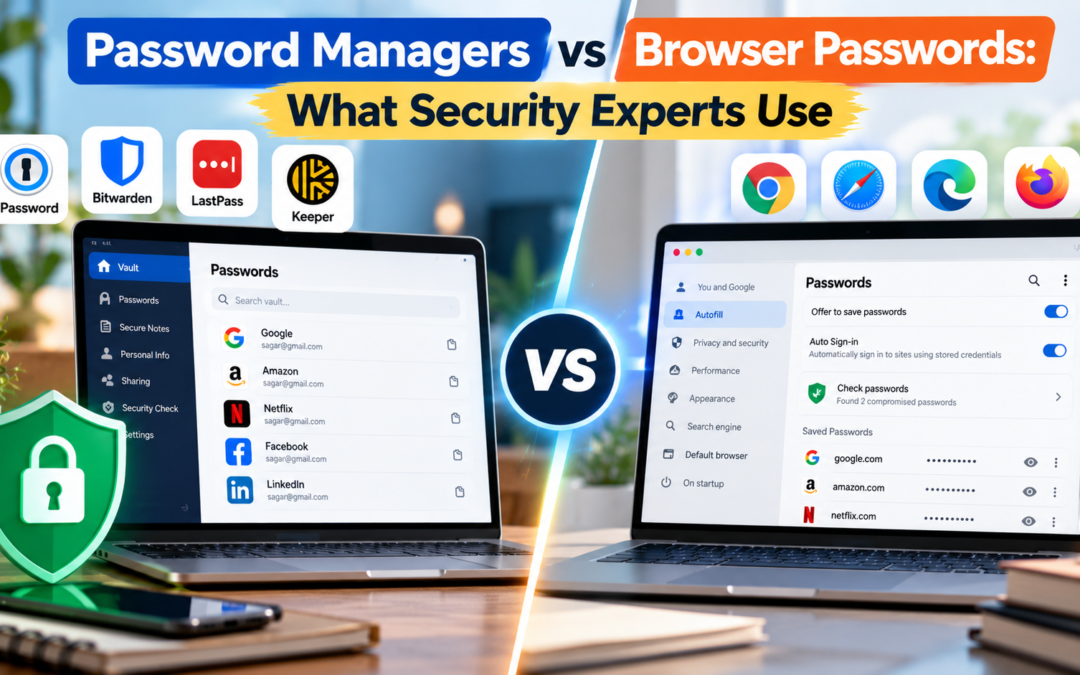
Passwords remain one of the weakest links in online security, particularly when people reuse the same credentials across multiple websites. NIST recommends using a password manager because it makes it practical to generate long, unique passwords for individual accounts rather than relying on passwords people can easily remember. NIST’s current digital identity guidance also requires services to support password managers and autofill because they encourage stronger, unique credentials. Password managers vs browser passwords is no longer a simple comparison between “secure” and “unsafe.” Both can be secure. The real difference is how much control, portability and security management a user needs.
That raises a question many users never stop to consider: should passwords be stored in a dedicated password manager such as 1Password, Bitwarden or Keeper, or is the password manager already built into Chrome, Safari or another browser good enough?
The answer has changed considerably. Browser password storage is now far more secure than the old practice of saving passwords in a browser without protection. Chrome, for example, encrypts saved credentials and can warn users when passwords appear in known breaches. Apple similarly provides automatic strong-password generation and password syncing through its built-in Passwords and Keychain infrastructure.
Browser Passwords Are Better Than Many People Think
Modern browsers have evolved into capable credential managers.
- Google Password Manager can generate unique passwords, store them in a Google Account or locally on a device, autofill credentials and alert users when saved passwords have been compromised.
- Chrome also supports passkeys, which can replace passwords entirely on supported websites and are designed to resist phishing.
Apple’s system works similarly.
- Strong passwords can be generated automatically, stored in the Passwords app or Keychain and synchronised across compatible Apple devices.
- Apple also supports passkeys and Sign in with Apple, reducing the number of conventional passwords users need to maintain.
For someone who uses Chrome across Windows, Android and a few personal devices, Google Password Manager may be perfectly adequate. An Apple-heavy household may have little reason to install another application.
The weakness is ecosystem dependence. A browser-based solution works best when most devices and browsers belong to the same ecosystem.
Dedicated Password Managers Go Further
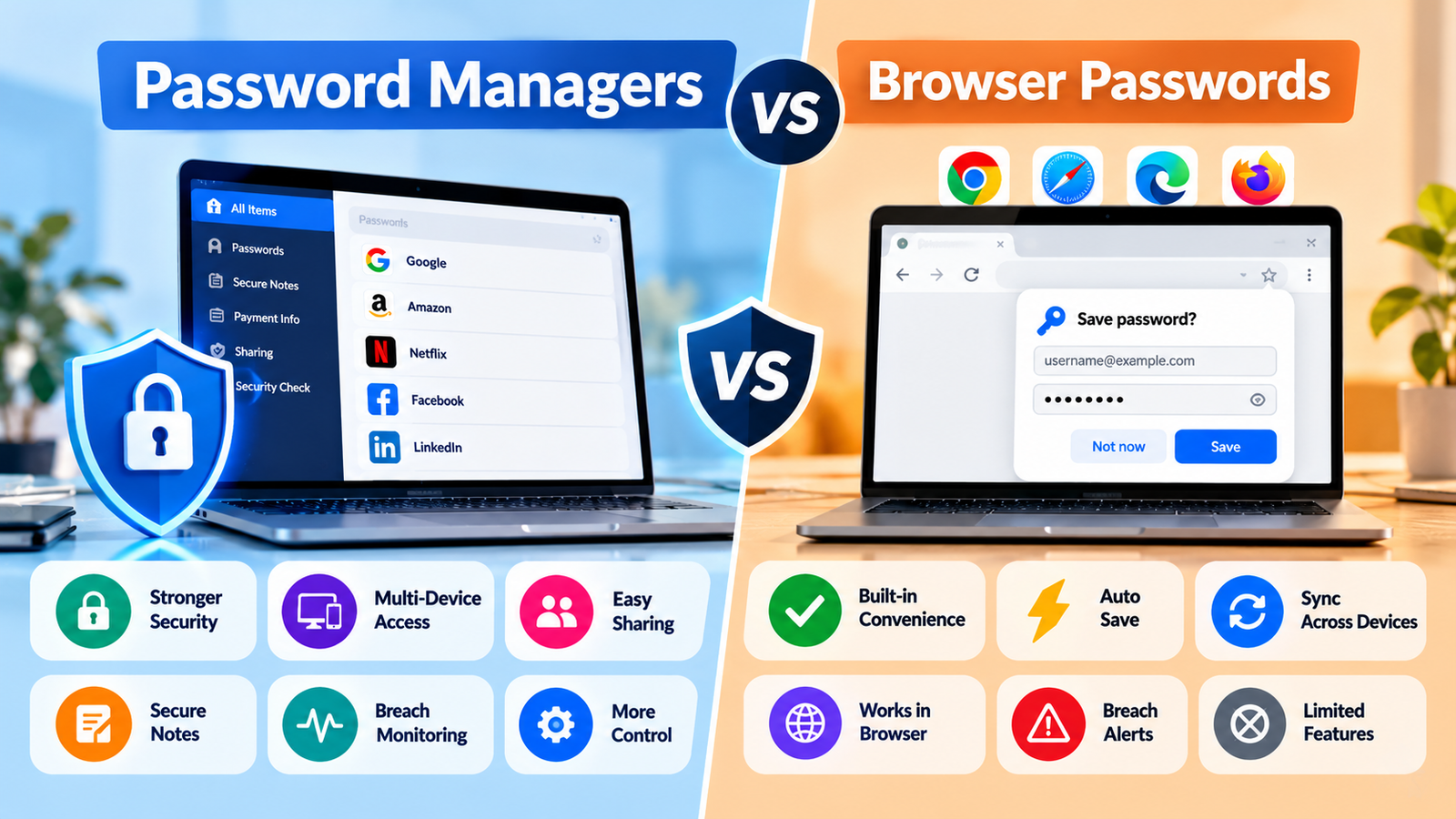
A standalone password manager is built around the vault rather than around a particular browser.
That distinction becomes important when someone uses Windows at work, an iPhone personally and perhaps a Mac or Android tablet at home. A dedicated service can provide a consistent vault across those environments without making Chrome, Safari or another browser the centre of the system.
The additional features are often more important than basic password storage. Depending on the provider, users may get secure sharing, family accounts, password health reports, breach monitoring, encrypted notes, identity information, emergency access and more sophisticated vault organisation.
NIST specifically points out that password managers can provide encrypted storage, password generation and autofill, while recommending a strong master passphrase and multifactor authentication for the password manager itself.
This creates an important security principle: the password manager becomes a high-value account and should be protected accordingly.
The Biggest Difference Is Portability
Consider someone who uses Chrome on a Windows laptop, Safari on an iPhone and Firefox for certain work activities.
Browser storage can handle some of this, but the experience becomes fragmented. A dedicated password manager is designed to remain consistent regardless of which browser is being used.
That does not mean browser storage is inherently less secure. Google, for example, protects saved passwords with encryption and provides additional authentication options when users access or reveal stored credentials.
The distinction is primarily about control and independence from one ecosystem.
| Feature |
Browser Passwords |
Dedicated Password Manager |
| Password generation |
Yes |
Yes |
| Autofill |
Yes |
Yes |
| Breach alerts |
Increasingly common |
Usually extensive |
| Passkey support |
Yes on major browsers |
Increasingly standard |
| Cross-browser use |
Limited/less convenient |
Strong |
| Cross-platform support |
Depends on ecosystem |
Usually excellent |
| Secure sharing |
Basic or ecosystem-dependent |
Usually advanced |
| Family management |
Limited |
Common |
| Encrypted notes/documents |
Limited |
Common |
| Password health tools |
Basic to moderate |
Usually more comprehensive |
| Cost |
Generally free |
Free and paid options |
| Best suited to |
Single-ecosystem users |
Multi-device or advanced users |
What Security Experts Actually Care About
The most important issue isn’t whether a password sits in Chrome or a standalone application. It is whether every account has a unique credential, whether the vault is properly protected and whether multifactor authentication is enabled.
A beautifully designed password manager does little good if its master password is weak.
NIST recommends a long passphrase for the password-manager account, unique passwords for individual services and MFA where available. It also cautions against password-manager recovery mechanisms that could undermine the security of the vault.
Passkeys are also changing the conversation. Instead of creating another complicated password, a passkey uses cryptographic credentials tied to a particular website or app. Google notes that passkeys are resistant to phishing and can be protected by device biometrics or a PIN.
For accounts supporting passkeys, using one can be more meaningful than debating which password vault stores a conventional password.
When a Browser Is Enough
A browser password manager makes sense when someone:
- Uses one primary ecosystem.
- Mainly needs passwords and passkeys.
- Does not need complex sharing features.
- Wants a free solution.
- Is comfortable keeping credentials tied to Google, Apple or another platform.
- Has MFA enabled on the main account.
For many ordinary users, moving from reused passwords to a properly configured browser password manager is already a major security improvement.
When a Dedicated Manager Makes More Sense
A standalone manager becomes more compelling for people managing dozens or hundreds of accounts, switching between operating systems, sharing credentials with family members or managing business accounts.
It is also useful when passwords are only part of the information that needs protection. Secure notes, recovery codes, software licences, identity documents and other sensitive information can often be organised inside the same encrypted vault.
Recent password-manager comparisons also increasingly evaluate passkey support, cross-platform access, security audits and recovery options rather than password storage alone.
The Practical Verdict
For a single-device or single-ecosystem user, the built-in browser or operating-system password manager is no longer a compromise. Chrome and Apple’s password systems have strong security features and are particularly convenient.
A dedicated password manager wins when flexibility matters more: multiple platforms, multiple browsers, family sharing, business use and more advanced security management.
Ultimately, password managers vs browser passwords is the wrong question if it leads someone to ignore the fundamentals. A unique password for every important account, MFA or passkeys, a protected primary account and sensible recovery options matter more than the brand of vault being used.
FAQs
1. Are browser password managers safe?
Yes. Modern browser password managers use encryption, authentication controls and security checks. Chrome, for example, can identify saved credentials exposed in known breaches.
2. Should passwords be stored in both a browser and a password manager?
Usually there is little benefit to maintaining two active vaults. Duplicating credentials can create confusion and make security management harder.
3. Are passkeys safer than passwords?
For supported services, generally yes. Passkeys are designed to resist phishing and do not require users to create or remember a traditional password.
by parth@bidkinetic.com | Oct 8, 2026 | LifeStyle
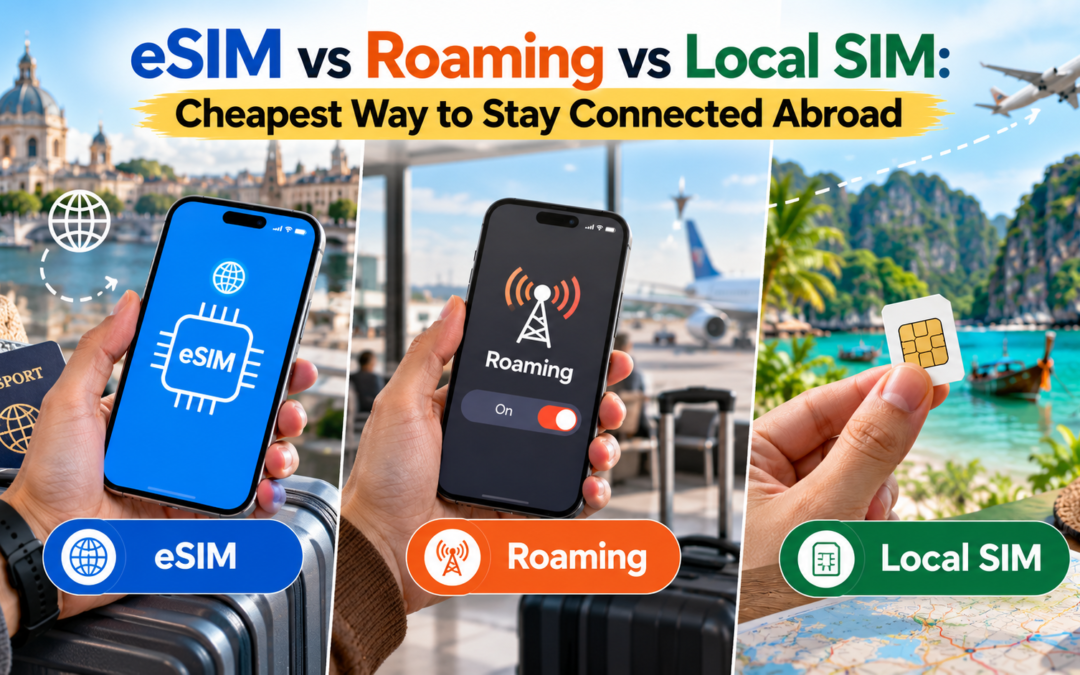
For international travellers, mobile connectivity is no longer just about finding the strongest signal. The real question is how much that connection will cost once the phone crosses a border. In 2026, eSIM adoption is accelerating: GSMA Intelligence estimates that eSIMs represented about 5% of global smartphone connections at the end of 2025, with the share expected to reach 10% by the end of 2026. So, this eSIM vs roaming vs local SIM comparison is less about finding one universal winner and more about matching the connection method to the destination, trip length, data usage and the need to keep the home number active.
A traveller can now install a data plan before boarding a flight instead of buying a physical SIM after landing. But that does not automatically make eSIM the cheapest option. Local SIM cards can still offer excellent value in many countries, while roaming can actually be the smartest choice for a short trip when a carrier’s international pass is reasonably priced.
What Are the Three Options?
eSIM: A digital SIM profile installed directly on a compatible phone. Travel eSIM providers sell country, regional or global data packages that can usually be activated through an app or QR code. Some providers now offer plans covering hundreds of destinations, with packages ranging from small data allowances to unlimited options.
Roaming: The existing SIM connects to a foreign network through an agreement between the home carrier and the overseas operator. Nothing physical needs to change, and the home number remains available. The problem is pricing: outside regions with regulated or generous roaming agreements, standard roaming can become expensive quickly.
Local SIM: A physical SIM purchased from a mobile operator or retailer in the destination country. It generally gives access to local network pricing and may include a local phone number. The trade-off is the time and paperwork involved in buying and registering it.
Which One Is Actually Cheapest?
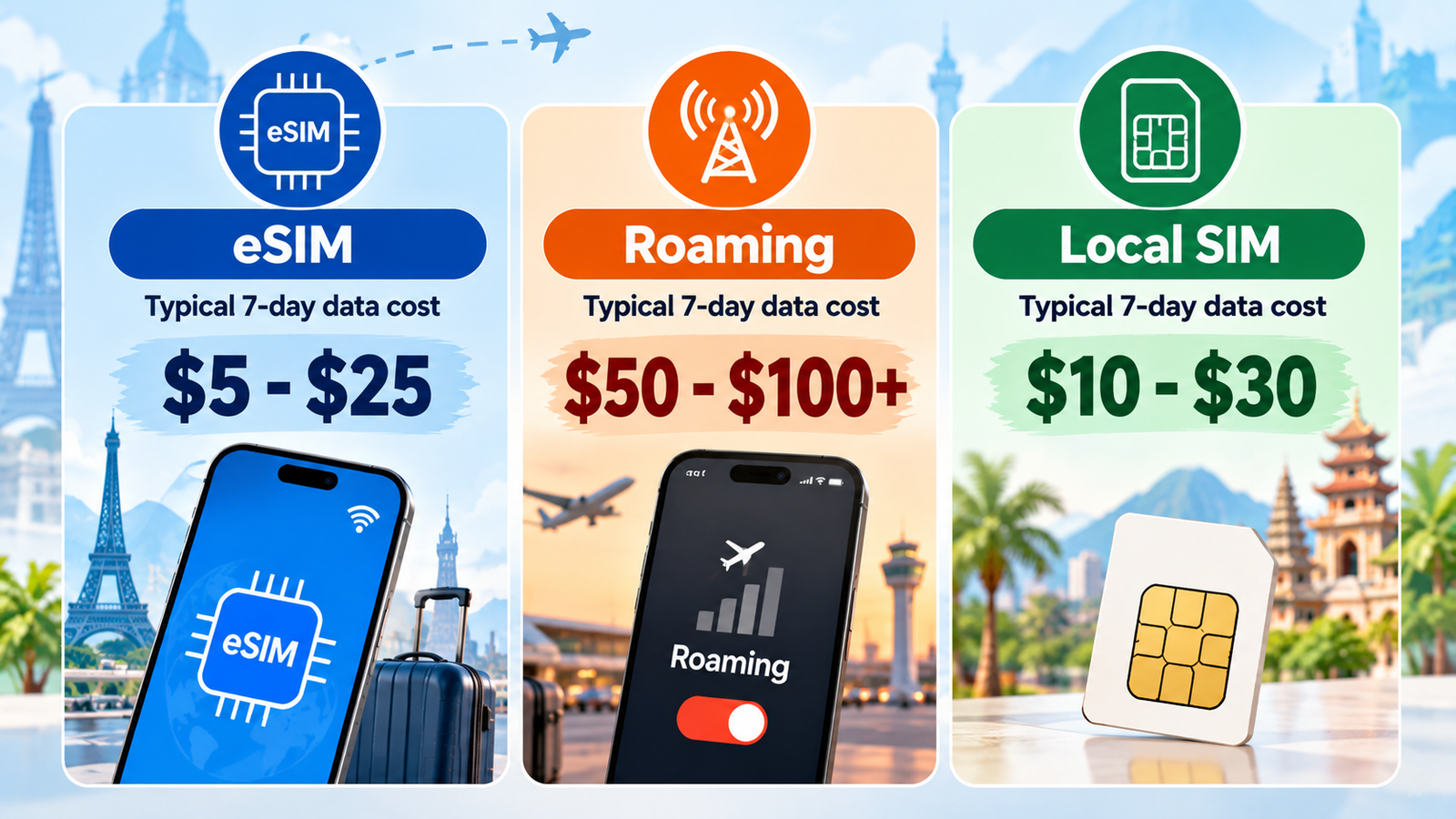
There is no single worldwide price because local telecom pricing varies enormously. As a useful 2026 benchmark, travel connectivity comparisons put a typical week of data at roughly $5-$25 for an eSIM, $50-$100+ for standard roaming, and $10-$30 for a local physical SIM. These are indicative ranges rather than fixed global prices.
| Factor |
eSIM |
Roaming |
Local SIM |
| Typical 7-day data cost |
$5-$25 |
$50-$100+ without a good pass |
$10-$30 |
| Setup |
Before or after arrival |
Usually automatic |
Buy and install locally |
| Physical SIM required |
No |
No |
Yes |
| Keep home number |
Usually yes with dual SIM |
Yes |
Usually no |
| Local phone number |
Usually no |
Yes, home number |
Usually yes |
| ID requirement |
Usually no |
No additional ID |
Often required |
| Multi-country travel |
Excellent with regional plans |
Depends on carrier |
Requires multiple SIMs |
| Best for |
Convenience + predictable data cost |
Short trips and simplicity |
Longer stays + heavy data |
The important detail is that roaming should not automatically be dismissed as expensive. Many carriers sell daily passes or international bundles that make roaming much more predictable. In the EU/EEA, for example, eligible travellers can generally use their domestic allowance while roaming under the EU’s “Roam Like at Home” rules, subject to fair-use limits. The regime currently covers all 27 EU countries plus Iceland, Liechtenstein and Norway, and was extended to Ukraine and Moldova from January 1, 2026.
For an EU traveller visiting another EU country for a few days, switching to a separate eSIM may therefore add cost and complexity without providing much benefit.
eSIM: The Best Balance for Most Travellers
The biggest advantage of an eSIM is preparation. The plan can be purchased and installed before departure, meaning mobile data can work shortly after landing.
- It is particularly useful when travelling between multiple countries. Instead of buying a new physical SIM in each destination, a regional eSIM can cover several countries under one package.
Another advantage is dual-SIM functionality.
- On compatible unlocked phones, the home SIM can remain active for calls or SMS while the eSIM handles mobile data.
- This is useful for receiving bank OTPs, keeping WhatsApp associated with the home number and staying reachable without paying for full roaming data.
The main limitation is compatibility.
- The phone must support eSIM, and some devices are carrier-locked or have regional restrictions.
- Some travel eSIMs are also data-only, so they do not provide a conventional local phone number for calls and SMS.
That makes eSIM vs roaming vs local SIM particularly interesting for travellers who primarily need maps, messaging, ride-hailing, email, and social media rather than traditional voice calls.
Local SIM: Cheapest for Longer Stays
A local SIM becomes more attractive when the trip lasts several weeks or involves heavy data use.
Local operators often price their prepaid packages for residents rather than international travellers, which can mean substantial data allowances for comparatively little money. A local SIM can also provide a domestic phone number, which matters when restaurants, delivery services, taxis or businesses require local calling.
The downside is the arrival experience. The SIM has to be purchased, registered where required, installed and configured. Some countries require passport or identity verification. There is also the practical problem of removing the existing SIM and keeping it somewhere safe.
For a two-week or one-month stay, however, that inconvenience may be worthwhile.
When Roaming Makes More Sense
Roaming wins on convenience. There is no need to research local operators, compare eSIM packages or visit a store.
It is especially sensible when:
- The trip is only a few days.
- The carrier offers an affordable international day pass.
- The traveller needs the home number for regular calls.
- The destination has poor eSIM availability.
- A work phone has restrictions on installing third-party eSIMs.
The danger is using standard pay-as-you-go roaming without checking the rates beforehand. A phone that automatically downloads photos, synchronises cloud files or streams video can consume data surprisingly quickly.
Before departure, check the carrier’s roaming price, daily limits, destination coverage, hotspot restrictions and whether receiving calls or SMS costs extra.
The Cheapest Choice Depends on the Trip
- For a three- to seven-day holiday, an eSIM is often the strongest combination of low cost and convenience.
- For a month-long stay, a local SIM can win on raw value, particularly for heavy data users.
- For a very short business trip, roaming can be cheapest in practical terms if the existing carrier offers a reasonably priced pass. There is no setup time and no need to change the phone configuration.
- For multi-country travel, a regional eSIM usually becomes more attractive because one plan can cover several destinations.
This is why eSIM vs roaming vs local SIM should always be evaluated against the actual itinerary rather than a generic “cheapest SIM” list.
What to Check Before Buying
Price per gigabyte is only one part of the calculation. Check the network used by the provider, coverage in rural areas, maximum 4G/5G speeds, hotspot support, activation period, validity window and whether unused data expires.
Also check whether the phone is unlocked. A cheap local SIM or eSIM is useless if the handset cannot accept another carrier profile.
For eSIMs, confirm whether the plan starts when installed or only when it connects to the destination network. For local SIMs, check registration requirements. For roaming, check whether the advertised price is a daily charge, a fixed data bundle or simply the carrier’s standard out-of-bundle rate.
FAQs
1. Is an eSIM cheaper than roaming?
Usually, especially outside regions where roaming is regulated or where the carrier offers a competitive international pass. But prices vary by country and carrier.
2. Is a local SIM cheaper than an eSIM?
Often, particularly for longer stays and large data requirements. However, an eSIM can be cheaper when convenience and short-trip pricing are considered.
3. Can the home SIM and travel eSIM work together?
Yes, on compatible dual-SIM phones. The eSIM can handle mobile data while the home SIM remains active for calls and SMS.
Also Read: Traveloka Review: Is It Worth Using for Booking Flights and Hotels?
