by parth@bidkinetic.com | Oct 26, 2026 | Games
Streaming was supposed to make entertainment cheaper. Cancel cable, subscribe to a few apps, and watch what you want. But as platforms raise prices, introduce advertising tiers, and reserve popular shows for exclusive subscriptions, the monthly bill can grow faster than expected. Understanding the cost of streaming in 2026 means looking beyond individual subscription prices to the combined expense of video, live sports, music, and add-ons.
Deloitte’s 2025 Digital Media Trends research found that US households subscribing to streaming video-on-demand services paid an average of $69 per month for four paid services, a 13% increase from the previous year. Its 2026 reporting also found that nearly 75% of consumers were frustrated by rising entertainment subscription prices, while around 40% had recently cut back because of financial concerns.
The problem is not that streaming offers poor value. It is that people often pay for several overlapping services without checking whether they use them enough. The smarter approach is to build a bundle around viewing habits, household preferences, and a realistic monthly budget.
Why Streaming Bills Are Getting More Expensive
A subscription that looks affordable on its own can become costly when combined with others. One service carries your favourite dramas, another has exclusive films, a third offers live sports, and another becomes necessary when a new season arrives.
Premium, ad-free plans generally cost more than entry-level subscriptions. Some platforms also charge extra for additional household members, while live sports, premium channels, and rental titles can add to the total.
According to Deloitte’s research, 47% of surveyed consumers said they paid too much for streaming services, and 41% felt the available content was not worth the price. These figures point to a value problem: subscribers are not necessarily looking for fewer entertainment options; they want to feel that their spending is justified.
What Does Streaming Cost in 2026?
The following examples illustrate how quickly subscriptions can add up. These are illustrative monthly budgets, not universal market prices. Actual prices vary by country, plan, taxes, promotions, and billing method.
| Streaming setup |
Example monthly budget |
Best suited for |
| One ad-supported service |
$9 |
Casual viewers |
| Two standard subscriptions |
$30 |
Couples or small households |
| Three mixed-tier services |
$45 |
Regular film and series watchers |
| Four paid video services |
$69 |
Households with varied interests |
| Four services plus live sports or premium add-ons |
$90–$120+ |
Sports fans and heavy viewers |
The $69 figure reflects Deloitte’s reported average for subscribing households in 2025, rather than a recommended spending target. The other figures are planning examples to help you estimate your own bill.
For a household spending $69 every month, the annual cost reaches $828. At $100 per month, entertainment subscriptions total $1,200 a year. That is enough to make a periodic subscription review worthwhile.
How to Build the Right Streaming Bundle
The best bundle is not necessarily the one with the most apps. It is the one that delivers the content you genuinely want at a price you can justify.
Start with your must-watch content.
- List the shows, films, sporting events, or programmes your household regularly follows.
- Choose one core service that covers the biggest share of those interests.
- Treat other subscriptions as optional rather than automatic.
Consider ad-supported plans.
- If you mainly watch casually, a lower-priced plan with advertisements may be sufficient.
- Deloitte reported that 54% of surveyed streaming subscribers had at least one paid ad-supported service in 2025.
- Compare the savings against the amount of advertising and any restrictions on downloads, picture quality, or simultaneous screens.
Check official bundles.
- Some providers package multiple entertainment services together for less than separate subscriptions.
- Compare the bundle’s full price with the individual plans you would actually choose.
- Avoid paying for a third service simply because it is included if nobody in your household watches it.
Rotate subscriptions strategically.
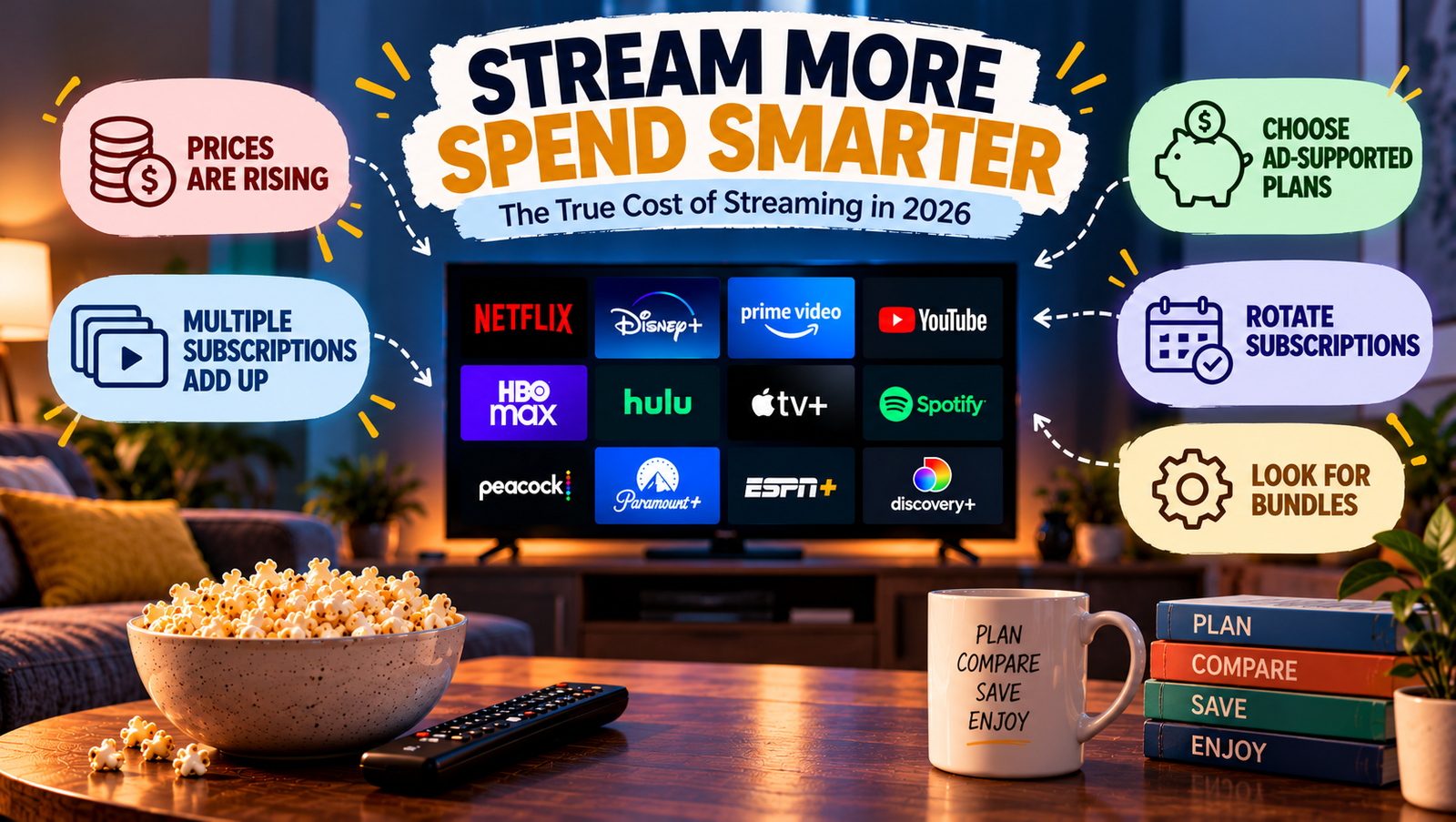
- Instead of maintaining five services all year, keep two core subscriptions and activate another when a show or sports season you care about arrives.
- Cancel or downgrade it when you finish watching.
- Check renewal dates so a temporary subscription does not become a forgotten recurring expense.
Separate video from everything else.
- Music streaming, cloud gaming, premium sports packages, and audiobook services may appear on the same payment statement, but they serve different purposes.
- Review them together when budgeting while evaluating each on its own value.
Hidden Costs Worth Checking
The advertised subscription price is only part of the equation. Taxes, extra-member charges, premium channel upgrades, and rental fees may increase the final bill. Annual plans can reduce the monthly equivalent but require a larger upfront payment and may be less flexible if your viewing habits change.
Internet access is another consideration. If you upgraded your broadband package mainly to support streaming across several devices, include that incremental cost when assessing your entertainment budget. Likewise, avoid paying for a premium video tier if your television and viewing habits do not benefit from its additional features.
To understand the true cost of streaming in 2026, review your bank or card statements for the last three months. Record every recurring charge, note the last time you used each service, and calculate both your monthly and annual totals. Then compare those totals against your actual viewing habits.
When Is a Bundle Worth It?
A bundle makes sense when it combines services you would otherwise pay for separately and offers a genuine saving. It is less attractive when the discount encourages you to keep paying for content you rarely watch.
Before signing up, compare the bundle’s regular price, not just its introductory offer, with the total cost of individual subscriptions. Check whether advertising is included, whether every service is available in your region, and what happens when a promotional period ends.
The right cost of streaming in 2026 is personal. A sports-loving household may reasonably spend more than someone who watches one series a week. What matters is choosing that amount deliberately instead of letting renewals make the decision for you.
Final Thoughts
Streaming remains a flexible way to watch entertainment, but convenience can hide a surprisingly large recurring bill. The best approach is to choose services based on real viewing habits, compare bundles carefully, and cancel anything that no longer earns its place in your budget. A smaller, well-chosen lineup can deliver more value than a long list of subscriptions.
Frequently Asked Questions
1. How much does the average household spend on streaming?
Deloitte’s 2025 research found that US households subscribing to streaming video-on-demand services spent an average of $69 per month across four paid services.
2. Are streaming bundles cheaper than separate subscriptions?
They can be, provided you use the included services. Compare regular prices and check for ads, content restrictions, and renewal terms before committing.
3. How can I reduce my streaming bill without losing my favourite shows?
Keep your essential service, rotate secondary subscriptions, consider ad-supported plans, and cancel services you rarely use.
Also Read: Kovo Credit Builder Review: How Does It Work?
by parth@bidkinetic.com | Oct 25, 2026 | LifeStyle
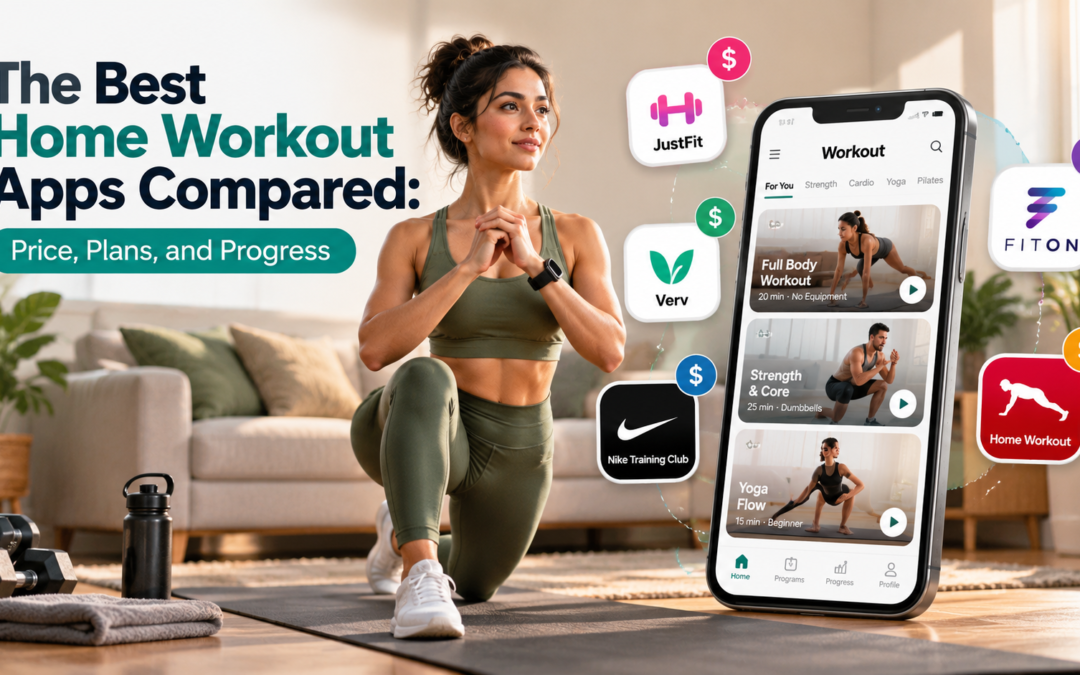
Finding time to exercise is one thing; finding a workout routine you can stick to is another. Home fitness apps help bridge that gap with guided sessions, personalised plans, exercise demonstrations, and progress tracking, often without requiring a gym membership or expensive equipment. The challenge is choosing one that fits your actual routine rather than paying for features you rarely use. The best home workout apps differ in how they approach fitness.
Some focus on short, beginner-friendly sessions, while others combine strength training with walking, running, nutrition, yoga, and mindfulness. JustFit, for example, offers guided workouts designed to make starting easier, while Verv takes a broader approach to daily wellbeing. Both offer free downloads with in-app purchases, so the final cost depends on the subscription and features you choose.
Below, we compare five popular options based on workout variety, pricing structure, progress tools, and who is most likely to benefit from each.
1. JustFit: Best for Beginners and Guided Home Workouts

JustFit is a practical option if you want to start exercising without designing your own training plan. Its library includes guided bodyweight sessions, wall Pilates, chair workouts, and other routines designed for different fitness levels. Some programmes use short daily sessions, which can make exercise easier to fit around work or family commitments.
The main appeal is structure. Instead of choosing random exercises every day, you can follow a programme and build a regular habit. JustFit also supports Apple Health integration for tracking information such as steps and calories burned on compatible devices.
US pricing:
- The US iOS listing includes a Premium annual subscription at $69.99, a quarterly option at $29.99, and a monthly option at $19.99.
- Other discounted offers are listed, so check the price shown in your account before purchasing.
Plans and progress:
- Free content is available, while Premium unlocks additional workout content.
- Programmes help organise sessions, but users aiming to build strength should also record repetitions and exercise difficulty.
Best for:
- Beginners, people returning to exercise, and anyone who prefers short, guided routines without gym equipment.
2. Verv: Best for Fitness and Everyday Wellbeing
Verv takes a broader approach than a conventional workout app. Alongside at-home exercise, it offers walking and running programmes, resistance-band workouts, meal-planning resources, yoga, meditation, and sleep-related content.
That variety is useful if your goals extend beyond strength or weight management. You could complete a home workout on one day and choose a guided walk or relaxation session on another. The trade-off is that its wide range of features may feel excessive if you only want a simple strength-training plan.
US pricing:
- The US App Store lists a $39.99 annual Premium option and monthly options at $14.99, with other offers also available.
- Verify the exact subscription displayed before paying.
Plans and progress:
- Premium provides access to additional training programmes, meditation content, audio resources, and other features.
- Verv also offers walking and running statistics and can integrate selected health data through Apple Health.
Best for:
- People who want exercise, activity tracking, nutrition resources, and mindfulness tools in one app.
3. Nike Training Club: Best Free Workout App
Nike Training Club is a strong choice if you want structured workouts without adding another monthly bill. Its sessions cover strength training, conditioning, yoga, mobility, Pilates, and recovery. You can choose workouts based on duration, fitness level, training focus, and equipment requirements.
This flexibility makes it useful for both beginners and experienced exercisers. A beginner can start with bodyweight sessions, while someone with dumbbells can choose more demanding strength workouts.
US pricing: Free.
- Nike’s US App Store listing describes free access to its workout and training content, without a paid subscription requirement.
Plans and progress:
- The app provides guided workouts and structured training content.
- Apple Health integration is available, and compatible Apple Watch features can help record workout information.
- It is less focused on detailed strength progression than dedicated workout-log apps.
Best for:
- Anyone who wants quality guided training without a subscription.
4. FitOn: Best for Variety and Instructor-Led Classes
FitOn is built around video-led classes rather than a single training method. Its library includes strength, cardio, yoga, Pilates, stretching, and dance workouts. That variety can help if repetitive routines make it difficult to stay motivated.
The free workout library is the main attraction. FitOn PRO adds features such as structured fitness and nutrition programmes, personalised meal plans, premium music, offline downloads, and additional device-related features, depending on availability.
US pricing:
- FitOn offers free workouts.
- US App Store listings show multiple PRO offers, including annual prices around 19.99–39.99.
- Confirm the current offer and billing period in the app.
Plans and progress:
- You can follow classes and build a regular routine.
- PRO adds planning and convenience features, although users seeking detailed measurements of strength gains may still want a separate training log.
Best for:
- People who enjoy following instructors and switching between different workout styles.
5. Home Workout-No Equipment: Best for Simple Bodyweight Training
If you do not own dumbbells or resistance bands, Home Workout – No Equipment offers a straightforward way to exercise at home. Its routines focus on bodyweight movements, including exercises for the full body and specific muscle groups.
This is a useful starting point when you want to train without buying equipment. However, bodyweight training still needs progression. As exercises become easier, you may need to increase repetitions, slow the movement, choose a harder variation, or add resistance.
US pricing:
- The app is free to download, with advertising and in-app purchases.
- US App Store listings show several subscription offers, including annual options around 23.99–49.99 and monthly options around $9.99.
- Prices vary by offer.
Plans and progress:
- Guided routines and workout history can help establish consistency.
- For better results, record repetitions, sets, rest periods, and exercise difficulty.
Best for:
- People who want simple, equipment-free routines and a direct approach to home fitness.
Home Workout Apps Compared: Price and Features
| App |
US price |
Best feature |
Progress tracking |
| JustFit |
Free; Premium $19.99/month, $29.99/quarter, or $69.99/year |
Guided beginner workouts |
Programme consistency and compatible health data |
| Verv |
Free; Premium from listed $14.99/month or $39.99/year offers |
Fitness and wellbeing in one app |
Workout and walking/running statistics |
| Nike Training Club |
Free |
Strength, mobility, yoga, and conditioning |
Workout records and compatible health integration |
| FitOn |
Free; PRO offers around 19.99–39.99/year |
Instructor-led classes |
Routine and workout participation |
| Home Workout – No Equipment |
Free; paid offers vary |
Bodyweight workouts without equipment |
Workout history and exercise progress |
Prices are examples from US listings, not guaranteed prices for every user. The lowest available offer may have different terms or eligibility. Review the checkout screen, trial conditions, and automatic renewal details before subscribing.
How to Choose the Right App for Your Goals

When comparing the best home workout apps, consider what will help you maintain a routine, not simply which app has the largest library.
If you need a structured starting point, try JustFit. If you want walking, exercise, and mindfulness together, explore Verv. Nike Training Club is a sensible first choice if avoiding subscription costs is your priority, while FitOn suits people who enjoy video classes. Choose Home Workout – No Equipment if you want uncomplicated bodyweight training.
Also check whether the exercises match your current ability, whether you need equipment, and whether the app records meaningful progress. A workout streak can show consistency, but improvements in strength, endurance, mobility, or exercise technique are more useful measures of progress.
Best Home Workout Apps: FAQs
1. What is the best home workout app for beginners?
JustFit is worth considering for its guided programmes and beginner-friendly sessions. Nike Training Club is another good option if you want free instruction and a wider variety of training styles.
2. Which home workout apps are free?
Nike Training Club is free, and FitOn provides a free workout library. JustFit, Verv, and Home Workout – No Equipment also offer free downloads or access, with paid upgrades for additional features.
3. Is Verv better than JustFit?
Neither is automatically better. JustFit is more focused on guided home workouts, while Verv combines exercise with walking, running, nutrition, sleep, and mindfulness resources. Choose according to the features you will actually use.
Also Read: GamsGo Review: Shared Streaming Subscriptions, Legit or Risky?
by parth@bidkinetic.com | Oct 25, 2026 | LifeStyle
For people with wider feet, the problem often starts with standard shoe shapes that do not match their natural foot dimensions. Buying a larger size may create more length without providing enough room across the ball of the foot. The demand for better-fitting wide-feet footwear comes down to three things: width, shape, and internal volume.
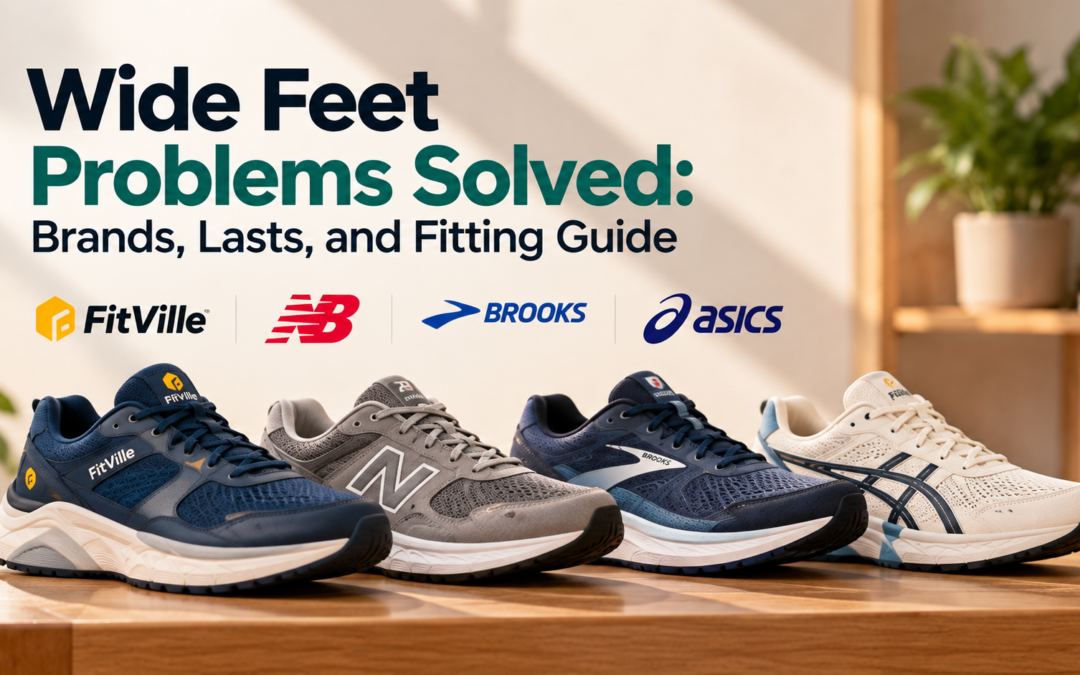
Width determines how much room the shoe provides across the foot, the last determines its overall shape, and internal volume affects how comfortably the foot sits inside. Getting these details right can help reduce pressure points, friction, and unnecessary discomfort. Brands such as FitVille, New Balance, Brooks, and ASICS offer options worth exploring, although availability varies by model and region.
Here is how to identify the source of your fit problems, choose the right brands, and find shoes that work for your everyday needs.
1. FitVille: Best Starting Point for Wide and Extra-Wide Options
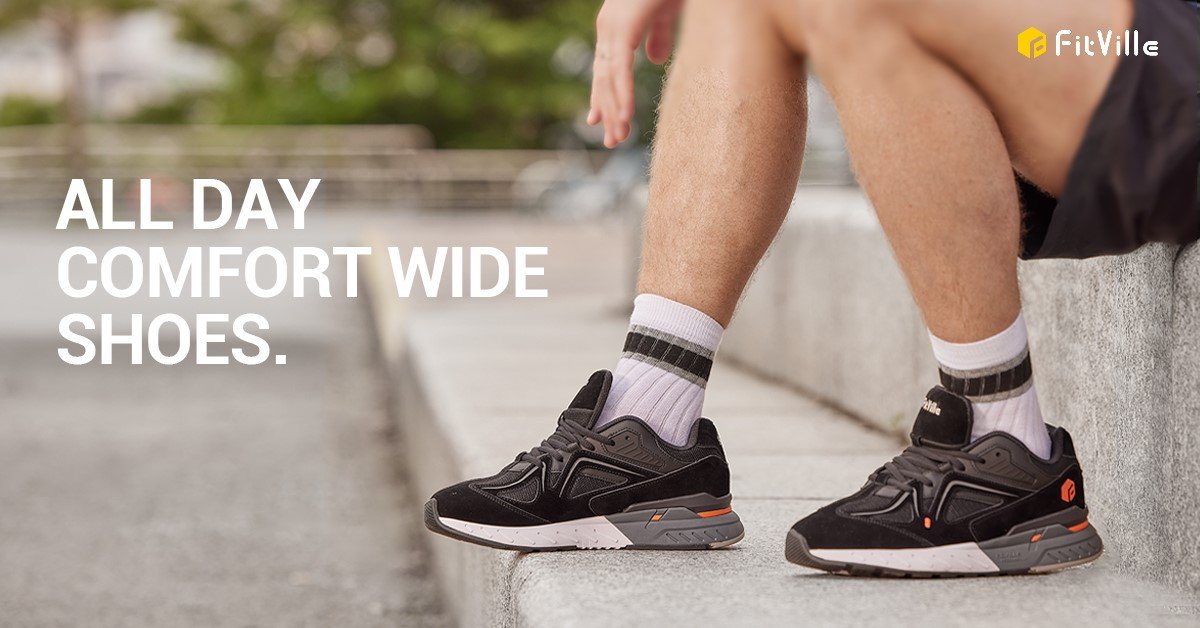
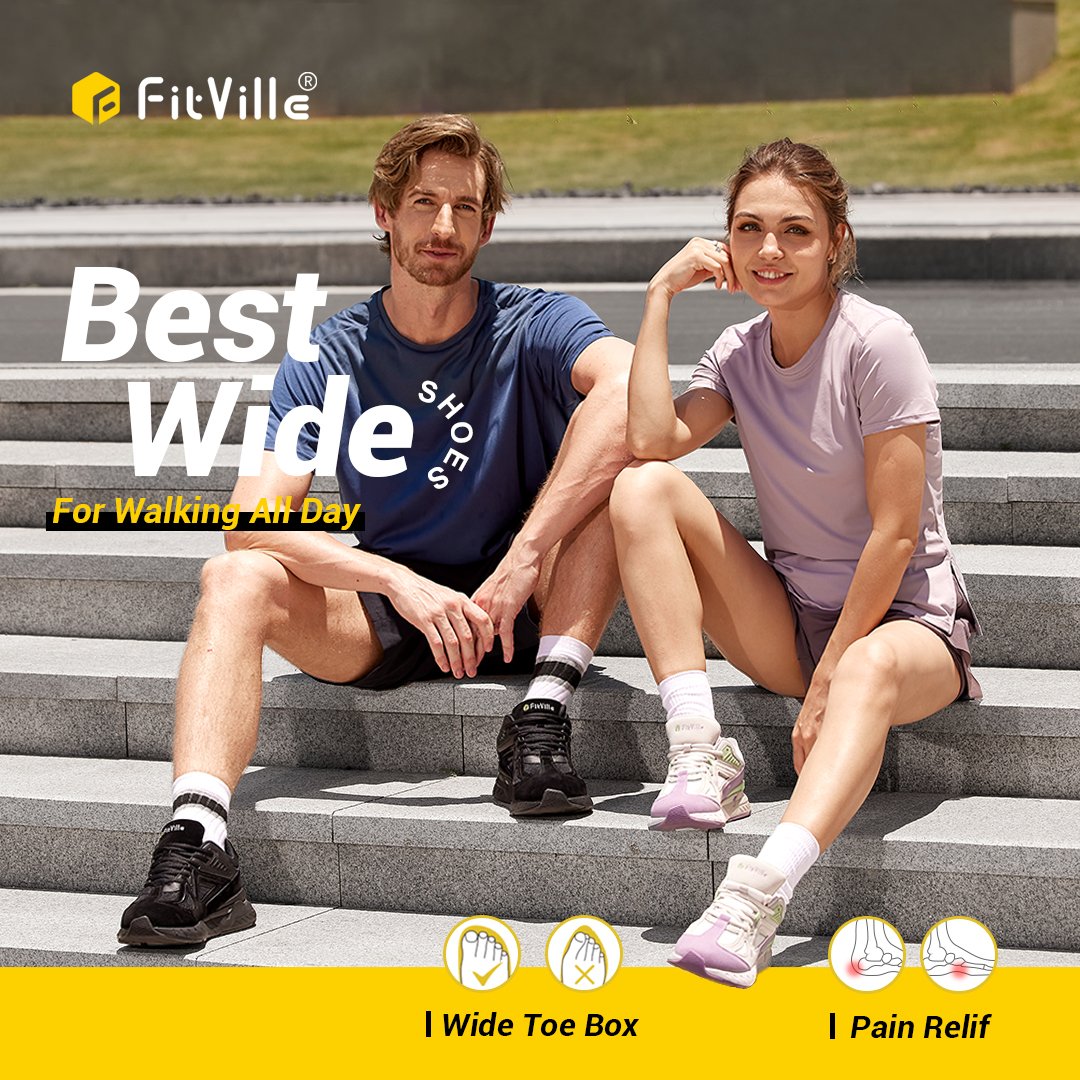
FitVille is worth considering if conventional trainers feel tight across your toes or forefoot. The brand focuses on wide-fit footwear, with selected models available in 2E, 4E, and, for certain styles, 6E widths.
The FitVille Rebound Core is a practical option for everyday walking and extended periods on your feet. Its design includes a roomy toe box, cushioned midsole, supportive heel structure, and slip-resistant outsole. These features aim to balance comfort with stability for everyday use.
FitVille also offers other styles for walking, casual wear, and sport-related activities. Check each product’s width options rather than assuming the entire range has identical sizing.
Best for: People who need extra forefoot room, wider sizing options, and everyday comfort.
Fitting tip: Start with your measured length, then select the appropriate width using the brand’s size chart. Explore the FitVille Rebound Core collection for model details and sizing information.
2. New Balance: Best for Multiple Width Options
New Balance is a useful brand to investigate because selected running, walking, and lifestyle shoes are offered in multiple widths. Depending on the model, shoppers may find wide or extra-wide versions rather than having to size up in length.
- The important distinction is that width availability varies by product.
- One New Balance trainer may fit comfortably across the forefoot, while another in the same nominal size may feel narrower because of its construction and upper materials.
- Look for models that provide enough room around the ball of the foot while keeping the heel secure.
- A shoe that feels roomy at the toes but slips at the back is not necessarily the right fit.
Best for: People looking for wide-width choices across walking, running, and everyday styles.
Fitting tip: Filter by width on the brand’s website before comparing colours or designs.
3. Brooks: Best for Walking and Running Shoe Choices
Brooks is worth exploring if you need footwear for regular walks, running, or time spent on your feet. Selected models come in wide and extra-wide widths, depending on the shoe and market.
- When comparing Brooks shoes, pay attention to the intended activity.
- A running shoe designed for a smooth forward stride may feel different from a walking shoe built for everyday use.
- Cushioning, heel hold, toe-box shape, and upper flexibility all influence comfort.
Do not assume that a highly cushioned shoe will automatically fit a wide foot. Cushioning affects how the shoe feels underfoot; it does not guarantee adequate width.
Best for: Walkers and runners who want activity-specific footwear with wider sizing options.
Fitting tip: Try the shoes with your usual walking or running socks and test them on a short walk before committing to longer sessions.
4. ASICS: Best for Sport-Specific Fit Options
ASICS offers running and training shoes, with selected models available in wide widths. These are worth considering if your current footwear feels restrictive during exercise or if your toes need more space during longer runs.
Fit depends on the particular model.
- Some designs have a more accommodating forefoot, while others may feel snug because of their upper construction or performance-oriented shape.
- For exercise footwear, the shoe should hold the heel and midfoot securely without squeezing the toes.
- Your foot should not slide forward on descents or press painfully against the front during movement.
Best for: Active users looking for running or training footwear in selected wide-width models.
Fitting tip: Check the exact width designation on the product page, as not every ASICS shoe is available in a wide version.
5. Choose the Right Shoe Last, Not Just the Right Size
A shoe last is the form used to shape a shoe during manufacturing. It influences the shoe’s width, toe shape, depth, and overall proportions. Two shoes marked with the same size can feel completely different because they are built on different lasts.
A tapered toe shape may squeeze toes that spread naturally. A rounded or anatomical toe box can provide more space, but the label alone does not guarantee a comfortable fit.
Consider these points when comparing lasts:
- Toe-box shape: Look for room around the big toe and little toe, without rubbing against the sides.
- Forefoot width: The widest part of your foot should align with the widest part of the shoe.
- Instep height: If the upper presses across the top of your foot, you may need more internal depth.
- Heel shape: A wider shoe should still hold your heel securely while walking.
The right last makes wide-feet footwear more comfortable because it addresses the shape of your foot instead of simply adding length.
6. Measure Your Feet Before Ordering
Measure both feet while standing, preferably later in the day when they may be slightly larger. Record heel-to-toe length and the width across the widest part of each foot. Use the larger foot as your starting point and compare the measurements with the specific brand’s size chart.
Width labels are useful, but they are not perfectly interchangeable between manufacturers. In many men’s US sizing systems, D represents standard width, 2E wide, and 4E extra-wide. Women’s conventions differ, so always check the brand’s chart.
When trying on wide-feet footwear, stand up and walk around. Your toes should be able to spread without touching the sides, and there should be no painful pressure across the forefoot. Avoid choosing a longer size simply to create width, as excess length can cause heel slipping and friction.
Quick Comparison: Which Brand Should You Try?
| Brand |
Main strength |
What to check |
| FitVille |
Wide and extra-wide options in selected styles |
Width range, toe-box room, heel fit |
| New Balance |
Multiple widths across selected categories |
Model-specific width availability |
| Brooks |
Walking and running options |
Intended activity and forefoot fit |
| ASICS |
Sport-specific footwear |
Wide versions and toe-box shape |
Wide-Feet Footwear: FAQs
1. What causes shoes to feel tight even in my usual size?
Your usual size may reflect length but not width. Different lasts, toe shapes, and upper materials can make shoes feel tighter or roomier even when the size label is identical.
2. Should I buy a bigger shoe size if I have wide feet?
Not automatically. First, check whether the brand offers a wider width in your measured length. Increasing length alone may cause your heel to slip or your foot to move inside the shoe.
3. Is FitVille suitable for very wide feet?
FitVille offers selected models in 2E and 4E widths, with some styles extending to 6E. Check the specific product’s size chart because the available widths vary by model.
Also Read: Pins & Aces Review: Golf Apparel That Doesn’t Take Itself Seriously

by parth@bidkinetic.com | Oct 25, 2026 | LifeStyle
Meditation does not require incense, spiritual beliefs, a silent retreat, or the ability to stop thinking. At its simplest, it is a way to practise directing attention and noticing thoughts without automatically reacting to them. That makes it less mysterious than it can appear in wellness marketing and potentially useful for people dealing with everyday stress, distraction, or a constantly busy mind. For meditation for skeptics, the practical question is not whether meditation unlocks extraordinary powers. It is whether a repeatable attention exercise can help you respond more deliberately to ordinary situations.
The research is worth taking seriously, but not exaggerating. A systematic review of 47 clinical trials involving 3,515 participants found moderate evidence that mindfulness meditation programmes produced small to moderate improvements in anxiety, depression, and pain. Benefits were generally measured over an eight-week period, with some improvements persisting at three to six months. The US National Center for Complementary and Integrative Health also notes that results vary by practice and outcome, and meditation has not consistently outperformed established treatments.
Here is what the evidence supports, what to be cautious about, and how to try it without adopting a new belief system.
1. Start with Mindfulness, Not Spiritual Claims
Mindfulness meditation involves paying attention to a present experience, often the breath, sounds, or bodily sensations, while noticing thoughts without judging them. You do not need to believe thoughts have special energy or that the universe is sending you messages.
Think of a workday when an email makes you angry. You might immediately draft a defensive reply, reread it, and become more frustrated. Mindfulness encourages you to notice the physical tension and emotional reaction before acting. It does not remove the problem; it creates an opportunity to choose your response.
This is one reason mindfulness is used in structured programmes such as Mindfulness-Based Stress Reduction (MBSR). The approach teaches attention and awareness skills that participants can apply to stressful situations. It is a structured intervention, not simply sitting quietly and hoping to feel better.
2. Use the Breath as an Attention Anchor
Breathing exercises are a straightforward entry point because they require no equipment, subscription, or special setting. Sit comfortably, allow your breathing to remain natural, and pay attention to the sensation of air entering and leaving your body.
Your mind will wander. You may remember an unfinished task, plan dinner, or replay a conversation. The practice is to notice that you have drifted and return your attention to breathing. That return, not maintaining perfect concentration, is the exercise.
Start with five minutes. If focusing on breathing feels uncomfortable, use external sounds or the feeling of your feet against the floor instead.
3. Choose a Technique That Fits the Problem
Not every meditation method serves the same purpose. Some train attention, while others emphasise observing thoughts or relaxing the body.
| Technique |
What you do |
Practical use |
| Focused attention |
Return attention to the breath or another chosen anchor |
Practising attention and noticing distraction |
| Open monitoring |
Observe thoughts, emotions, and sensations without immediately reacting |
Recognising recurring thought patterns |
| Body scan |
Move attention gradually through different body areas |
Noticing tension and bodily sensations |
| Guided meditation |
Follow spoken instructions from a teacher or recording |
Getting started without designing a session |
| Mindful walking |
Notice steps, movement, and surrounding sounds |
Practising awareness without sitting still |
For beginners, guided meditation can reduce uncertainty about what to do. However, you do not need an expensive app or a particular voice. A simple timer and a consistent routine are enough to begin.
4. Understand What the Evidence Actually Supports
The strongest reason to try meditation for skeptics is that some outcomes have been studied in controlled research. Reviews suggest mindfulness programmes can help reduce symptoms of anxiety and depression for some people, and may improve certain aspects of pain management and stress. The size of the benefit is often modest, and results differ between individuals.
That distinction matters.
- Meditation is not proven to improve every aspect of health, make everyone more productive, or eliminate negative emotions.
- Evidence for outcomes such as attention, sleep, and general well-being varies by intervention and study.
Treat it as a skill worth testing rather than a guaranteed fix.
- If you notice that you recover from stressful moments more quickly or become more aware of your reactions, those are useful observations.
- You do not need to experience a dramatic transformation.
5. Build a Routine You Can Actually Maintain

Consistency is easier when meditation has a clear place in your day. Choose a time linked to an existing habit, such as after brushing your teeth or before opening your laptop. Sit in a chair if the floor is uncomfortable, and keep your session short enough that you can repeat it.
A simple seven-day starting plan might look like this:
- Days 1-2: Practise for three minutes, focusing on natural breathing.
- Days 3-4: Extend to five minutes and gently return when distracted.
- Days 5-6: Try a body scan or guided session.
- Day 7: Review whether you noticed changes in stress, attention, or how you reacted to difficult moments.
Keep expectations realistic. One week is enough to test whether the practice suits you, not to prove whether it will deliver lasting benefits. If it feels useful, continue for several weeks and review your experience.
6. Know When Meditation Is Not the Right Tool
Meditation for skeptics is generally considered low-risk, but it is not universally comfortable. Some people experience increased anxiety, distress, or difficult memories during practice. Research on adverse effects remains limited, so it would be misleading to describe meditation as completely risk-free.
If focusing inward makes you feel worse, stop or switch to a grounding activity such as walking and noticing your surroundings. Consider guidance from a qualified mental health professional if distress persists. Meditation should not replace medical care or evidence-based treatment for a mental health condition.
Meditation for Skeptics: The Bottom Line
You can approach meditation without mysticism, elaborate rituals, or unrealistic expectations. Start with a few minutes, choose a technique that feels comfortable, and assess whether it helps you handle everyday stress or distraction.
The useful question is not whether meditation is magical. It is whether practising attention gives you a little more room between what happens and how you respond. If it does, that is a practical reason to continue. If it does not suit you, there is no need to force it.
Meditation for Skeptics: FAQs
1. Do I need to believe in anything for meditation to work?
No. Mindfulness can be practised as an attention exercise without spiritual beliefs. You can evaluate it by whether it helps you notice thoughts and respond more deliberately.
2. How long should a beginner meditate?
Start with three to five minutes a day. A manageable routine is more useful than forcing yourself into long sessions that you cannot maintain.
3. Is meditation scientifically proven to reduce stress?
Research supports modest benefits for some stress-related outcomes, particularly anxiety and depressive symptoms. Findings vary, so meditation should not be presented as a guaranteed solution.
Also Read: Termly Review: Is It Worth Using for Website Privacy Compliance?
by parth@bidkinetic.com | Oct 24, 2026 | Business
An unexpected car repair, a utility bill due before payday, or a grocery run that costs more than expected can leave a gap between when money is needed and when wages arrive. That gap explains the growing demand for cash advance apps in the United States. In a July 2024 report, the Consumer Financial Protection Bureau (CFPB) estimated that employer-partnered earned-wage providers processed more than 7 million workers’ transactions worth approximately $22 billion in 2022. The average transaction was $106, and workers paid an average of $68.88 annually in fees in the surveyed market. These figures concern employer-partnered products, not specifically Klover, Dave or EarnIn, but they illustrate how small advances and expedited-transfer charges can add up.
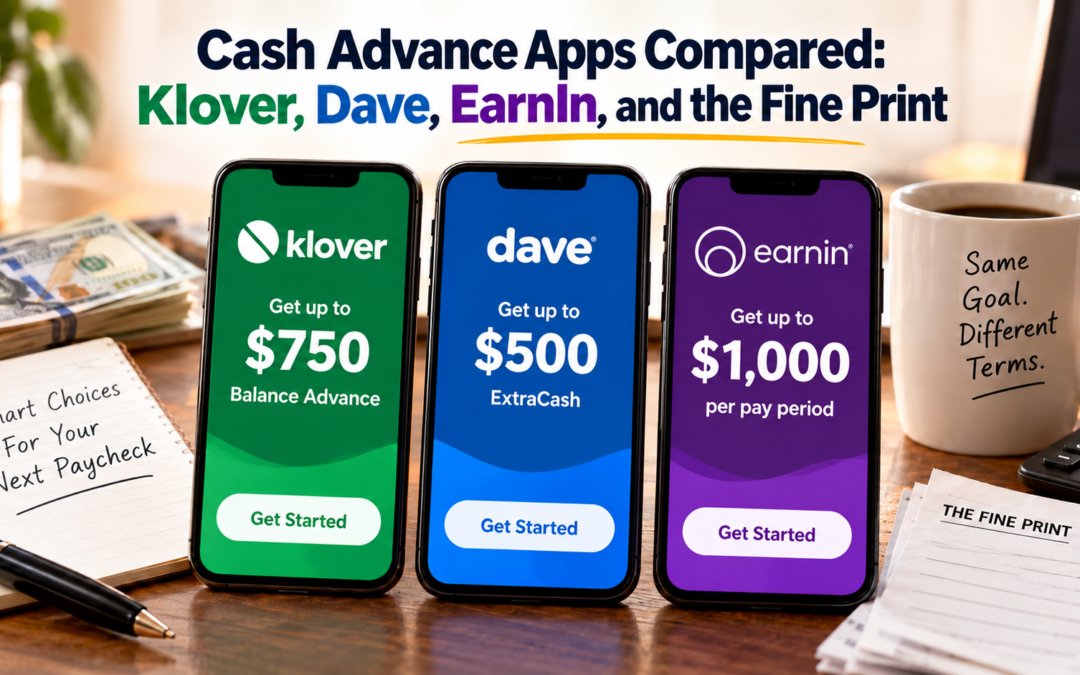
Klover, Dave and EarnIn all offer ways to access money before a regular payday, but they are not identical. Klover stands out for its points-based system, while Dave combines advances with a broader financial app and EarnIn focuses on accessing wages already earned. The right choice depends on how quickly you need the money, what you qualify for and how much you are willing to pay for speed.
Klover vs. Dave vs. EarnIn: Cash Advance Apps At a Glance
| Feature |
Klover |
Dave |
EarnIn |
| Main offering |
Balance Advance and points |
ExtraCash and banking tools |
Access to earned wages |
| Advertised maximum |
Up to $750; eligibility varies |
Up to $500; few qualify for the maximum |
Up to $200 daily and $1,000 per pay period |
| Standard delivery |
Typically 1-3 business days |
Typically 2-3 business days for external transfers |
1-3 business days |
| Faster delivery |
Optional express fee |
Optional express fee on eligible transfers |
Lightning Speed fee |
| Membership fee |
No mandatory membership fee for the advance |
Up to $5 monthly |
No mandatory membership fee advertised |
| Other costs |
Optional tip; express fee |
Membership, applicable service and express fees |
Optional tip; Lightning Speed fee |
| Distinctive feature |
Points earned through in-app activities |
ExtraCash and broader financial tools |
Work and earnings verification |
Limits, eligibility and fees can change. Confirm the amount and complete cost displayed in each app before requesting an advance.
Klover: A Points System With a Trade-Off
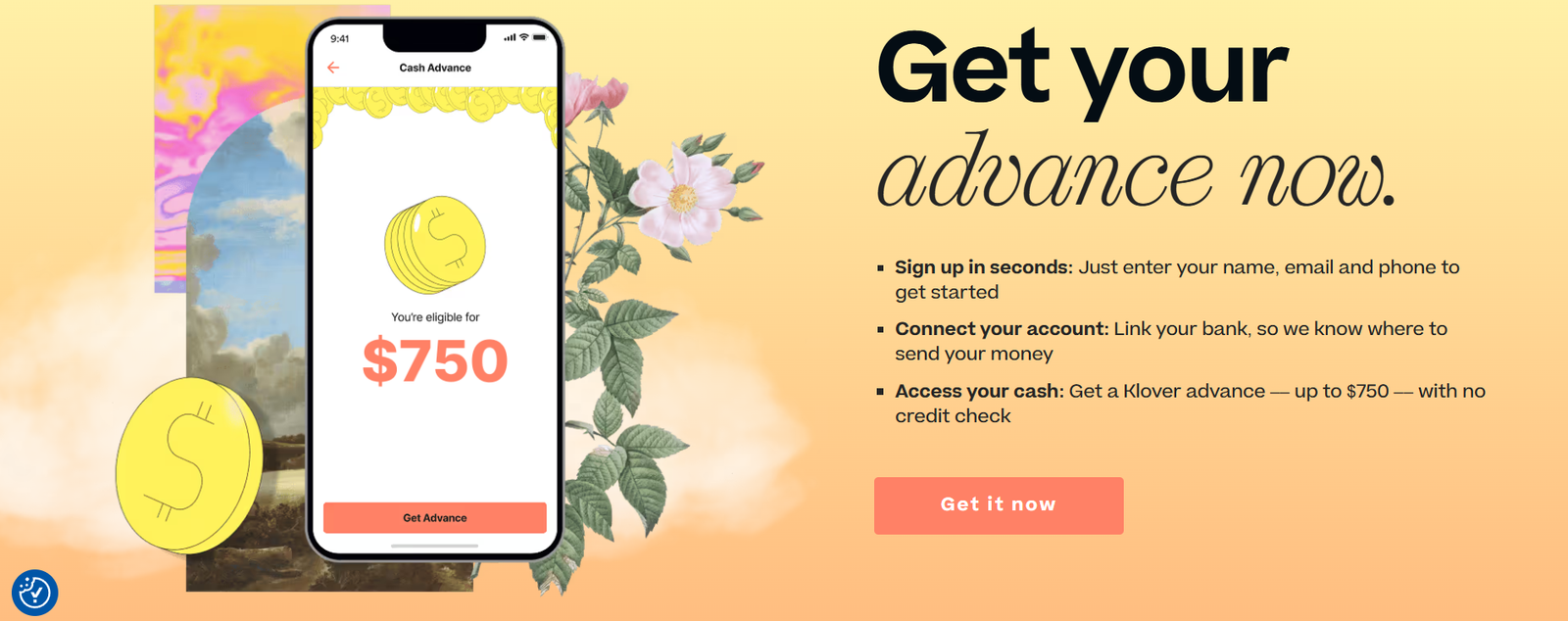
Klover is worth examining first because its model differs from a straightforward fee-based advance.
- Eligible users can access a Balance Advance without mandatory interest or membership fees.
- The app also offers points through activities such as surveys, offers, games and advertisements.
- Depending on eligibility and the options shown in the app, points may help unlock certain advances or reduce an instant-transfer fee.
That can appeal to users who prefer not to pay a monthly subscription. However, points are not cash, and earning them takes time.
- Klover’s program also involves the collection and sharing of certain information with advertising and business partners.
- Its terms explain that opting out of the points program may limit access to some features.
The highest cost to watch is instant delivery.
- Standard transfers can be free, while express fees depend on the advance amount and the option selected.
- NerdWallet’s 2026 review reports express fees ranging from $3.99 to $37.49 for advances of up to $750.
An optional tip can add to the cost.
- For a $100 advance, even a $5 fee means repaying $105 for the convenience of receiving the money sooner.
Who should consider Klover?
Someone who meets the eligibility requirements, can wait for standard delivery and is comfortable with the points program may find it useful. Anyone choosing instant delivery should compare the displayed fee with the amount being advanced.
Dave: More Than an Advance App
Dave’s ExtraCash feature advertises advances of up to $500, but the maximum is not available to everyone. Its current disclosures list a monthly membership fee of up to $5, along with a service fee generally equal to 5% of the overdraft amount, subject to a $5 minimum. Certain external debit-card transfers can also carry an optional 1.5% fee.
Dave may appeal to people who want budgeting and banking tools alongside short-term cash access. The catch is that the headline advance amount does not tell you what your own limit will be or what the transaction will cost.
EarnIn: Access to Wages You’ve Already Earned
EarnIn takes a different approach by focusing on earned-wage access. It advertises access to up to $200 per day, with a maximum of $1,000 per pay period, subject to eligibility and verification. Standard delivery generally takes one to three business days, while Lightning Speed can deliver funds within minutes for a fee starting at $3.99.
EarnIn advertises no mandatory fees and makes tips optional. It also requires users to connect financial and work information to estimate eligible earnings. That makes it important to check whether your employment and payment arrangements meet its requirements.
EarnIn may suit people with verifiable earnings who want access to money they have already worked for. Still, repayment is typically collected automatically, so the amount deducted from your next paycheck or linked account matters just as much as the amount received today.
The Fine Print That Matters Most
Before using any of these cash advance apps, check four things: the total fee for the transfer speed you select, the repayment date, the consequences of an unsuccessful withdrawal and the data permissions required to use the service.
Consider a hypothetical $100 advance.
- If fast delivery costs $5, the immediate cost is 5% of the amount received.
- If you repeat that transaction twice a month, those fees total $120 over a year, before any other charges or tips.
- The arithmetic is simple; the harder part is avoiding a pattern where each repayment leaves too little for the next round of bills.
Research from the Center for Responsible Lending has also raised concerns about repeat advances and overdrafts among frequent users. An advance can solve a timing problem, but it cannot fix a recurring gap between income and expenses.
Which App Is Best?
Klover may be a better fit for users who value its points system and can avoid express delivery fees. Dave may appeal to those who want advances alongside banking tools, while EarnIn is worth comparing if you have verifiable wages and prefer an earned-wage-access model.
No app is automatically the cheapest for every user. Compare the amount offered to you, the exact fees and the repayment schedule in the app itself. If the repayment will make rent, groceries or another essential bill harder to cover, consider asking a biller for an extension or checking whether your employer offers a no-fee paycheck advance first.
Cash Advance Apps: Frequently Asked Questions
- Which app offers the largest cash advance?
EarnIn advertises up to $1,000 per pay period, Klover up to $750 and Dave up to $500. These are advertised maximums, not guaranteed offers.
- Is Klover free to use?
Klover advertises no mandatory advance fee or interest, but express delivery and optional tips can cost extra. Its points program also has data-sharing implications.
- Does EarnIn charge interest?
EarnIn says it does not charge interest or mandatory fees for Cash Out. Lightning Speed delivery costs extra, and tips are optional.
Also Read: Kovo Credit Builder Review: How Does It Work?
